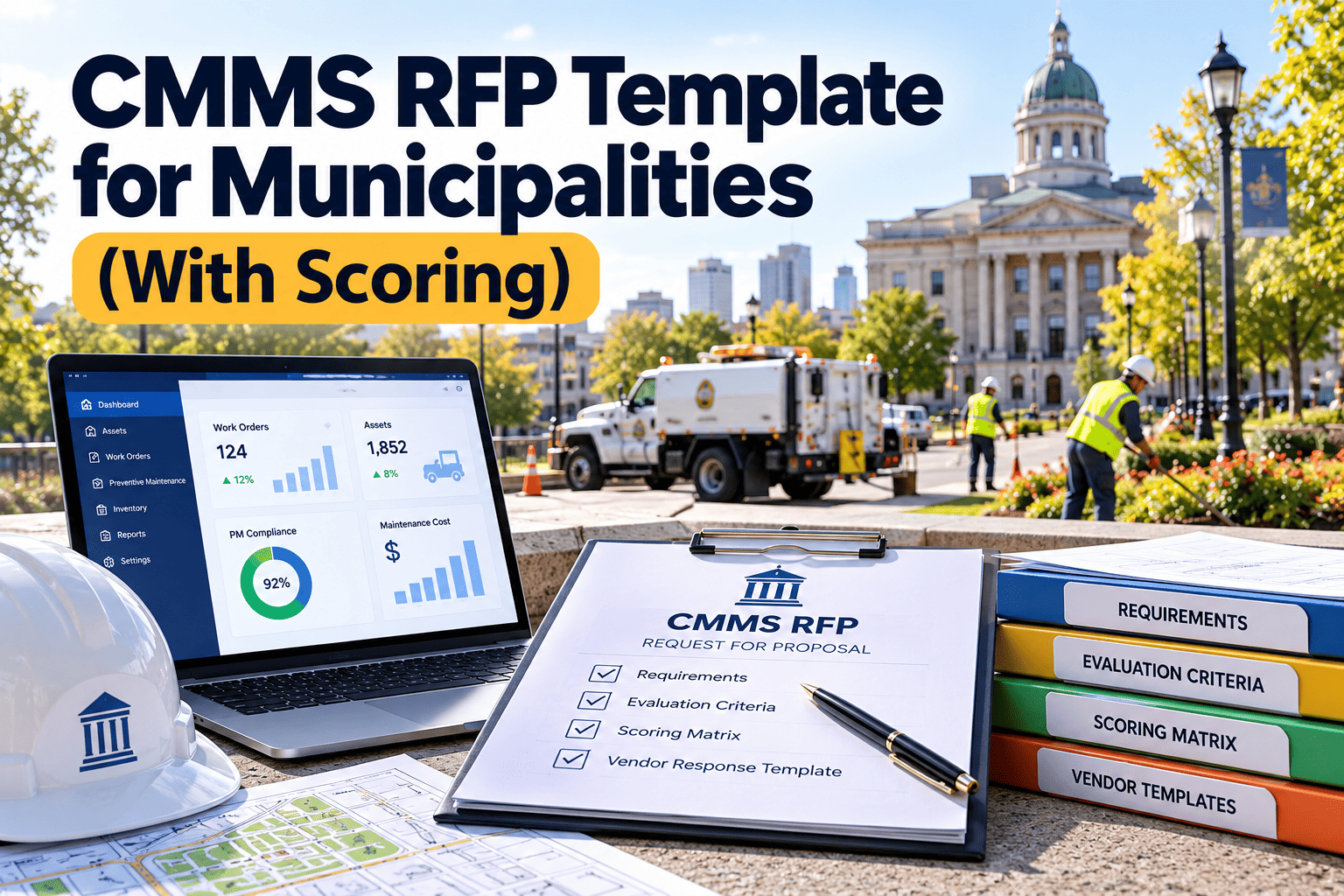
A CMMS RFP for a city or county has two jobs: attract capable vendors and give your evaluators a fair way to compare them. Many municipal RFPs fail at both, either because they copy a long feature list nobody will use or because they leave scoring vague until the proposals arrive. The result is delayed procurement, protests, and software that fits the paperwork better than the crews. This template covers the sections to include, a requirements list sorted by priority, a weighted scoring model and the pitfalls that most often slow public agencies down. Use it alongside your purchasing rules, and if you want to see a working system before you write requirements, explore a CMMS built for public works teams.
CMMS RFP Template for Municipalities, With Scoring
Draft a clear RFP, rank requirements by priority, and score every vendor on the same weighted scale so the award decision holds up to review.
Where municipal CMMS procurements stall
Requirements without priorities
Hundreds of equal-weight line items make every vendor look the same and hide what the crews actually need.
Scoring written after proposals arrive
Changing criteria late invites challenges and weakens the case for the winning bid.
Departments buying separately
Streets, parks, buildings and fleet each run different tools, which repeats licensing and training costs.
Price compared without scope
Vendors quote different user counts, modules and implementation hours, so totals cannot be compared fairly.
Procurement rules differ by state, province and agency, so confirm thresholds, notice periods and protest procedures with your purchasing office and legal counsel before publishing.
A realistic procurement path
Define needs
- Count assets and users
- Map current work order flow
- Agree goals and budget range
Draft the RFP
- Sort requirements by priority
- Set weights before release
- Prepare the pricing form
Issue and clarify
- Publish per local rules
- Hold a vendor question window
- Issue answers to all bidders
Evaluate
- Score proposals independently
- Run scripted demos
- Check references
Award and contract
- Negotiate scope and milestones
- Confirm data and security terms
- Plan rollout and training
Sections every municipal CMMS RFP should contain
| Section | What to include | Why it matters |
|---|---|---|
| Background and goals | Departments served, asset types, current tools, problems to solve | Lets vendors propose a fit rather than a generic package |
| Scope and volumes | Approximate asset count, work orders per year, users by role, sites | Makes pricing comparable across bids |
| Requirements | Mandatory, important and desirable items, with a response format | Separates deal-breakers from preferences |
| Implementation | Data migration, configuration, training, go-live support, timeline | Adoption risk usually exceeds software risk |
| Pricing form | Subscription, implementation, training, integrations, support, renewal terms | Reveals total cost over a multi-year term |
| Evaluation criteria | Categories, weights and the scoring scale | Supports a defensible award |
| Terms and schedule | Submission rules, contract terms, public records, insurance, key dates | Reduces clarification requests and disputes |
Requirements list sorted by priority
Ask vendors to answer each item as met out of the box, met by configuration, met by custom work, or not met. That wording stops vague yes answers.
Mandatory
- Work request intake and work order lifecycle
- Priority levels and due dates
- Asset register with location and history
- Preventive maintenance scheduling
- Mobile access for field crews
- Role-based access and audit trail
- Data export in open formats
Important
- Inspection checklists with photos
- Inventory and parts tracking
- Backlog, aging and cost reports
- Multi-department configuration
- Meter-based and condition-based triggers
- Integration options for finance and GIS
- Data migration support
Desirable
- Public-facing request portal
- Offline mobile use in low-signal areas
- Capital planning and lifecycle views
- Configurable dashboards by role
- Vendor and contractor tracking
- Barcode or QR asset labels
- Advanced analytics
Weighted scoring model
Publish the weights in the RFP. The split below is an illustrative starting point, not a standard; adjust it to your priorities, and make the weights add up to 100.
Scoring scale to publish
- 5: Fully meets the need, with strong evidence
- 4: Meets the need with minor configuration
- 3: Partly meets the need or relies on a workaround
- 2: Limited capability or significant custom work
- 1: Barely addresses the need
- 0: No response or does not meet the need
Worked example, illustrative
Scoring discipline
- Evaluators score alone first, then discuss differences together.
- Each score needs a one-line written reason for the file.
- Score cost with a formula, such as lowest compliant bid divided by this bid.
- Declare conflicts of interest before anyone opens a proposal.
See what your requirements look like in practice
Before you finalize the RFP, try a CMMS with your own sample work orders and assets. Oxmaint covers work orders, preventive maintenance, asset records, inspections, inventory and reporting for public works teams.
Scripted demo scenarios
Give shortlisted vendors the same scenarios in advance and score what they show, not what they describe.
Resident request to closed order
Create a request, assign priority, dispatch, complete from a phone and report cost.
Preventive program setup
Build a recurring inspection for 200 hydrants and show the generated orders.
Repeat failure analysis
Find assets with three or more repairs this year and show the cost history.
Backlog report for council
Produce open work by age, priority and department without exporting to a spreadsheet.
Data load
Import a sample asset list and explain how errors and duplicates are handled.
Procurement pitfalls and better practice
Contract terms to confirm before award
Data ownership and exit
Your records remain yours, with export in open formats at any time and on termination.
Service levels
Uptime, support hours, response times and remedies written into the agreement.
Security and records
Access controls, hosting location, breach notice and public records handling.
Milestones and acceptance
Payments tied to delivered configuration, training and go-live, not signature alone.
Write requirements vendors can answer and you can test
Vague wording produces vague answers. Rewrite each requirement so that a vendor can reply with evidence and an evaluator can check it in a demo.
Who belongs on the evaluation committee
A balanced committee catches problems that a single department would miss. Keep it small enough to meet quickly, usually five to seven people.
Procurement officer
Owns process, timelines, conflict-of-interest checks and communication with bidders.
Operations and field leads
Judge how well each system fits real work orders, routes and inspections.
IT and security
Review hosting, access control, data export and integration approach.
Finance
Checks pricing completeness, multi-year cost and contract exposure.
Pricing form template
Require every vendor to complete the same form. Totals can then be compared across a multi-year term instead of a single headline number.
| Line item | Details to request | Vendor enters |
|---|---|---|
| Subscription or license | Price by user type, with the number of users assumed | Year 1 to year 5 |
| Implementation | Configuration, project management, hours included | One-time fee |
| Data migration | Asset and history import, number of sources | One-time fee |
| Training | Sessions, format, materials, train-the-trainer options | One-time fee |
| Integrations | Each interface, setup cost and ongoing fee | Per integration |
| Support | Hours, channels, response times, premium tiers | Included or annual |
| Renewal terms | Maximum annual increase and notice period | Percentage cap |
Questions to ask references
Reference calls are most useful with agencies of similar size and structure. Ask the same questions of every vendor.
Implementation
Did the project finish on schedule, and what caused any delay?
Crew adoption
How many field users use the system daily, and what helped adoption?
Support quality
How quickly are problems answered, and how are escalations handled?
Surprises in cost
Were there fees or scope changes that were not in the original proposal?
Reporting value
Which reports do managers use regularly in budget and council discussions?
Would you buy again
What would you change about the selection process or the contract?
Integration and data migration requirements
State what must connect and what can wait. Over-specifying integrations is a common reason prices diverge between bids.
Finance and purchasing
Ask how work order costs, parts and vendor invoices can be shared with your accounting system.
GIS and mapping
Describe the asset layers you maintain and how locations should display on work orders.
Identity and access
Ask about single sign-on options, user provisioning and role-based permissions.
Legacy data
Provide sample files and ask vendors to explain cleanup, mapping and error handling.
Common scoring disputes and how to prevent them
Protect the award decision
- Publish the question deadline and answer all questions to all bidders at the same time.
- Do not allow evaluators to talk with vendors outside scheduled demos.
- Keep individual score sheets and written reasons in the procurement file.
- Handle ties and close scores by a rule stated in the RFP, not by discussion afterward.
- Document any change to scope or schedule through a written addendum.
- Confirm protest rights and timelines with legal counsel before award.
Schedule table to publish with the RFP
A clear calendar prevents last-minute questions and extension requests. Fill in the dates according to your purchasing rules.
| Milestone | Who acts | Date to enter |
|---|---|---|
| RFP released | Procurement office | Enter date |
| Written questions due | Vendors | Enter date |
| Answers issued to all bidders | Procurement office | Enter date |
| Proposals due | Vendors | Enter date and time |
| Demonstrations and reference checks | Evaluation committee | Enter date range |
| Notice of intent to award | Procurement office | Enter date |
Proposal contents to require from every bidder
A fixed response format makes proposals comparable and shortens review time.
- Executive summary. A short statement of understanding of your goals and the proposed approach.
- Requirements response. Each item answered with a status and a short explanation.
- Implementation plan. Phases, roles, timeline and what the agency must provide.
- Training approach. Who is trained, in what format, and what materials are provided.
- References. At least three public agencies of similar size, with contact details.
- Completed pricing form. All line items filled in with assumptions stated.
- Security and hosting summary. Controls, location, backup and incident response.
- Sample agreement. The contract terms the vendor expects to use.
Red flags when reading proposals
Everything is marked as met
Ask for evidence. A perfect score sheet with no detail usually hides customization or gaps.
Pricing excludes key services
Check whether migration, training and integration appear as separate or optional charges.
No public sector references
Municipal workflows, approvals and records rules differ from private facilities.
Vague data ownership terms
Require clear language on export, retention and deletion at the end of the contract.
Plan for implementation inside the RFP
Adoption risk usually exceeds software risk, so ask each vendor to describe how they will help your crews succeed. Request a named project lead, a realistic timeline with your own responsibilities listed, a training approach for field users, and a plan for the first month after go-live. Score these answers as carefully as the feature list.
Frequently asked questions
What should a CMMS RFP for a municipality include?
Include goals, scope and volumes, prioritized requirements, pricing form, published scoring weights, and contract terms covering data ownership, security and support.
How should evaluation criteria be weighted?
Weight functional fit, total cost, implementation, vendor experience, security and support, then publish the weights before proposals are due.
How many requirements are too many?
Past a few dozen mandatory items, differences between vendors disappear. Keep mandatory items to what blocks daily work.
Can we test a CMMS before issuing the RFP?
Yes, and it sharpens requirements. You can start a trial with Oxmaint using sample assets and work orders.
Does a demo replace scored proposals?
No. Demos confirm what proposals claim. To see a scripted scenario, book a demo and bring your own list.
Write the RFP once and compare vendors fairly
Prioritize requirements, publish the weights and score every demo the same way. Oxmaint helps public works teams see maintenance workflows in action before they commit.