Government procurement for software systems is one of the most document-intensive, risk-sensitive purchasing processes in any organization. CMMS procurement in the public sector adds layers of complexity that commercial purchases never face: IT security review, ADA compliance requirements, FedRAMP or StateRAMP cloud authorization pathways, competitive bidding thresholds, sole-source justification requirements, and multi-year contract structuring. Purchasing teams that do not start with a structured evaluation framework routinely end up with systems that pass procurement but fail implementation — selected for compliance with the RFP rather than fit for actual operational needs. This checklist gives government procurement officers and facility managers the evaluation criteria to select a CMMS that works in both the conference room presentation and the field. OxMaint's Cloud CMMS Platform is built to meet every criterion on this list.
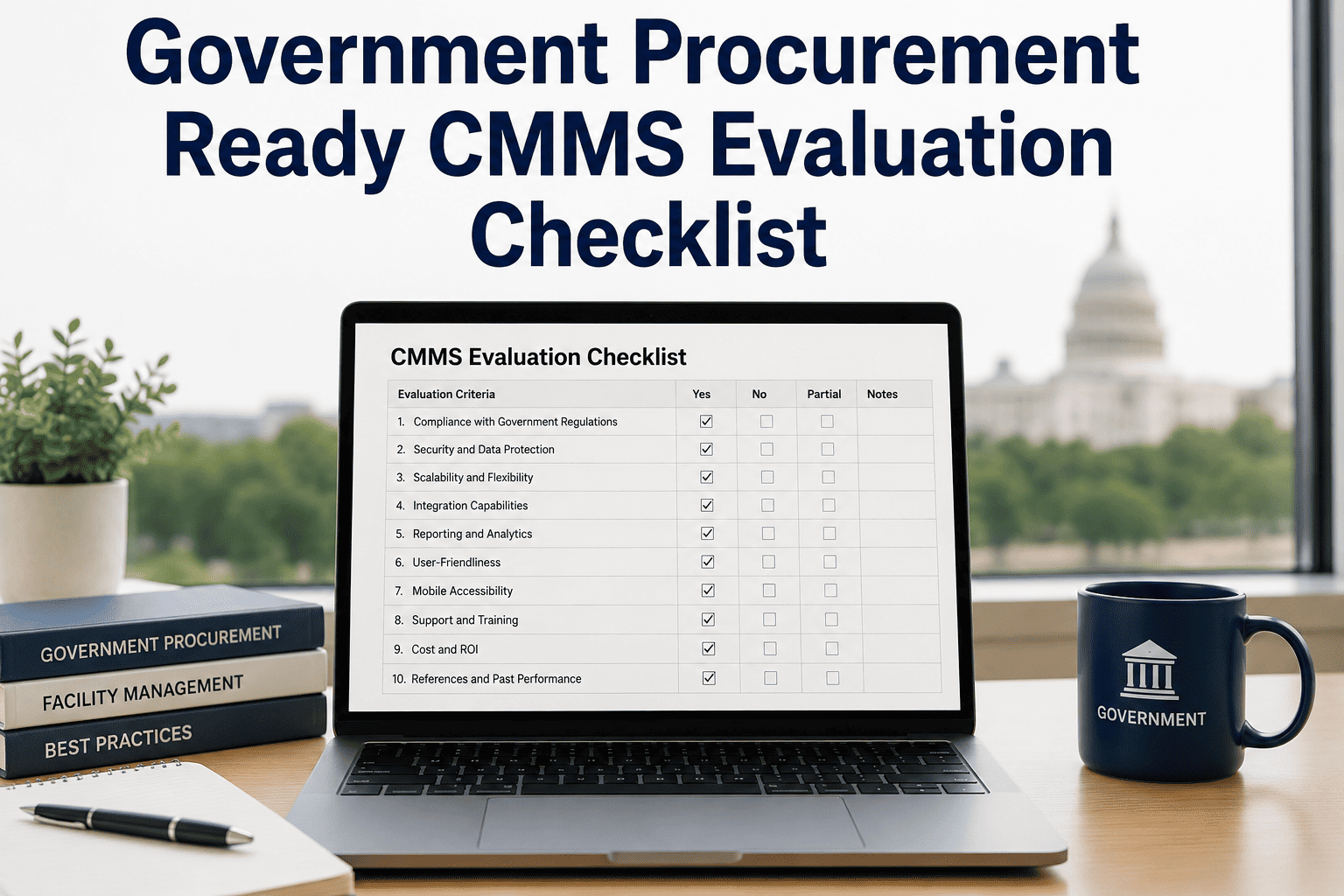
Government Procurement-Ready CMMS Evaluation Checklist
43 evaluation criteria across 7 domains — security, compliance, usability, integration, reporting, vendor stability, and total cost of ownership — for government procurement teams selecting a CMMS platform.
How to Use This Checklist
Score each criterion as: Must Have (failure = disqualify), Important (weighted 3 points), or Nice to Have (weighted 1 point). Vendors scoring below 70% of total weighted points on the Must Have and Important criteria should not advance to demonstration stage. This approach protects against selecting vendors who excel at demos but cannot meet operational or compliance requirements.
Domain 1: Cloud Security & Data Compliance
Government data handled by a cloud CMMS includes asset inventories, maintenance histories, personnel records, and potentially sensitive infrastructure information. Security compliance is non-negotiable.
| Criteria | Evaluation Standard | Weight | OxMaint |
|---|---|---|---|
| SOC 2 Type II Certification | Current certificate, issued within 12 months | Must Have | Certified |
| Data residency in US servers | All government data stored in US-based data centers | Must Have | US-only |
| Role-based access controls (RBAC) | Granular permission configuration by user role and data type | Must Have | Full RBAC |
| Single Sign-On (SSO) support | SAML 2.0 or OIDC integration with government identity providers | Important | SAML + OIDC |
| Audit logging of all user actions | Immutable log of login events, data edits, and export actions | Important | Full audit trail |
| Data encryption at rest and in transit | AES-256 at rest, TLS 1.2+ in transit | Must Have | AES-256 / TLS 1.3 |
Domain 2: Regulatory & Compliance Functionality
| Criteria | Evaluation Standard | Weight | OxMaint |
|---|---|---|---|
| Configurable compliance checklists | Custom inspection forms mapped to regulatory frameworks (OSHA, ADA, EPA) | Must Have | Included |
| Automated inspection scheduling | PM schedules triggered by calendar, meter, or condition threshold | Must Have | All 3 triggers |
| Timestamped, exportable records | Every work order action timestamped; PDF export for audit submissions | Must Have | Included |
| Grant reporting templates | Pre-built report templates for federal and state infrastructure grant formats | Important | 15+ templates |
| Deferred maintenance register | Documented backlog with cost estimates for capital planning submissions | Important | Built-in |
OxMaint meets all 12 Must Have criteria on this checklist. Book a 30-minute demo and review OxMaint's government procurement documentation package — including SOC 2 certificate, security questionnaire, and sample grant reports.
Domain 3: Usability & Field Adoption
The CMMS that wins the procurement evaluation but is abandoned by field technicians within 6 months delivers zero value. Usability criteria are as important as technical specifications.
| Criteria | Evaluation Standard | Weight | OxMaint |
|---|---|---|---|
| Mobile app (iOS and Android) | Native mobile app, not mobile-responsive web only | Must Have | Native iOS + Android |
| Offline functionality | Work orders accessible and completable without cellular data | Important | Full offline mode |
| QR/barcode asset scanning | Technicians can pull up asset records and WOs by scanning asset tag | Important | QR + barcode |
| Training time under 4 hours | Technician proficiency achievable in under 4 hours of guided training | Important | Avg 2.5 hrs |
| Multi-language support | Interface available in English and Spanish at minimum | Important | 12 languages |
Domains 4–7: Integration, Reporting, Vendor, and TCO Summary
The most common procurement mistake in government CMMS selection is overweighting features and underweighting adoption readiness. A system with 200 features that field technicians refuse to use will deliver worse outcomes than a simpler system with 80% adoption. Procurement evaluations should require a live demonstration with actual field workers as evaluators — not just IT and procurement staff. The technicians who reject the system on day one are the ones who know it will not work.
Frequently Asked Questions
OxMaint Meets Every Criterion on This Checklist. See It Proven.
Book a 30-minute demo and we will walk through OxMaint's compliance with each procurement domain — security certification, regulatory documentation, field usability, and integration capabilities — with evidence, not promises.