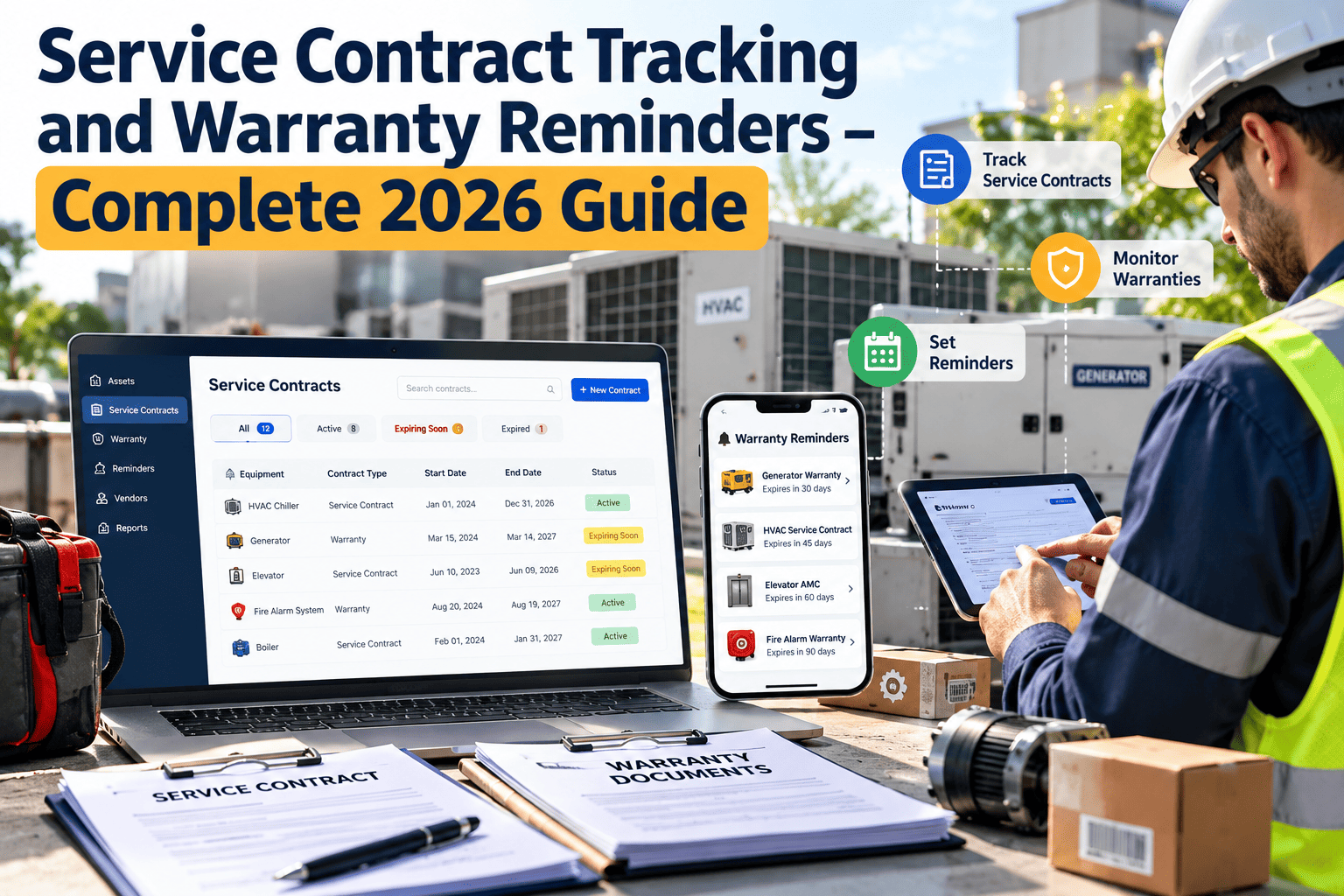
Most agencies do not lose a service contract on purpose. It simply expires on a date nobody was watching, and the elevator, generator or fire panel loses coverage until emergency procurement catches up. Tracking renewal dates, scope, response times and warranty terms in one place turns contracts from paperwork into managed assets. This guide explains what to track, when to act and how maintenance management software keeps reminders tied to the equipment they cover.
Procurement and Contracts
Service Contract Tracking and Warranty Reminders: Never Lose Coverage Again
Track every agreement, renewal window and warranty against the asset it protects, with reminders early enough to fit public procurement lead times.
120 daysReview vendor performance
90 daysDecide renew, renegotiate or rebid
60 daysStart procurement paperwork
30 daysFinal approval and signature
ExpiryNo gap in coverage
Where Coverage Gaps Become Operational Risk
Asset criticality / time to expiry
90+ days out
30 to 90 days
Under 30 days
Life safety or critical asset
Plan renewal
Escalate now
Emergency risk
Important asset
Monitor
Plan renewal
Escalate now
Routine asset
Monitor
Monitor
Review and decide
What a Complete Contract Record Contains
| Field | Why it matters |
|---|---|
| Vendor and contact | Avoids searching old emails when service is urgent |
| Start, end and notice dates | Drives every reminder and auto-renewal deadline |
| Covered assets and locations | Links the agreement to the equipment, not a folder |
| Scope and exclusions | Shows whether a repair is billable before the call is made |
| Response and resolution times | Gives a measurable standard for vendor review |
| Cost, budget code and approvals | Supports budgeting and audit questions |
| Warranty terms and proof of purchase | Prevents paying for repairs the manufacturer should cover |
The Contract Lifecycle
AwardEnter terms, covered assets and renewal dates immediately.
OnboardShare asset lists and site access rules with the vendor.
DeliverLog each vendor visit as a work order against the asset.
ReviewCompare actual response times and repeat issues with the contract terms.
Renew or rebidUse the performance record to negotiate or change vendors.
Put Every Renewal Date Where Your Team Will See It
Load agreements, link them to assets and set staged reminders before the next expiry catches you off guard.
Warranty Versus Service Contract
| Question | Manufacturer warranty | Service contract |
|---|---|---|
| Who provides it | Equipment maker | Vendor or contractor |
| What it usually covers | Defects within a stated period | Scheduled service, repairs or both, as written |
| Common risk | Voided by missed servicing or undocumented repairs | Lapses at renewal or excludes the failing part |
| What to record | Start date, term, conditions, claim steps | Scope, response times, renewal and notice dates |
Reminder Practices That Work in the Public Sector
Build in approval lead time
- Count back from the expiry date through council, board or director approval steps
- Add time for quotes or rebidding where thresholds require it
- Align renewal reviews with the budget cycle
Notify more than one person
- Assign a contract owner and a backup
- Send staged alerts instead of a single date
- Close a reminder only when the renewal is recorded
How Oxmaint Helps
LinkAttach contracts and warranty documents to each asset record.
AlertSet recurring and date-based reminders ahead of expiry.
DispatchOpen work orders and see whether the repair falls under warranty.
ReportReview vendor visits, repeat failures and spend by contract.
Start With a Contract Register, Not a Perfect System
- Collect every active service agreement, maintenance plan, support subscription and warranty from purchasing, finance and department files
- Group them by asset type so each agreement can be linked to the equipment it covers
- Capture start date, end date, notice period, auto-renewal terms and annual cost
- Name a contract owner and a backup for each agreement
- Attach the signed document so scope and exclusions can be checked during a repair
Common Public Facility Contract Types
| Contract type | Assets usually covered | What to watch |
|---|---|---|
| Elevator and lift service | Passenger and freight elevators, platform lifts | Response time, inspection support, callback terms |
| HVAC maintenance | Chillers, boilers, rooftop units, controls | Visit frequency, parts coverage, after-hours rates |
| Fire alarm and sprinkler | Panels, detectors, pumps, monitoring | Inspection dates, monitoring continuity, impairment notice |
| Generator and UPS | Standby generators, transfer switches, batteries | Load testing, fuel services, battery replacement |
| Building controls and software | Control platforms, licenses, support plans | License expiry, upgrade terms, data access |
| Fleet and equipment service | Vehicles, mowers, pumps, specialty equipment | Scope per unit, parts markup, warranty overlap |
| Grounds, pest and janitorial equipment | Irrigation, treatment schedules, floor machines | Service frequency and proof of completion |
Auto-Renewal Clauses and Notice Periods
Where agencies get caught
- An agreement renews automatically and the price increases without review
- A notice window closes before the budget cycle opens
- A vendor changes terms in a renewal letter that nobody reads
- Multiple departments renew overlapping agreements for the same asset
How to prevent it
- Record the notice deadline separately from the expiry date
- Set the first reminder at the start of the budget cycle
- Require the owner to confirm renew, renegotiate or rebid in writing
- Review all agreements covering the same asset together
Measuring Vendor Performance Before You Renew
| Measure | Where the data comes from | Question it answers |
|---|---|---|
| Response time | Work order created and arrival logged | Does the vendor meet the agreed window? |
| First-time fix | Repeat work orders on the same asset | Are problems actually being solved? |
| Scheduled visit completion | PM work orders and service reports | Were all contracted visits performed? |
| Invoice versus scope | Invoices compared to the agreement | Are we billed for work already covered? |
| Downtime during repairs | Asset history | Is the contract protecting availability? |
A Warranty Claim Workflow That Does Not Lose Money
Failure reportedCreate the work order and link it to the asset.
Coverage checkReview warranty start date, term, conditions and any related service contract.
Evidence collectedAdd photos, readings, service history and proof that required maintenance was done.
Vendor notifiedSubmit the claim within the required window and record the reference number.
Outcome trackedRecord whether the part, labor or replacement was covered, and the cost avoided.
Mistakes That Cause Lapsed Coverage
- Storing renewal dates only in the buyer’s personal calendar
- Tracking the contract but not the assets it covers
- Closing a reminder before the renewal is actually signed
- Ignoring warranty conditions such as required service intervals
- Never comparing vendor invoices with the agreed scope
- Having no backup owner when the contract manager leaves
Why Contract Data Belongs With the Asset Record
When contracts live in a folder
- A technician finds a failed unit and has no idea who services it
- Warranty coverage is checked only after a vendor invoices the repair
- Renewal dates depend on one person remembering
- Auditors ask for proof of service and staff search several drives
When contracts live on the asset
- The work order shows the vendor, scope and warranty status immediately
- Repairs are routed to the right party the first time
- Reminders reach the owner and backup automatically
- Service history and agreement terms can be exported together
Service Level Terms Worth Recording
| Term | Example of what to record | How you use it |
|---|---|---|
| Response time | Hours to arrive after a call, by priority | Compare with actual arrival on work orders |
| Resolution target | Time to restore service or provide a workaround | Measure repeat failures and downtime |
| Preventive visit schedule | Number and timing of planned visits | Confirm every visit was completed and documented |
| Parts coverage | Which components are included or excluded | Decide quickly whether a repair is billable |
| After-hours terms | Rates and contact method outside normal hours | Plan for emergencies and budget overruns |
| Escalation path | Named contacts and phone numbers | Avoid delays when the first contact is unavailable |
| Credits or remedies | What the vendor owes for missed targets | Support a fair conversation at renewal |
Renewal Review Checklist
- Confirm the agreement still covers the same assets and locations
- Compare the number of scheduled visits with completed visit records
- List all emergency calls and how quickly the vendor responded
- Check repeat failures that suggest poor fix quality or aging equipment
- Compare price with the previous term and any inflation clauses
- Confirm whether another department is paying for overlapping coverage
- Decide whether to renew, renegotiate scope, rebid or bring the work in-house
- Record the decision, approver and date before closing the reminder
Use Contract Data in Budget Planning
- Group agreements by renewal month to see which months carry the largest commitments
- Compare annual contract cost with repair history for the same assets
- Identify equipment where repair costs now exceed the cost of replacement
- Flag agreements that cover assets already scheduled for retirement
- Share a forward-looking renewal calendar with finance before the budget process starts
Who Owns What
| Role | Responsibility |
|---|---|
| Contract owner | Reviews performance, decides on renewal and records the outcome |
| Backup owner | Receives the same alerts and takes over when the owner is absent |
| Facility or fleet manager | Confirms that scope matches the equipment in service |
| Purchasing | Manages procurement steps, thresholds and approvals |
| Finance | Checks invoices, budget codes and annual commitments |
| Technicians | Log vendor visits and warranty-related failures against the asset |
Reports Worth Reviewing Every Month
- Agreements expiring within 30, 60, 90 and 120 days
- Contracts with no linked assets or no assigned owner
- Assets with no active contract or warranty coverage
- Vendor visits completed compared with visits scheduled
- Repeat work orders on assets under contract
- Warranty claims opened, approved and denied
Getting Started in Four Weeks
Week 1Collect agreements and warranties from every department and enter the dates that carry the most risk.
Week 2Link each agreement to its assets and name an owner and backup.
Week 3Set staged reminders and test who receives them.
Week 4Run the first renewal calendar report and review expiring items with purchasing and finance.
How Oxmaint Keeps Contracts and Warranties Visible
Oxmaint lets teams store agreements, warranty documents and vendor details on each asset, set recurring and date-based reminders, and open work orders that show coverage at a glance. Reports help managers see which contracts expire soon, which vendors respond slowly and which assets have no coverage. The goal is simple: every renewal becomes a planned decision, and every warranty claim is made with the evidence needed to win it.- Reminders sent to the owner and backup before each notice date
- Vendor visits recorded as work orders with photos and notes
- Expiry and coverage reports shared with purchasing and finance
Frequently Asked Questions
How far ahead should renewal reminders start?
Work back from your approval and procurement timeline. Critical agreements often need several months, while routine ones may need less.Should warranty dates be tracked separately from contracts?
Keep them together on the asset record. Seeing both in Oxmaint tells technicians who to call first.What happens if we miss a renewal date?
You may face a coverage gap, emergency pricing or a rushed procurement. Staged reminders reduce that risk.Can vendor performance be measured?
Yes, if every visit is logged. Response times, repeat repairs and completion records give you facts for the renewal review.Can we test this with our own agreements?
You can book a demo and walk through a sample contract and reminder setup.Keep Every Agreement Active and Every Warranty Claimable
Track contracts, warranties and vendor work in one system so no coverage lapses unnoticed.