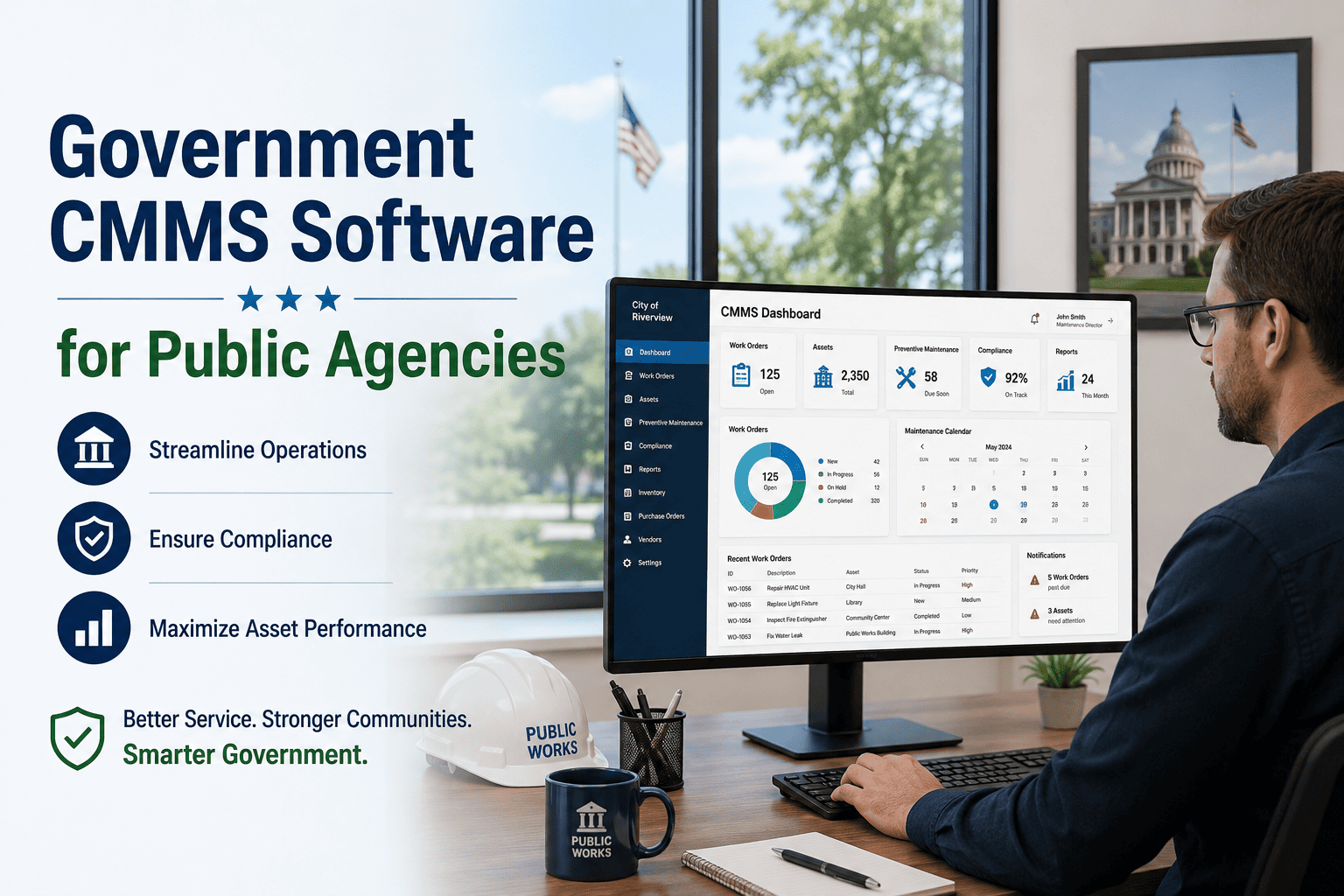
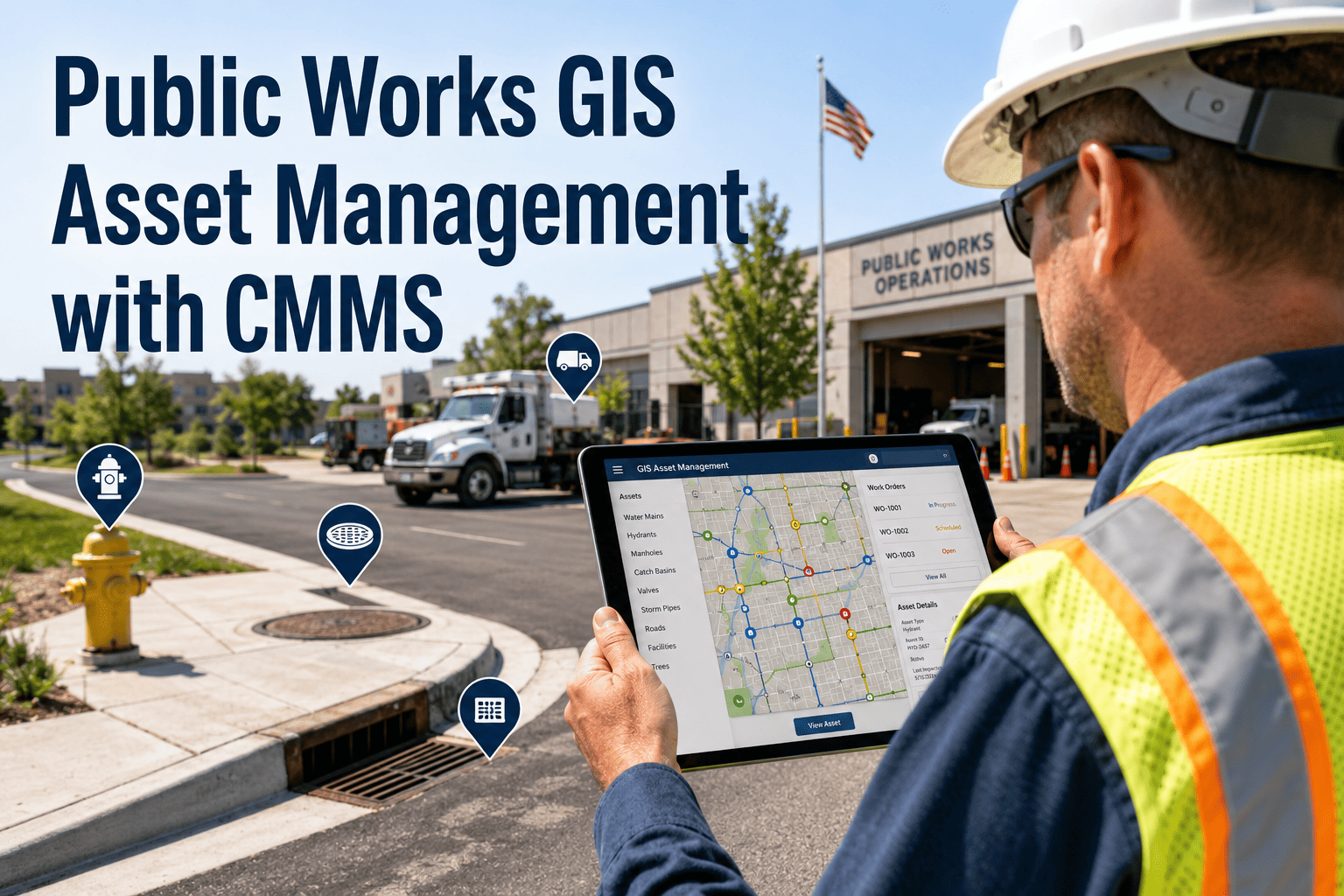
When a water main breaks at 2:00 AM, a pothole complaint floods your inbox, and three traffic signals need emergency repairs simultaneously, your maintenance software becomes the difference between coordinated response and operational chaos. For public works directors watching crews scramble between disconnected systems, paper work orders, and Excel spreadsheets, the question isn't whether to modernize—it's which platform delivers real results for municipal operations.
Public works maintenance has reached an inflection point. Aging infrastructure, shrinking budgets, and citizen expectations for instant service demand software that does more than track work orders. Forward-thinking municipalities are deploying integrated CMMS platforms that coordinate street, water, sewer, fleet, facilities, and signal maintenance from a single command center—transforming reactive firefighting into proactive asset management.
This comprehensive comparison evaluates the leading public works maintenance software solutions for 2026, providing actionable insights for municipalities of all sizes. Agencies ready to modernize their operations can start their public works optimization journey today.
Public works departments are the backbone of community infrastructure—responsible for roads, water systems, stormwater, traffic signals, parks, and municipal buildings. Selecting the right maintenance software impacts everything from citizen satisfaction to budget efficiency to staff retention. A platform that fits your operation can save hundreds of thousands annually while a poor choice creates frustration that persists for years.
47%
Reduction in emergency repairs with preventive maintenance tracking
$180K+
Average annual savings per mid-size municipality from optimized operations
3.2x
Faster work order completion with mobile-first CMMS platforms
89%
Of public works directors report improved accountability with digital tracking
Public works operations have unique requirements that generic CMMS platforms often miss. The best solutions address the specific challenges of managing diverse infrastructure assets, coordinating field crews, and meeting municipal compliance requirements.
Critical Capabilities for Public Works CMMS
Multi-Asset Management
Why It Matters:Essential
Covers:Streets, water, sewer, signals, fleet, facilities
Key Benefit:Single source of truth for all infrastructure
Mobile Field Access
Why It Matters:Critical
Covers:Offline capability, GPS tracking, photo capture
Key Benefit:Real-time updates from anywhere in the field
Citizen Request Integration
Why It Matters:High
Covers:311 integration, public portals, status updates
Key Benefit:Improved citizen satisfaction and transparency
Compliance & Reporting
Why It Matters:Essential
Covers:GASB-34, EPA, OSHA, state DOT requirements
Key Benefit:Audit-ready documentation always available
We evaluated the leading platforms across deployment flexibility, ease of use, mobile capabilities, pricing transparency, and public works-specific features. This comparison helps municipalities identify solutions that match their operational needs and budget constraints.
| Platform | Ease of Use | Mobile App | Public Works Focus | Value Rating |
| Oxmaint |
Excellent |
Excellent |
Purpose-Built |
★★★★★ |
| Cityworks |
Moderate |
Good |
Excellent |
★★★★☆ |
| Cartegraph |
Moderate |
Good |
Excellent |
★★★★☆ |
| UpKeep |
Excellent |
Excellent |
General |
★★★☆☆ |
| Fiix |
Good |
Good |
Limited |
★★★☆☆ |
What Sets Top Performers Apart
1
Oxmaint: Best Overall for Public Works
Purpose-built for municipal operations with intuitive mobile apps, AI-powered predictive maintenance, and transparent per-user pricing. Fastest implementation time at 2-4 weeks.
Best For: Municipalities seeking modern, affordable, easy-to-deploy solutions
2
Cityworks: Enterprise GIS Integration
Deeply integrated with Esri GIS, making it ideal for agencies with existing Esri investments. Robust asset management but requires significant implementation resources.
Best For: Large agencies with dedicated GIS staff and Esri infrastructure
3
Cartegraph: Asset Management Focus
Strong pavement management and condition assessment capabilities. Recently acquired by OpenGov, creating uncertainty around product direction.
Best For: Agencies prioritizing infrastructure condition assessment
4
UpKeep: Simple Work Orders
Excellent mobile experience and user-friendly interface. However, lacks public works-specific features like citizen request portals and regulatory compliance.
Best For: Small departments needing basic work order management
See Why Municipalities Choose Oxmaint
Experience the platform purpose-built for public works—with mobile field apps, predictive maintenance, and transparent pricing that fits municipal budgets.
Join public works teams managing thousands of assets nationwide
Understanding the strengths and limitations of each platform helps public works directors make informed decisions aligned with their specific operational requirements and budget constraints.
Oxmaint: The Modern Public Works Platform
✓
Intuitive Mobile Apps
Field crews adopt in hours, not weeks. Offline capability ensures productivity even in remote areas without cell service.
✓
AI-Powered Predictions
Machine learning analyzes failure patterns to predict maintenance needs before breakdowns occur, reducing emergencies by 47%.
✓
Transparent Pricing
Simple per-user pricing with no hidden fees. Municipalities know exactly what they'll pay without enterprise sales negotiations.
✓
Fast Implementation
Go live in 2-4 weeks, not 6-12 months. Cloud-based deployment eliminates IT infrastructure requirements.
Successful CMMS deployment requires more than software selection. These proven strategies ensure your team achieves rapid adoption and measurable results.
90-Day Implementation Roadmap
Days 1-30
Foundation Setup
→ Import existing asset data from GIS, spreadsheets, or legacy systems
→ Configure work order types for streets, water, sewer, signals, fleet
→ Set up user accounts with role-based permissions
→ Train administrative staff on system configuration
Milestone: Core system configured and ready for field deployment
Days 31-60
Field Crew Rollout
→ Deploy mobile apps to all field technicians
→ Conduct hands-on training at job sites
→ Begin capturing work orders digitally instead of paper
→ Establish PM schedules for critical equipment
Milestone: 100% of work orders created and closed digitally
Days 61-90
Optimization & Expansion
→ Activate citizen request portal for public submissions
→ Generate first monthly KPI reports for leadership
→ Integrate with financial systems for cost tracking
→ Begin predictive maintenance analysis on high-value assets
Milestone: Full operational visibility with data-driven decision making
Public works directors need clear metrics to demonstrate software ROI to city councils, justify budget requests, and continuously improve operations.
Responsiveness
Average Response Time
Target: < 4 Hours
Time from citizen request to crew dispatch for priority issues
Reliability
PM Completion Rate
Target: 95%+
Percentage of scheduled preventive maintenance completed on time
Efficiency
First-Time Fix Rate
Target: 85%+
Work orders completed on first visit without return trips
Cost Control
Maintenance Cost per Asset
Target: Year-over-year reduction
Total maintenance spend divided by asset count, tracked monthly
Public works departments implementing modern CMMS platforms report measurable improvements across efficiency, citizen satisfaction, and budget performance:
47%
Reduction in emergency repairs
Through preventive maintenance
3.2x
Faster work order completion
With mobile field apps
$180K
Annual savings average
For mid-size municipalities
89%
Improved accountability
With digital tracking
Ready to Transform Your Public Works Operations?
Schedule a personalized demo showing exactly how Oxmaint addresses your specific infrastructure challenges—from streets and water to signals and fleet.
Trusted by public works departments nationwide
Selecting the right public works maintenance software requires balancing immediate needs with long-term strategic goals. The best choice depends on your agency's size, existing technology investments, and operational priorities.
For municipalities seeking modern, affordable, and easy-to-deploy solutions, Oxmaint delivers the best combination of public works-specific features, mobile capabilities, and transparent pricing. For large agencies with existing Esri GIS investments and dedicated IT staff, Cityworks provides deep integration. Agencies focused primarily on pavement and infrastructure condition assessment may find Cartegraph's specialized tools valuable.
The critical factor isn't which platform has the most features—it's which one your team will actually use. Software that sits unused provides zero value. Prioritize ease of use, mobile capability, and implementation support when making your final decision.
Your aging infrastructure won't maintain itself. Your citizen expectations won't decrease without improvement. But the tools to address these challenges exist today. For a personalized assessment of your agency's optimization potential, request a public works CMMS consultation from specialists who understand municipal operations.
What makes public works software different from general CMMS?
Public works software addresses the unique requirements of municipal infrastructure: managing diverse asset types (streets, water, sewer, signals, fleet, facilities) from a single platform, integrating with GIS mapping, handling citizen requests, meeting government compliance requirements (GASB-34, EPA, OSHA), and providing transparent reporting for elected officials. General CMMS platforms often lack these capabilities or require extensive customization.
How long does implementation typically take?
Implementation timelines vary significantly by platform. Cloud-based solutions like Oxmaint can go live in 2-4 weeks. Enterprise platforms like Cityworks or Cartegraph typically require 6-12 months due to complex GIS integration and customization requirements. Key factors include data migration complexity, number of users, and integration requirements with existing systems.
What ROI can municipalities expect from CMMS implementation?
Mid-size municipalities (50,000-150,000 population) typically see $150,000-$250,000 in annual savings through reduced emergency repairs (47% reduction average), improved labor efficiency (3.2x faster work order completion), and optimized inventory management. Most agencies achieve full ROI within 12-18 months. Additional benefits include improved compliance, reduced liability exposure, and better citizen satisfaction.
How do we ensure field crew adoption of new software?
Successful adoption requires three elements: intuitive mobile apps that are faster than paper, hands-on training at actual job sites, and visible management commitment to using the system. Start with enthusiastic early adopters, demonstrate quick wins, and avoid overwhelming crews with every feature at once. Platforms with strong mobile apps and offline capability see significantly higher adoption rates.
Can CMMS software integrate with our existing GIS and financial systems?
Most modern CMMS platforms offer integration capabilities via APIs. Oxmaint integrates with common GIS platforms, financial systems (Tyler/Munis, BS&A, Caselle), and 311 systems. Cityworks offers native Esri integration. When evaluating platforms, request specific information about integration with your existing systems and whether pre-built connectors exist or custom development is required.