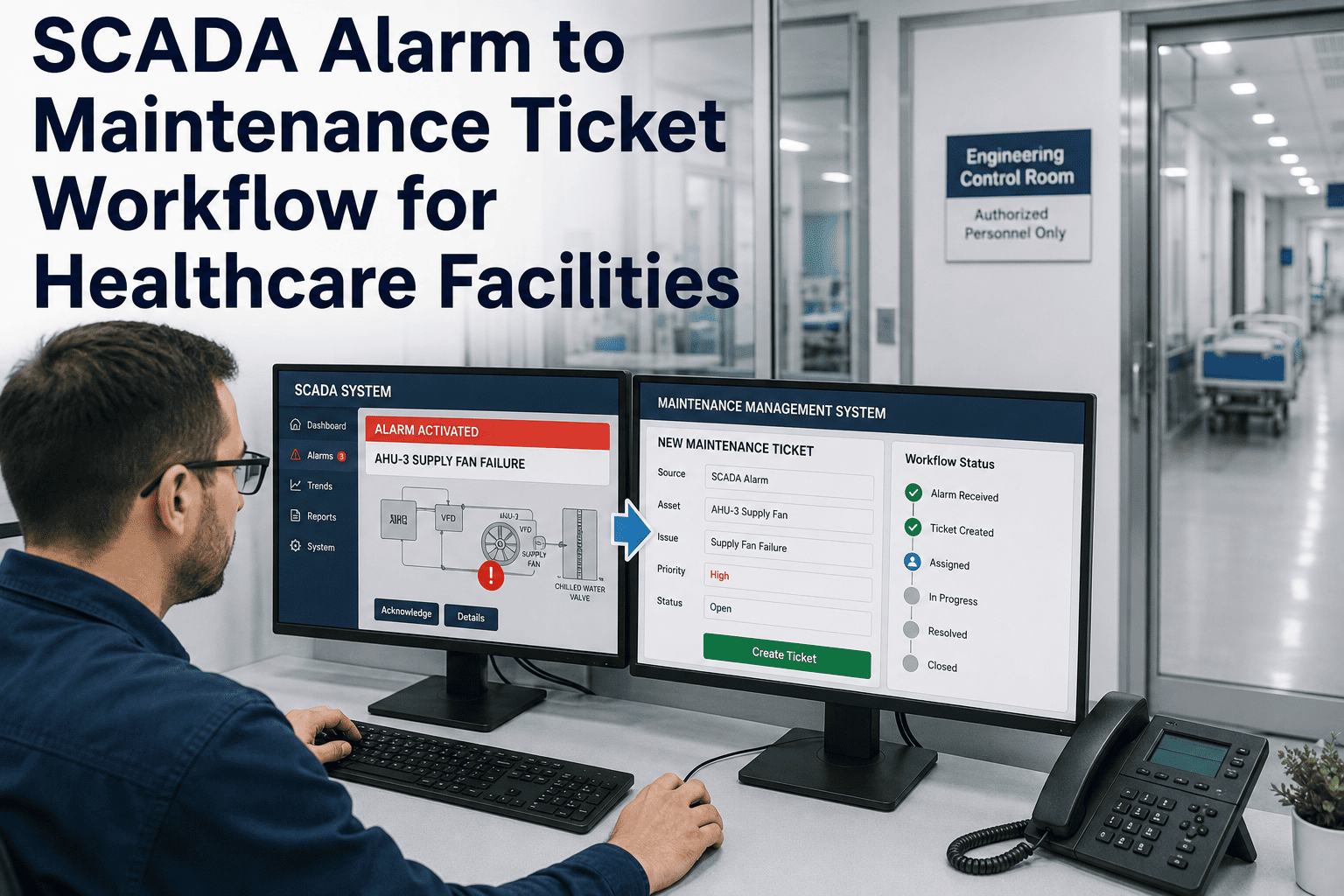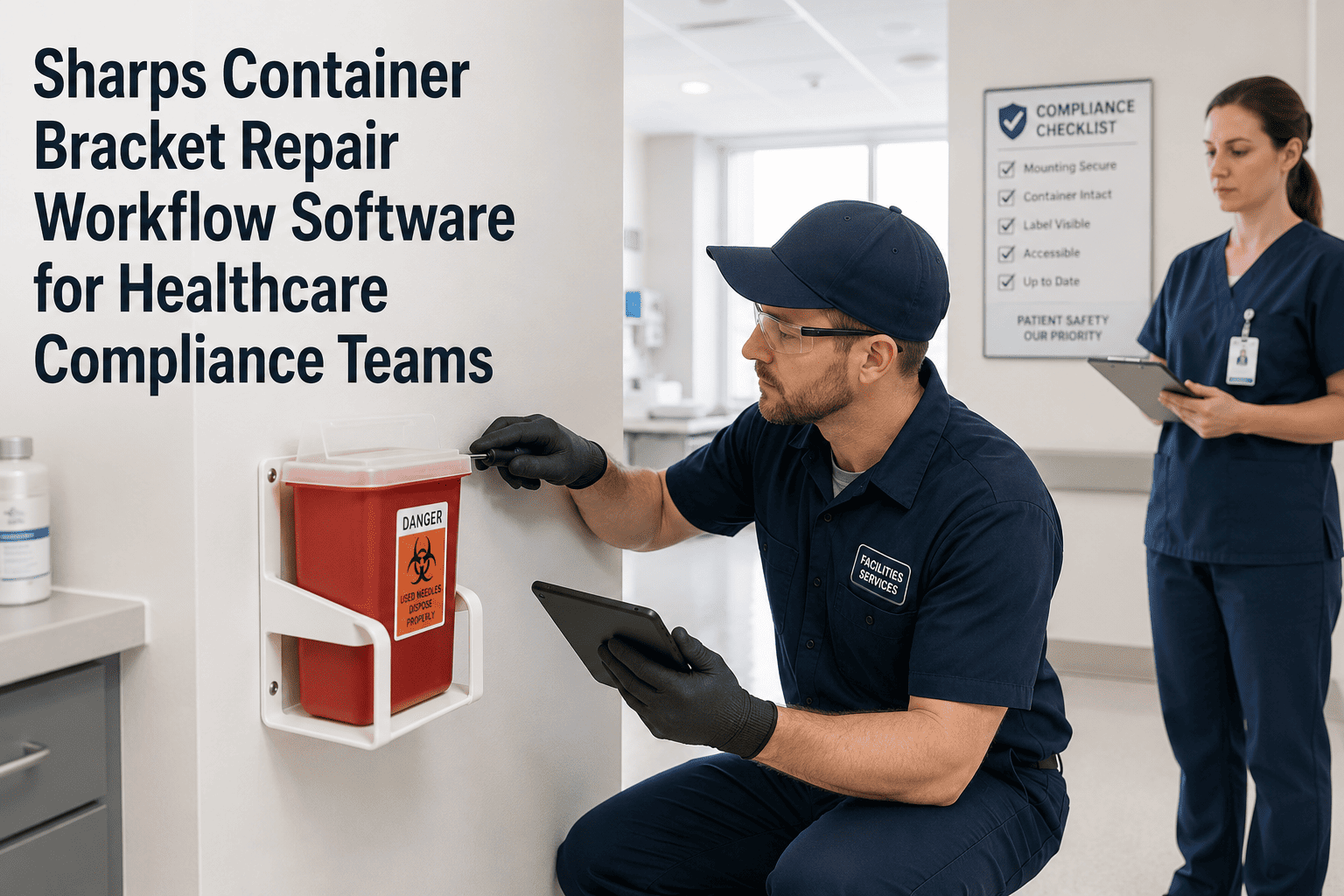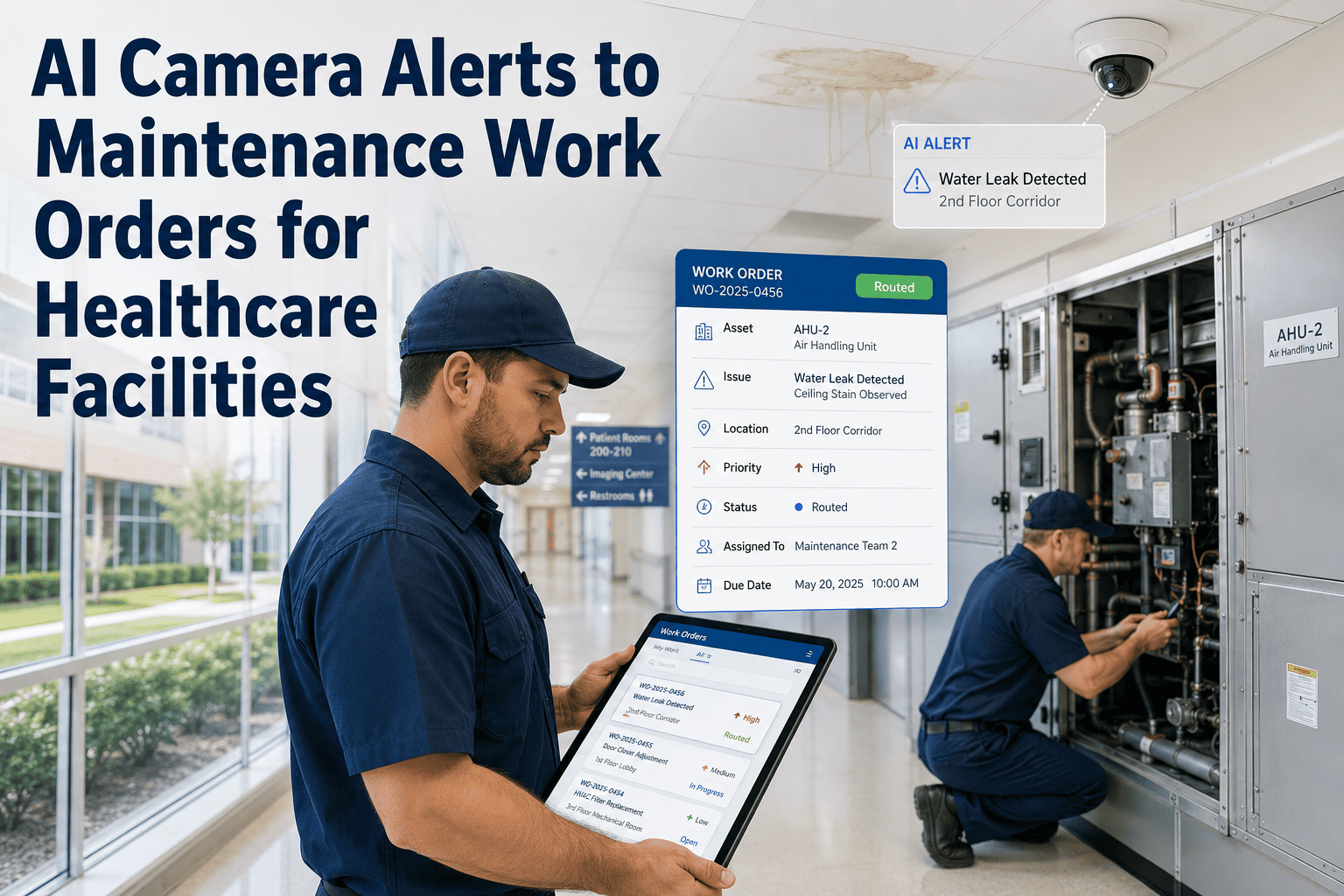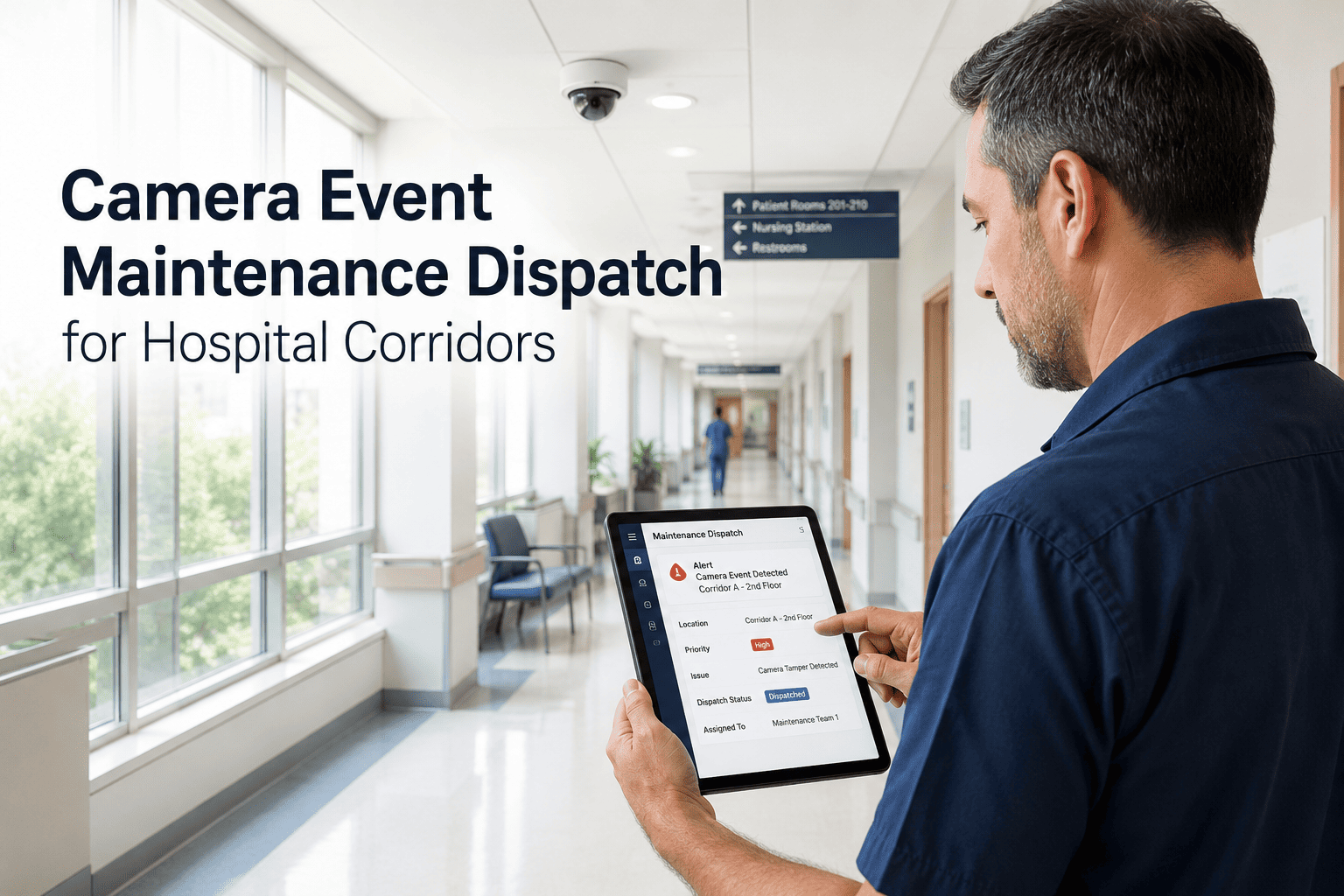
Hospital corridors are among the highest-traffic, highest-risk areas in any facility — and yet most corridor maintenance is still triggered by someone physically noticing a problem. Camera event maintenance dispatch changes that equation entirely: AI vision systems watch corridors around the clock, detect maintenance-relevant events in real time, and pass structured alerts directly into a CMMS as actionable work orders. For hospital engineering teams, this means faster response, documented proof of every dispatch, and a verifiable audit trail for every incident that touched a corridor asset. OxMaint connects your camera event layer to work order assignment, mobile evidence capture, and leadership KPI dashboards — turning visual alerts into closed, compliant maintenance records. Book a demo to see how corridor camera events become maintenance actions in minutes, not hours.
Camera Event Maintenance Dispatch for Hospital Corridors
From visual alert to assigned work order — with access evidence, mobile proof, full audit trail, and real-time KPI visibility for hospital engineering teams.
What Camera-Based Dispatch Solves That Walkthroughs Cannot
Manual corridor patrols catch what is already visible and already delayed. Camera event dispatch closes the gap between occurrence and response — automatically, and with evidence already captured at the moment of the event.
How Camera Events Flow into OxMaint
What OxMaint Captures for Every Corridor Dispatch
Hospital KPIs Visible in Real Time
What Facility Leaders Say About Camera-Driven Dispatch
Manual corridor patrols worked well when our facility was half the size. At scale, the gaps between rounds became our liability. Camera-driven dispatch means no event waits for a patrol — it reaches a technician immediately, with the visual already attached. The audit trail that comes out of OxMaint has made our compliance reviews almost uneventful.
The handoff between security events and maintenance response was always a paper and phone call problem. When a camera flags something that needs a technician, OxMaint handles the transition automatically — the right person gets the task, the evidence is already there, and nothing falls through the gap between departments.
Frequently Asked Questions
How does OxMaint receive and process camera events from hospital corridor systems?
OxMaint accepts structured alerts from AI vision platforms and camera management systems via API integration. When a corridor event is detected, the alert — including location metadata and visual evidence — maps to the relevant asset in OxMaint and generates a work order automatically. Book a demo to review your current camera infrastructure compatibility with our team.
What types of corridor events can trigger a maintenance work order in OxMaint?
Common triggers include spill or slip hazard detection, door and access hardware faults, equipment left in corridors, blocked egress routes, and unauthorized access anomalies. The event types mapped to maintenance tasks are configured to your hospital's specific corridor zones and escalation policies. Start free to configure your event-to-task mapping.
How does this support Joint Commission or CQC audit readiness for corridor compliance?
Every camera-triggered dispatch in OxMaint produces a timestamped, evidence-backed record that includes the detection event, assigned technician, response time, completion proof, and closure timestamp. These records are stored against the corridor asset history and exportable as structured compliance reports. Book a demo to see the audit export in action.
Can camera event dispatch work alongside our existing security team's workflow?
Yes — OxMaint is designed for cross-departmental handoffs. Security events that require a maintenance response are routed directly to the facility team's work queue without manual phone calls or paper tickets, while the original camera event remains linked to both the security record and the maintenance record. Start free to set up your security-to-maintenance routing.
Your Corridors Never Sleep. Your Dispatch Workflow Shouldn't Either.
OxMaint converts camera alerts into dispatched, evidenced, and closed maintenance records — so every corridor event is actioned, documented, and defensible.