A chiller alarm fires at 2 AM. The building management system logs it correctly — but the facilities technician on call doesn't see it until the morning shift, because the BMS and the maintenance team have never spoken the same language. This is the gap that turns a five-minute fix into a six-hour patient-area temperature excursion. This case study walks through how a mid-size hospital facilities team closed that exact gap by connecting their building alerts directly into OxMaint work orders. Start a free OxMaint trial and see how fast your own BMS alerts could become tracked, assigned, resolved work orders.
Case Study · Hospital Facilities · BMS-to-CMMS Integration
From Silent Alarms to Tracked Work Orders in Under Six Weeks
A regional hospital facilities team was losing hours every week chasing building alerts that never reached the right technician. Here is exactly what changed after connecting their BMS to OxMaint.
71%faster average alert-to-response time
4–6 wkstypical deployment timeline for full integration
0manual data entry steps between alarm and work order
The Situation
Alerts Were Firing. Nobody Downstream Was Acting on Them in Time.
The facility's building management system monitored HVAC, chillers, medical gas lines, and electrical infrastructure around the clock — and it was doing its job correctly. The problem was everything that happened after the alarm fired. A BMS alert would log internally, but turning that alert into an assigned, trackable maintenance task still required someone to notice it, call the right technician, and manually open a paper or spreadsheet ticket. On night shifts and weekends, that step routinely slipped.
"
The alarm system always worked. What didn't work was getting that alarm in front of the right person before it became a bigger problem.
Facilities operations lead, hospital case study site
The Friction Points
Three Breakdowns Between Detection and Resolution
1
Delayed Visibility
Critical alarms sat unnoticed for hours outside business hours, with no automatic escalation path to an on-call technician.
2
Manual Re-Entry
Even when noticed, alerts had to be manually transcribed into a separate maintenance ticket, losing context like alarm value and asset history.
3
No Audit Trail
Without a connected record, compliance teams couldn't reliably prove how quickly a critical alarm was addressed after the fact.
The Intervention
What Changed When BMS Alerts Connected Directly to OxMaint
OxMaint was configured to receive live alarm data from the existing building management system through standard BACnet and API connections — no BMS replacement required. From that point, the workflow ran automatically.
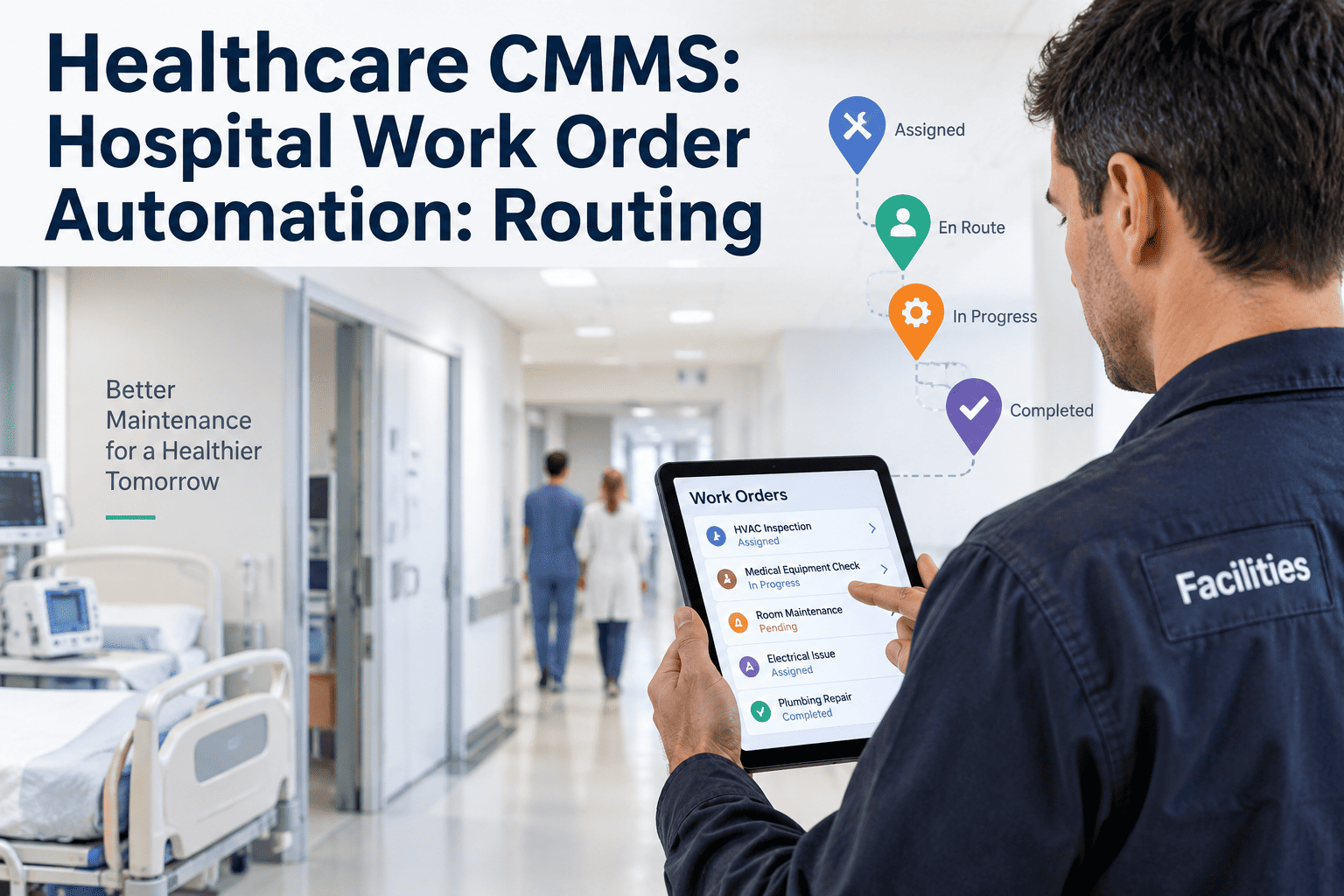
Step 1
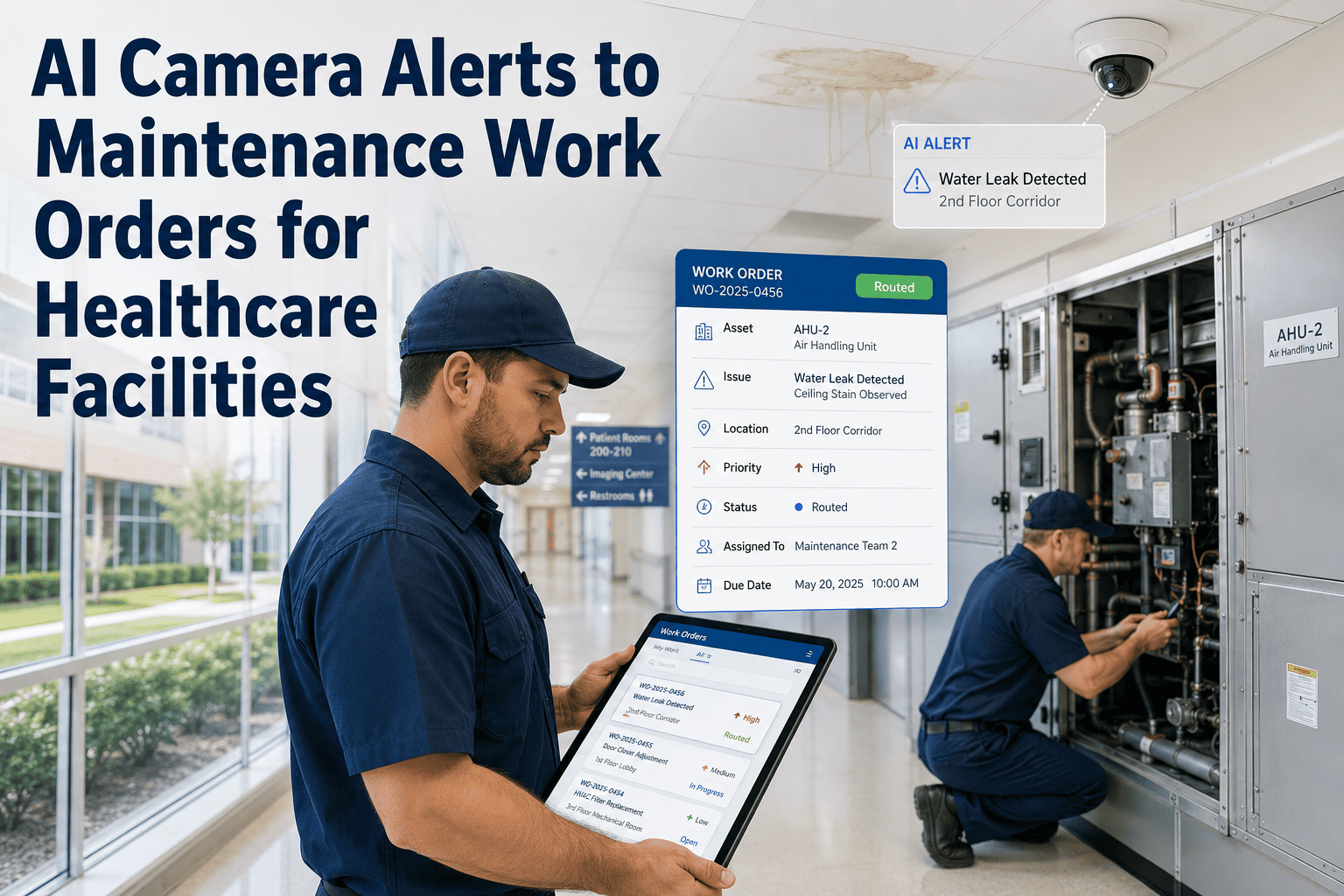
BMS detects an anomaly — temperature drift, pressure deviation, equipment fault — and fires its standard alarm.
Step 2
OxMaint instantly converts the alarm into a structured work order with asset ID, location, alarm value, and severity.
Step 3
The correct technician receives the ticket on mobile, enriched with trend data and prior service history for that asset.
Step 4
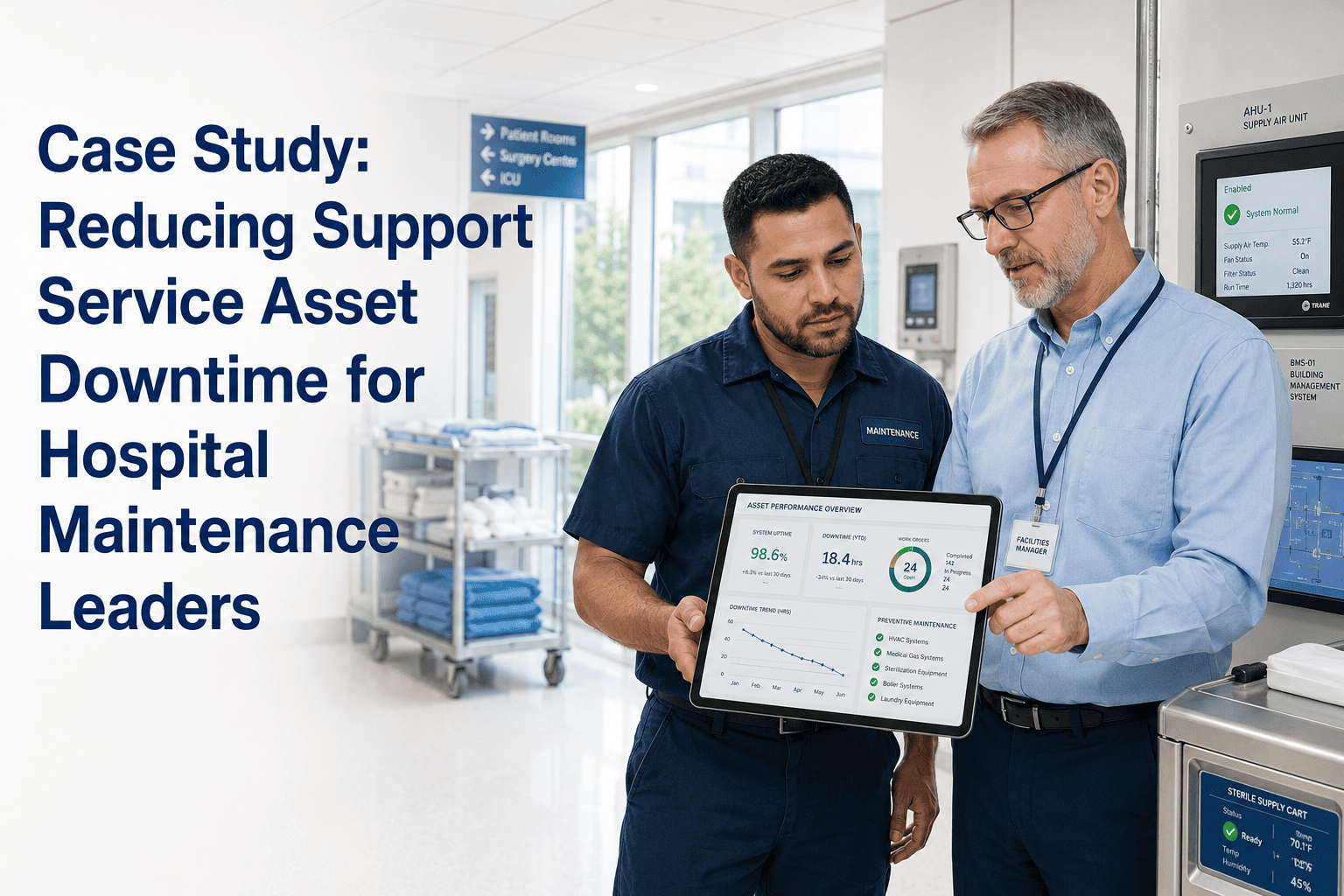
Every action and timestamp logs automatically, building a compliance-ready audit trail without extra paperwork.
See This Workflow Run on Your Own Building Systems
OxMaint connects to leading BMS platforms through standard protocols, with no rip-and-replace required for your existing infrastructure.
Before vs. After
What the Maintenance Workflow Looked Like at Each Stage
| Workflow Stage |
Before Integration |
After OxMaint Integration |
| Alarm visibility |
Logged in BMS only, easy to miss off-hours |
Instant work order with full alarm context |
| Technician assignment |
Manual phone call or radio dispatch |
Automatic routing based on asset and severity |
| Historical context |
Technician arrives with no prior data |
Trend graphs and service history pre-loaded |
| Compliance documentation |
Reconstructed manually after the fact |
Timestamped automatically at every step |
The Outcome
Measurable Results Within the First Reporting Cycle
71%
reduction in average time between alarm detection and technician response
100%
of critical alarms now generate a trackable work order automatically
2hrs
typical audit report turnaround, down from a full day of manual log assembly
Expert Review
What Other Facilities Leaders Should Take From This
FE
Healthcare Facilities Engineering Advisory Panel
The biggest win in cases like this is rarely the technology itself — it's removing the human translation step between two systems that were never designed to talk to each other. Facilities leaders evaluating a similar integration should confirm protocol compatibility with their existing BMS first, then prioritize critical assets like chillers and medical gas systems for the first rollout phase before expanding facility-wide.
FAQs
Common Questions About BMS-to-Work-Order Integration
Does this integration require replacing our existing BMS?
No. OxMaint connects to leading building management platforms through standard protocols like BACnet and Modbus, working alongside your current system.
Book a demo to confirm compatibility with your specific BMS.
How long does a typical hospital deployment take?
Most facilities reach full integration within four to six weeks, covering asset mapping, alert rule configuration, testing, and go-live with minimal operational disruption.
Can this integration support Joint Commission or NFPA audit requirements?
Yes. Every alarm and resulting work order is logged automatically with complete timestamps, generating audit-ready reports without manual reconstruction.
Start a free trial to see sample compliance reports.
What types of building alerts can trigger automated work orders?
HVAC anomalies, chiller faults, medical gas deviations, and electrical infrastructure alarms can all be configured to generate prioritized work orders automatically.
Turn Every Building Alert Into a Tracked, Resolved Work Order
See how OxMaint connects your existing BMS to your maintenance team — closing the gap between detection and action across every critical hospital system.