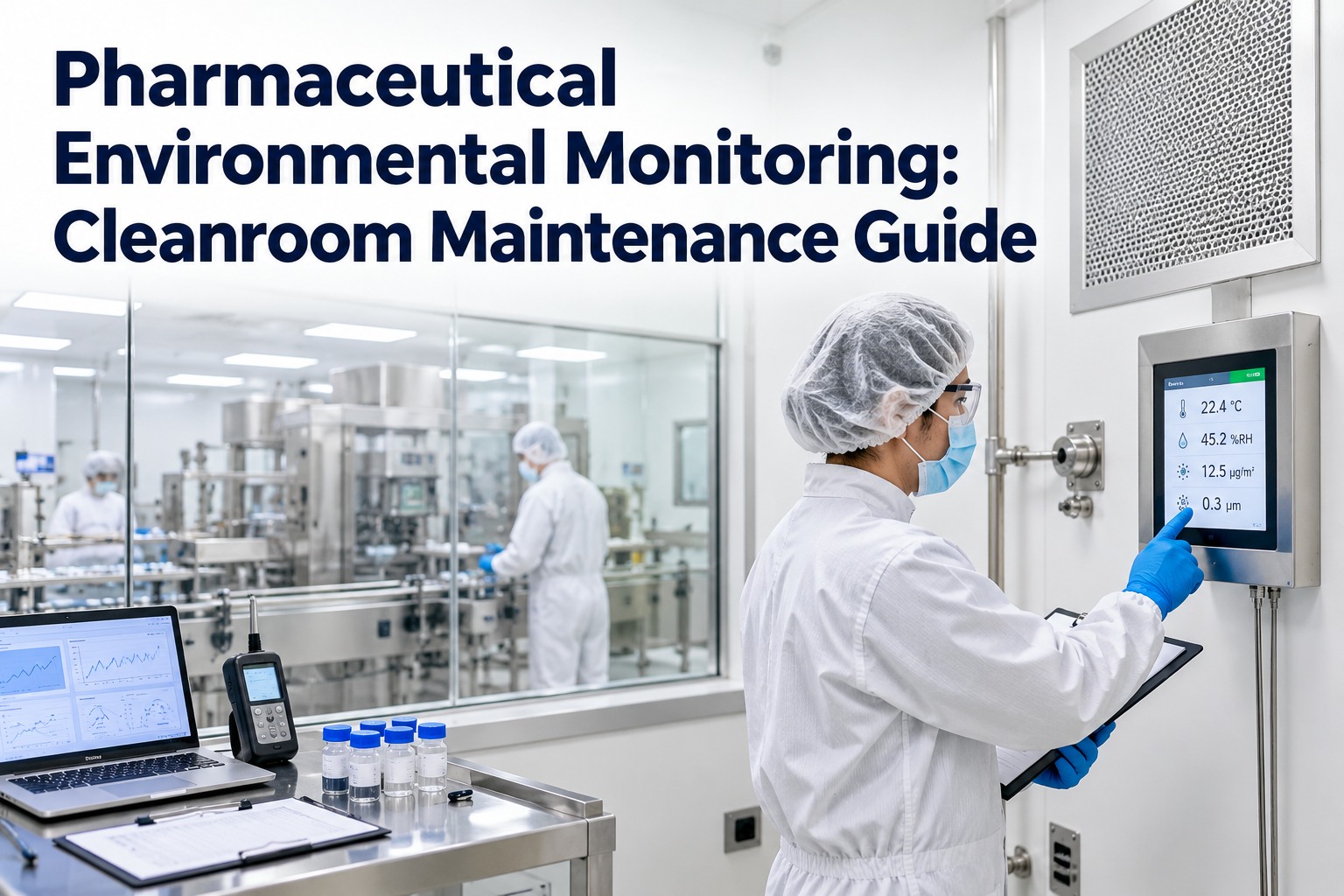
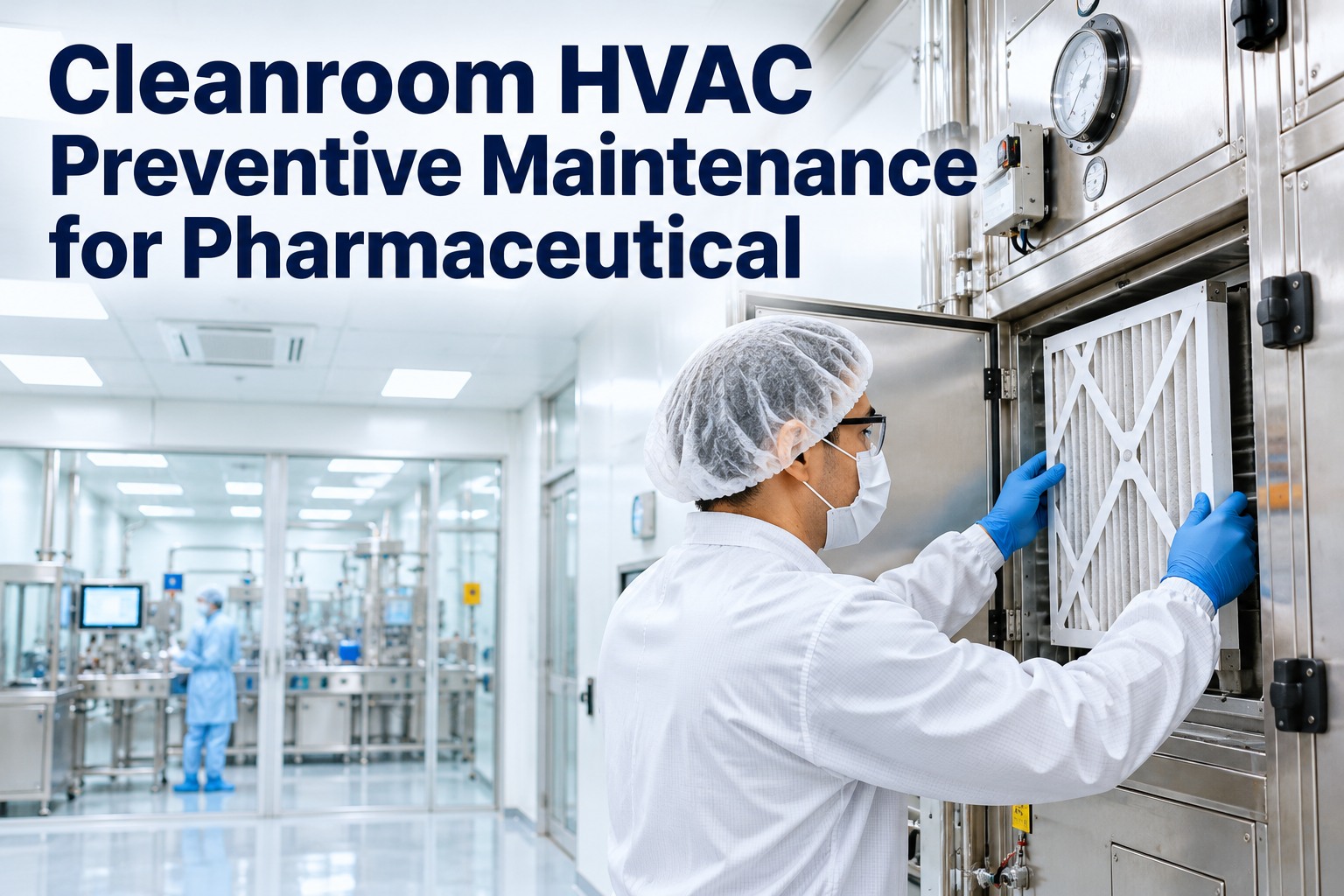
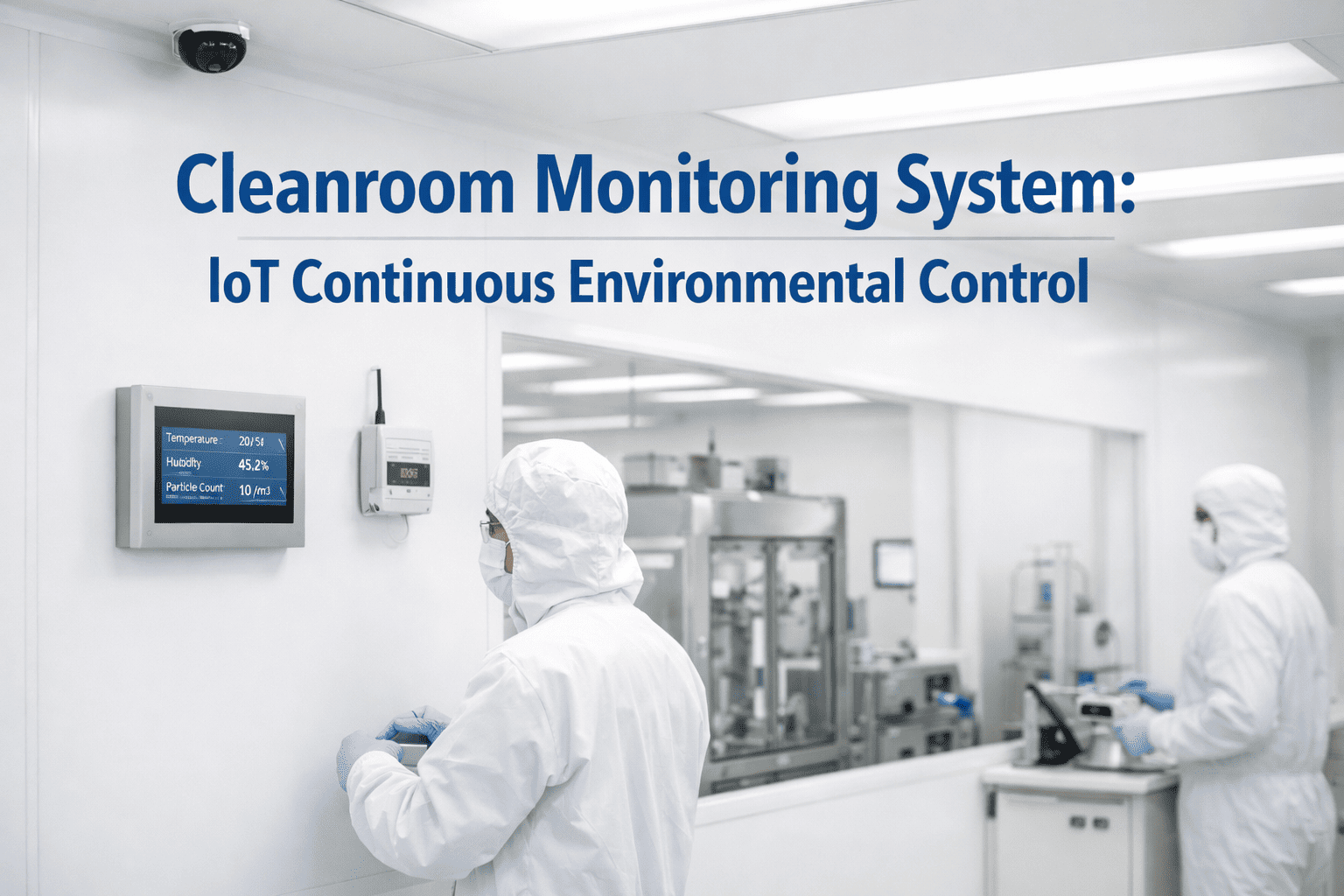
A humidifier that quietly stops. A sensor that drifts two degrees and nobody notices. An overnight alarm acknowledged but never fixed. Cleanroom conditions rarely fail all at once — they creep out of range. OXMAINT AI is the AI-powered maintenance management software that keeps every sensor calibrated, every HVAC task on schedule and every excursion tracked to a fix.
Cleanroom · Environmental Monitoring · HVAC Maintenance
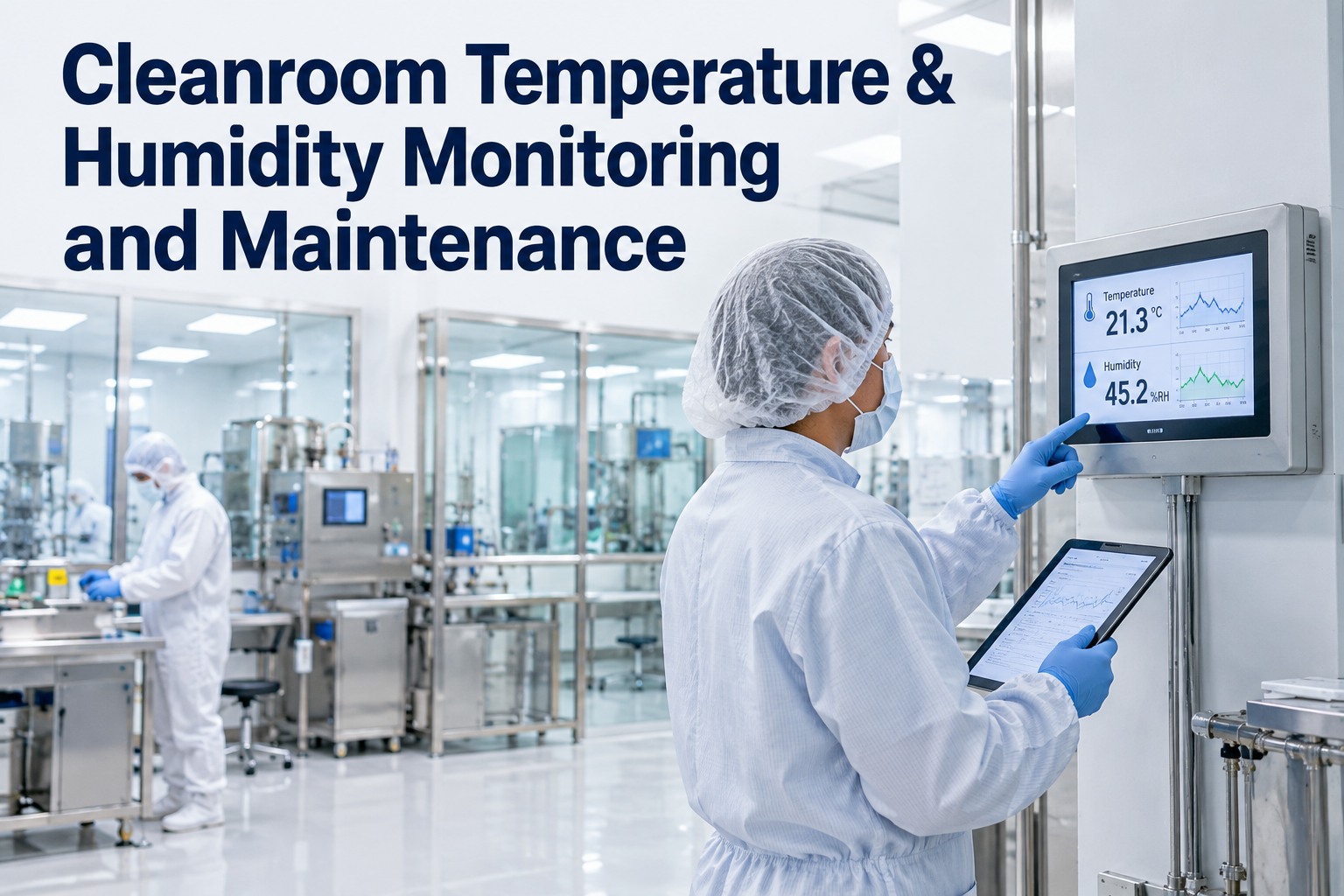
Cleanroom Temperature & Humidity Monitoring and Maintenance
Temperature and humidity are not single numbers — they are a band your room has to stay inside every hour of every shift. OXMAINT AI turns each reading, alarm and calibration into a scheduled task, each excursion into a ranked work order, and each air handler into an automated PM plan, so your room stays in the band and your records prove it.
Room Board · Buffer Room 2 Illustrative
In rangeAlert limitAction limit
<20°C
USP <797> buffer room temperature limit
60% RH
USP <797> maximum relative humidity
12 mo
longest interval between sensor calibrations
$5.9B
cleanroom technology market in 2025, growing 7.3% a year
Whose Limits Does Your Cleanroom Follow?
The right band depends on what happens in the room. A compounding pharmacy, an operating room and a drug plant each answer to different rules — but every one of them expects you to define the limits, watch them and prove you stayed inside. OXMAINT AI stores the limits for each room alongside its assets, so every check is measured against the right number. Start free and set room-by-room limits in OXMAINT AI.
Sterile Compounding
<20°C · ≤60% RH
USP <797> limits for the buffer room, with monitoring devices calibrated at least every 12 months.
Hospital Operating Room
20–24°C · 20–60% RH
ASHRAE/ASHE Standard 170 design ranges for operating rooms.
Drug Manufacturing
Set by Process
FDA 21 CFR 211.46 and EU GMP Annex 1 require control suited to the product, defined and justified.
ISO Classified Rooms
ISO 14644
Pressure monitored continuously; particles retested every 6–12 months depending on class.
What Pushes a Room Out of Range — and What It Costs
Almost every excursion traces back to a piece of equipment that needed attention before it failed. That's why temperature and humidity control is a maintenance problem first — and why OXMAINT AI links each room to the air handler, coils, humidifier and sensors that serve it. Book a demo to see room-to-equipment links in OXMAINT AI.
Humidifier or dehumidifier failsSteam valves stick, drain pans clog, desiccant wheels load up.
→
Humidity climbs or crashesHigh RH favors microbial growth; low RH builds static.
Coils foul, valves driftDirty coils and slow control valves can't hold the setpoint.
→
Room runs warmGowned staff overheat and shed more particles.
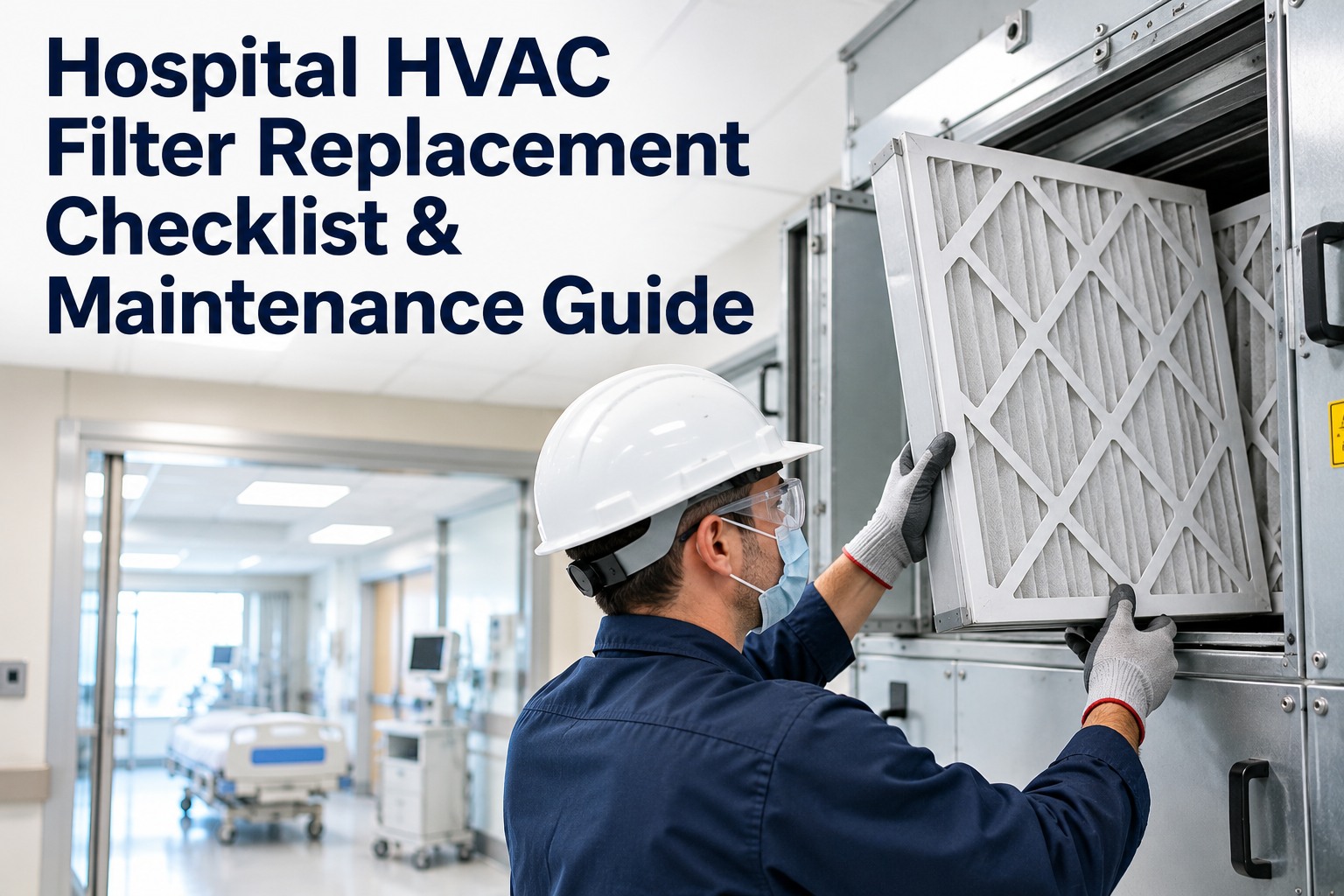
Filters load upAirflow falls as pre-filters and HEPAs collect dust.
→
Air changes fallRecovery slows and pressure cascades weaken.
Sensors driftAn uncalibrated probe reports "fine" while the room is not.
→
Bad data, bad decisionsEvery reading since the last good calibration is in question.
From Reading to Repair: How an Excursion Should Flow
Good monitoring uses two limits. An alert limit warns that conditions are drifting; an action limit means the room is out of range and something has to happen now. OXMAINT AI carries that excursion from the first alarm to a closed, documented fix. Start free and build your excursion workflow in OXMAINT AI.
1
Sensor Reads
Temperature, RH and pressure logged for every room.
2
Alert Limit
Early warning — check before it becomes an excursion.
3
Action Limit
Room is out of range; quality and operations notified.
4
Work Order
Ranked repair raised on the equipment serving the room.
5
Root Cause
Fix verified, cause recorded, impact reviewed.
An Alarm Acknowledged Is Not an Alarm Fixed.
OXMAINT AI ties every out-of-range reading to a work order on the equipment behind it — assigned, prioritized and closed only when the room is back in its band.
Cleanroom Temperature & Humidity Maintenance Checklist
Sixteen checks across four time frames. Tick each line as you confirm it — and in OXMAINT AI, every line runs as a recurring task, and any line that fails becomes a work order automatically. Book a demo to run this checklist on a phone in OXMAINT AI.
Intervals are typical. Your standard, product risk and equipment manufacturer set the final schedule.
Calibration That Holds Up to an Auditor
A calibration is only useful if it proves the readings you already recorded were right. These four steps make that proof — and OXMAINT AI requires each one before a calibration task can close. Start free and schedule every sensor calibration in OXMAINT AI.
01
Traceable Reference
Use a reference instrument traceable to a national standard.
02
Record "As Found"
Log the error before adjusting anything.
03
Check the Full Range
Test at points that span the room's operating band.
04
"As Left" + Next Due
Record the final error and set the next due date.
If a sensor is found out of tolerance, review the data it produced since its last good calibration.
How OXMAINT AI Maintenance Management Software Keeps Your Cleanroom in Range
Everything on this page — the limits, the equipment, the checklist, the calibrations and the excursions — lives in one place in OXMAINT AI, so your facilities and quality teams work from the same record. Book a demo to walk your cleanroom program end to end.
1
Rooms Linked to Equipment
Each room tied to the AHU, coils, humidifier and sensors that serve it.
2
Calibration Calendar
Every sensor's due date tracked, with as-found and as-left results.
3
HVAC PM Plans
Filters, coils, belts and humidifiers on automated schedules.
4
Excursion Work Orders
Out-of-range readings become ranked, assigned repairs.
5
Guided Mobile Checks
Daily logs and checklists on a phone, with required readings.
6
Audit-Ready History
Filter records by room, sensor or date for any inspection.
Frequently Asked Questions
What temperature and humidity should a cleanroom hold?
It depends on the room. USP <797> sets 20°C or cooler and 60% RH or lower for compounding buffer rooms, while ASHRAE 170 sets 20–24°C and 20–60% RH for operating rooms. Drug plants define limits that suit their product.
How often should cleanroom sensors be calibrated?
Why does humidity matter so much in a cleanroom?
High humidity encourages microbial growth and can affect product, while very low humidity builds static that attracts particles. Both make a room harder to keep clean.
What is the difference between an alert and an action limit?
An alert limit is an early warning that conditions are drifting. An action limit means the room is out of range and requires investigation and correction.
How does OXMAINT AI help with cleanroom compliance?
The maintenance management software links each room to its equipment, schedules every calibration and HVAC task, turns excursions into work orders and keeps every record ready for inspection.
Keep Every Room Inside Its Band.
Put your sensors, air handlers, filters and humidifiers on one schedule with OXMAINT AI — calibrations on time, excursions tracked to a fix and a complete record ready for your next audit.