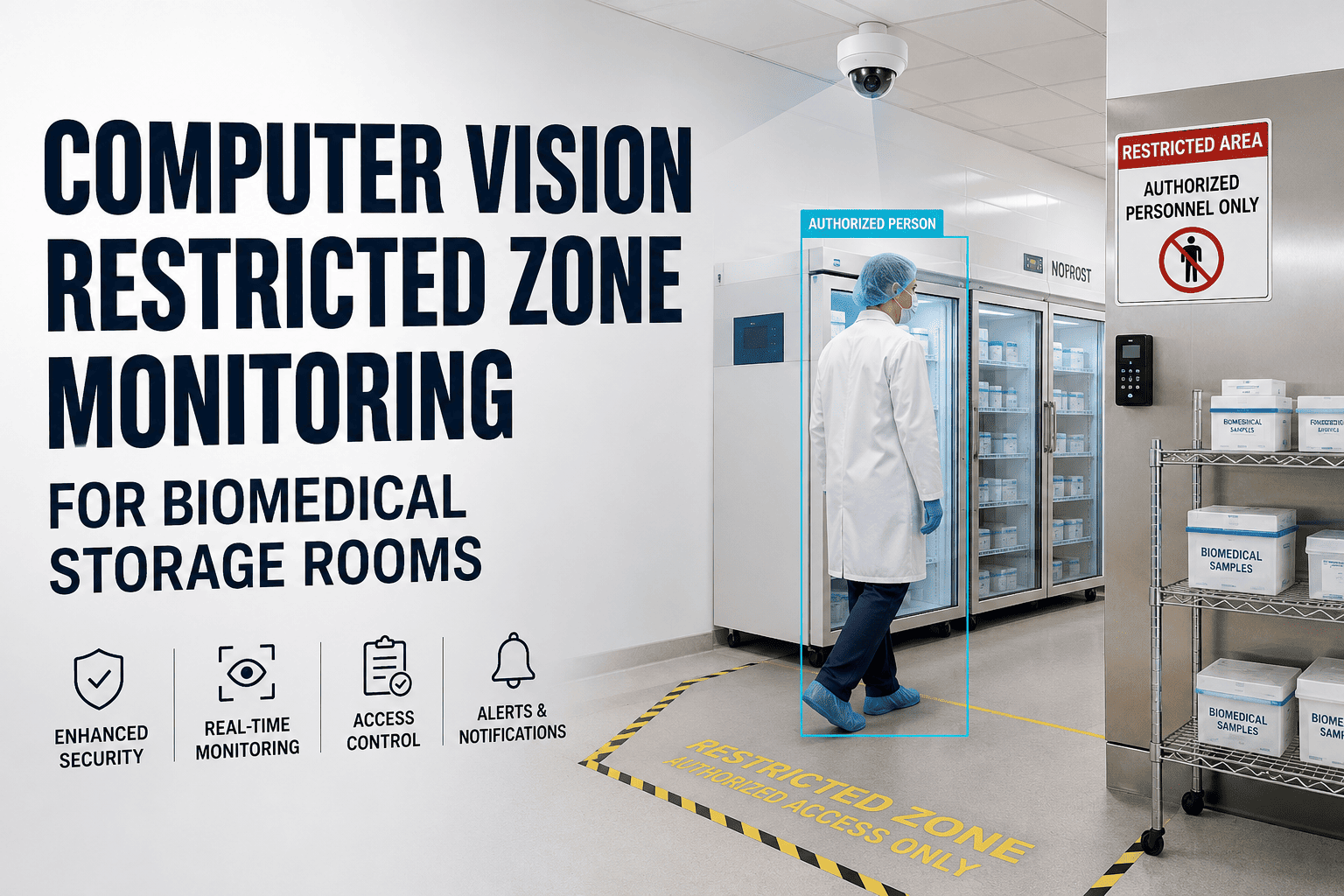
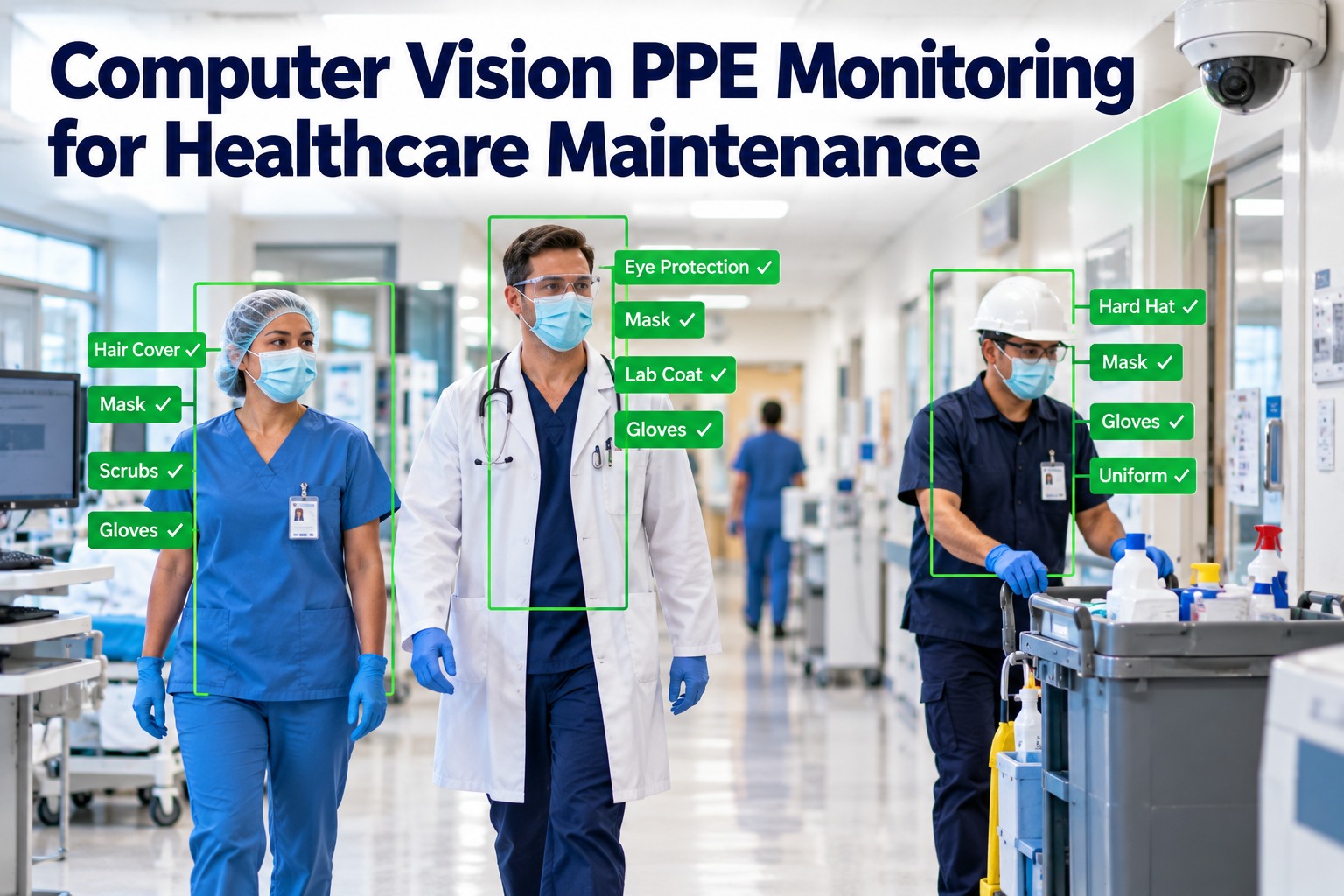
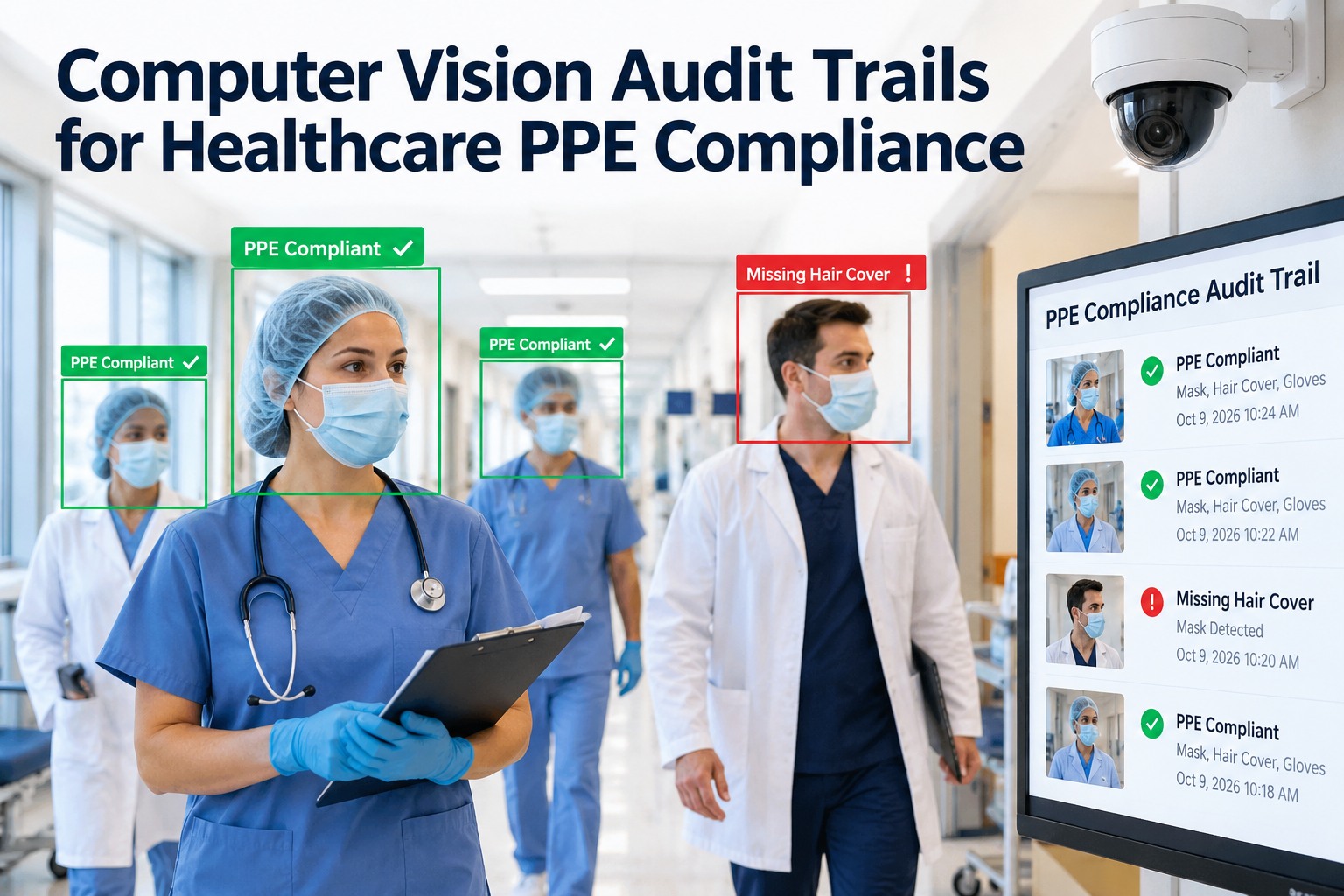
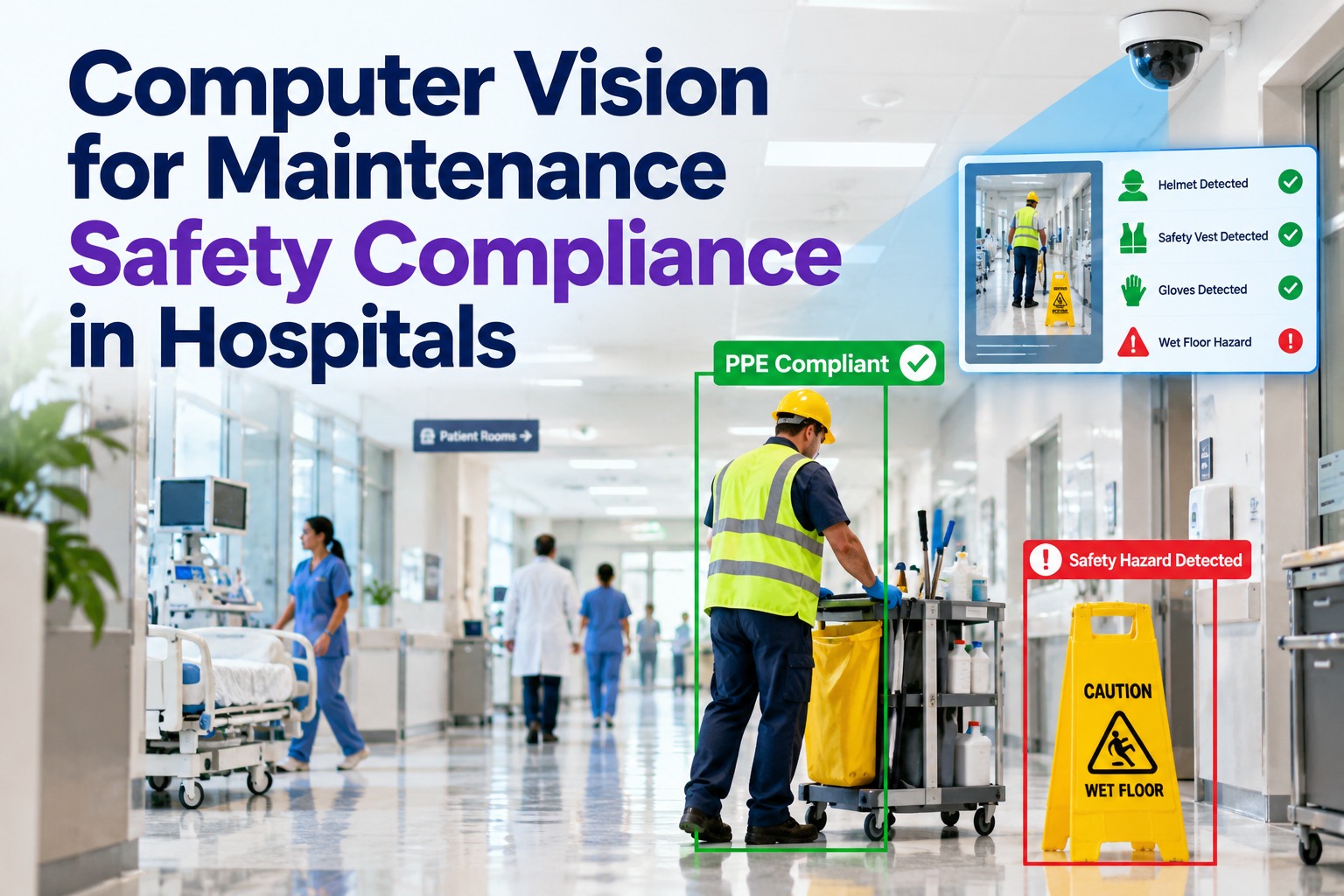
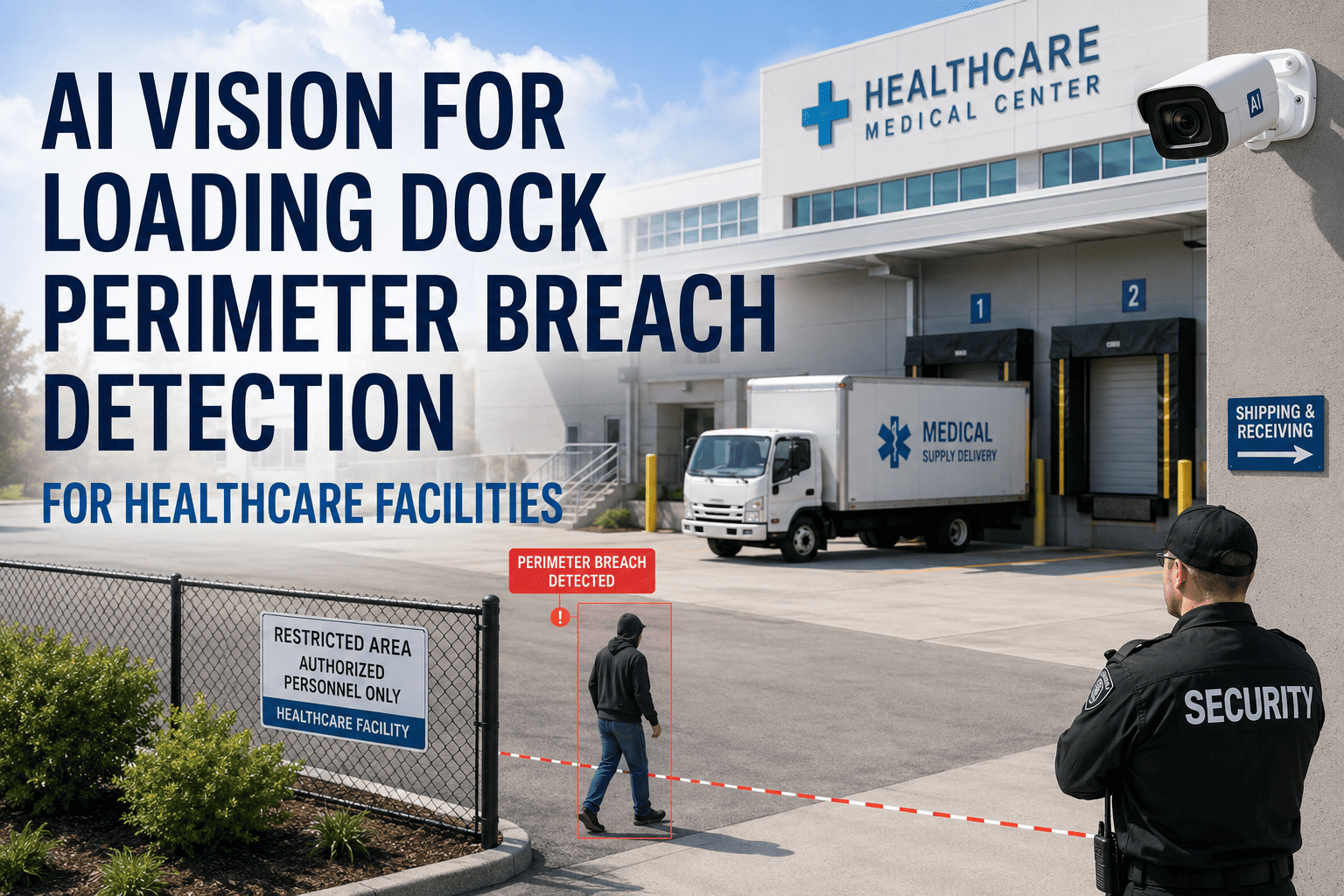
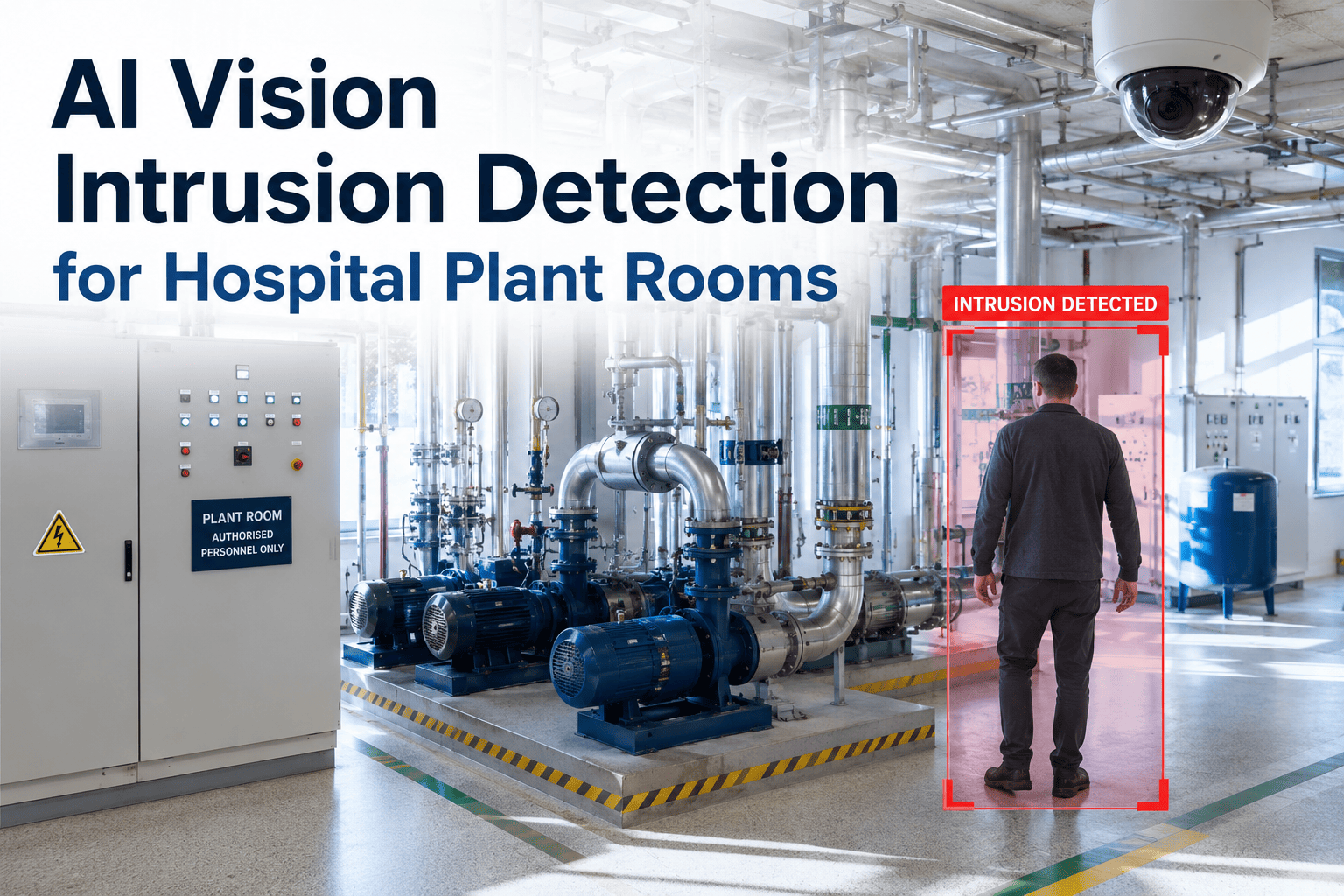
Biomedical storage rooms contain implants, surgical instruments, diagnostic equipment, and high-value consumables that must be accessible only to credentialed personnel — and every access event must be documentable on demand. Standard badge-and-camera setups log who entered, but generate no maintenance record, no asset inspection task, and no escalation if something looks wrong. OxMaint's AI Vision and Asset Security module automates the full restricted zone monitoring cycle — detecting unauthorized access, assigning inspection tasks to biomedical technicians, and capturing visual proof in a tamper-evident work order linked to the storage room asset. For facilities teams managing biomedical equipment compliance, book a demo to see how computer vision turns access events into maintenance-grade audit records that hold up in regulatory reviews.
68%
of biomedical storage compliance findings cite access events with no maintenance follow-up
3x
higher audit risk for facilities without computer vision-linked work orders for restricted zones
<2 min
for OxMaint to generate an inspection task from a computer vision zone alert
What OxMaint AI Vision Monitors in Biomedical Storage
Biomedical storage rooms contain assets at every stage of lifecycle — from new device intake to equipment awaiting repair. OxMaint links vision alerts directly to the relevant asset record, so every monitoring event is traceable by device, location, and technician.
01
Zone Entry Detection
Camera detects personnel entering the biomedical storage area. OxMaint checks against authorized personnel list and triggers inspection task if anomaly is flagged.
02
Cabinet & Rack Proximity
Sub-zone detection flags when someone approaches high-value equipment racks or sterile storage cabinets — logging the event even if the door itself was not opened.
03
Equipment Removal Detection
When a device is removed from its storage position, OxMaint generates a tracking task to verify the removal was authorized and log the device movement against its asset record.
04
Loitering & Dwell Time
Extended presence beyond a defined dwell threshold triggers an elevated alert — routed to the biomedical supervisor for immediate review and documented in the work order trail.
OxMaint AI Vision for Biomedical Teams
Make Every Biomedical Zone Alert a Traceable Asset Security Record
OxMaint connects computer vision alerts to your biomedical asset database — creating inspection tasks, evidence records, and compliance-ready audit trails automatically. No manual logging. No documentation gaps.
Biomedical Storage Zone Monitoring — Compliance Checklist
Use this checklist to assess whether your current restricted zone monitoring program generates the maintenance-grade documentation that TJC, CMS, and NFPA 99 reviewers require.
Access Documentation
Every access event generates a timestamped log
Unauthorized access triggers a work order within 2 minutes
Visual evidence (photo/clip) attached to each alert
Technician response documented with signature
Asset Linkage
Zone alert linked to specific asset in CMMS
Equipment removal tracked against asset record
Device movement log exportable for audit
Authorized personnel list maintained in system
Escalation Controls
Escalation rules defined per zone type
Unacknowledged alerts auto-escalate
Supervisor receives after-hours notifications
Escalation path logged in audit trail
Biomedical Equipment Categories and Monitoring Priority
Expert Review
“
Biomedical storage rooms are one of the highest-risk access points in a hospital from a compliance standpoint. The problem is not unauthorized access happening — it is unauthorized access happening with no documentation that the biomedical team ever responded. When a CMMS automatically generates an inspection task from a computer vision alert and links it to the storage room asset, you close the loop that regulators are looking for. The evidence is there before anyone asks for it.
Frequently Asked Questions
How does OxMaint link computer vision alerts to specific biomedical assets?
Each storage zone and sub-zone in OxMaint is mapped to a specific asset or asset group in the CMMS database. When a vision alert fires for a zone, the generated work order automatically pulls in the asset ID, location, and maintenance history — so the technician dispatched to investigate has full context before arriving.
Start a free trial to explore asset-zone mapping configuration, or
book a demo to see it live.
Can OxMaint track biomedical equipment removed from storage without authorization?
Yes. When a computer vision system detects equipment removal from a monitored position, OxMaint generates a device movement work order and flags the asset record. The task includes the timestamp, zone camera snapshot, and a field for the biomedical technician to verify whether the removal was authorized — creating a complete chain of custody record that satisfies both internal audit and regulatory requirements.
What compliance standards does OxMaint's biomedical zone monitoring support?
OxMaint's work order and audit trail structure supports documentation requirements under TJC Environment of Care standards, CMS Conditions of Participation, NFPA 99 healthcare facility safety requirements, and FDA biomedical device tracking standards. The system generates inspection-ready reports that can be exported by asset, zone, or date range — formatted for submission to accreditation reviewers.
Book a demo to review report formats with your specific compliance requirements.
How are authorized personnel lists managed in OxMaint for biomedical storage zones?
Administrators configure authorized personnel per zone in OxMaint — linking staff IDs from your HR or access control system. When a vision alert fires, OxMaint cross-references the event against the authorized list and escalates only genuine anomalies — reducing false positive task volume while ensuring every actual unauthorized event receives a documented response. List updates are logged in the audit trail with timestamps and administrator identity.
Ready to Protect Your Biomedical Storage Zones?
Computer Vision + OxMaint = Compliance-Ready Biomedical Zone Security
Every restricted zone alert becomes a signed inspection task with asset linkage, visual evidence, and a complete audit trail — automatically, without manual logging.