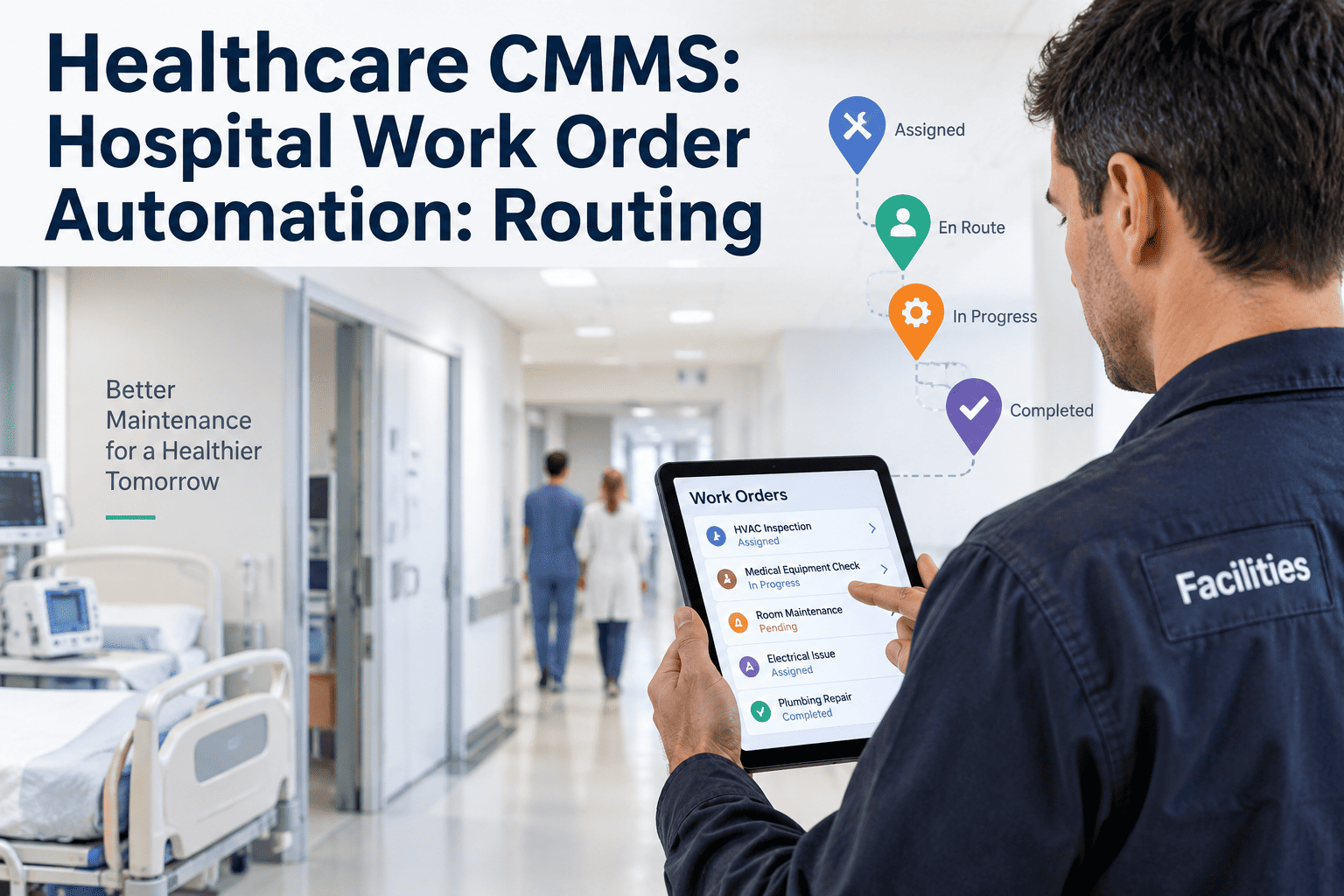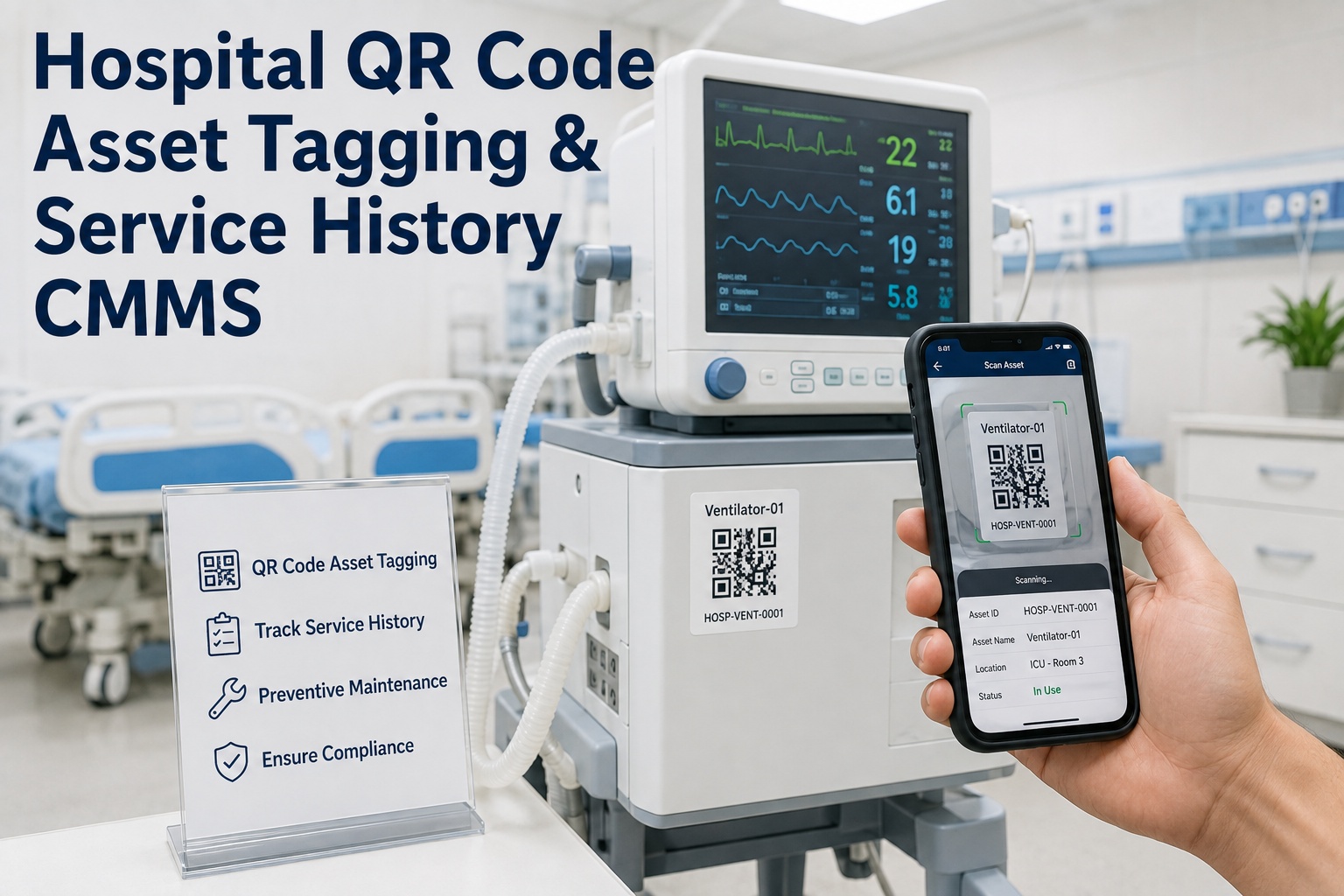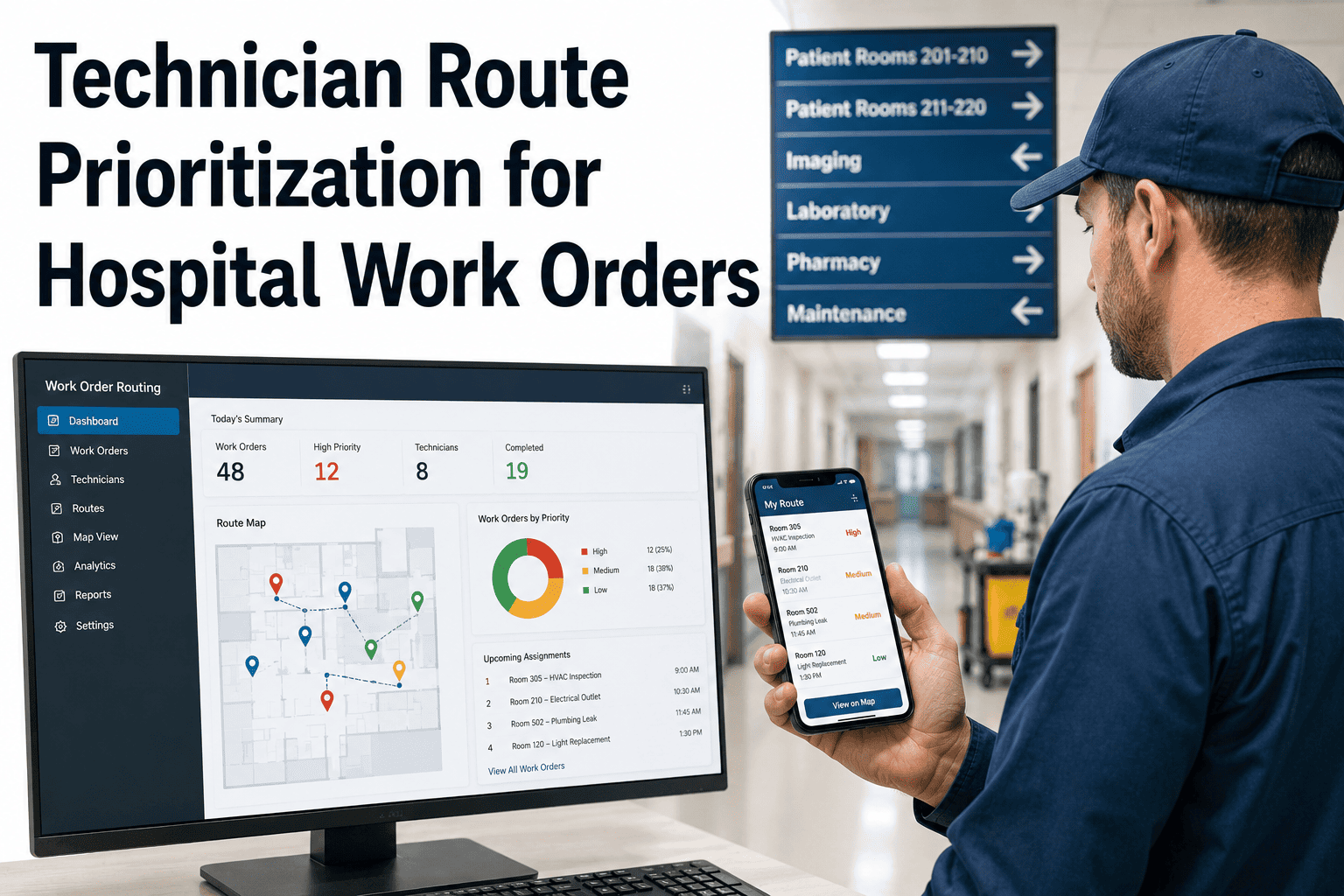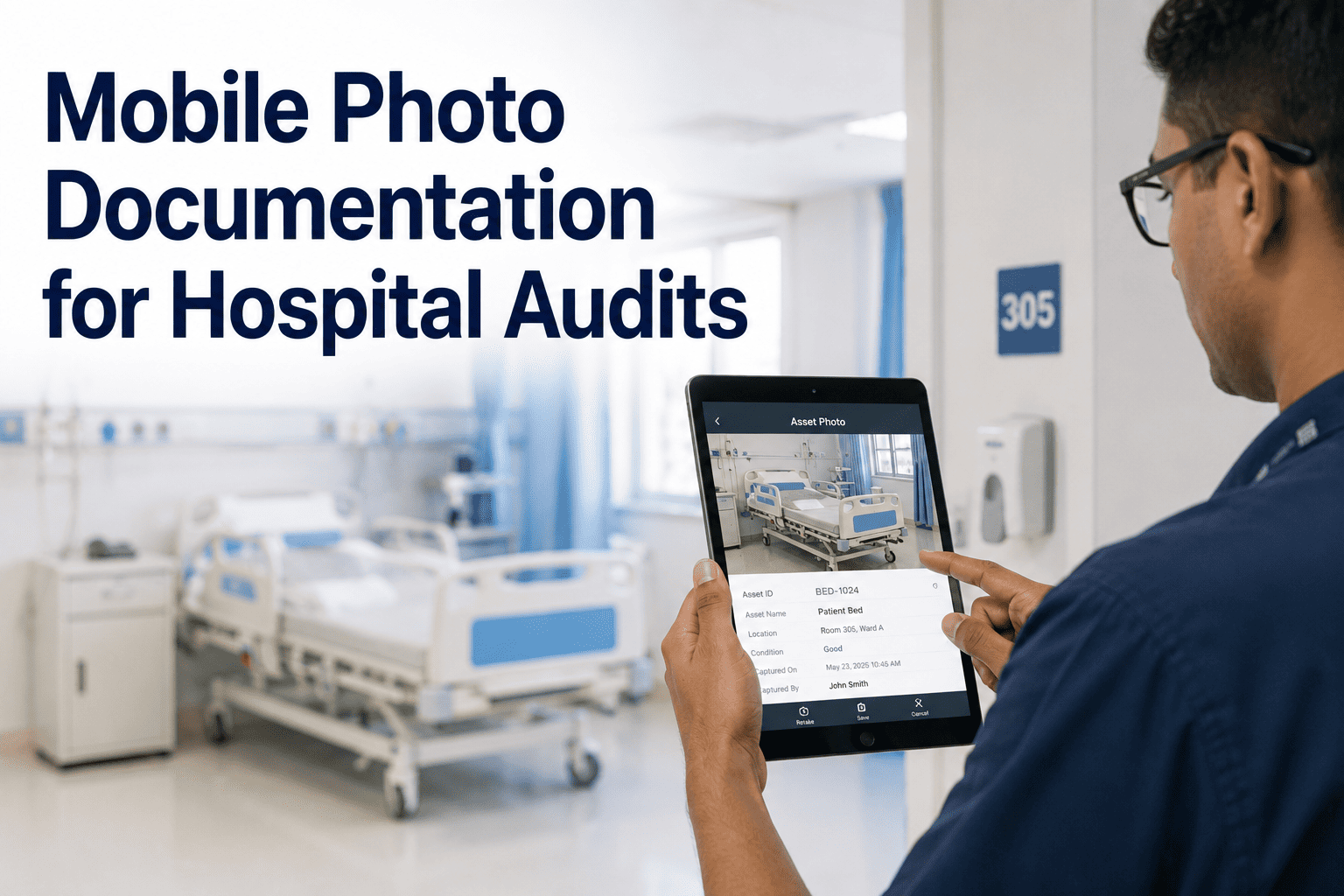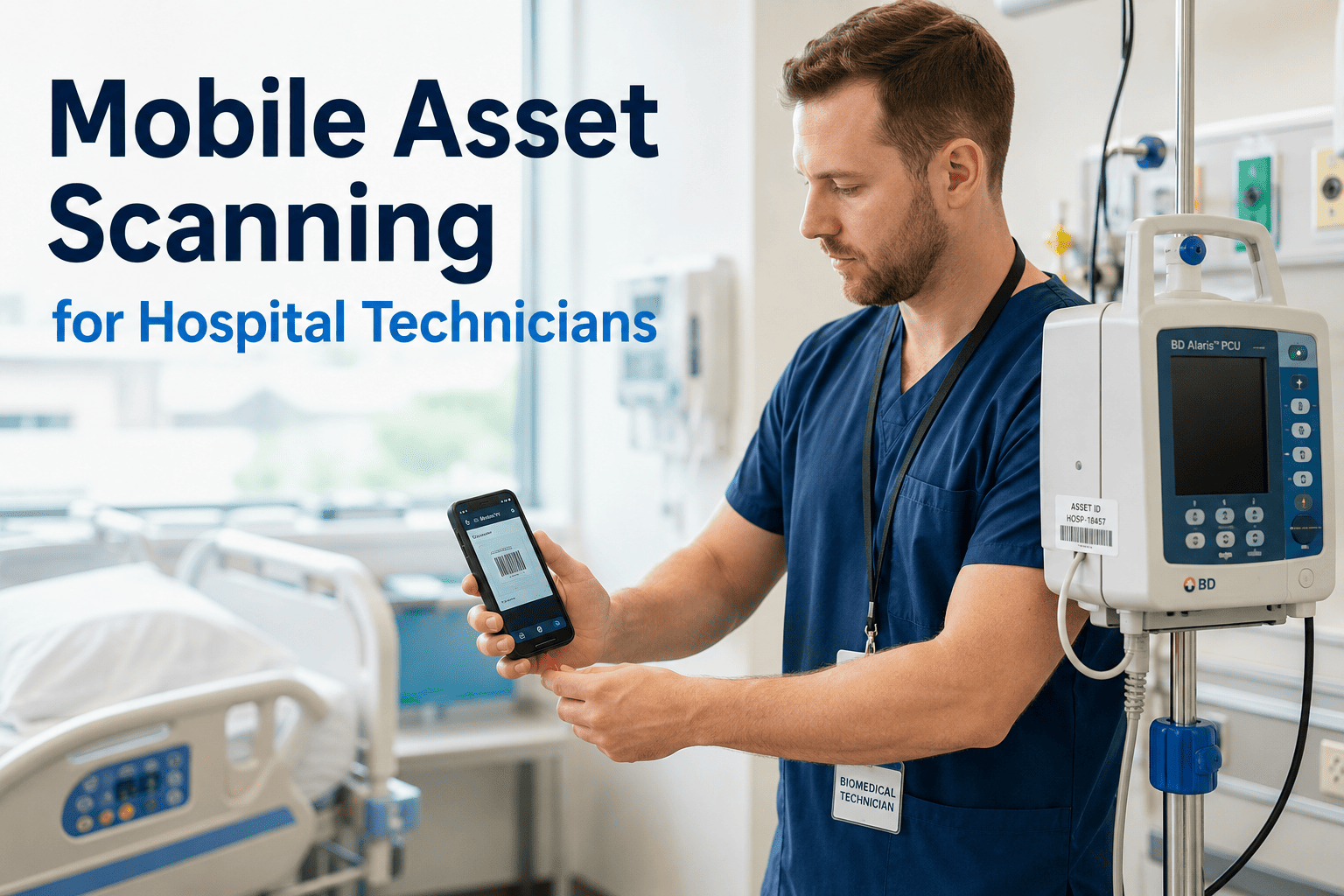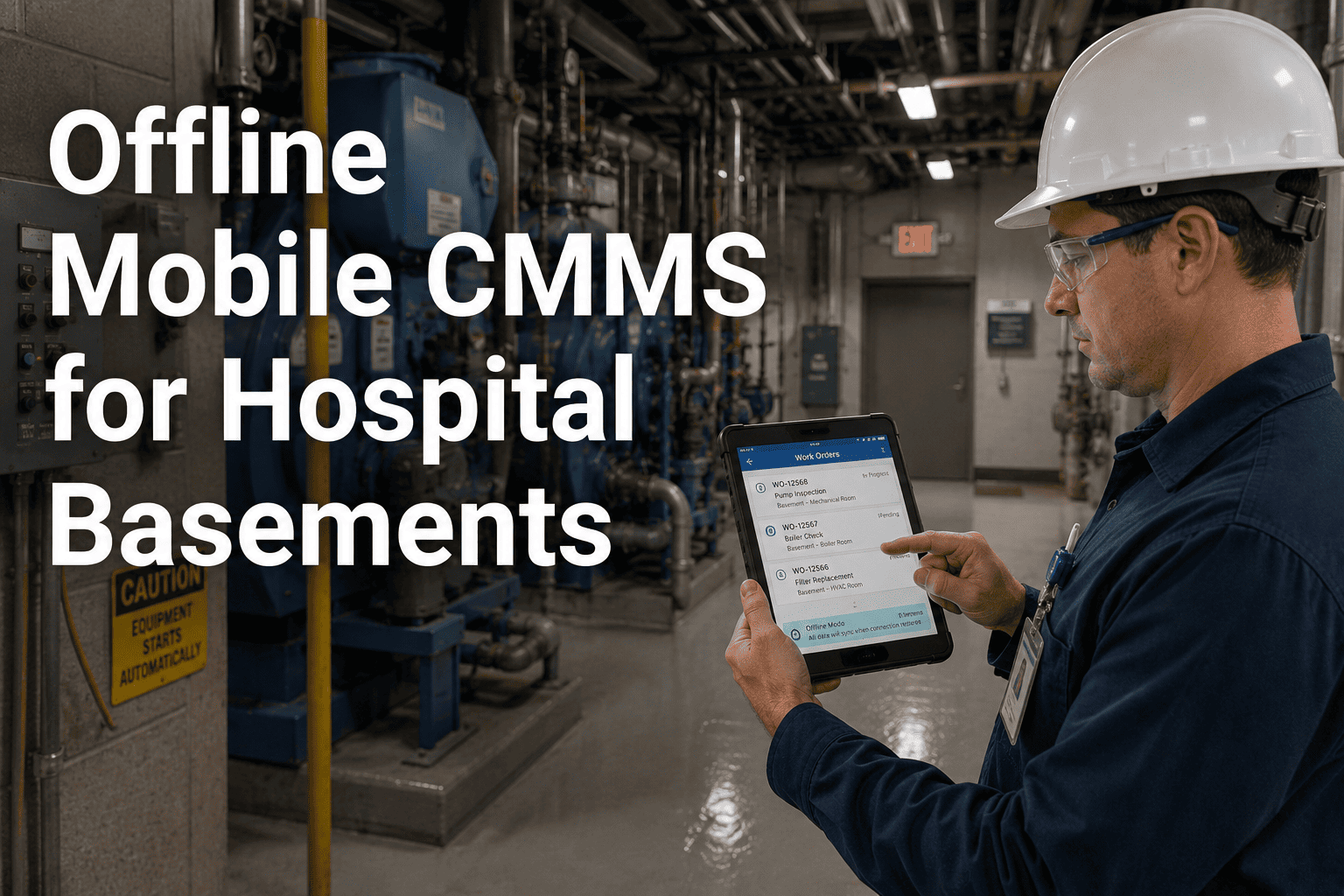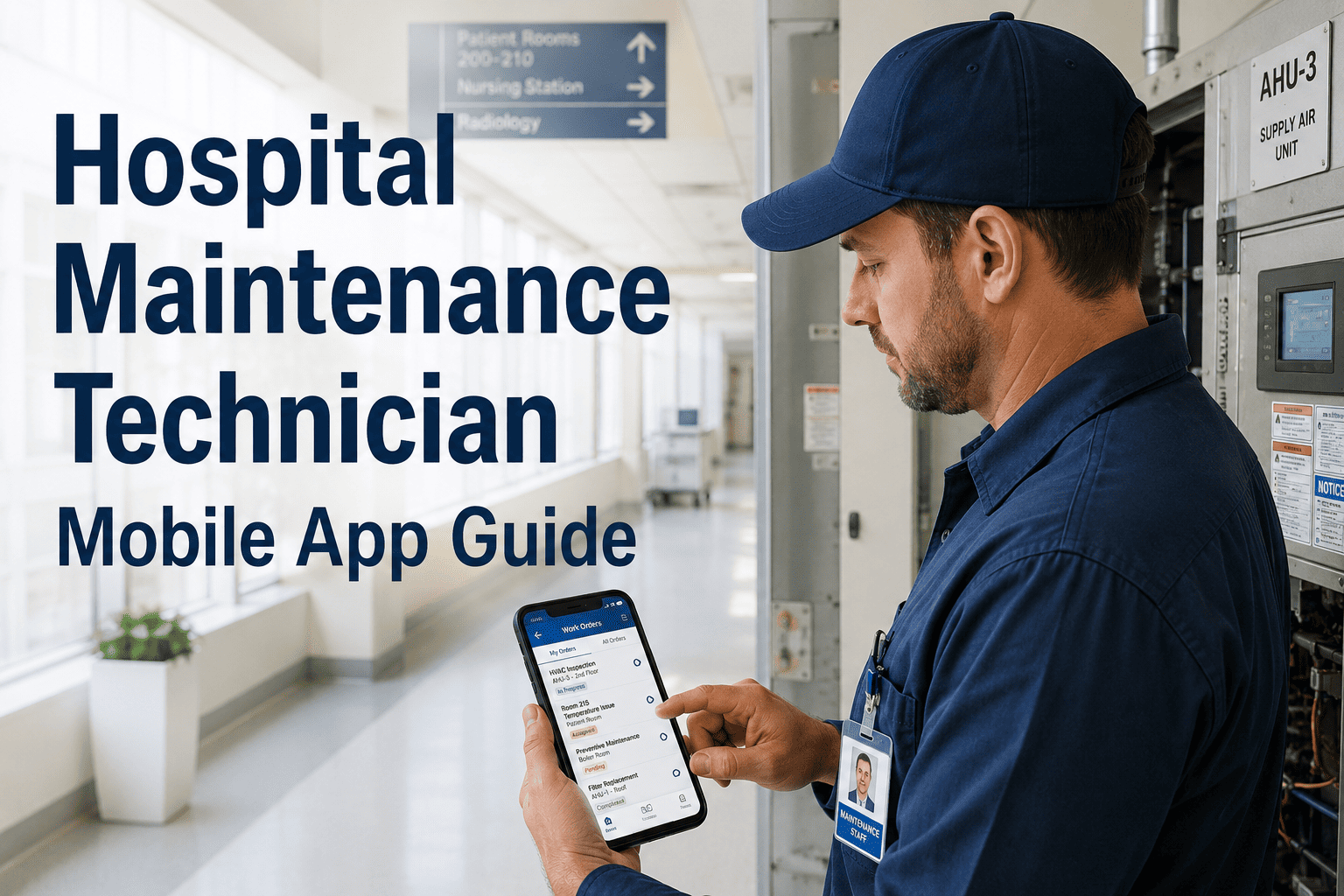
Picture a hospital biomedical technician getting paged for a ventilator alert. With a paper-based system, they walk to the office for the work order, dig through a binder for the last service record, write notes by hand, and walk back to log it on a desktop computer later. With a mobile-first CMMS, they scan the equipment tag, see the full service history in seconds, log the repair with a photo, and close the work order with a digital signature before they've even left the room. OxMaint puts the entire workflow — work orders, asset history, QR scanning, checklists, and photos — directly in a technician's pocket, fully functional even with zero signal.
What Actually Changes When Technicians Stop Carrying Paper
Most hospital maintenance teams still lose hours every shift to administrative friction that has nothing to do with fixing equipment — walking to a supervisor's desk, copying asset details by hand, and re-entering job notes at a desktop after the work is already done. A mobile CMMS app removes every one of those steps, putting live work orders, full asset history, and compliance documentation directly where the technician is standing.
From Alert to Closed Work Order, in Four Steps
Your technicians shouldn't lose half a shift to paperwork.
See the same four-step mobile workflow running live on real hospital work orders.
Paper and Desktop vs Mobile-First CMMS
| Workflow Element | Paper / Desktop System | Mobile-First CMMS |
|---|---|---|
| Work order dispatch | Printed, handed off, or radioed | Pushed to phone instantly with full context |
| Asset history access | Binder or shared drive search | QR scan, visible in seconds |
| Connectivity dependency | Desktop required to log work | Fully functional offline, auto-syncs later |
| Audit trail | Reconstructed manually before a survey | Generated automatically with every closed job |
What Hospital Facilities Leaders Say
Questions Hospital Maintenance Teams Ask About Mobile CMMS
Does the mobile app work in basements and shielded equipment rooms with no signal?
How long does it take technicians to get comfortable with the mobile app?
Can the mobile app support both biomedical and facilities maintenance teams?
What happens to institutional knowledge when an experienced technician leaves?
Give your technicians back the hours paperwork has been taking.
See the full mobile workflow — scan, document, close — running on your team's actual devices.