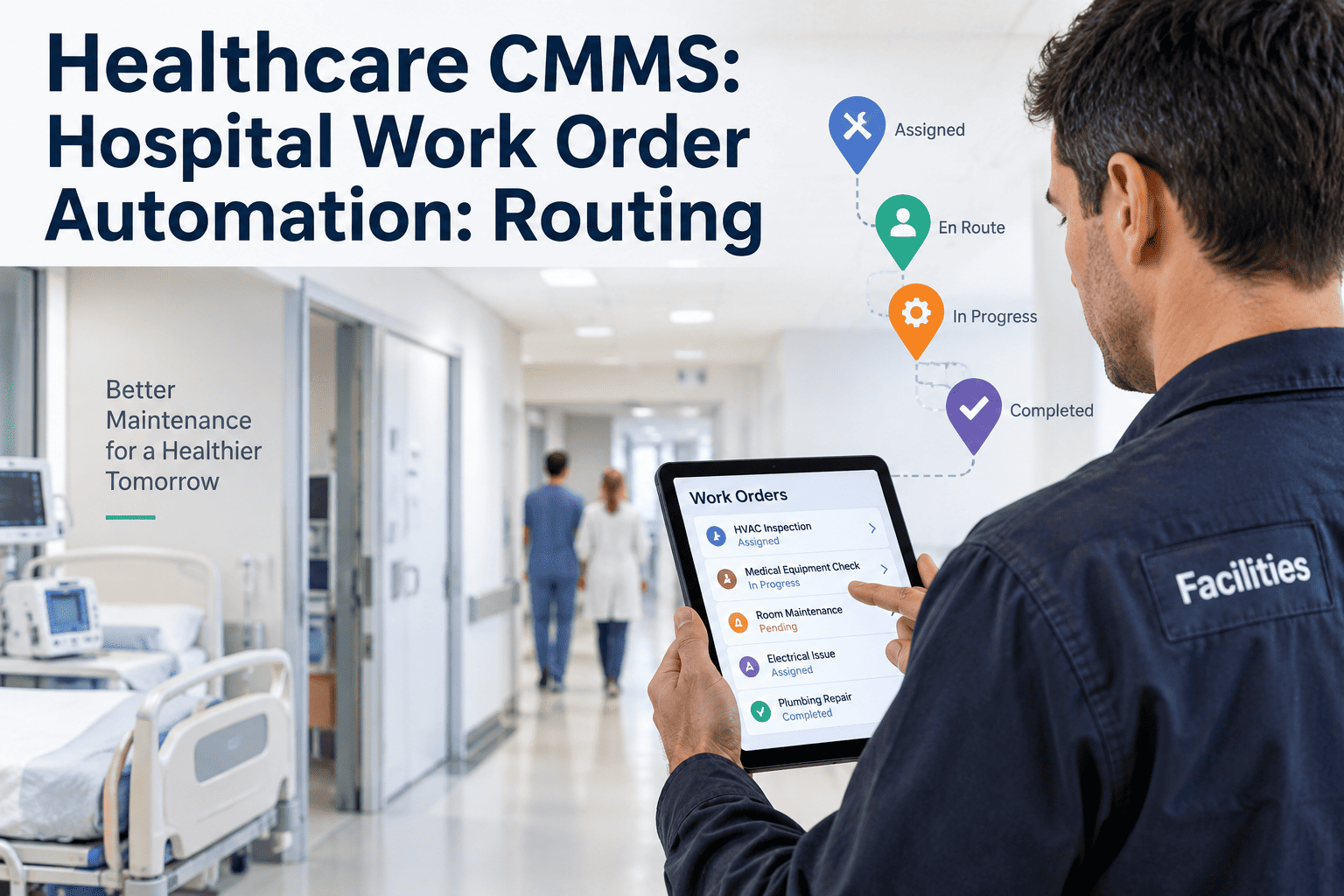
Every hospital already has work orders. The difference between a struggling maintenance operation and a working one isn't the ticket — it's what happens in the ninety seconds after it's raised. Which queue does it land in? Which tech gets paged? Does it wait behind a lower-priority job? Routing is the automation that decides, and most hospital CMMS deployments never tune it past the vendor default. This guide walks the healthcare routing engine using OXMAINT AI, the AI-powered CMMS for hospital maintenance operations.
Healthcare CMMS: Hospital Work Order Automation: Routing
OXMAINT AI, the AI-powered CMMS/maintenance management software, connects the full hospital work-order workflow on one platform — clinical requests and telemetry alerts in, defects raised and prioritised by patient impact, work orders routed to the right team by asset, location and severity, and preventive PM cadence tuned per device class.
Why Manual Routing Fails a Hospital
Manual triage worked when the hospital had one maintenance office and a shared inbox. Modern estates have four service lines competing for the same tickets, with different SLAs, different skills and different contracts. A supervisor sorting by hand becomes the bottleneck. OXMAINT AI moves routing into rules the team owns. Sign up free and configure your first routing rule in OXMAINT AI.
- Ticket lands in shared inbox, waits for eyes
- Priority decided ad-hoc, drifts by supervisor
- Wrong queue → back-and-forth email chain
- After-hours = phone call, no audit trail
- Ticket routed in seconds by defined rules
- Priority set by asset criticality + severity
- Right queue first time, escalation pre-wired
- After-hours follows the same rules — 24/7 audit trail
The 6 Routing Inputs — What the Engine Actually Reads
A routing decision is a function of six inputs. Get all six right and the ticket lands in the right hands, at the right priority, with the right SLA clock started. OXMAINT AI reads every input from the asset record and the ticket metadata. Book a demo to see the routing engine live.
The Decision Tree — One Ticket, One Path
The routing engine walks a decision tree in milliseconds. Every branch is a rule the operations team owns and can change without a developer. OXMAINT AI ships a default tree and a visual rule editor. Start free and customise your decision tree in OXMAINT AI.
The 4 Queues — And What Actually Goes In Them
Four queues cover the hospital estate. Each has its own priority rules, its own SLA and its own escalation ladder. OXMAINT AI holds all four on one screen — and shows them together for the ops director. Book a demo to see the multi-queue view.
The Right Ticket. The Right Tech. Every Time.
OXMAINT AI turns routing from a supervisor's mental checklist into a rules engine the operations team owns — and audits, and tunes as the estate evolves.
Priority Matrix — Severity × Location
A ventilator down in ICU is not a ventilator down in storage. Priority is a two-axis decision — asset severity multiplied by clinical location. OXMAINT AI ships the matrix as a default rule set. Sign up free and tune your priority matrix.
| Location → Severity ↓ | ICU / OR / ED | Ward / Clinic | Diagnostic | Back-of-house |
|---|---|---|---|---|
| Down | P1 · Minutes | P2 · Hours | P2 · Hours | P3 · Same-day |
| Degraded | P2 · Hours | P3 · Same-day | P3 · Same-day | P4 · Next-day |
| Cosmetic | P3 · Same-day | P4 · Next-day | P4 · Next-day | P4 · Next-day |
| PM Due | P3 · Windowed | P4 · Windowed | P4 · Windowed | P4 · Windowed |
The 3-Tier Escalation Ladder
Routing decides the first assignment. Escalation decides what happens if the SLA clock runs out. OXMAINT AI walks every un-responded ticket up a defined ladder — no missed pages, no verbal handoffs. Book a demo to see the escalation ladder live.
The Automation Payoff — What Actually Improves
Automation isn't a promise, it's a measurable shift in how time distributes across the WO lifecycle. The pattern that shows up across hospital deployments is consistent: less time in triage, more time on work. Sign up free and start tracking your WO lifecycle in OXMAINT AI.
What OXMAINT AI Gives a Hospital CMMS Team
Built for the healthcare estate — one routing engine behind biomed, facilities, IT and vendor queues. Start free and configure your routing engine in OXMAINT AI.
Our supervisor spent the first two hours of every shift triaging the overnight queue. When we moved routing into rules, that time disappeared — she started every day walking the exceptions instead of the whole queue. The paradox is that automating the routine let her do more supervision, not less.
Frequently Asked Questions
Route Every Ticket. Answer Every SLA. Automate the Routine.
Move your hospital work-order operation onto OXMAINT AI — 6-input routing engine, 4 queues on one dashboard, pre-wired escalation and a rule editor the ops team actually owns.

.jpg)