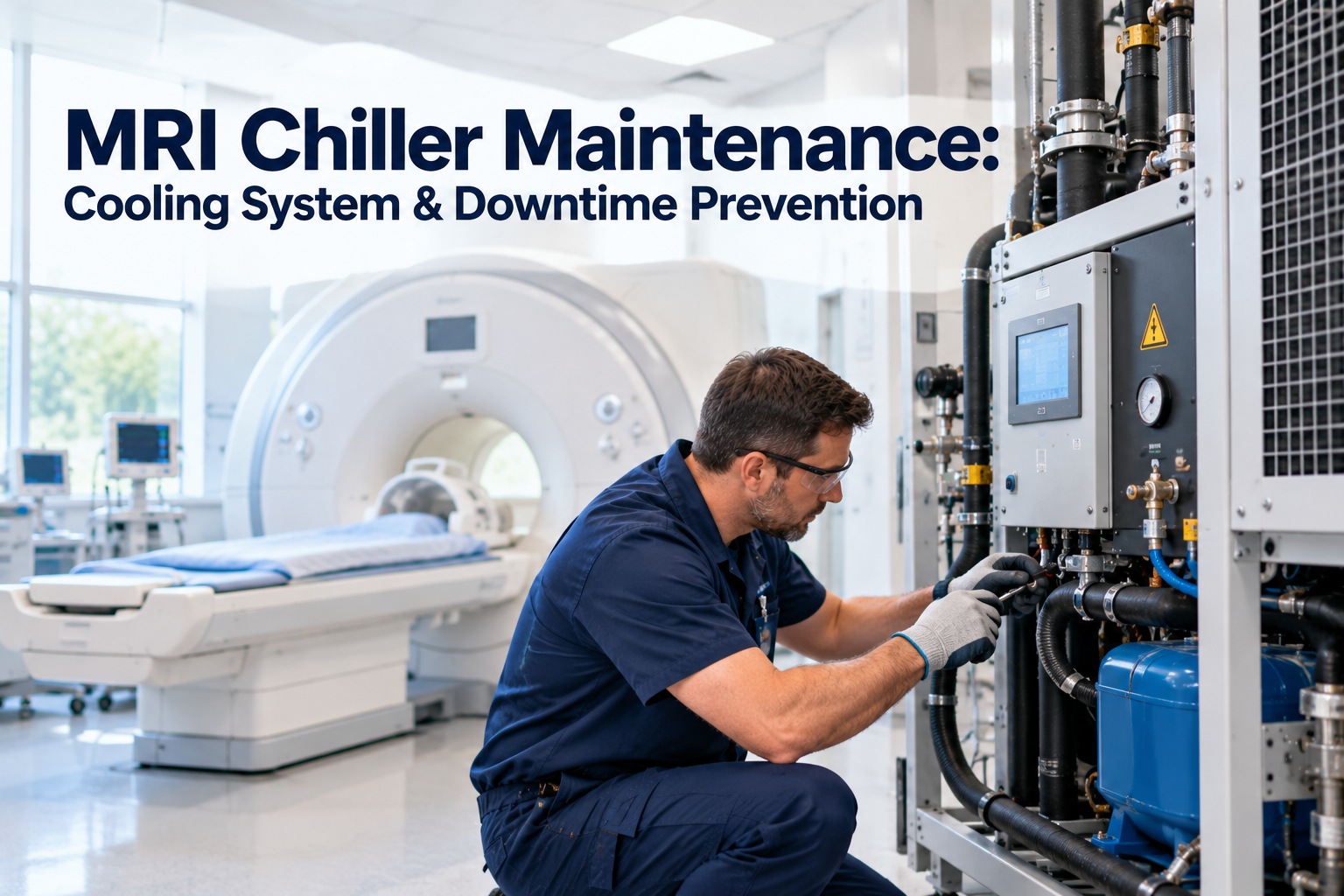
An MRI scanner is only as available as the water that cools it. Behind the quiet imaging suite, a chiller circulates cold water to the magnet's compressor, the gradient system and the RF electronics. When that loop drifts out of range, scans get cancelled, patients are rebooked and imaging revenue stops. The frustrating part: most chiller failures send warnings for days or weeks first. This guide shows what to inspect, what to watch and how to schedule it, and how OXMAINT AI, the AI-powered CMMS, keeps cooling-system maintenance on time and fully documented.
MRI Chiller Maintenance: Cooling System & Downtime Prevention
Keep the cooling loop healthy and the scanner stays on the schedule. OXMAINT AI, the AI-powered CMMS and maintenance management software, automates chiller PMs, logs temperature and flow readings and flags drift before it becomes a shutdown.
What the Chiller Actually Cools
The chiller sits outside the scan room, but it is part of the imaging chain. Chilled water carries heat away from the components that cannot run hot, and a separate heat-rejection side sends that heat outdoors. Understanding the loop shows you where to look. Book a demo to see how OXMAINT AI tracks each part of it.
What Happens When Cooling Is Lost
A cooling problem rarely stays small. It moves through the system step by step, and every step costs more than the last. Catching it at the first link is the whole point of preventive maintenance. Start free and set alerts for overdue chiller tasks.
Warning Signs Worth Acting On
Operators and technicians often notice the symptoms first. Make sure those observations reach maintenance as a logged request, not a hallway conversation.
A Chiller You Cannot See Is a Chiller You Cannot Trust.
Rooftop and plant-room equipment is easy to overlook until the scanner goes down. OXMAINT AI puts every chiller PM, reading and repair on one schedule, with reminders, photos and history your team and your imaging vendor can both rely on.
A Maintenance Rhythm for MRI Cooling
Use this as a starting framework, then align every task and interval with the chiller and MRI manufacturers' instructions and your service contracts. Book a demo to load this schedule into OXMAINT AI.
Quick Troubleshooting Guide
These are common starting points, not repair instructions. Chillers and MRI systems involve high-voltage, pressurized and specialized equipment, so leave diagnosis and repair to qualified technicians and the manufacturer.
| Symptom | Common Causes to Consider | Who Should Check |
|---|---|---|
| Supply water too warm | Dirty coils, low flow, high ambient heat, control issue | Facilities and chiller technician |
| Low flow alarm | Blocked strainer, air in loop, pump wear, valve position | Chiller technician |
| Frequent short cycling | Setpoint or sensor problem, fouled heat exchange, refrigerant issue | Licensed HVAC-R technician |
| Scanner reports cooling fault | Chiller trip, power interruption, loop problem | Facilities first, then imaging vendor |
How OXMAINT AI Protects MRI Uptime
One system links the chiller, the scanner and the people who care for both. Start free and add your imaging suite equipment.
The chiller was always out of sight and out of mind until a scan day went wrong. Now every check is on a schedule, readings are logged on rounds, and when something drifts we see it in the history. Imaging stays on its schedule, and the vendor gets a clean record when we call.
Frequently Asked Questions
Keep the Cooling Loop Steady. Keep the Scanner Busy.
Schedule every chiller check, log every reading and fix drift before it becomes a cancelled scan. Start preventive maintenance for your imaging suite with OXMAINT AI.



.png)

.png)
.jpg)