A hotel can be built perfectly ADA-compliant and be out of compliance by the weekend. The pool lift whose battery died, the automatic door that stopped sensing, the roll-in shower seat a guest removed and no one replaced — each is a violation the day it fails, no matter how compliant the building was on opening day. ADA compliance is not a construction milestone; it is a maintenance discipline, and the law says so. The OXMAINT AI — the AI-powered maintenance management software — keeps every accessible feature on a maintenance plan and keeps the record that proves it.
Hospitality · Accessibility · ADA Compliance · Maintenance Software · 2026
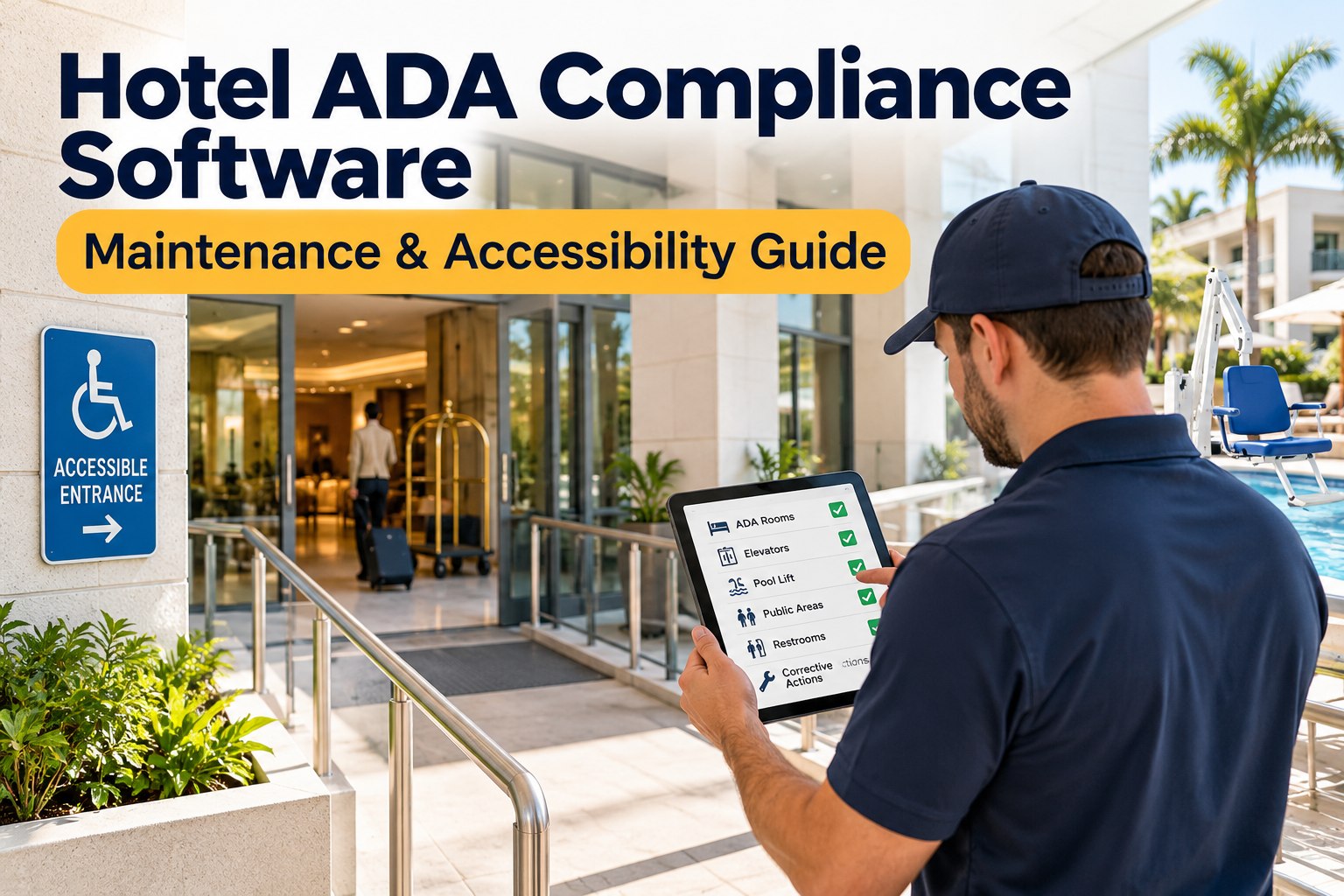
Hotel ADA Compliance Software: Maintenance & Accessibility Guide
Accessible rooms, pool lifts, elevators and public areas stay compliant only while their features work. OXMAINT AI tracks every accessible feature, schedules its upkeep, logs each inspection and keeps the records an ADA review asks for.
The obligation most hotels miss
Compliance isn't built. It's maintained.
Under the ADA, a hotel must keep its accessible features in operable working condition — an inoperable feature is treated as a barrier, not a maintenance ticket. A compliant building with a broken pool lift is a non-compliant hotel. Staying compliant means every accessible feature is inspected, maintained and documented, continuously.
Reflects the maintenance-of-accessible-features obligation under 28 CFR §36.211 — confirm the current requirements and any brief exceptions for your property with qualified counsel.
Where ADA Lives in a Hotel
Accessibility is spread across the whole property — guest rooms, amenities, vertical transport and every public route between them. Each zone has features that must keep working, which is exactly what a maintenance program tracks; start free and hold every accessible feature as a tracked asset in OXMAINT AI.
Accessible Guest Rooms
Roll-in showers, grab bars, transfer seats, lowered fixtures, visual alarms and door hardware.
Pool & Spa Lifts
Fixed pool and spa lifts kept charged, operable and in position whenever the pool is open.
Elevators & Vertical Access
Elevators, platform lifts, call buttons, audible signals and Braille signage in working order.
Public Areas & Routes
Ramps, automatic doors, accessible routes, counter heights, restrooms and clear circulation.
Parking & Exterior
Accessible spaces, signage, van access aisles, curb ramps and the path to the entrance.
Communication & Alarms
Visual alarm devices, assistive listening, accessible kits and TTY or equivalent on request.
When a Working Feature Fails, Compliance Fails
The link every hotel underestimates is this: a feature in disrepair is a legal barrier, not a to-do item. This is how everyday maintenance lapses become ADA exposure — and what a program is really guarding against; book a demo to see every accessible feature trended and flagged in OXMAINT AI.
Accessible feature
Common failure
Why it breaks compliance
Pool lift
Battery dead, stored away, broken
No independent pool access while open
Automatic door
Sensor or operator stops working
Entrance no longer independently usable
Roll-in shower seat
Removed, loose or not replaced
Accessible room no longer fully accessible
Grab bars
Loosened or pulled from the wall
Safety feature unusable as intended
Elevator / platform lift
Out of service, no timely repair
Upper floors or areas unreachable
Visual alarm
Bulb or device failed
No alarm for guests who cannot hear
Accessible parking
Faded markings, blocked aisle
Space no longer usable or compliant
Accessible route
Blocked by storage or furniture
Path of travel obstructed
How Software Keeps Access Compliant
Keeping features operable is a tracking problem — the right feature, on the right schedule, with the record to prove it. This is the loop a maintenance program runs on each accessible asset; start free and run the accessibility-maintenance loop in OXMAINT AI.
1
Register
Every accessible feature logged as an asset by room and area.
→
2
Schedule
Preventive checks set on the right interval for each feature.
→
3
Inspect
Mobile checks confirm each feature works, pass or fail.
→
4
Correct
A failed feature raises a priority work order to closure.
→
5
Record
The full history stands as evidence of good-faith upkeep.
What to Look for in ADA Maintenance Software
Not every maintenance system handles accessibility well. When comparing options, these are the capabilities that actually keep a hotel compliant rather than just busy; book a demo to measure OXMAINT AI against each of these.
Accessible-feature asset register
Can it hold each accessible feature as its own asset, by room and area, not just "the building"?
Feature-specific PM schedules
Can it set a pool lift, a door operator and a visual alarm each on their own interval?
Priority on accessibility faults
Does an accessible-feature failure escalate above a routine ticket, so it is fixed fast?
Mobile inspection capture
Can staff confirm a feature works from a phone, with the result timestamped on the spot?
Corrective-action trail
Does every failure become a tracked action followed through to a documented close?
Exportable compliance records
Can it produce a complete history of upkeep for a review, a complaint or counsel?
An Accessible Feature Nobody Maintains Is a Barrier Waiting to Be Found.
Accessibility lapses are rarely deliberate — a lift left uncharged, a route quietly blocked, a bulb never replaced. The OXMAINT AI maintenance management software keeps every accessible feature scheduled, inspected and documented, so the hotel stays compliant between audits and can prove the upkeep when it matters.
What OXMAINT AI Brings to ADA Maintenance
Accessibility compliance holds up only when every feature is tracked, maintained and recorded — and that is the job the software does. Here is what the OXMAINT AI maintenance management software brings to hotel ADA upkeep; start free and run your accessibility program in OXMAINT AI.
Accessible-feature register
Every lift, door, grab bar and alarm held as an asset by room and area with its own history.
Feature-level PM scheduling
Each feature set on its own interval, so nothing from a pool lift to a visual alarm is missed.
Mobile accessibility inspections
Staff confirm each feature works from a phone, with pass or fail captured per feature.
Priority fault handling
An accessible-feature failure escalates above routine work, so access is restored quickly.
Corrective-action tracking
Every failure becomes a work order assigned and followed through to a confirmed fix.
Audit-ready records
A complete upkeep history per feature, exportable as evidence for a review or complaint.
Frequently Asked Questions
Does ADA compliance require ongoing maintenance?
Yes. A hotel must keep its accessible features in operable working condition — reflecting the maintenance obligation under 28 CFR §36.211. A feature that was built compliant but has failed can still put the hotel out of compliance.
What accessible features need maintaining?
Pool and spa lifts, automatic doors, elevators and platform lifts, grab bars and shower seats, visual alarms, accessible parking and routes, and communication features — across guest rooms, amenities and public areas.
What happens if a pool lift is broken?
A pool open without an operable lift generally means no independent access for guests who need it — a compliance problem, not just a maintenance one. Keeping the lift charged, in place and working is part of staying compliant.
Why use software instead of a paper log?
Software holds each feature as its own asset, schedules its upkeep, escalates failures, and keeps a complete timestamped record — so nothing is missed between audits and good-faith upkeep can be proven.
How does a CMMS support ADA compliance?
Keep Accessibility Working — Not Just Built.
Run hotel ADA maintenance inside the OXMAINT AI maintenance management software — an accessible-feature register, feature-level PM scheduling, mobile inspections, priority fault handling, corrective-action tracking and audit-ready records — so pool lifts, elevators, accessible rooms and public routes stay operable and the upkeep is always on record.