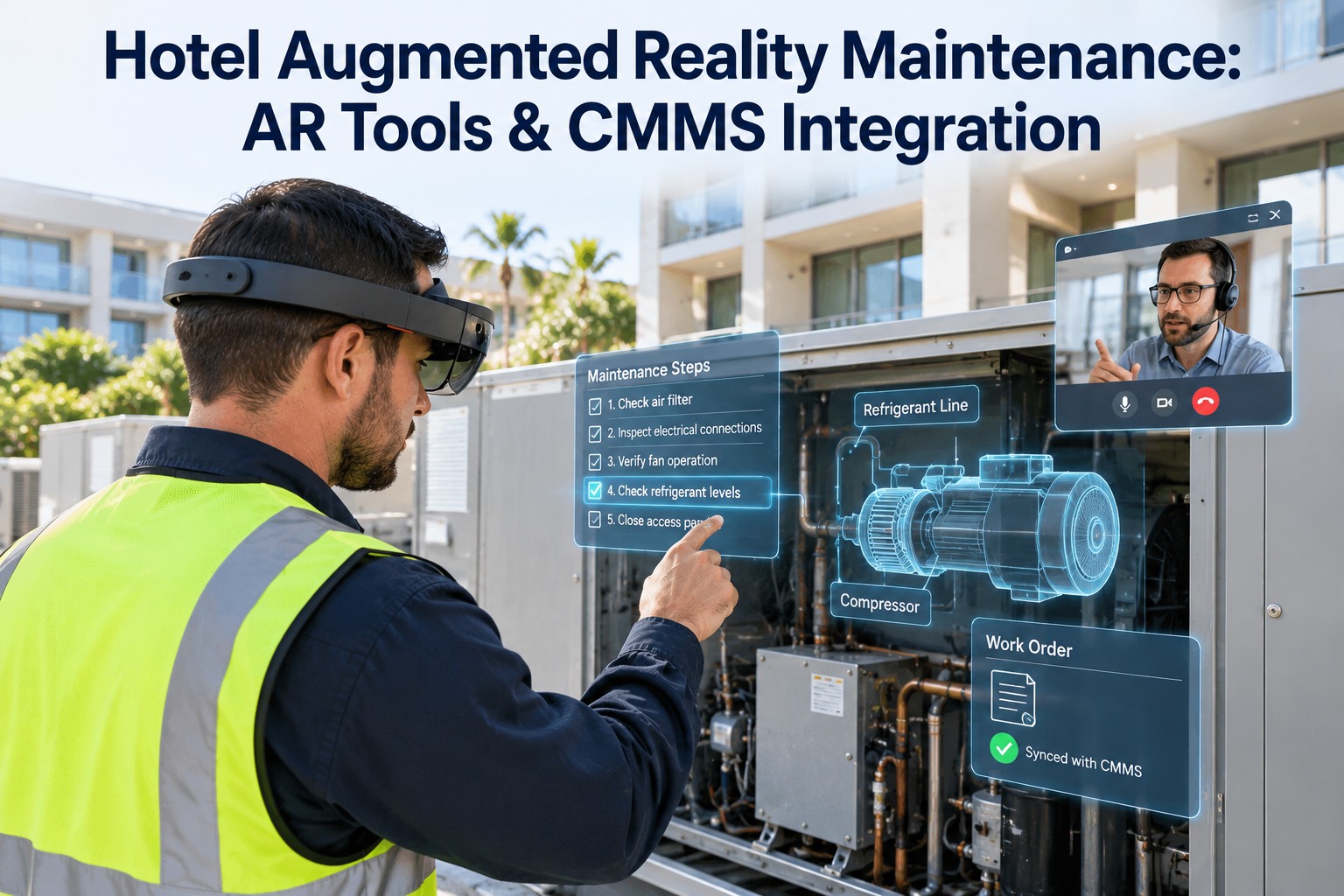
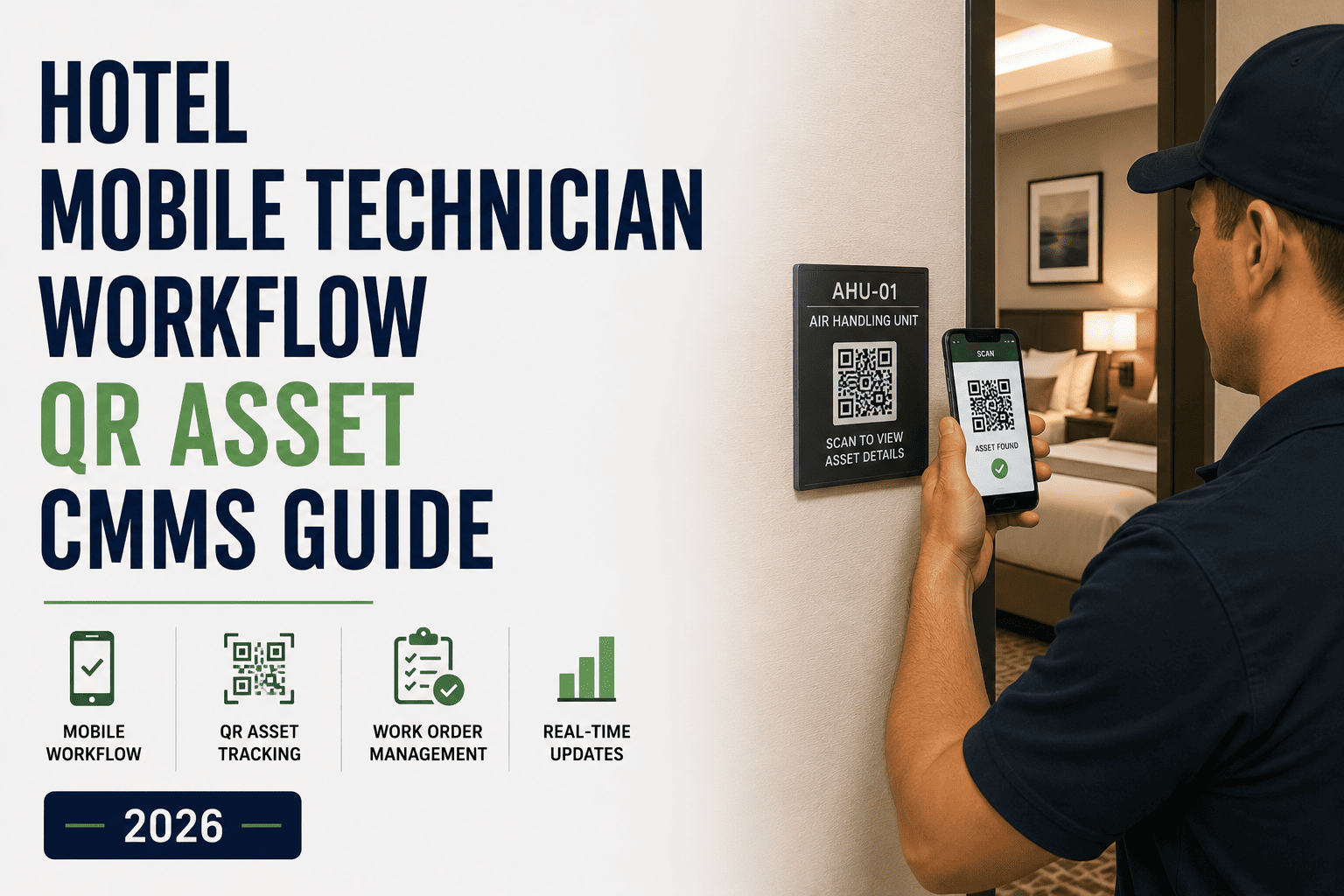
Your chief engineer cannot be at the chiller, the kitchen line and the pool plant at the same time — and the newest technician is often the one holding the torch. Augmented reality puts the next step, the asset history and an expert into the technician's view, but only a CMMS makes it stick. OXMAINT AI is the hotel maintenance management software that connects AR-guided work to the work order.
HOTEL AR MAINTENANCE · DIGITAL WORK INSTRUCTIONS · CMMS INTEGRATION · 2026
Hotel Augmented Reality Maintenance: AR Tools & CMMS Integration
OXMAINT AI keeps the work order, asset history, step-by-step instructions and photo proof in one record — so whether your engineers use a phone, smart glasses or a remote expert call, every AR-guided repair is captured, learned from and scheduled again.
Digital work instructions
Remote expert help
Hardware-neutral
One CMMS record
40%
shorter repair times at best, reported across a 2025 review of 80 AR maintenance studies
53% → 13%
tasks done incorrectly with paper instructions versus AR support, in the same review
12%
yearly growth forecast for AR remote-maintenance tools, 2026 to 2035 (IndexBox)
2027
year Microsoft support for HoloLens 2 ends — so knowledge must outlive any one headset
OPEN GROUND
Most published hotel AR examples focus on guests, banquets and housekeeping — not engineering. Meanwhile the forces pushing AR in industry are the same ones hotels feel: a shortage of skilled technicians, costly unplanned downtime and ever more complex equipment.
What the Technician Actually Sees
Forget the headset hype. AR in a plant room is simply the right information at the right moment, on the asset in front of the technician: the next step, the safety gate, the last service and a way to call for help. Sign up free and see how OXMAINT AI feeds that view.
WORK ORDER · CHILLER 2 · CONDENSER CHECKSTEP 3 OF 7
1Lockout confirmed
2Read condenser approach temperature
3Last service and parts on record
4Expert on call
Photo capturedReading savedNext step
Illustrative technician view — layout varies by device and AR tool. Every tag on this screen is data that already lives in a good CMMS record.
Pick the AR Tool by the Task, Not the Gadget
Most hotels do not need the most advanced device. Start with the lowest-commitment tool that solves the job, and climb only when the task demands it. Book a demo to see AR-guided work orders in OXMAINT AI.
Phone or Handheld
Lowest commitment
Best for: QR-scan checklists, photo capture, step cards and calling an expert on devices engineers already carry.
Watch: one hand is occupied.
Hands-Free Smart Glasses
Voice-driven
Best for: ladder, roof and plant-room work where both hands are busy; steps and video calls by voice.
Watch: test voice control in noisy plant rooms.
Remote Video Session
Expert in the loop
Best for: a vendor or chief engineer guiding a technician live from another site.
Watch: only as good as the record it leaves behind.
Mixed-Reality Headset
Highest commitment
Best for: 3D overlays and complex training on high-value assets.
Watch: HoloLens 2 is discontinued, with support ending in 2027.
The lesson from the HoloLens 2 shutdown: hardware changes, records should not. Keep instructions, photos and history in your CMMS and swap devices freely.
Where AR Earns Its Place in Hotel Engineering
AR pays off where a task is infrequent, complex or high-stakes — exactly the work a junior technician meets without a senior beside them. Start free and load your first AR-ready checklist.
Hotel task
Best AR mode
What the overlay shows
Saved to the work order
Chiller and boiler PM
Glasses or handheld
Step cards, lockout gate, reading ranges
Readings, photos, step log
Kitchen equipment faults
Handheld + expert call
Fault-code guide, part identification
Photos, part used
Pool plant and water treatment
Handheld
Dosing check steps, safety steps
Readings, sign-off
Controls and BMS panel changes
Remote session
Expert sees the panel and guides each setting
Session note, before and after photos
Elevators and life-safety kit
Remote observe-only
Fault context passed to the licensed contractor
Fault photos, contractor visit record
New-hire training
Glasses or handheld
Recorded expert walk-through on the real asset
Training completion on the technician record
AR does not replace licensed specialists. For elevators, fire systems and pressure equipment it gives the contractor better context and gives you a better record.
The Missing Piece: AR Work That Lands in the CMMS
An AR session that leaves no record is a demo, not a maintenance program. The value comes from a loop — the work order starts the job, AR guides it, and the proof flows back into the asset history. Book a demo to see the loop run in OXMAINT AI.
1Open the job
2Scan the asset
3Follow the steps
4Capture proof
5Close and learn
TECHNICIAN
IN THE FIELD
Gets the work order on phone or glasses
Scans the asset tag; history loads
Follows step cards; calls an expert if stuck
Photos, readings and notes at each step
Signs off the job on site
OXMAINT AI
THE RECORD
Schedules the PM or raises the fault work order
Shows asset history, parts and manuals
Holds the digital work instructions
Attaches proof to the work order
Closes the job; feeds history and the next PM
Don't Buy AR Hardware First. Build the Record First.
Instructions, asset history and proof of work are what make AR useful on day one — and what survive when the hardware changes. OXMAINT AI holds all three for every property.
From Binder Page to Step Card
The quiet hero of AR maintenance is the digital work instruction. Paper procedures are long, outdated and easy to skip; a step card shows one action, one safety gate and one proof requirement at a time. Sign up free and turn your first SOP into step cards.
THE OLD SOP
Page 14 of the equipment binder
Dense, undated, no proof of work
→
THE STEP CARD
Step 3 of 6 · Check condenser
Read the approach temperature and compare with the range shown.
Safety gate: lockout confirmed
Photo required before the next step
DoneAsk expert
Tasks performed incorrectly
Source: systematic review of 80 studies, Discover Applied Sciences, 2025. Results vary by task and site.
A 90-Day AR Pilot Plan for One Hotel
Prove it on one asset class before you scale. Pick the system that causes the most specialist callouts, set a baseline, and let the numbers decide. Book a demo and we will map your pilot in OXMAINT AI.
30
Days 1–30: Set the baseline
Pick one asset class, such as chillers. Write five step cards, test the device in the plant room and record today's callout and repair-time numbers.
60
Days 31–60: Run live jobs
Use step cards on real work orders. Record each expert session once and attach it to the asset so it can be reused.
90
Days 61–90: Compare and expand
Compare against the baseline, train new hires on the recordings, then add a second asset class.
TRACK THESE FOUR
First-time fix rate
Mean time to repair
Specialist callouts
Time to competency
Benchmark: TSIA puts the median first-time fix rate for field service near 87%. Measure your own hotel first — then compare.
How OXMAINT AI Powers AR-Assisted Maintenance
OXMAINT AI is the system of record behind every AR tool you choose. Use the phone or handheld engineers already carry, add glasses later, and log expert sessions against the same work order. Open a free account and start with one asset.
IDENTIFY
Asset Register and Tags
Every chiller, boiler, pump and kitchen unit on one register, so a scan opens the right history.
GUIDE
Digital Work Instructions
Step-by-step checklists with safety gates and photo requirements attached to each PM.
CAPTURE
Photos, Readings, Notes
Proof collected at each step lands on the work order — not in a personal phone gallery.
CONNECT
Expert Sessions on Record
Log or attach a remote-assist session to the job, so the fix is findable next time.
TRAIN
Technician Skill Record
See who has completed which procedures, and who still needs a senior on the call.
REPEAT
PM Scheduling from Findings
Repeat faults feed the next PM, so one good repair becomes a standing routine.
Frequently Asked Questions
Do we need smart glasses to start with AR maintenance?
No. A phone or handheld running step cards and photo capture delivers most of the benefit. Add glasses where both hands are busy.
Start with the devices you have.
What does the HoloLens 2 shutdown mean for our plans?
Can AR replace licensed specialists for elevators or fire systems?
How do we measure whether AR is working?
Baseline four numbers for 30 days: first-time fix rate, mean time to repair, specialist callouts and time to competency. Then compare.
Book a demo to set up the pilot.
How does AR connect to the CMMS work order?
The work order starts the job, the technician scans the asset, follows the step cards and captures proof, and closing the job adds to asset history.
Try the loop free.
Put Your Best Engineer in Every Plant Room — With OXMAINT AI.
One register, digital work instructions, photo proof and a record of every expert session. Start the AR pilot on one asset and let the first-time fix rate speak for itself.