Ask three departments to report the same wet floor and you will get three different reports. Housekeeping writes "spill near lift", food and beverage logs "slip risk, corridor", and engineering hears about it from a guest. That is inconsistent safety reporting: different words, different forms, different follow-up, and no proof the hazard was ever fixed. A digital checklist gives every department the same questions, the same photo evidence and the same route to a corrective task. OxMaint AI maintenance management software lets you build one inspection per department, capture findings on a phone, and turn each failed item into a work order that someone owns until it is closed.
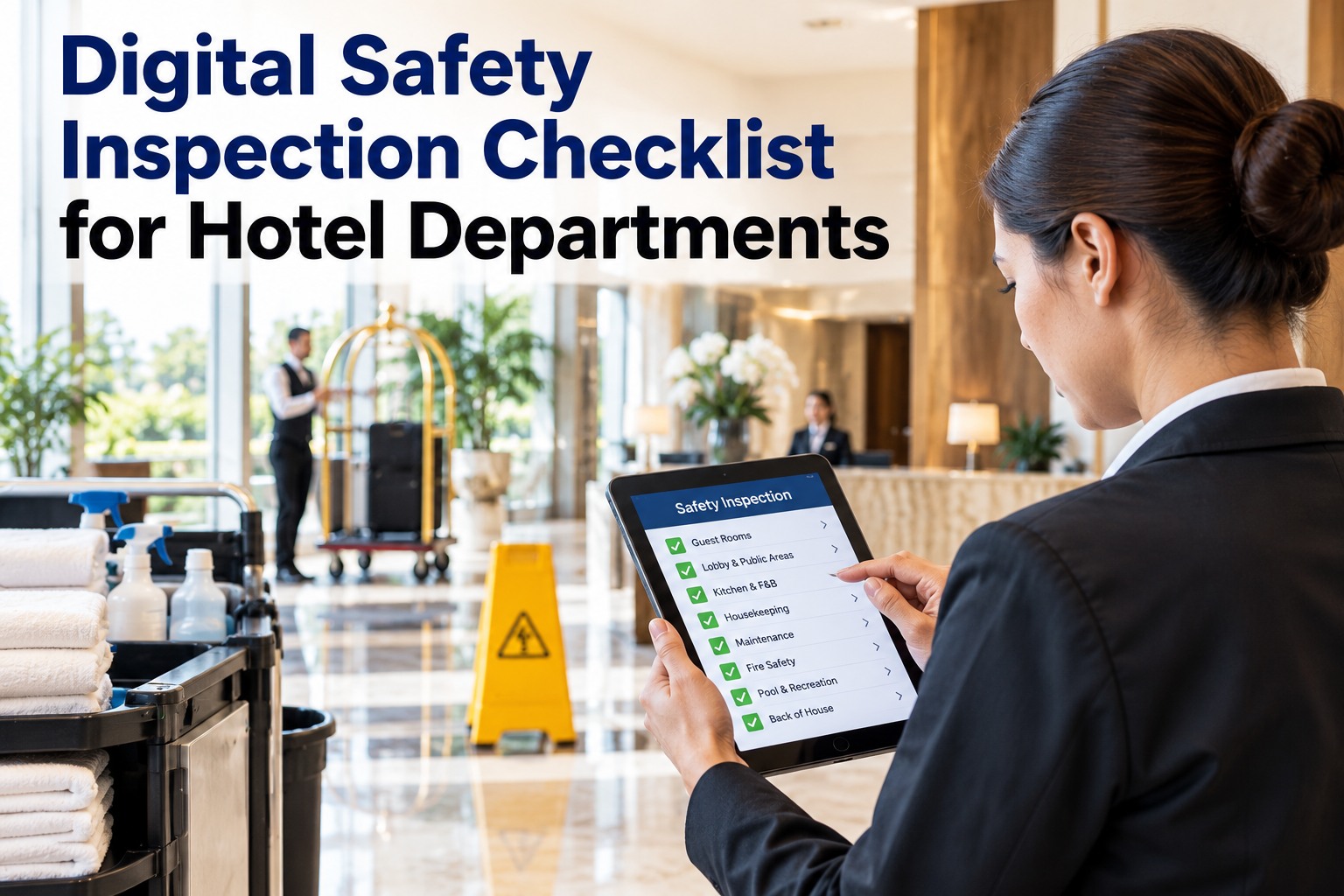
Digital Safety Inspection Checklist for Hotel Departments
Use the checklists below as your starting point for six hotel departments. Each item is a quick pass or fail, with a photo and an automatic corrective task when something fails. Copy them into OxMaint AI and every department reports the same way.
The Problem: One Hazard, Three Different Reports
Inconsistent reporting is not a people problem. It is a format problem. When every team improvises, hazards get lost between departments. Start free and standardise your reporting in OxMaint AI.
Five Fields Every Safety Finding Should Have
Make these five fields required in every checklist. If a finding is missing one, it is hard to act on and hard to defend later. Book a demo to see these fields on mobile.
The Department Checklists
Use these as a base, then add items for your property, brand standards and local rules. Items come from common hotel safety audits, including those used by insurers and safety bodies. Start free and copy them into your own inspection.
Treat these lists as a starting point, not a legal standard. Add the requirements of your local regulator, your insurer and your brand.
Red, Amber, Green: Decide the Response Once
Do not let each inspector decide what "urgent" means. Define three levels and set the response for each in advance. Book a demo to see severity levels drive priority.
A Finding Without an Owner Is Just a Note.
The checklist is the easy part. The harder part is making sure the hazard gets fixed, checked and recorded. In OxMaint AI, a failed item creates a corrective task with an owner, a priority and a due time, and it stays visible until someone verifies it.
The Corrective Action Loop
Close every finding the same way, whichever department raised it. Start free and run the loop in OxMaint AI.
Paper Rounds vs. a Digital Checklist
| Question | Paper and spreadsheets | Digital in OxMaint AI |
|---|---|---|
| Is everyone using the same questions? | Each team has its own form | One template per department |
| Is there proof? | Tick marks, rarely photos | Photo, time and inspector on every finding |
| Who fixes it? | Someone is told, maybe | Automatic task with owner and due time |
| Is it still open? | Found by chasing | Open and overdue items visible in one list |
| Can I show an auditor? | Hunt for signed sheets | Searchable history by area or department |
What OxMaint AI Gives Your Safety Program
Inspections, corrective tasks and records live in one hotel maintenance system. Book a demo to see it on your own checklists.
Frequently Asked Questions
Same Questions. Same Evidence. Every Hazard Closed.
Give every department one digital checklist and let OxMaint AI turn each failed item into a task with an owner, so safety reports stop being opinions and start being a record.