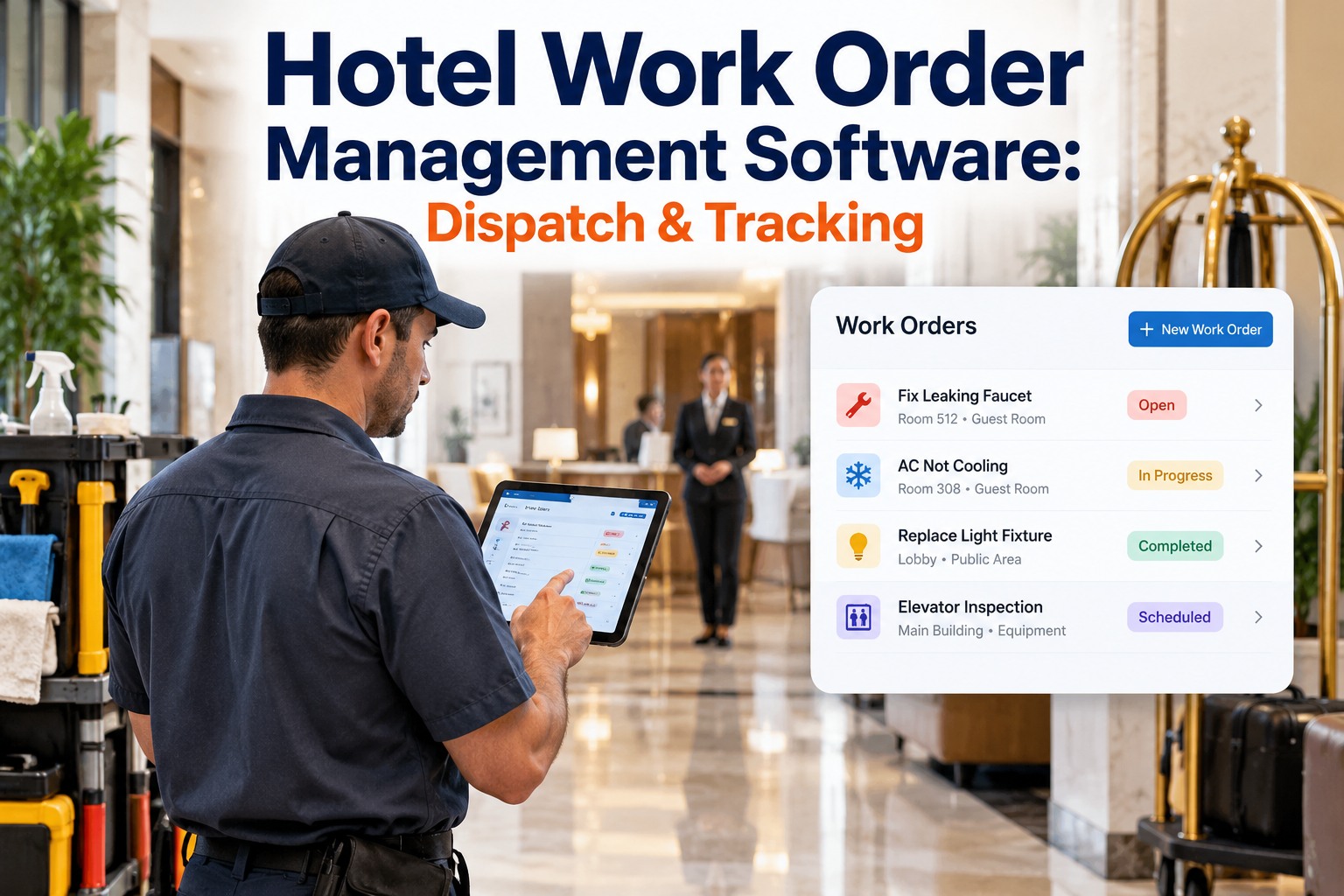
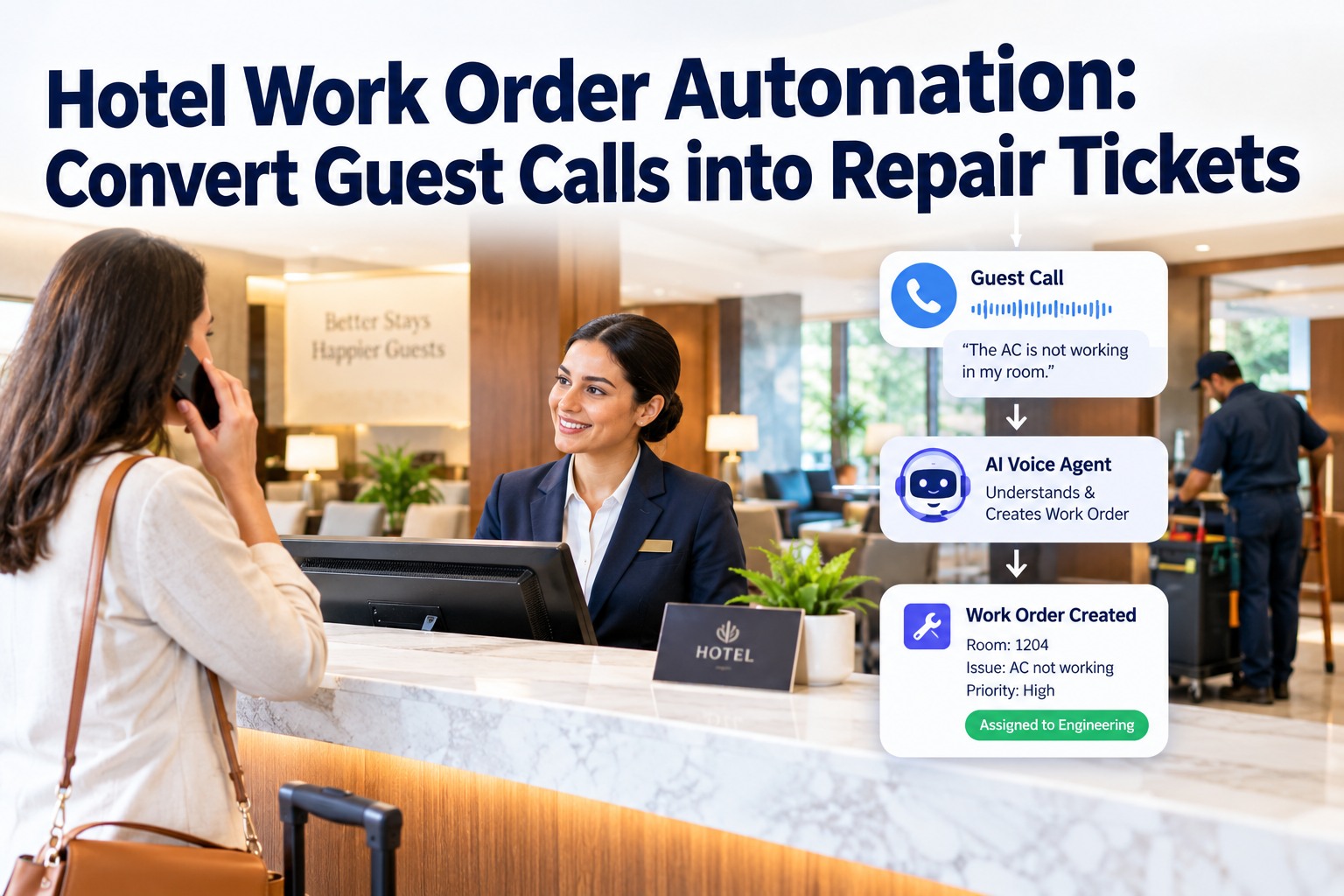
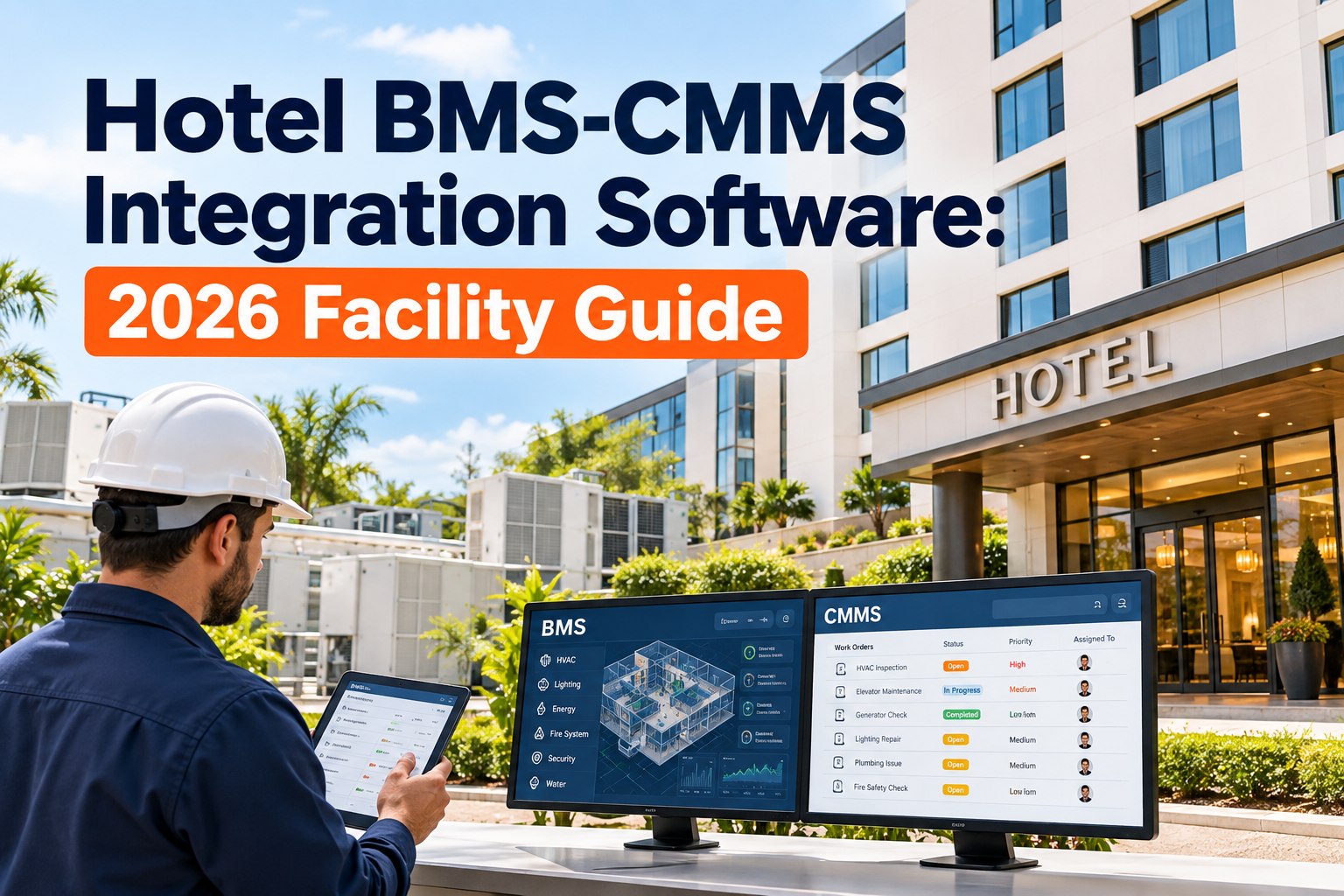
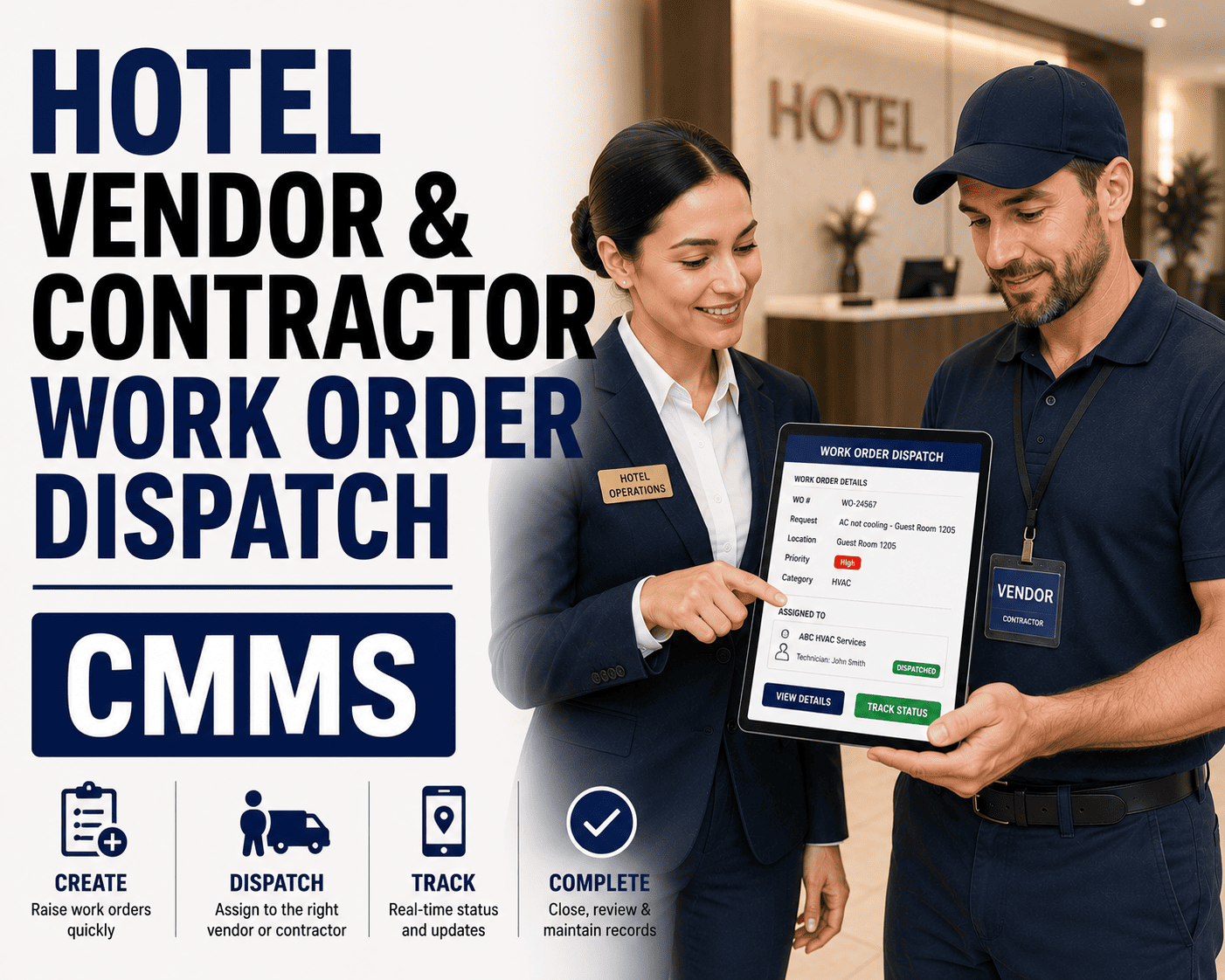
A guest calls the front desk about a leaking tap. The message goes to a radio, a WhatsApp group or a sticky note, and an hour later nobody is sure who is on it — while the room sits blocked and the guest waits. Hotels run on speed and detail, and maintenance requests pass through more hands than most teams realize. This guide explains how hotel work order management software handles requests, dispatch and tracking, what to look for, and how OXMAINT AI, the AI-powered CMMS, connects it all.
Hotel Maintenance · Service Requests · Work Orders · Dispatch · Preventive Maintenance
Hotel Work Order Management Software: Dispatch & Tracking
When requests live in radios, chat groups and paper slips, urgent repairs get buried, rooms stay out of order longer than they should and engineers repeat each other's trips. OXMAINT AI-powered CMMS puts the whole flow on one platform: requests and inspections raise the issue, the issue becomes a work order, the work order is dispatched and tracked to completion, and preventive schedules reduce the repeat calls.
REQUEST TO ROOM READY
1Request logged
Front desk, housekeeping or inspection
↓
2Work order created
Room, asset and priority attached
↓
3Dispatched & tracked
Technician assigned, status visible
↓
4Closed & learned from
History feeds preventive schedules
Where Hotel Maintenance Usually Breaks Down
Hotels are unusual workplaces: guests are always present, rooms are revenue, and problems arrive from many directions. These are the gaps a work order system closes. Book a demo to see how OXMAINT AI handles each one.
✉
Requests scattered everywhere
Radio calls, chat messages and verbal handovers mean no single list of what's open.
⚠
Urgent looks like routine
A leak in an occupied room and a loose handle arrive the same way.
☰
No visibility after dispatch
Managers can't tell who is on a job, who is idle and what is overdue.
↻
Same fault, again and again
Without history by room and asset, repeat issues go unnoticed.
See the Dispatch Board in Action
A good work order system gives everyone the same live picture. Here is a simple example of how jobs move across a hotel's board. Start free and build your own board in OXMAINT AI.
New
URGENTRoom 412 — water leak under sink
ROUTINELobby — replace burnt-out bulb
Assigned
HIGHRoom 207 — AC not cooling
ROUTINEGym — loose treadmill panel
In progress
HIGHRoom 118 — TV and remote fault
Done
CLOSEDRoom 305 — door lock reset, room released
CLOSEDPool pump — filter cleaned
Prioritize by Guest Impact, Not by Who Shouted Loudest
Set priority rules once so every request is triaged the same way. Define the response targets that fit your property.
P1 · Emergency
Safety risk or major guest impact: fire and life-safety faults, flooding, no power or water, lift stuck.
P2 · High
Occupied or sellable room affected: AC failure, plumbing issues, lock faults, no hot water.
P3 · Standard
Comfort or cosmetic issues: furniture repair, lighting, minor fixtures. Schedule around occupancy.
P4 · Planned
Preventive and project work: filter changes, deep inspections, refurbishments.
Every Hour a Room Sits Blocked Is an Hour of Lost Availability.
OXMAINT AI links requests to rooms and assets, shows what's open and who's on it, and keeps the history so repeat problems are visible — helping you return rooms to service with less chasing.
What Each Team Gets
Front Desk
Log a guest request in seconds and see its status without calling engineering.
Housekeeping
Report room defects found during cleaning with the room and issue already linked.
Engineers
Receive clear assignments, update status from the field and record work done.
Managers
Track open, overdue and repeat jobs by room, asset and technician.
What to Look for in Hotel Work Order Software
Use this shortlist when you compare options. Book a demo to see how OXMAINT AI fits each point.
Easy request intake for non-technical staff
Priority levels and clear assignment rules
Mobile access so technicians update jobs on the move
Room and asset records with full repair history
Preventive maintenance scheduling built in
Photos, notes and parts recorded on each job
Reports on open, overdue and repeat work
Simple enough that your team will actually use it
Why Preventive Maintenance Belongs in the Same System
The best work order is the one you never receive. Guest-room AC units, water heaters, pumps, kitchen equipment and lifts all follow predictable maintenance cycles. When work orders and preventive schedules live together, repeat faults point you to the assets that need planned attention, and routine tasks stop competing with emergencies. Start free and add your first PM schedule in OXMAINT AI.
“
Our engineers were great at fixing things but we had no picture of what was open. Once every request became a work order with a room and an owner, the morning meeting stopped being a guessing game, and we could finally see which rooms kept coming back.
Chief Engineer · City Hotel
Frequently Asked Questions
What is hotel work order management software?
It's a system for logging maintenance requests, creating work orders, assigning them to technicians and tracking them until completion, with room and asset history stored for later.
Book a demo to see it in OXMAINT AI.How does it help get rooms back in service faster?
By giving every request an owner, a priority and a visible status, teams spend less time chasing updates and can see which blocked rooms need attention first.
Can housekeeping and the front desk raise requests?
Yes, a good system lets non-technical staff submit requests simply, so issues found on the floor or at the desk reach engineering immediately.
Do we need separate software for preventive maintenance?
Not necessarily. A CMMS can handle work orders and preventive schedules together, so repeat faults and planned tasks are managed in one place.
Turn Maintenance Requests Into Guest-Ready Rooms.
Bring requests, dispatch, tracking and preventive maintenance into one platform. Set up your hotel's work order workflow in OXMAINT AI and give every team the same live picture.