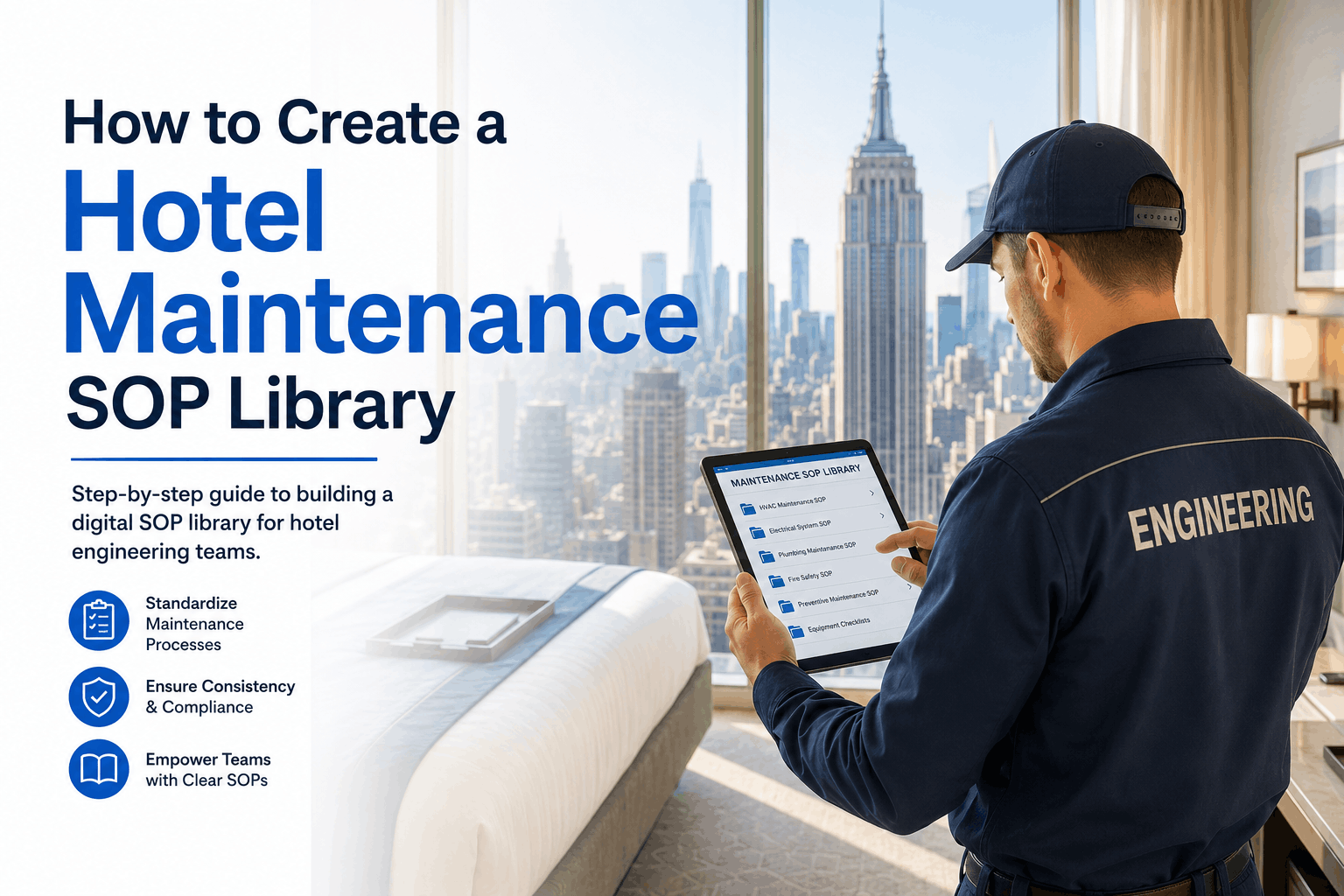
A hotel engineering team without a Standard Operating Procedure (SOP) library operates on tribal knowledge — each technician does tasks the way they were taught, which means consistency depends entirely on who is on shift. A PTAC filter change takes 8 minutes for a trained technician and 22 minutes for a new hire who has to figure out the latch mechanism. A quarterly pool inspection covers 12 points when the senior engineer is on duty and 4 points when the newer technician is assigned. OxMaint's SOP library module digitizes every procedure, attaches it to the relevant work order, and tracks version control — so every technician, regardless of experience, follows the same documented best practice every time.
HOTEL ENGINEERING · SOP LIBRARY · 2026
How to Create a Hotel Maintenance SOP Library: A Digital Guide for Engineering Teams
Standard operating procedures for every asset class, digital accessibility, version control, training integration, and audit readiness — building a living SOP library that reduces variability, accelerates onboarding, and proves compliance.
3.2×Faster new technician ramp time with digital SOP library vs. shadow training only
74%Reduction in task inconsistency between shifts with documented SOPs
9 minAverage time to locate a specific SOP in digital library vs. 45 min searching paper binders
100%Audit-ready documentation when SOPs are linked to completed work orders
Why Your Hotel Needs a Digital SOP Library — Beyond Training Binders
Paper SOP binders have three fatal flaws: they go out of date, they live on a shelf, and no one knows which version is current when a technician needs an answer. A digital SOP library solves all three. Every procedure is accessible from any mobile device — a technician standing at a PTAC unit can pull up the filter change SOP in under 60 seconds. Version control ensures only the current procedure is visible. And when every work order is linked to the relevant SOP, your compliance audit trail writes itself. OxMaint's SOP library attaches procedures to specific asset types and work order categories — so the right SOP is always one click away from the task at hand.
Consistency Across Shifts
Problem: Different technicians = different methods
Solution Every technician follows the same documented procedure — quality doesn't depend on who is on duty.
Faster Onboarding
Problem: New technicians take months to learn all procedures
Solution New hires access the same SOPs as senior techs from day one — ramp time reduced by 3.2×.
Version Control
Problem: Paper SOPs become outdated immediately
Solution Digital library shows only current version — previous versions archived with change history for audit.
Audit Readiness
Problem: Proving procedure compliance is nearly impossible with paper logs
Solution Every work order linked to SOP version used — compliance traceability in seconds, not hours.
Which SOPs to Create First — Prioritization by Impact
Building a complete SOP library takes time. Prioritize procedures by three criteria: frequency (tasks performed daily or weekly), risk (tasks with safety or compliance implications), and variability (tasks where technician method varies significantly). The matrix below shows priority categories for hotel engineering SOPs. OxMaint's SOP template library includes pre-built procedure templates for common hotel maintenance tasks — filter changes, pool chemical testing, elevator emergency response, and guest room inspections — so you can start with a foundation and customize.
Priority Level
Criteria
Example SOPs
P1 — Critical (Create First)
High frequency + High risk + High variability
PTAC filter change · Pool chemical daily test · Boiler daily inspection · Elevator emergency response
Showerhead descaling · Drain treatment · Furniture torque check · TV mount inspection
P4 — Low (Create Last)
Low frequency · Minimal risk · Standardized already
Quarterly PTAC deep clean · Annual boiler inspection · 5-year elevator load test (outsourced)
The 7 Components of an Effective Hotel Maintenance SOP
An SOP that isn't usable at the point of work is just a document. Effective hotel maintenance SOPs follow a consistent structure that technicians can follow without leaving the equipment. The seven components below ensure every procedure is complete, actionable, and audit-ready. OxMaint's SOP builder includes all seven components in a template — fill in your procedure once, and the system handles formatting, versioning, and attachment to work orders.
7 Components of a Complete Maintenance SOP
Every procedure should answer these seven questions
1
Title & Asset Type
Clear, searchable name. Example: "PTAC Filter Change — All Guest Room Units (MERV 6–8)"
2
Safety & PPE Requirements
Lockout/tagout, gloves, eye protection, ladder safety, electrical isolation — before starting any step.
3
Tools & Parts Required
Specific part numbers (filter size, lubricant type, replacement gasket) with photos for identification.
4
Step-by-Step Procedure
Numbered steps with photos or diagrams. Each step should be a single action (not a paragraph).
5
Quality Check / Pass Criteria
How to verify the task was done correctly. Example: "Run PTAC for 5 minutes — verify temperature drop of 15–20°F."
6
Completion Documentation
What to record in CMMS — measurements, photos, parts used, signature, completion timestamp.
7
Escalation / Failure Procedure
What to do if pass criteria not met — who to notify, when to involve supervisor, when to escalate.
Without vs. With Digital SOP Library — 6 Operational Comparisons
The gap between a hotel running on paper binders and one with a digital SOP library integrated into its CMMS is visible in every operational metric — from how long it takes to find a procedure, to whether a new technician can complete a task correctly on their first attempt. The comparison below shows six hotel engineering operations side-by-side: the paper-based baseline versus the digital SOP result.
Operation Area
Paper SOP Binders
Digital SOP Library (OxMaint)
Find a procedure
Search paper binders — average 45 minutes for infrequent tasks
Mobile search by asset type or keyword — average 90 seconds
Procedure currency
Outdated procedures remain in binder until physical replacement — often never updated
Version control shows only current SOP — previous versions archived with change log
New technician ramp
Shadow training only — 3–6 months to independent proficiency
SOP-accessed on mobile — basic proficiency in 2–4 weeks
Task consistency
Senior techs vs. junior techs produce different outcomes — quality varies by shift
Every technician follows same documented steps — consistent quality independent of experience
Compliance audit
Manual evidence collection — hours or days to assemble
Work orders linked to SOP versions — audit-ready in minutes
Procedure updates
Print and distribute new pages — no confirmation that team received updates
Digital update — notification to all technicians, acknowledgment tracked
SOP Library Maturity Scoring — How Complete Is Your Documentation?
SOP library maturity exists on a spectrum from no documentation to fully integrated digital procedures linked to every work order. The scoring framework below lets engineering directors assess their current SOP completeness — identifying the gaps that create inconsistency, compliance risk, and onboarding delays.
Hotel Engineering SOP Library Maturity Scoring
Score 5 = full digital integration · Score 1 = no documented procedures
5
Digital · Asset-Linked · Version Controlled · Audit-Ready
Every SOP accessible on mobile. Linked to asset types and work orders. Version controlled with change history. Technicians acknowledge updates. Audit-ready at all times.
Profile: Maximum consistency. Onboarding accelerated. Compliance risk near zero.
4
Digital · Searchable · Partial Coverage
Most high-frequency SOPs digitized. Searchable. Some assets still undocumented. Version control basic but functional. No formal acknowledgment tracking.
Action: Complete coverage for all asset classes. Add acknowledgment tracking for critical SOPs.
3
Paper Binders · Partial Coverage
Binders exist but incomplete. Some procedures documented. Outdated versions present. Finding a specific SOP takes significant time. No version control.
Gap: Digitize highest-priority SOPs first (P1 and P2 categories). Digital search alone saves 40+ minutes weekly per technician.
2
Verbal Only · Tribal Knowledge
Procedures passed verbally from senior techs. No written documentation. New technicians learn through shadowing only. High variability between technicians.
Risk: Key person risk — when senior tech leaves, procedures leave with them. Document critical SOPs immediately.
1
No Documented Procedures
No SOPs exist. Every technician develops own methods. No consistency. No training documentation. No audit trail.
Risk: Immediate exposure to inconsistency, compliance gaps, and knowledge loss. Begin with 5 highest-frequency tasks documented this week.
Technology: Digital SOPs, Mobile Access, and Training Integration
Digital SOPs are most valuable when they reach technicians at the point of work. Mobile access — a technician pulling up the PTAC filter change SOP on their phone while standing at the unit — is the difference between a procedure that gets used and one that lives on a shelf. OxMaint's mobile SOP viewer attaches procedures directly to work orders. When a technician opens a work order, the relevant SOP is one tap away — with photos, diagrams, and step-by-step instructions. Training integration tracks which technicians have reviewed which SOPs, and acknowledgment tracking confirms that critical procedures are understood before technicians perform the task independently.
Mobile SOP Access
90 sec
Average time to find any SOP
Search by asset type, keyword, or work order attachment. Photos and diagrams load even in low-connectivity areas.
Version Control
100%
Current version always visible
Previous versions archived with change history. Technicians see only current SOP — no confusion about outdated procedures.
Training Acknowledgment
100%
Compliance tracking
Technicians acknowledge SOP review. Audit trail shows who has reviewed which procedures and when.
Work Order Linking
1 click
SOP attached to relevant work order
When a work order is created for an asset, the relevant SOP is automatically attached — no separate search required.
"
Our engineering department had binders of procedures in the office — but no one ever used them. Technicians relied on memory or asked senior colleagues. When we lost our senior HVAC technician, we realized no one had documented how to service our rooftop units. We built our SOP library in OxMaint over six weeks, starting with the 20 most common tasks. Now every technician has the same information. When someone calls in sick, the replacement isn't starting from zero. The system paid for itself the first time we avoided an emergency service call because a technician followed the SOP and fixed an issue before it escalated.
Director of Engineering — 400-room convention hotel, US Southeast
Frequently Asked Questions — Hotel Maintenance SOP Library
How many SOPs does a typical hotel engineering department need?
A full-service hotel typically requires 50–80 distinct SOPs covering: guest room maintenance (10–15), HVAC (8–12), plumbing (6–10), kitchen equipment (8–12), laundry (5–8), pool/spa (4–6), life safety (6–8), and general procedures (5–10). Start with the 20 highest-frequency or highest-risk tasks — that covers 80% of daily activity. OxMaint's SOP template library includes pre-built templates for all common hotel maintenance tasks.
How do I ensure technicians actually use the SOP library?
Three tactics: (1) Link SOPs directly to work orders — one click from the task to the procedure, (2) Require acknowledgment for critical SOPs before a technician can complete the associated work order, (3) Make SOPs genuinely useful — include photos, troubleshooting tips, and part numbers. If an SOP saves a technician time on their first use, they'll use it again. OxMaint's mobile-first design ensures SOPs are accessible where the work happens — not buried in a desktop folder.
Who should write the SOPs — engineering management or technicians?
Both. Engineering management owns the format and approval. Technicians who perform the task daily should provide the content — they know the real-world shortcuts, tool preferences, and common failure points. The best SOPs are written by technicians and reviewed by management. OxMaint's SOP builder allows collaborative drafting — technicians submit drafts, managers review and approve, and the system tracks who contributed to each version.
How often should SOPs be reviewed and updated?
Review annually as a baseline. Update immediately when: equipment is replaced or upgraded, a procedure-related incident occurs, a technician identifies a safer or more efficient method, or manufacturer recommendations change. OxMaint's SOP review tracking sends automated reminders when annual review is due and maintains a complete change history for audit purposes.
Turn Tribal Knowledge into Documented Best Practices.
OxMaint's SOP library digitizes every procedure, attaches it to relevant work orders, and ensures every technician follows the same documented standard. Free to start.