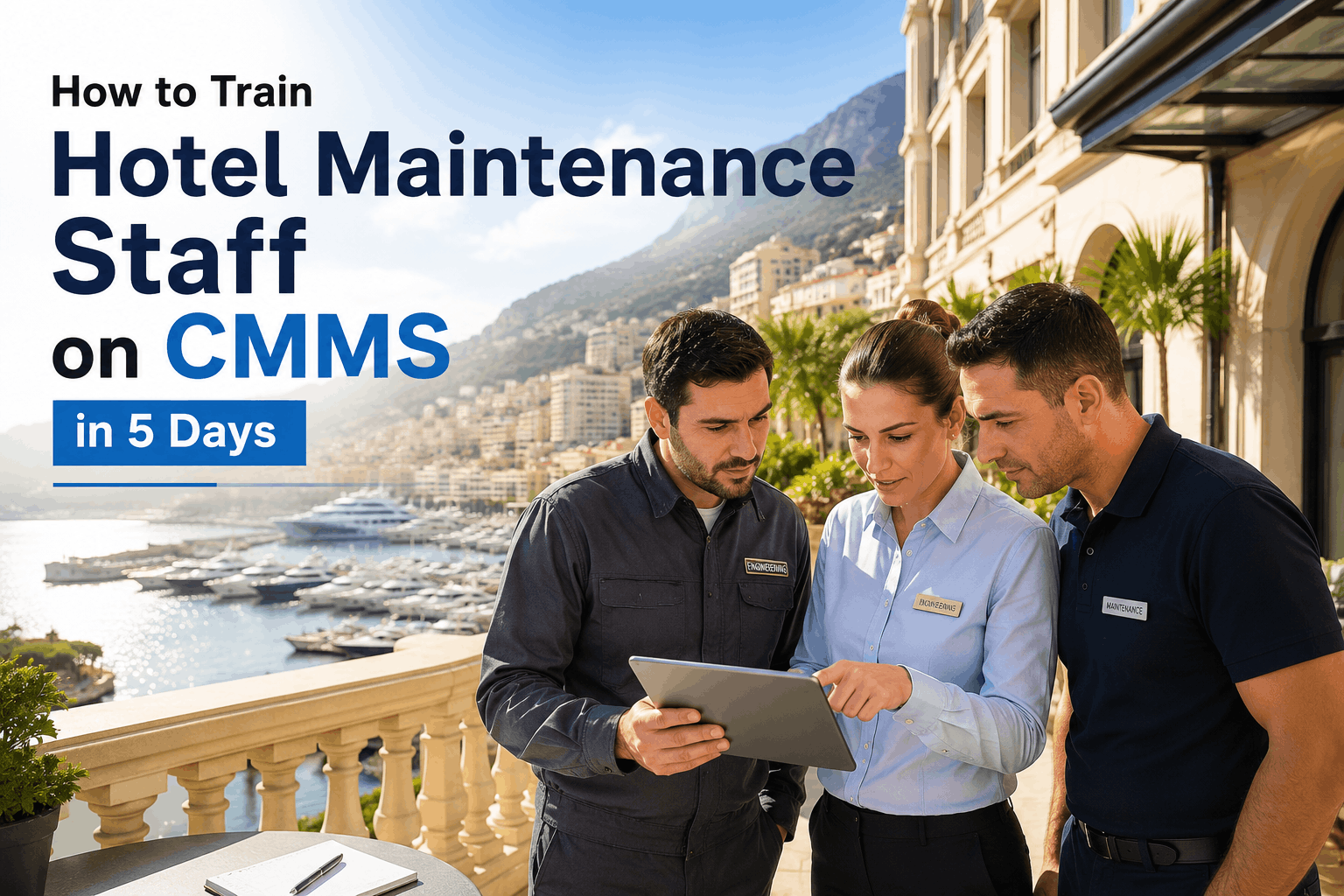
Hotel Maintenance Staff Training: CMMS Onboarding Best Practices
By Alex Jordan on June 29, 2026
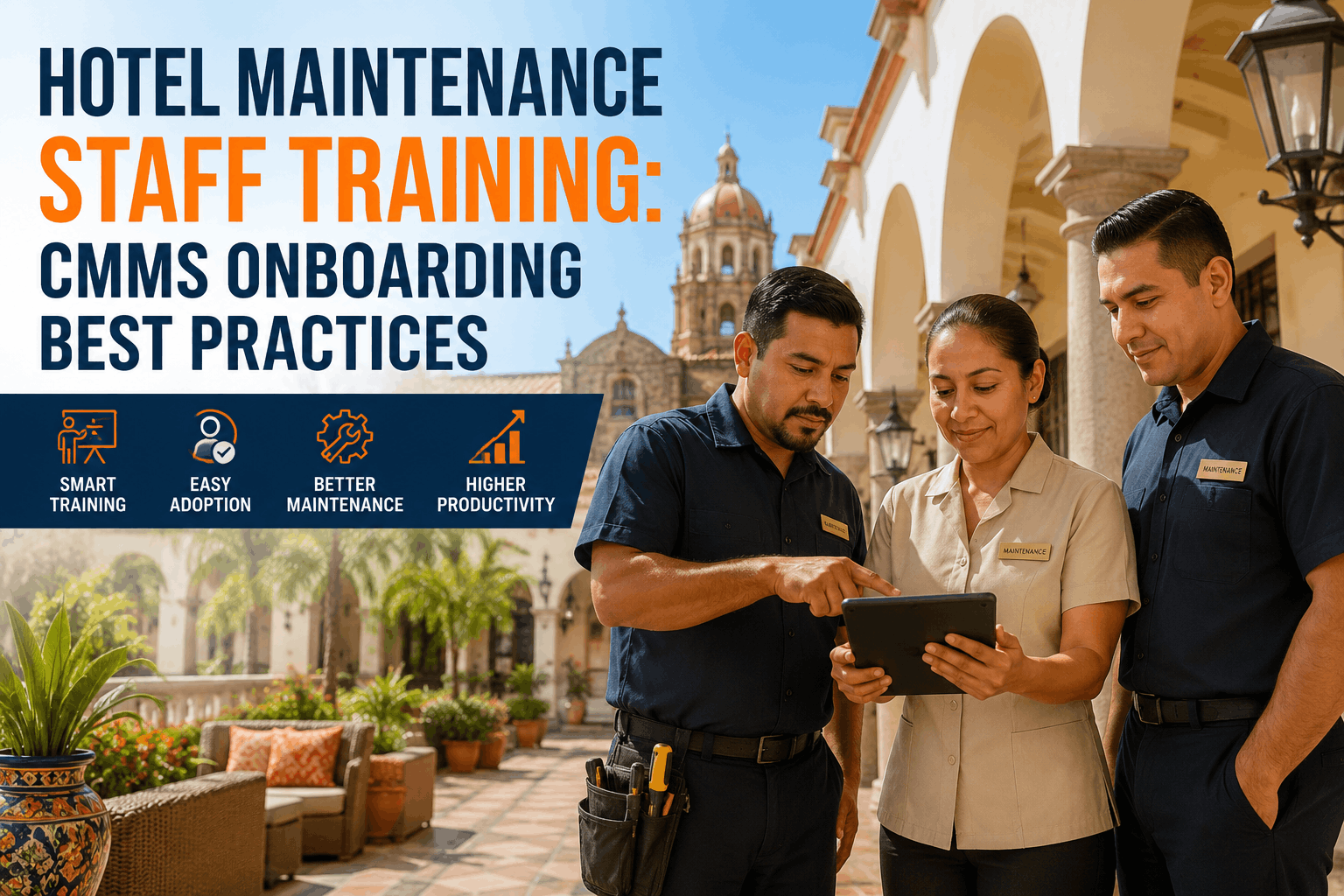
Hotel maintenance teams are experienced, hard-working professionals — but most were never trained on digital tools. When a CMMS lands in their hands without a structured onboarding plan, the result is predictable: technicians revert to paper, radios, and spreadsheets within weeks. New CMMS software adoption fails in 60% of hotels when training is generic or insufficient — maintenance teams don't trust digital systems they don't understand [citation:1]. The gap between purchasing a CMMS and actually transforming your maintenance operation is where most implementations stall [citation:2]. Sign in to OxMaint to access hotel-specific CMMS onboarding, or book a demo to see how properties achieve full staff adoption in 30 days.
Hotel Staff Training · CMMS Onboarding · OxMaint Platform
Every Technician Confident. Every Supervisor Empowered. Every Team Member Using the System — Not Fighting It.
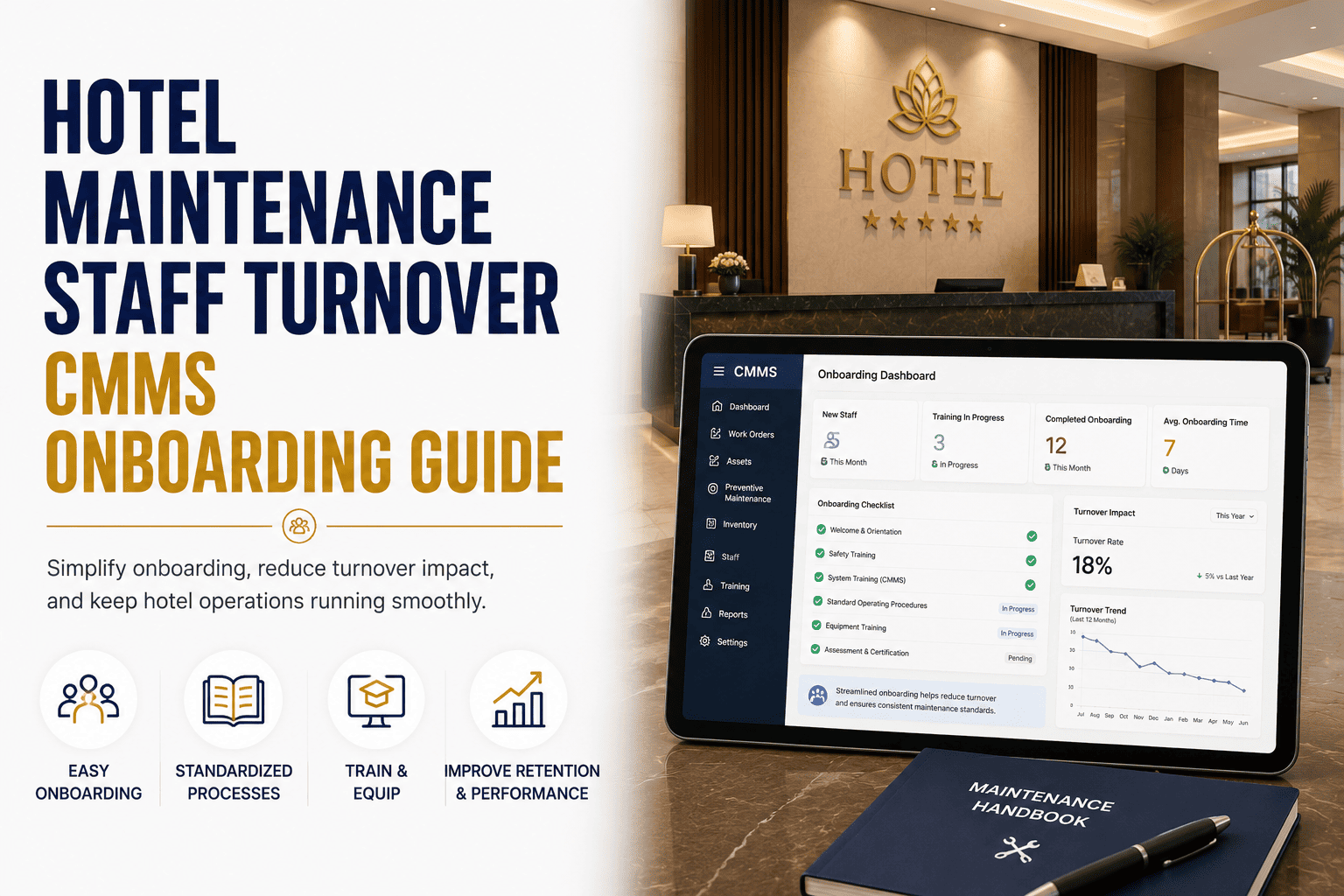
OxMaint delivers role-based CMMS training, hands-on repair scenarios, and a structured 30-day onboarding program that achieves 90%+ staff adoption rates — eliminating the guesswork and resistance that sink 72% of hotel software deployments [citation:4].
of CMMS adoptions fail when training is generic — technicians revert to paper within weeks [citation:1]
90%+
staff adoption rate achieved with structured role-based onboarding and phased training [citation:2]
42%
reduction in emergency maintenance response time after structured CMMS training [citation:1]
30 days
to full operational readiness with OxMaint's phased onboarding program [citation:4]
87%
Staff adoption rate achieved with structured 5-day CMMS onboarding at a 120-room Florida hotel [citation:1] — technicians transitioned from paper to digital work orders in two weeks. Properties that treat onboarding as a checkbox exercise end up with expensive software nobody uses. Properties that follow a structured toolkit approach achieve audit-ready documentation and measurable downtime reduction [citation:2].
Why Hotel CMMS Adoptions Fail — and How Structured Training Fixes It
Adoption Barriers vs OxMaint Solutions
CMMS Adoption Success Framework
Generic Training
Everyone gets same generic content
No role separation
One-time training, never reinforced
Senior technicians resist change
No KPI Baseline
No baseline captured before go-live
No way to prove ROI
Paper fallback corrupts data
Benefits invisible to leadership
No Phased Rollout
Everything goes live at once
Team overwhelmed immediately
No weekly milestones
No dedicated check-ins
OxMaint Approach
Role-based onboarding paths [citation:4]
Phased 30-day rollout [citation:4]
QR scan-to-work-order removes barrier
KPI baseline captured from day one
The 30-Day OxMaint Onboarding Roadmap — Phased, Structured, Measurable
Week 1 — Foundation: Asset Setup & QR Deployment
Import your asset register, print and place QR codes on all critical equipment. Technicians complete their first five work orders via mobile scan. The GM reviews the live dashboard with OxMaint's onboarding specialist [citation:4]. Properties that invest in proper asset discovery see 40% faster time-to-value [citation:2].
Week 2 — Workflow: Work Order Routing & Priority Classification
Configure P1/P2/P3 priority rules, automated assignment logic, and department routing. Technicians trained on photo documentation and timestamped close-out. All reactive faults routed through OxMaint — paper eliminated [citation:4].
Migrate existing PM checklists into OxMaint's auto-scheduler. Set overdue alert thresholds. Engineering leads receive a daily PM compliance digest. First PM compliance rate benchmark established [citation:4]. Preventive programs reduce emergency calls by 65% within 6 months [citation:1].
Week 4 — Performance: KPI Review & Reporting
First monthly KPI report generated: MTTR, PM compliance, reactive ratio, cost per work order. Top three improvement opportunities identified. Unlock inventory management, vendor tracking, and multi-property reporting [citation:4].
Role-Based Training — Every Team Member Gets What They Need
OxMaint Role-Based Onboarding · Differentiated Training for Every Role
Role 1
General Manager
Dashboard overview, KPI interpretation, ownership reporting exports, and budget-linked maintenance cost tracking across all departments [citation:4]
→
Role 2
Chief Engineer
PM schedule management, asset lifecycle tracking, technician workload balancing, and compliance audit reporting for inspections [citation:4]
→
Role 3
Maintenance Technician
QR scan-to-work-order, mobile job close-out with photo documentation, and parts request submission — no desktop access required [citation:4]
OxMaint · Staff Training · CMMS Onboarding
Every Team Member Confident. Every Work Order Digital. Every KPI Tracked.
Deploy OxMaint with dedicated onboarding, role-based training, and a 30-day phased rollout — all included in every plan. No IT department required. No lengthy implementation project [citation:4].
Day 1-5 Training Breakdown — Hands-On, Not PowerPoints
Day 1-2 — System Navigation & User Interface Mastery
Maintenance teams won't trust a CMMS until they understand it. Day 1 begins with a 30-minute system overview: what is a work order, why tracking maintenance improves decision-making, and how the system differs from paper. Every team member logs in and completes 5 basic tasks: view assigned work orders, log time spent on a repair, update work order status, upload a photo, and add notes [citation:1].
Day 3 — Real-World Repair Scenarios
Set up 5-8 actual guest room repair scenarios: broken TV remote, clogged bathtub drain, broken door latch, flickering light fixture, "AC not cold." For each scenario, teams work through the complete workflow: receive notification, navigate to the room, diagnose, log time, document with photos, mark complete [citation:1]. Hands-on approach builds confidence — technicians see the system supports their job, not complicates it.
Day 4 — Preventive Maintenance & Compliance
Shift from reactive to preventive maintenance. Teams learn to interpret PM schedules and systematically execute them. Supervisors generate PM schedules that auto-create work orders — eliminating manual tracking. Documentation builds compliance records required by insurance and inspectors. Preventive programs reduce emergency calls by 65% within 6 months [citation:1].
Day 5 — Reporting, Analytics & Post-Training Support
Teams complete work orders, execute PMs, and generate documentation. Now focus on data insight: Which rooms have the most repairs? Average time to complete emergency calls? Which technicians are most efficient? Establish post-training support: one "CMMS champion" per department, monthly refresher sessions, and phone/email support [citation:1].
Hotel Types — Training and Onboarding Requirements
Property Type · Boutique
Boutique Hotels (30-100 rooms)
Small teams — training needs to be concise and role-based. QR scan-to-work-order minimizes training burden. Full operational readiness in 3-4 weeks. Basic functionality achieved quickly with minimal configuration [citation:2].
3-4 wks
time to ready
Small
team size
Property Type · Full-Service
Full-Service Hotels (150-400 rooms)
Multiple departments — training must address each role: engineers, housekeeping, front desk, F&B. 30-day phased program with weekly milestones. Role-based onboarding paths for GM, Engineer, Technician, Front Desk [citation:4].
30 days
full readiness
5+
departments
Property Type · Resort & Convention
Resorts & Convention Hotels (400+ rooms)
Complex amenities — pools, recreation, grounds, multiple kitchens. 60-day full implementation with phased approach. Multi-property rollouts add 2-3 weeks per additional site after pilot completion [citation:2].
60 days
full deployment
Multi
site capability
Adoption Outcomes — Before and After Structured Training
Before Training
Staff adoption30% — paper still used
Work order trackingLost / incomplete data
PM complianceBelow 60% [citation:4]
Emergency response11+ hours average [citation:4]
ReportingManual spreadsheets
VS
After OxMaint Training
Staff adoption90%+ digital work orders [citation:2]
Work order trackingComplete audit trail
PM compliance91% within 90 days [citation:4]
Emergency responseUnder 3 hours [citation:4]
Reporting12 KPIs auto-calculated [citation:4]
Training Program Components — Essential Elements for Success
Training Component
Description
Impact on Adoption
OxMaint Implementation
Hands-On Navigation
5 basic tasks completed by every technician
Builds confidence, reduces anxiety [citation:1]
Day 1-2 training
Real-World Scenarios
5-8 guest room repair scenarios practiced
Shows system supports daily work [citation:1]
Day 3 hands-on
Role-Based Paths
GM, Engineer, Technician, Front Desk, Housekeeping
reduction in MTTR — average time-to-repair dropped from 11+ hours to under 3 hours within 60 days of structured training [citation:4]
91%
PM compliance rate — properties previously below 60% reached 91% within 90 days with auto-scheduling and overdue alerts [citation:4]
15 hrs
weekly reporting time saved — engineering managers eliminated manual spreadsheet reporting with 12 KPIs auto-calculated [citation:4]
"We'd purchased a CMMS three years prior but adoption stalled at maybe 30% — staff didn't understand it, we weren't seeing any benefits, and paper work orders remained the norm. OxMaint's 5-day training changed everything. Having real guest room scenarios made it click. By week 2, 92% of work orders were being logged digitally. Our technicians now see the value — they can pull up repair history on a room and say 'this TV had this issue last month, here's how we fixed it.' That's the power of a system done right." [citation:1]
— Director of Engineering, 120-room hotel, Florida USA
The software is rarely the problem. The training is.
OxMaint delivers the only hotel-specific 30-day CMMS onboarding program built for hospitality engineering teams — with role-based training, hands-on scenarios, and dedicated support that drives 90%+ adoption [citation:4].
How long does CMMS onboarding take for a hotel engineering team?
Most hotel properties complete full operational readiness within 30 days using OxMaint's phased onboarding program. Week 1 covers asset setup and QR deployment. By week 4, all technicians are closing work orders digitally and the GM is reviewing live KPI reports [citation:4]. Larger multi-property portfolios may take 45-60 days [citation:2].
What equipment should we prioritize during initial CMMS setup and training?
Start with compliance-critical equipment: pool systems (health department requirements), kitchen equipment (food safety), fire systems, and elevators. Then expand to guest-impacting assets like HVAC, fitness equipment, and recreational amenities. Back-of-house equipment can be phased in during weeks 3-4 [citation:2].
How do we ensure staff actually use the new CMMS after training?
Successful adoption requires three elements: executive sponsorship that signals organizational commitment, super users who provide peer support, and quick wins that demonstrate value [citation:2]. Properties achieving 90%+ adoption rates typically run 2-3 hands-on training sessions, deploy QR codes for easy access, and celebrate milestones publicly during the first 60 days [citation:2].
Can OxMaint handle multi-property CMMS deployment and training?
Yes — while possible to roll out across multiple properties simultaneously, OxMaint recommends piloting at one property first, then using that implementation to create templates for faster rollout. This approach typically cuts subsequent property deployments to 3-4 weeks each [citation:2].
Does OxMaint provide ongoing training and support after the initial onboarding?
Yes — OxMaint provides ongoing technical assistance with most questions resolved in under 5 minutes [citation:1]. Post-training support includes one "CMMS champion" per department, monthly refresher sessions for 3 months, and phone/email support [citation:1]. Every customer is assigned a dedicated onboarding specialist included in every plan [citation:4].
Every Team Member Trained. Every Work Order Digital. Every KPI Tracked.
Deploy OxMaint with dedicated onboarding, role-based training, and 30-day phased rollout — included in every plan. No IT department required. No lengthy implementation project [citation:4]. Start free today.