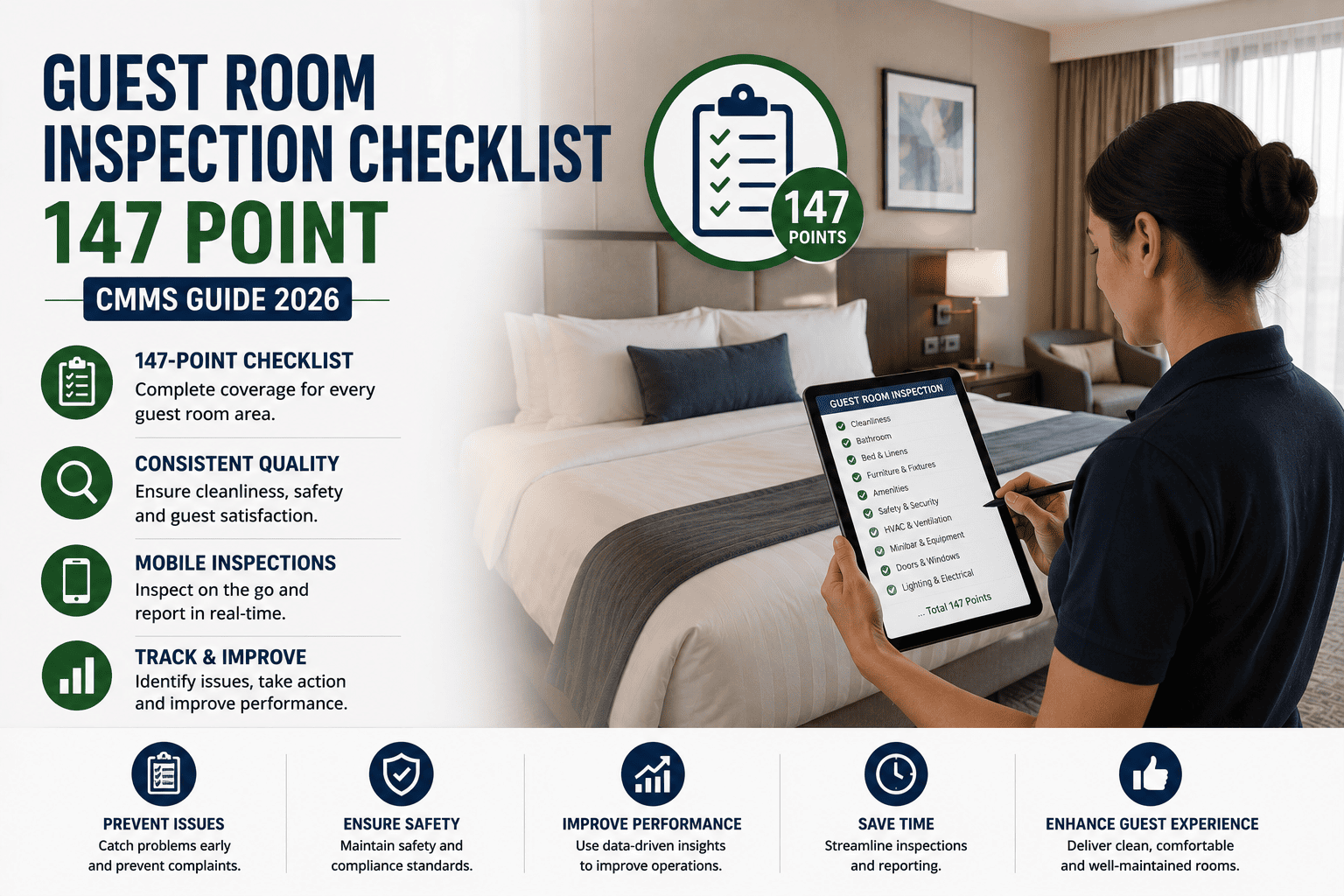
Hotel Room Inspection Checklist: Photo Quality Guidelines
By Willam Jerry on October 27, 2026
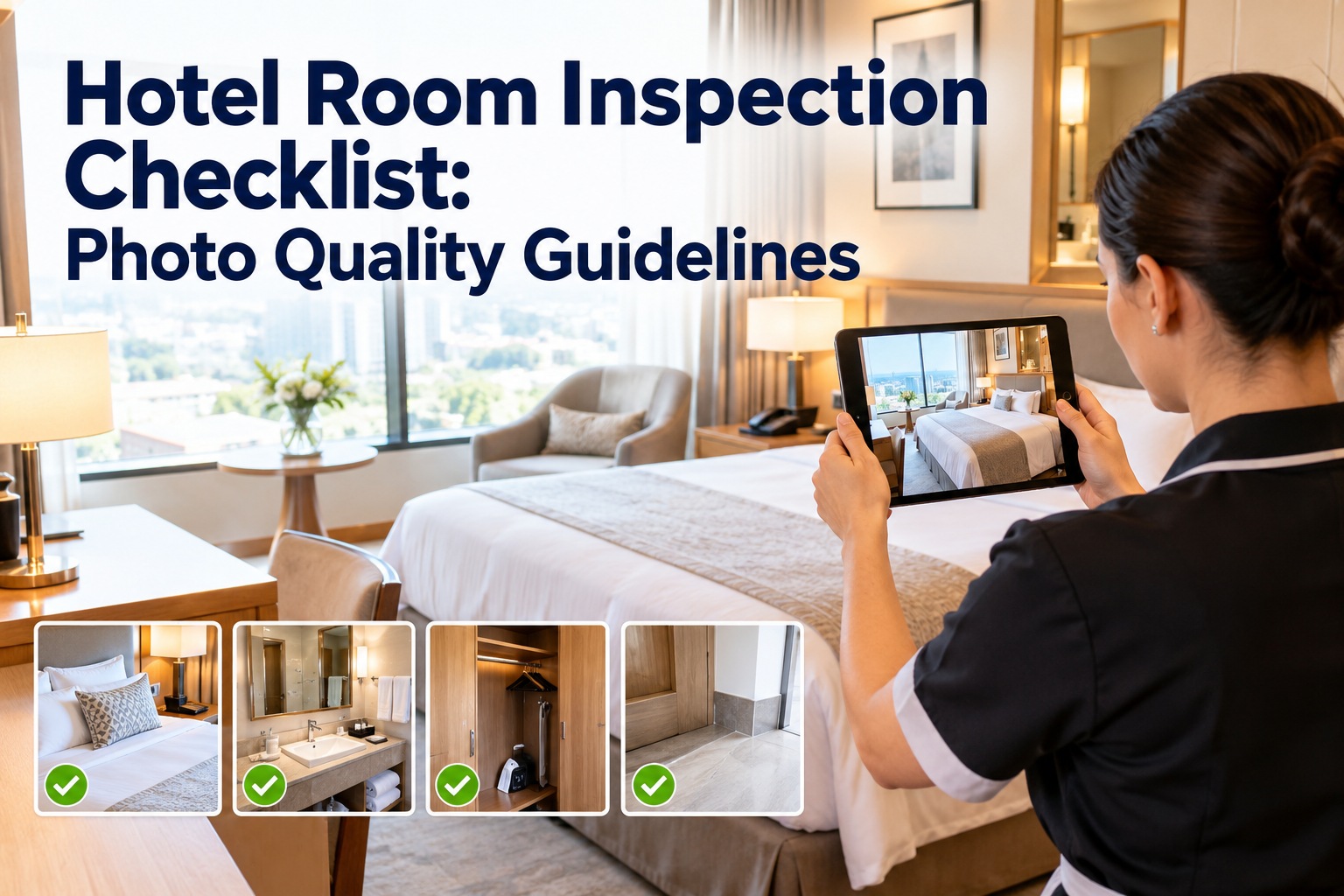
AI room inspection and remote supervisor sign-off both run on one thing: the photo. And a photo that's blurry, dark, shot at a bad angle or cut off at the edge is useless to either — the model can't read it, the supervisor can't judge it, and the room effectively wasn't inspected. The fix isn't a better camera; every housekeeper already carries one. It's a handful of simple, repeatable rules — angle, lighting, distance, framing, focus applied the same way on every shot. This checklist is that photo standard, and OXMAINT AI, the AI-powered hotel inspection and maintenance software, captures the photos, runs the checks and turns a flagged room into a work order.
Room Inspection Photo Quality: Guidelines for Housekeepers
A photo the AI can't read is a room that wasn't inspected. Good photos come from simple rules anyone can follow — the right angle, enough light, the right distance, clean framing and sharp focus. Here's the standard to shoot to, with OXMAINT AI capturing, checking and acting on every room photo.
A poor inspection photo doesn't just look bad — it breaks the whole inspection. The AI can't score it, so it either passes a room it shouldn't or flags a clean one it can't see. Either way someone has to go re-shoot, the record is worthless in a dispute, and trust in the whole system erodes. Good photos are the cheapest fix in the program. Start free and capture inspection-ready photos in OXMAINT AI.
The AI can't score it
A blurry or dark image gives the model nothing to read, so it can't tell a clean room from a dirty one.
False passes & flags
A bad photo passes a room that should fail — or flags a good one — and both cost trust and time.
Re-shoots & delays
Someone walks back to re-photograph the room, slowing turnaround when minutes matter at checkout.
A useless record
In a guest dispute or audit, an unreadable photo is no evidence at all — the room has no defensible proof.
Shoot straight on and level — not tilted or from the hip. The same angle every time makes rooms comparable.
Lighting
Turn the lights on, open the curtains, avoid shooting into a window. No dark corners, no harsh glare.
Distance
Stand back far enough to show the whole area — the full bed, the full bathroom — not a close-up of one corner.
Framing
Keep the whole subject inside the frame — nothing cut off at the edge, nothing important hidden behind a door.
Focus
Hold steady and let the camera focus before the shot — a sharp image, no motion blur, no smeared detail.
Consistency
Same shots, same order, same spots every room — so the AI compares like with like and nothing is skipped.
The Photo Quality Checklist
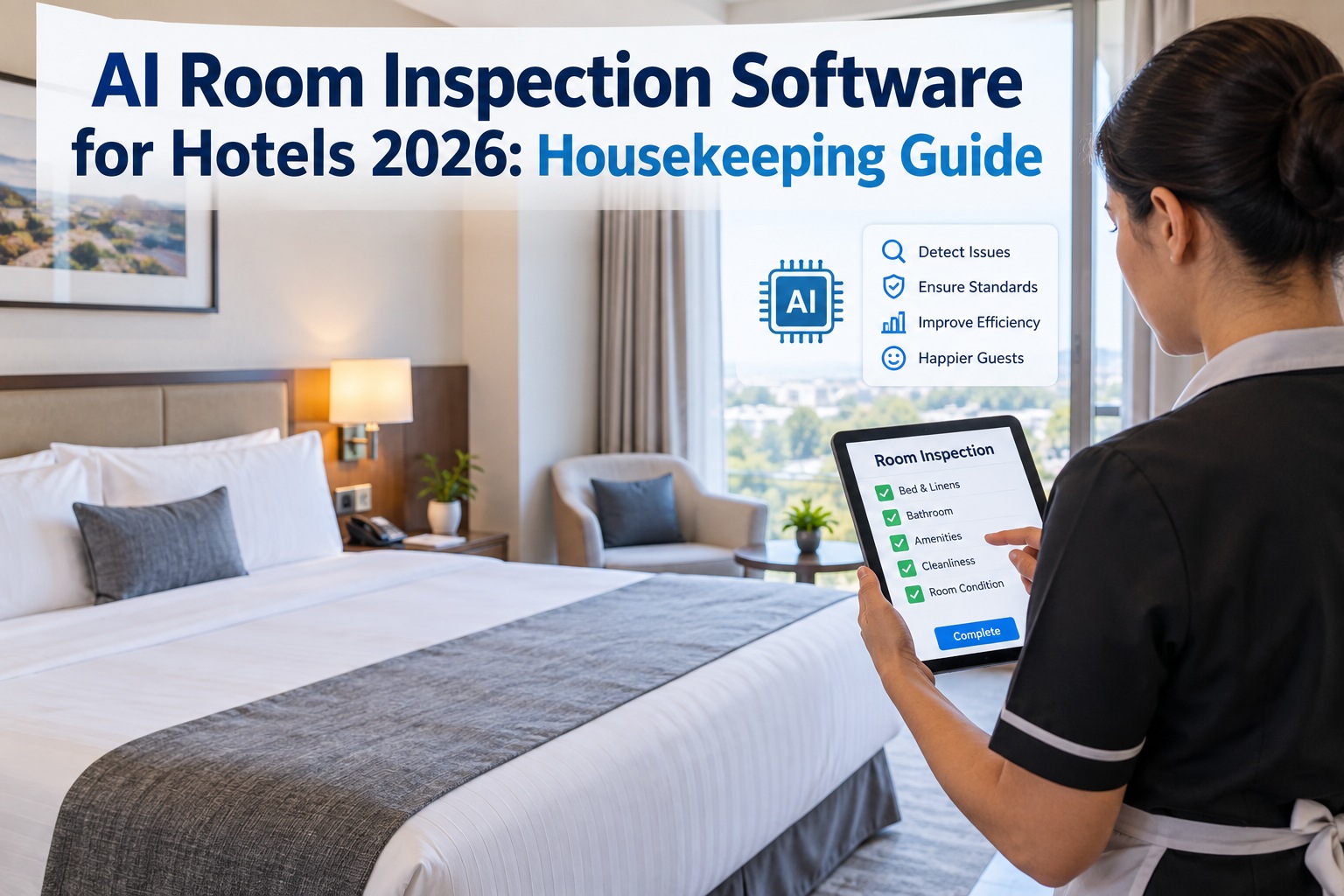
Run this before and as you shoot each room. Tick each item as it's confirmed; in the OXMAINT AI software the inspection flow prompts the right shots in order and flags a photo that doesn't meet the standard on the spot. Start free and run guided photo inspections from any phone in OXMAINT AI.
01Before You Shoot
02Taking the Photo
03Check Before You Submit
04The Standard Shot List
Auto-RejectA Photo That Fails Any of These Gets Re-Shot
These are the faults that make a photo useless to the AI or a supervisor — catch them yourself before the system does and you save a walk back to the room.
!
Out of focus or motion-blurred
!
Too dark, or washed out by glare
!
Subject cut off or out of frame
!
Too far, too close, or badly tilted
The AI Is Only as Good as the Photo You Give It.
The smartest room-inspection model in the world can't score an image it can't read. Garbage in, garbage out — and the one lever that fixes it is a simple, consistent photo standard every housekeeper follows. The OXMAINT AI maintenance and inspection software guides the shots, checks the quality on capture, and turns a confirmed issue into a work order.
Prompt each required shot in order so nobody has to remember the list or the angle.
Check on capture
Flag a blurry or dark photo the moment it's taken, while the housekeeper is still in the room.
Show good examples
Train with side-by-side usable-vs-rejected shots so the standard is obvious, not abstract.
Keep it consistent
Same shots, same order, every room and every shift — consistency is what makes the AI reliable.
How OXMAINT AI Turns Good Photos Into Action
A clean photo standard is the input; the value is what happens next. The OXMAINT AI maintenance and inspection software guides the capture, checks the quality, runs the AI assessment, and turns a flagged room or defect into a tracked work order. Book a demo to see the full room-inspection workflow in OXMAINT AI.
GUIDED CAPTURE
The inspection flow prompts each required shot in order, so photos are complete and consistent every room.
QUALITY CHECK
Blurry, dark or cut-off photos are flagged on capture, so a re-shot happens in the room, not after.
AI ASSESSMENT
Usable photos feed the AI room assessment, so the score is based on an image the model can actually read.
ISSUE → WO
A flagged defect becomes a work order routed to maintenance or housekeeping, with the photo attached.
PHOTO RECORD
Every room's photos time-stamped and retained — defensible evidence for disputes, audits and brand standards.
QUALITY TRENDS
Photo-quality and re-shoot rates by inspector, so training targets the people and shots that need it.
Expert Review
These are general, practical guidelines for capturing usable room-inspection photos; the exact shot list, angles, required areas and acceptance standard for any property come from your brand standards, SOPs and the specific AI inspection system in use, which take precedence. The quality factors here — angle, lighting, distance, framing, focus and consistency — improve any photo-based inspection, but the thresholds an AI model needs depend on that model. Photos of guest rooms and any people in them must follow the hotel's privacy, consent and data-handling policies. OXMAINT AI captures the photos, checks quality, runs the inspection workflow and raises work orders; it supports the housekeeping and quality program your operations team owns, and the AI assessment supports, rather than replaces, supervisor judgement.
Frequently Asked Questions
Why does inspection photo quality matter for AI room inspection?
Because the AI scores the room from the photo — if the image is blurry, dark or badly framed, the model has nothing reliable to read, so it can pass a room that should fail or flag a clean one. Poor photos are the single biggest cause of bad AI inspection results, and the cheapest to fix with a simple capture standard. The OXMAINT AI software checks quality on capture so bad photos get caught early. Book a demo to see quality checking in OXMAINT AI.
What makes a good room inspection photo?
Five things: a straight, level angle; enough even light with no dark corners or glare; enough distance to show the whole area; clean framing with nothing cut off; and sharp focus with no motion blur. Add consistency — the same shots in the same order every room — and both the AI and a supervisor can judge every room fairly. Book a demo to see guided, consistent capture in OXMAINT AI.
Do housekeepers need a special camera or training?
No special camera — the phone they already carry is fine. What matters is a short, clear standard and a little practice: show side-by-side usable-vs-rejected examples, prompt the shots in the app, and flag poor photos on capture so the lesson lands in the moment. Good habits form fast when the app guides the shot. Book a demo to see the guided inspection flow.
How do you stop blurry or dark inspection photos?
Prevention in the room: turn on the lights and open curtains, wipe the lens, don't shoot into a window, and hold steady to let the camera focus before capturing. Detection in the app: a quality check flags a blurry or dark photo the moment it's taken, so the housekeeper re-shoots on the spot instead of someone discovering it later. Book a demo to see on-capture quality checks in OXMAINT AI.
How does OXMAINT AI use room inspection photos?
It guides the housekeeper through the required shots, checks each photo's quality on capture, feeds the usable images to the AI room assessment, and turns any flagged defect into a work order routed to the right team with the photo attached. Every room's photos are time-stamped and retained as a defensible record for disputes, audits and brand-standard reviews. Start free and turn room photos into tracked work in OXMAINT AI.
Every Room, a Photo the AI Can Actually Read.
Run room inspections on the OXMAINT AI maintenance and inspection software — guided shot-by-shot capture, on-the-spot quality checks that stop blurry and dark photos, AI assessment on images that are actually usable, and a flagged defect turned into a tracked work order. Set the photo standard once, and hold every room to it.