Smart Room Technology Maintenance: IoT, Keyless Entry, and Connected Guest Experience

By Peter Parker on February 26, 2026

smart-room-technology-maintenance-iot-keyless-entry

The guest stood outside room 614 for four minutes. The digital key on their phone wasn't working. They returned to the front desk. A staff member walked them up. The lock battery had died three days ago and no one had flagged it. That single event cost the property one guest's trust, one negative review mention, and 45 minutes of staff time. Hotels using Oxmaint to track smart room technology maintenance prevent exactly this — with automated battery replacement schedules, firmware update tracking, and device health monitoring built into the same CMMS that runs their HVAC and plumbing PM.

IoT  ·  Asset Management  ·  Guest Experience

Smart Room Technology Maintenance: IoT, Keyless Entry, and Connected Guest Experience

By 2025, 70% of guest interactions involve a hotel IoT device. Smart locks, thermostats, tablets, voice assistants, smart TVs, and occupancy sensors now define the guest experience — and every single one requires a structured maintenance program or it will fail at the worst possible moment.

70%
of 2025 guest interactions involve a hotel IoT device
27.8%
CAGR of smart hotel technology market through 2029
30%
reduction in HVAC service calls via IoT predictive maintenance (IHG data)
10–40%
maintenance cost reduction for IoT-monitored hotel equipment
The Hidden Problem

Smart Technology Raises Guest Expectations — and Doubles the Maintenance Surface

Installing smart room technology is a capital investment decision. Maintaining it is an operations decision that most hotels fail to plan for at the same time. A property that upgrades 200 rooms with keyless entry, smart thermostats, in-room tablets, and streaming TVs has just added 800+ networked devices to its asset register — each with its own battery cycle, firmware version, connectivity dependency, and failure mode. Oxmaint manages every one of them within the same platform your team already uses for HVAC and plumbing PM.

The failure modes for smart room technology are different from mechanical equipment: they tend to be silent, invisible, and discovered by a guest rather than an engineer. A dead smart lock battery doesn't leak. A frozen concierge tablet doesn't make noise. A disconnected occupancy sensor doesn't trigger an alarm. These failures reach guests before your team hears about them — which is why a scheduled, proactive maintenance approach is the only reliable strategy.

01
Smart Locks
02
IoT Thermostats
03
In-Room Tablets
04
Smart TVs
05
Voice Assistants
06
Network & WiFi
Device-by-Device Maintenance Guide

Every Device. Every Failure Mode. Every Maintenance Task.

Each smart room technology has its own maintenance rhythm. Grouping them all under a single generic “technology check” schedule is how properties end up with dead lock batteries and frozen tablets. Oxmaint creates separate PM schedules per device type — so each gets the specific attention it needs at the right interval.

01
Smart Locks & Keyless Entry Systems
Battery: 90 days  |  Firmware: Quarterly  |  Full test: Monthly
Guest impact if fails

Critical
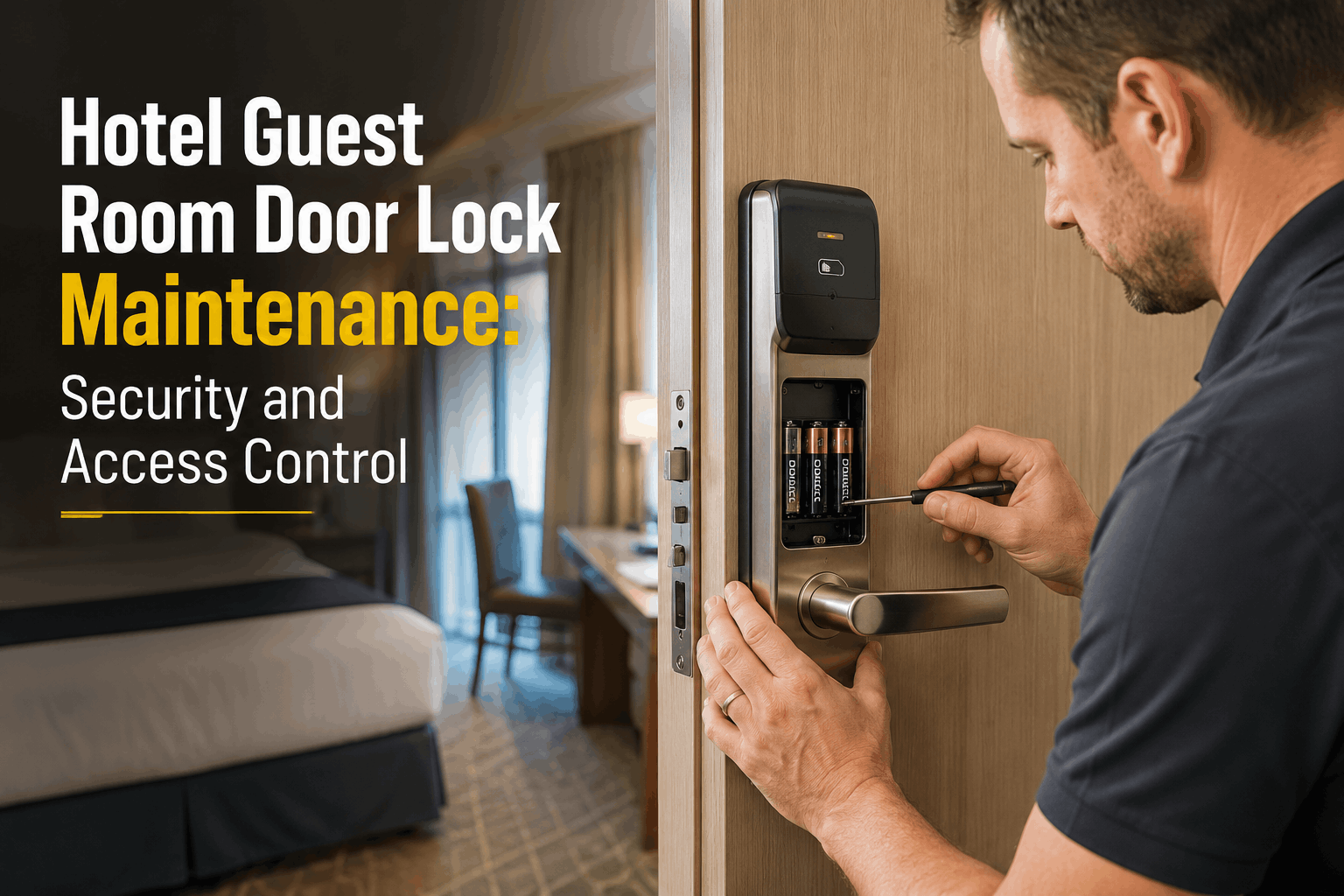
01Check battery level via management console — replace all locks below 20% regardless of schedule date. Dead batteries lock guests out instantly with zero warning.
02Verify firmware version against manufacturer’s current release — outdated firmware causes BLE handshake failures with newer guest smartphones.
03Test physical backup mechanism (keypad or mechanical override) — must function independently of network and mobile app every monthly cycle.
04Inspect door alignment and strike plate — smart locks fail more from mechanical misalignment than electronics. Check for door warp, especially after humidity changes.
05Verify lock integration with PMS — test that credential revocation on checkout processes correctly and no previous guest code remains active.
Most common failure: Dead battery found by guest. Cost: 1-star mention + 45 min staff time. Prevention: 90-day battery replacement on all locks regardless of reported status.
02
IoT Smart Thermostats & Room Controls
Sensor calibration: Quarterly  |  Firmware: Bi-annual  |  Network check: Monthly
Guest impact if fails

Very High
01Calibrate temperature sensor quarterly — a 2–3°F sensor drift causes the room to never reach set temperature, driving the most common HVAC-related guest complaint.
02Test occupancy sensor response — verify the room HVAC correctly scales back when unoccupied and responds within 5 minutes of guest entry.
03Verify cloud connectivity and app integration — Hilton Honors-style app control requires active API connection; test end-to-end from guest app to physical thermostat.
04Check energy reporting accuracy — IoT thermostats justify their cost through documented energy savings. Verify dashboard data matches metered consumption monthly.
Most common failure: Sensor drift — room runs 4°F above setpoint, guest complains about heat, thermostat appears functional. Quarterly calibration eliminates this.
03
In-Room Concierge Tablets
Reboot & update: Weekly  |  Deep clean: Monthly  |  Charging check: Each turnover
Guest impact if fails

High
01Forced reboot and app refresh every 7 days — tablets running consumer-grade OS accumulate memory bloat and app cache that causes freezing within 30–60 days without cycling.
02Verify battery charge cycle health — tablets permanently docked on chargers develop battery memory within 12–18 months. Check for charge-hold capacity quarterly.
03Deep-clean screen surface and edges monthly — high-touch surfaces accumulate bacteria and visible soil that guests notice immediately and photograph for reviews.
04Test all concierge service integrations — room service ordering, housekeeping requests, and spa booking should complete end-to-end, not just display the interface.
05Verify content and pricing accuracy — outdated menus, expired promotions, or wrong phone numbers on concierge tablets create service failures and guest frustration.
Most common failure: Frozen or unresponsive tablet found by guest within first 30 minutes of check-in. Cause: 60+ days without reboot cycle. Weekly forced restart eliminates this entirely.
04
Smart TVs & Streaming Systems
Factory reset option: Quarterly  |  App updates: Monthly  |  Input test: Weekly
Guest impact if fails

Moderate
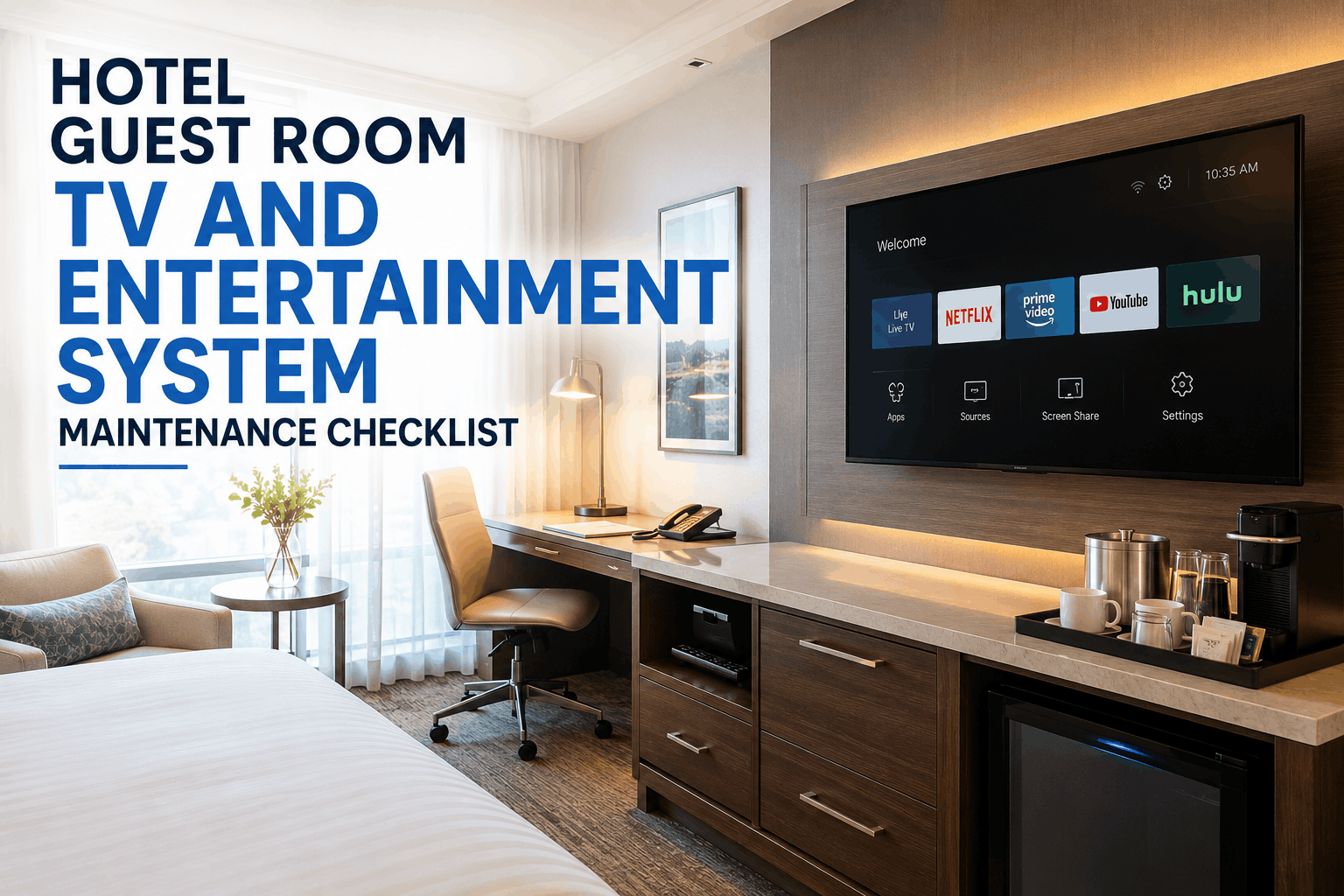
01Verify streaming app login states are cleared on checkout — a previous guest’s Netflix account remaining logged in is a privacy incident and review trigger.
02Test casting and HDMI input functionality monthly — guests expect to connect personal devices; non-functional inputs generate disproportionate complaints relative to their repair cost.
03Update hotel content system (welcome screen, channel guide, promotions) quarterly — outdated content is a visible signal of maintenance neglect to tech-aware guests.
04Inspect physical mount stability — wall-mounted TVs in rooms with frequent guest traffic develop loose mounts over 12–18 months. Check anchor integrity quarterly.
Most common failure: Previous guest’s streaming account not cleared on checkout — privacy concern + review mention. Automated checkout clear scripts or weekly manual verification required.
05
Voice Assistants & Smart Speakers
Firmware: Monthly  |  Deep clean: Monthly  |  Account reset: Each checkout
Guest impact if fails

Moderate
01Verify device deregistration on checkout — voice assistants linked to guest accounts retain purchase history and personal data after checkout. Mandatory reset per stay cycle.
02Test all hotel-specific commands monthly — “Call housekeeping,” “Set wake-up call,” “Order room service” must route correctly. Broken hotel skill integrations are invisible until a guest tries them.
03Clean microphone port and speaker grille monthly — acoustic quality degrades with dust accumulation; guests interpret muffled response as device malfunction.
04Update hotel skill/app version monthly — voice assistant platforms push breaking API changes that disable hotel integrations without notification; monthly update cycle catches these before guests do.
Most common failure: Previous guest account data accessible by new guest — privacy risk and potential brand incident. Per-checkout device reset must be a verifiable housekeeping checklist step.
06
Network Infrastructure & WiFi Systems
AP health check: Weekly  |  Firmware: Monthly  |  Full audit: Quarterly  |  Load test: Bi-annual
Guest impact if fails

Catastrophic — disables all smart room tech
01Monitor access point (AP) coverage weekly via dashboard — a single failed AP creates a dead zone affecting every smart device in adjacent rooms simultaneously
02Apply firmware updates to all APs monthly in maintenance window — unpatched WiFi hardware is a security liability; most enterprise networks support remote push during low-occupancy periods
03Verify IoT device network isolation is enforced — guest devices must not be able to communicate with hotel IoT devices; isolation prevents both data breaches and device interference
04Test failover and redundancy quarterly — simulate primary internet line loss and verify backup activates within acceptable window; loss of internet disables digital keys, streaming, and app control
05Audit channel allocation and interference sources bi-annually — adjacent hotels, microwave sources, and new devices cause RF interference that degrades performance without triggering obvious alerts
06Review per-room bandwidth utilization quarterly — rooms with consistently poor performance often reveal a failing AP, interference, or a legacy device consuming excess bandwidth
Network is the foundation everything else runs on. Smart lock failure, tablet unresponsiveness, thermostat disconnect, and streaming failure often trace back to a single failing access point or network segment. Oxmaint tracks AP assets with the same PM scheduling as all other hotel equipment.
Every device. Every PM schedule. Tracked in one place alongside your HVAC, plumbing, and mechanical equipment. No separate spreadsheet for tech. No forgotten firmware updates. Sign in to Oxmaint free — your first smart room PM schedule is live today.
Maintenance Calendar

Smart Room Technology PM Schedule — At a Glance

Use this as the starting template for your property’s smart room technology PM program. Every row represents a device type. Every column represents a maintenance interval. Import this schedule directly into Oxmaint to auto-generate work orders per room, per device, on the right cycle.

Device Each Stay Weekly Monthly Quarterly Bi-Annual Annual
Smart Locks Credential clear Battery level check Full function test Battery replace + firmware Full mechanical + electrical audit
IoT Thermostats Connectivity + occupancy test Sensor calibration Firmware update Full system audit
In-Room Tablets Screen clean Forced reboot + update Deep clean + service test Battery health check Hardware inspection + replace if >3 yr
Smart TVs Account logout verify Input test App updates Factory reset option + content update Mount integrity + screen condition
Voice Assistants Full account reset Firmware + command test + clean Device replace if degraded
WiFi / Network APs Coverage dashboard check Firmware push Full AP audit + failover test Channel + interference audit Full infrastructure review

Swipe horizontally on mobile to view full schedule. Each cell represents a distinct maintenance action — not a general “tech check.”

The Dependency Layer

Why Network Maintenance Comes First

Every smart room device runs on your network. When an access point fails in a corridor, it doesn’t just affect WiFi — it disables digital keys, breaks thermostat remote control, disconnects in-room tablets from their content management system, and drops streaming. A single failed AP creates the appearance of five simultaneous device failures across adjacent rooms.

This is why smart room technology maintenance must be built on top of a robust network maintenance program. Hotels that track AP assets in Oxmaint alongside mechanical equipment get a complete picture — when room 614’s smart lock appears to fail, the engineer checks the AP health record first. Book a demo to see the full asset tracking view.

Guest Experience Layer
What guests see and touch
Device Layer
Locks · Tablets · TVs · Speakers
Integration Layer
PMS · App · Cloud Services
Network Foundation
WiFi · APs · Switches · ISP
Every layer above fails when this layer fails

We invested $340,000 in smart room technology across 170 rooms. Six months in, guest scores for ‘room technology’ had barely moved. The technology worked on install day but degraded without a structured PM program. We set up Oxmaint to track every device — battery schedules for locks, weekly tablet reboots, quarterly thermostat calibration. Within 90 days our technology satisfaction scores increased by 22 points. The technology didn’t change. The maintenance program did.

Director of Rooms  ·  170-Room Boutique Hotel, Pacific Northwest
Common Questions

Smart Room Technology Maintenance FAQs

How often should hotel smart lock batteries be replaced?
Replace all smart lock batteries on a 90-day schedule regardless of reported battery level. Most smart lock management consoles report battery percentage, but the threshold for failure varies by temperature, door usage frequency, and firmware version. A battery showing 25% in a high-traffic corridor room may fail within days; the same reading on a low-traffic room may last weeks. Proactive 90-day replacement eliminates the variable entirely. Oxmaint schedules this automatically — work orders route to the responsible engineer per floor on the 90-day cycle.
What is the biggest maintenance risk with in-room tablets?
Memory accumulation and app cache growth are the primary causes of in-room tablet failures. Consumer-grade tablets running continuous hotel apps accumulate RAM usage and cached data that eventually causes the system to freeze or become unresponsive. A forced weekly reboot and monthly app cache clear eliminates this failure mode entirely. Secondary risks include battery health degradation from permanent dock-charging (monitor charge hold capacity quarterly), screen cleanliness visible to guests, and integration failures when backend concierge systems update without corresponding tablet app updates.
How does network maintenance connect to smart room device maintenance?
Network infrastructure is the dependency layer that all smart room devices operate on. A single failed access point in a corridor can simultaneously disable digital key functionality, thermostat remote control, in-room tablet connectivity, and streaming services in every room served by that AP — creating what looks like five separate device failures but has one root cause. Track your access points in Oxmaint as assets with PM schedules for weekly health checks, monthly firmware updates, and quarterly coverage audits. This approach turns the most common “mysterious technology failure” pattern into a preventable infrastructure event. Book a demo to see AP asset tracking in action.
What smart room technology data privacy risks require maintenance protocols?
Three device types require mandatory per-checkout reset procedures as part of the maintenance and housekeeping protocol: smart TVs (previous guest streaming account logout), voice assistants (account deregistration and history clear), and in-room tablets (guest session data and browser history). Failure to execute these resets is not just a guest experience issue — it is a data privacy incident. A previous guest’s Netflix account accessible to the next guest, or a voice assistant’s purchase history accessible from a prior stay, constitutes a potential GDPR or CCPA violation depending on the guest’s jurisdiction. Oxmaint integrates reset steps into the per-room housekeeping and turnover checklist with completion verification.
Can Oxmaint track smart room technology assets alongside mechanical equipment?
Yes — this is one of the primary reasons engineering directors choose Oxmaint for smart room technology programs. Every device type (smart lock, thermostat, tablet, TV, AP) is created as an asset record with its own PM schedule, service history, firmware version log, and failure notes. Engineers receive the same mobile work order for a quarterly lock battery replacement as they do for an HVAC filter change. Management sees PM completion rates for smart devices on the same dashboard as mechanical equipment compliance. This unified view is the operational advantage that separates high-performing properties from those managing smart room technology in a separate spreadsheet. Sign up free to build your first smart room asset register today.
No Credit Card Required

Every Smart Device. Every PM Schedule. One Dashboard.

Smart lock batteries, tablet reboot cycles, thermostat calibration, AP firmware, TV account resets — every smart room maintenance task tracked in Oxmaint alongside your HVAC, plumbing, and electrical PM programs. Build your smart room asset register today and stop letting guests discover your maintenance gaps before you do.


Share This Story, Choose Your Platform!