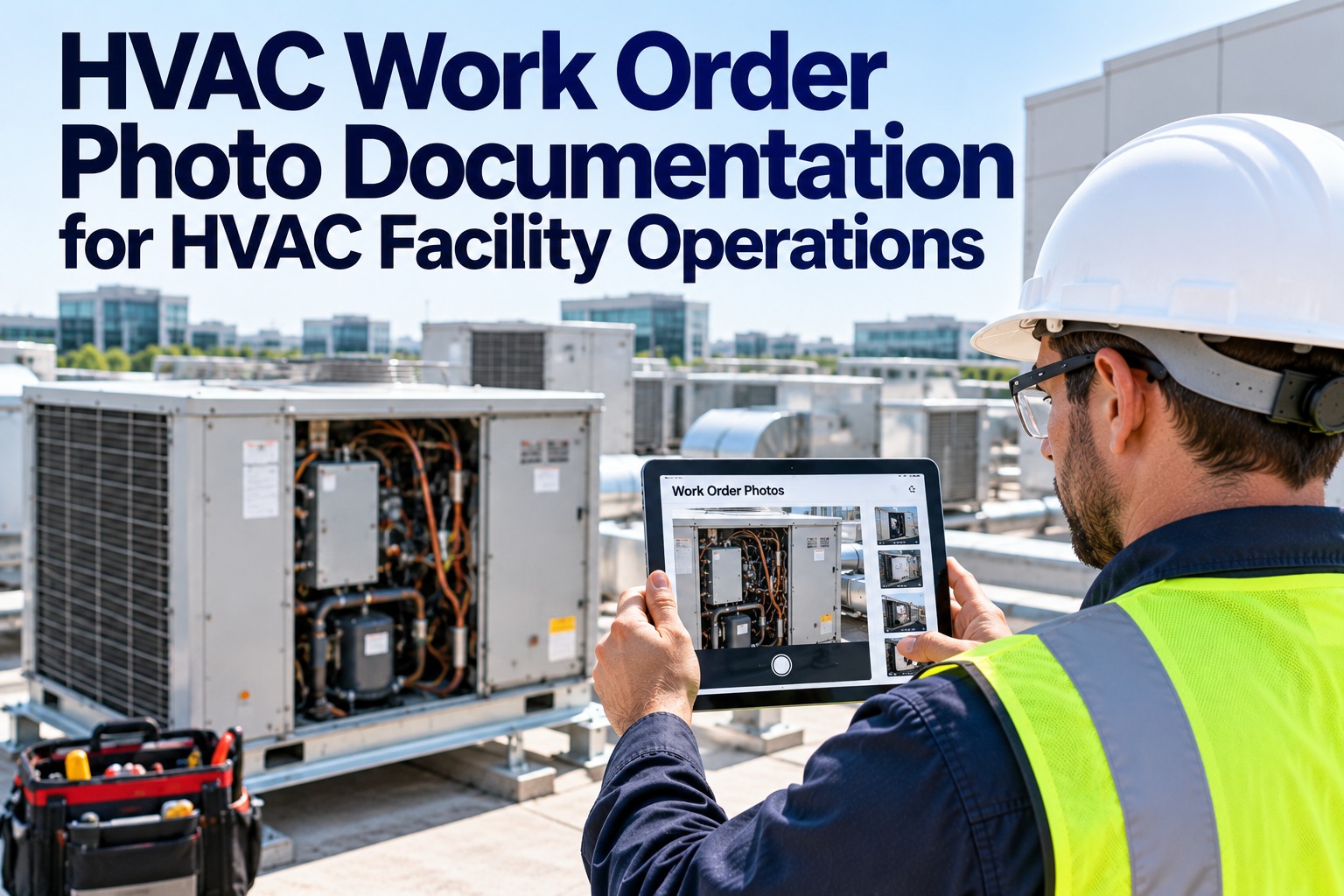
A junior technician stood in front of a rooftop chiller he had never serviced before. The fault code on the display matched nothing in the paper manual tucked under his arm. His senior colleague was 200 miles away on another job. Thirty minutes of troubleshooting guesswork later, he called the office to say he needed to reschedule — and the building lost cooling for another day. Now imagine the same scene, but this time the technician raises his tablet, points the camera at the unit, and a senior engineer appears in a corner of the screen. Arrows and labels overlay the exact components on the chiller. Step-by-step repair instructions float next to the fault sensor. The job is completed in 40 minutes. That is not a future scenario. That is augmented reality in HVAC field service, available today — and it is changing what it means to send a technician on-site. If you want to see exactly how it fits into your operation, schedule a 30-minute walkthrough — no commitment, just a live look at what AR-assisted field service looks like inside OxMaint.
Blog
Workforce & Training
AR Integration
Reduction in repair errors when technicians use AR-guided instructions versus paper manuals or verbal phone guidance
Reduction in time to field-ready competency for new HVAC technicians trained with AR-assisted learning versus classroom-only programs
Average improvement in first-visit resolution time for complex HVAC faults when technicians have access to real-time AR expert guidance
Reduction in callbacks and return visits attributable to incomplete or incorrect first-visit repairs, tracked across AR-enabled field teams
What Augmented Reality Actually Does in an HVAC Field Context
Augmented reality for HVAC is not about wearing expensive headsets on rooftops. In practice, it means overlaying digital information — component labels, repair steps, diagnostic readings, expert annotations — onto the real equipment a technician is looking at, through a tablet, smartphone, or smart glasses. The result is a technician who can see what they need to know, exactly where they need to know it, without stopping to search a manual or wait on hold for a senior engineer. Sign up for OxMaint free and explore how each of these AR modes is built into your team's daily workflow from day one.
Visual Overlay Guidance
Digital arrows, labels, and callouts are projected onto the actual equipment through the device camera. The technician sees the component they need to reach, highlighted in context — not described in text.
Remote Expert Collaboration
A senior engineer or manufacturer specialist joins the session remotely. They see exactly what the technician sees and draw annotations directly onto the live camera feed — pointing, circling, labeling in real time.
Step-by-Step AR Work Instructions
Structured repair procedures display one step at a time, anchored to the physical equipment. Each step requires confirmation before the next appears, preventing skipped procedures that cause errors.
Live Diagnostic Data Overlay
Real-time sensor readings, fault codes, and equipment parameters appear as floating data panels next to the relevant components. No switching between screens or apps — the data is where the equipment is.
Three Ways AR Changes HVAC Service Delivery
01
Remote Expert Guidance on Unfamiliar Equipment
The most immediate value of AR in HVAC is the ability to bring expert knowledge to any job site, instantly. When a technician encounters a chiller model they have never serviced, a refrigerant circuit configuration they do not recognize, or a control board fault that is outside their experience, they no longer face a binary choice between guessing and rescheduling.
Technician opens AR session on tablet or smart glasses
Remote expert joins and sees the live equipment feed
Expert draws annotations directly onto what the technician sees
Repair is completed correctly, on first visit
Want to see this flow live?
Schedule a demo and we will walk you through a real remote expert AR session — from work order dispatch to completed repair documentation — in under 30 minutes.
02
Accelerated Training for New Technicians
Traditional HVAC apprenticeship means months of shadowing before a technician is trusted to work independently. AR compresses that timeline by giving new technicians contextual, equipment-specific guidance at every step — the equivalent of having an instructor standing next to them on every job, without the cost and scheduling constraint of literal supervision.
Traditional Training
6-12 months to independent field readiness
Knowledge locked in classroom, not on equipment
Errors discovered during live customer jobs
AR-Assisted Training
3-6 months to independent readiness (50% faster)
Guidance delivered on real equipment in real time
Step confirmation prevents errors before they happen
03
Reducing First-Visit Failure and Callbacks
Every callback costs an HVAC company two service visits for the price the customer agreed to pay for one. Callbacks are caused by incomplete diagnosis, wrong parts ordered, and missed steps in complex procedures — all of which AR guidance directly addresses. When a technician follows AR work instructions anchored to the physical equipment, they complete the right procedure, in the right order, every time.
$250–$450
average cost of a single callback visit (labor + truck roll)
60%
reduction in callbacks reported by AR-enabled HVAC field teams
1 in 4
HVAC service calls requires a return visit without AR-guided procedures
See how OxMaint integrates AR guidance into your field service workflows.
From remote expert collaboration to AR work instructions, OxMaint connects your field team with the guidance they need — on any device, on any equipment.
Sign up free to explore the platform, or
book a demo to see AR field service in action.
AR Hardware Options for HVAC Technicians: What to Use in the Field
AR does not require expensive specialized hardware to deliver value in HVAC field service. Different tools suit different use cases — from a smartphone for quick remote consultations to purpose-built smart glasses for hands-free rooftop work. OxMaint works across all three hardware types from a single platform — sign up free and connect your existing devices to AR-guided workflows today, with no hardware changes required to get started.
No additional hardware cost — technicians already carry phones
Supports remote expert sessions, AR overlays, work instruction display
Works with all major AR field service platforms
Requires holding device — limits hands-free work on tight spaces
Most Versatile
Fully hands-free — technician sees overlays while using both hands
Head-mounted camera gives remote expert natural point-of-view
Ideal for refrigerant circuit work, control panel diagnosis, compressor service
Higher upfront cost — ROI justified for high-volume field teams
Larger screen for viewing complex schematics and diagnostics overlays
Full keyboard for documentation without leaving the work area
Works well for chiller plant rooms and mechanical rooms
Less portable than phone/glasses for rooftop and confined space work
OxMaint AR Integration: How It Connects to Your Field Service Workflow
Work Order Dispatched with AR Package
When a work order is assigned in OxMaint, the technician receives the job details, equipment history, fault codes, and linked AR work instructions — all in their mobile app before they leave for the site.
Technician arrives prepared, not surprised
On-Site AR Session Initiated
Technician opens the OxMaint AR module on their device. Camera scans the equipment — QR codes or visual recognition identify the unit and pull the correct AR instruction set automatically. No manual searching for the right procedure.
Right instructions for this specific unit, instantly
Remote Expert Joins If Needed
If the fault is outside the technician's experience, they request a remote session from within OxMaint. A senior engineer or manufacturer specialist joins in seconds, sees the live camera feed, and draws annotations directly onto the equipment view.
Expert knowledge at every job site — without the travel cost
Repair Completed and Documented Automatically
Each confirmed step in the AR work instruction is logged in the work order record. Photos, measurements, and fault confirmations captured during the AR session are automatically attached to the asset history in OxMaint — no separate documentation required.
Complete service record built during the repair, not after it
Stop sending technicians to jobs without backup.
Sign up free and connect your field team to AR-guided repair workflows — or
book a demo to walk through the integration live.
AR vs. Traditional Field Support: The Performance Gap
Unfamiliar equipment fault
Call senior tech, describe problem verbally, reschedule if unclear
Remote expert sees live feed, annotates equipment, resolves on first visit
New technician on complex job
Risk of error, supervisor must physically accompany or second-guess results
Step-by-step AR instructions confirm each action — errors prevented, not corrected
Finding the right procedure
Search paper manual, call manufacturer hotline, wait on hold
Equipment scan pulls correct AR instruction set in seconds
Service documentation
Filled out after the job from memory — gaps and errors common
Logged automatically at each confirmed step during the repair
Manufacturer warranty compliance
Procedures followed from memory — no verification trail
Step-confirmed AR log provides manufacturer-grade documentation
What to Consider Before Implementing AR in Your HVAC Operations
01
Start with High-Frequency, High-Error Jobs
Identify the service categories where your team generates the most callbacks, the most rescheduled visits, or the highest training burden. Deploy AR guidance there first. The ROI is fastest where the current failure rate is highest.
02
Tablet and Smartphone First — Glasses Later
Most HVAC teams can realize 80% of AR's value using devices technicians already carry. Build your AR workflows on mobile first, measure the impact, then evaluate smart glasses for hands-free applications where the ROI justifies the hardware investment.
03
Connect AR to Your CMMS, Not Around It
AR that operates as a standalone tool creates documentation gaps — session recordings that never make it into the work order, steps confirmed in the AR app that are not reflected in the asset history. AR that integrates with OxMaint means every repair action is automatically captured where it belongs.
Schedule a demo to see how OxMaint connects AR sessions directly to work orders, asset records, and compliance reports in a single live walkthrough.
04
Build Your AR Content Library Incrementally
You do not need AR instructions for every piece of equipment before you start. Build them for your top 20 most-serviced units, deploy, measure, and expand. OxMaint allows work instructions to be built and assigned from the same platform managing your work orders — no separate authoring tool required.
Give Every Technician an Expert in Their Pocket.
OxMaint's AR integration connects field technicians to real-time expert guidance, step-by-step AR work instructions, and automatic service documentation — reducing repair errors by 35%, cutting training time by 50%, and keeping your first-visit fix rate where it needs to be.
Remote Expert Guidance
AR Work Instructions
Live Diagnostic Overlay
Auto-Documentation
CMMS Integration
Frequently Asked Questions
Does AR for HVAC require expensive smart glasses hardware?
No. The majority of AR value in HVAC field service — remote expert sessions, visual overlay guidance, and step-by-step work instructions — is accessible on smartphones and tablets that technicians already carry. Smart glasses provide additional hands-free capability for complex, two-handed repair work, but most HVAC teams start with mobile devices and achieve strong ROI before considering specialized hardware.
How does remote expert AR guidance work in practice?
The technician initiates an AR collaboration session from their device. A remote expert — a senior engineer, manufacturer specialist, or technical support professional — joins the session and sees the live camera feed from the technician's device. The expert can draw annotations, arrows, and labels directly onto the live video feed. These appear as overlays on the technician's screen, pointing to exact components and indicating specific actions. The session can be recorded for training purposes and logged against the work order automatically.
How does OxMaint connect AR to work order management?
OxMaint's AR integration operates within the same platform as work order management, asset records, and service history. When a technician opens an AR session from a work order, completed steps are automatically logged against that work order. Photos captured during the AR session are attached to the asset record. Service documentation is built during the repair — not manually entered afterward — eliminating the gap between what was done in the field and what appears in the system.
Can AR really reduce repair errors by 35%?
The 35% error reduction figure reflects measured outcomes from HVAC and field service operations that implemented AR-guided work instructions compared to their prior paper-manual or verbal-guidance baseline. The mechanism is straightforward: AR work instructions require step-by-step confirmation before advancing, preventing the skipped or misremembered steps that cause errors. Combined with real-time remote expert availability for complex faults, the systematic reduction in both procedural errors and diagnostic misses produces consistent error rate improvement across field teams.
How quickly can an HVAC company implement AR field service with OxMaint?
Teams can be operational with AR-enabled work orders and remote collaboration capability within 1-2 weeks of OxMaint deployment. Building AR work instruction content for specific equipment takes additional time — most teams start by creating AR instruction sets for their 10-20 most frequently serviced unit types and expand the library from there. The remote expert collaboration feature requires no equipment-specific setup and is available immediately upon platform access.