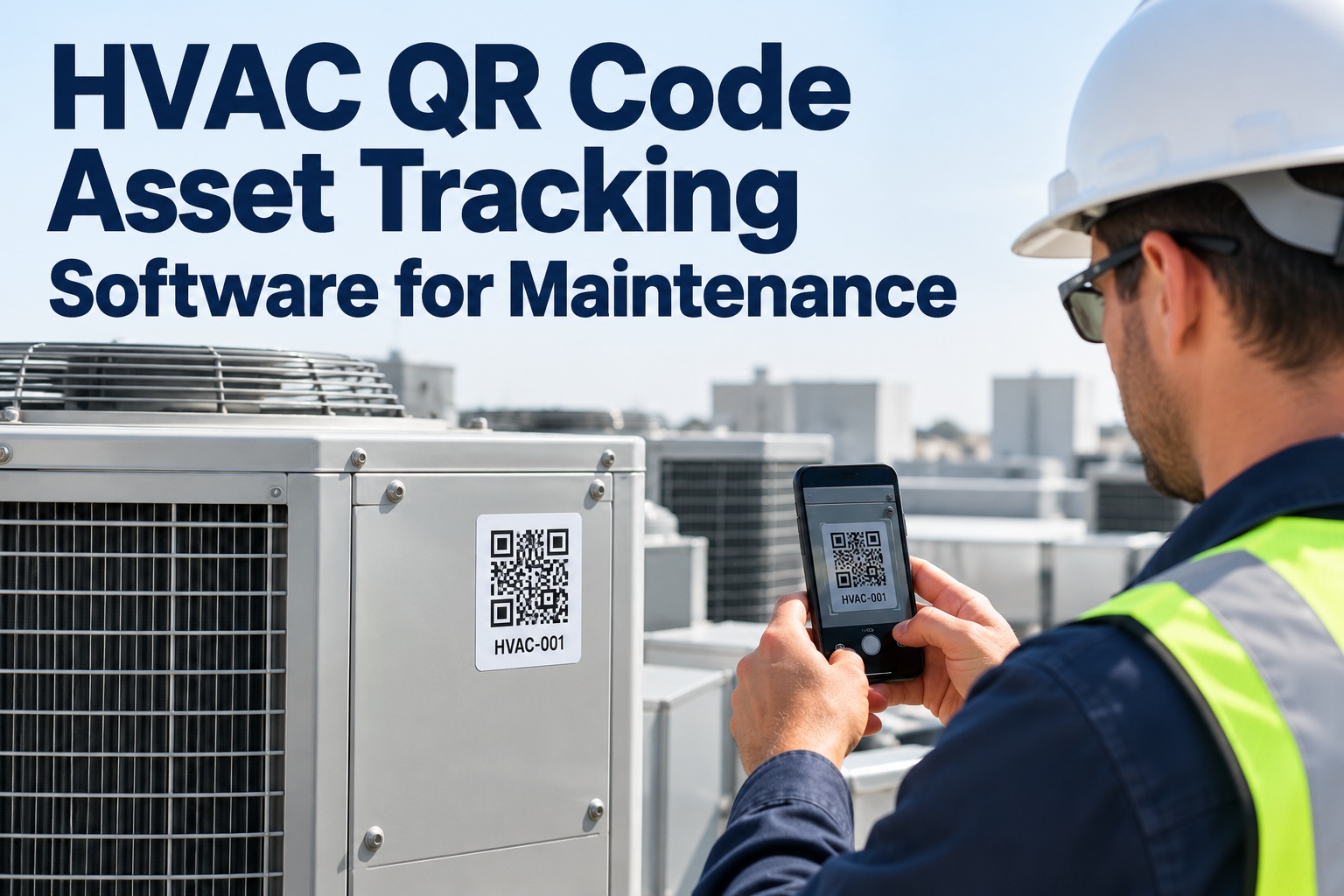
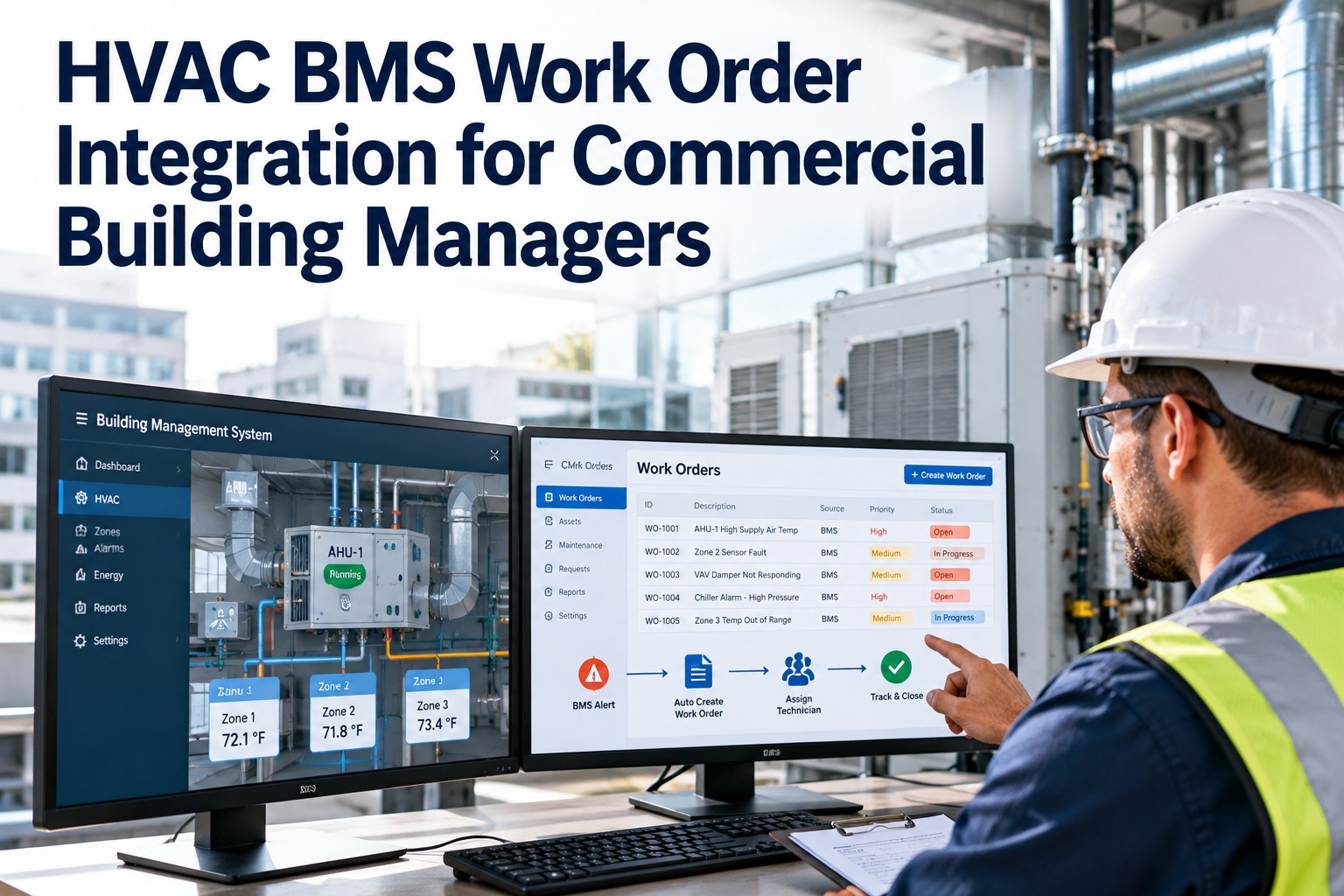
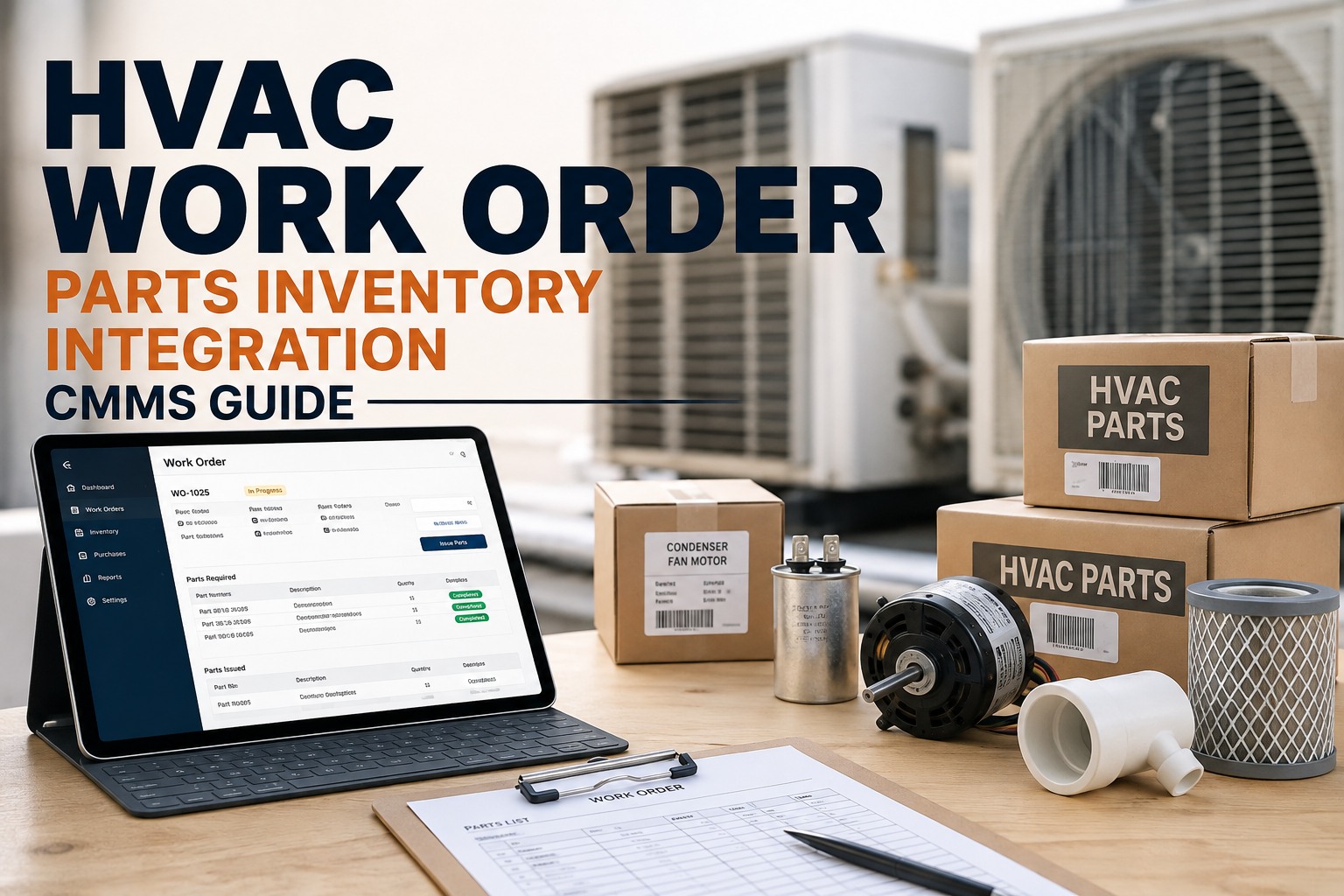
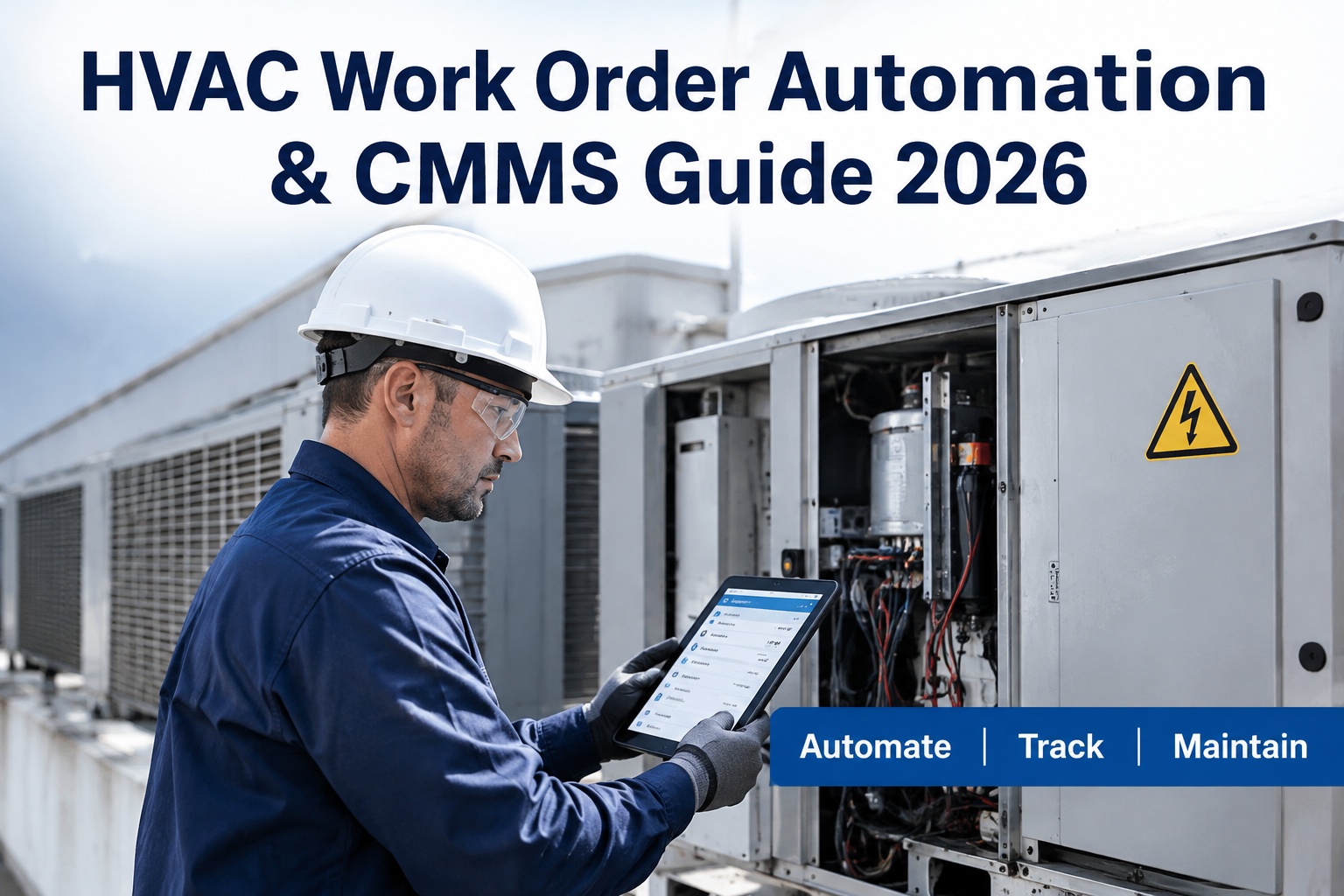
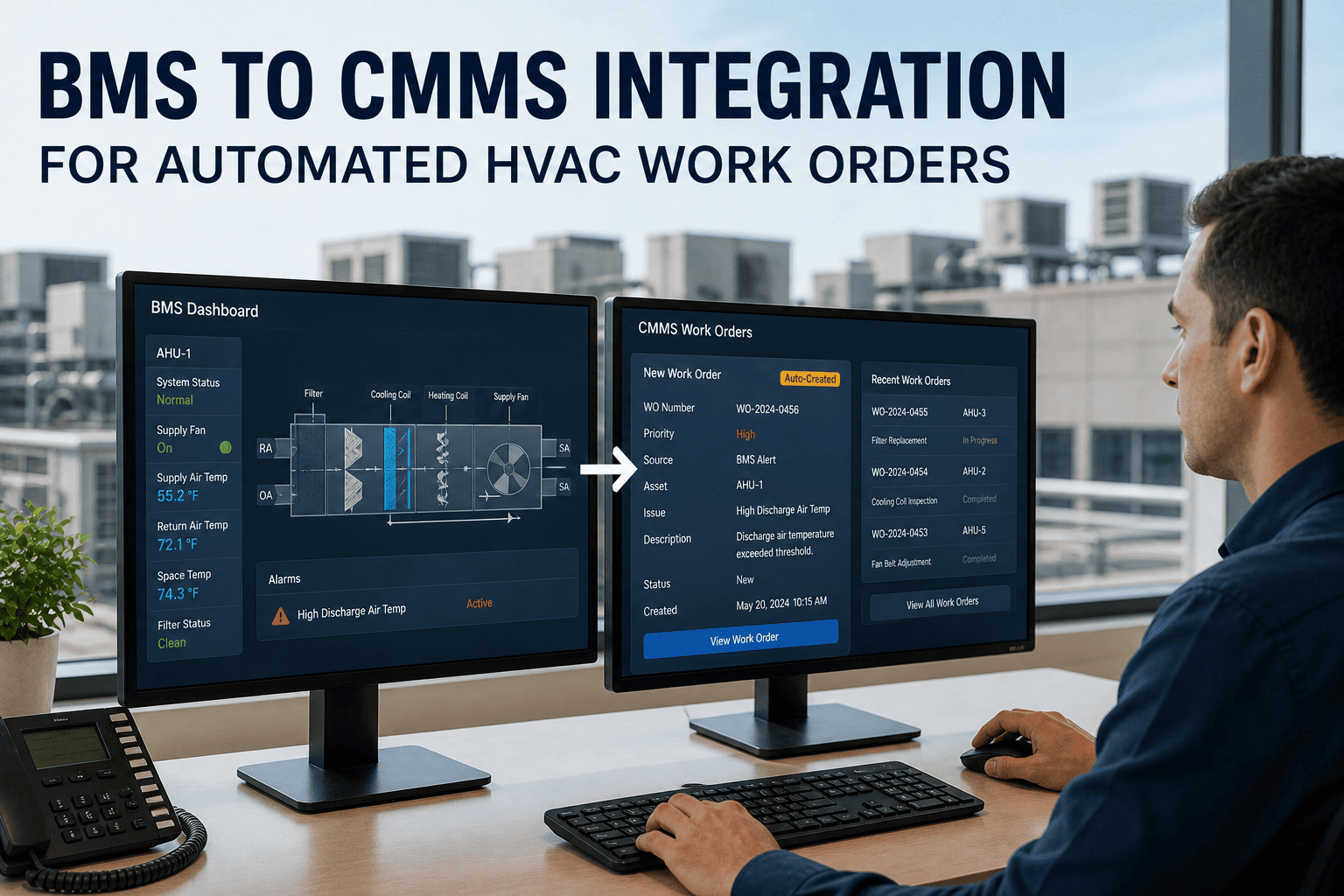
In 2026, the HVAC maintenance software market has fractured into two distinct categories: general-purpose CMMS platforms that handle work orders adequately but were never designed for HVAC-specific requirements, and purpose-built platforms that integrate natively with building management systems, include pre-trained fault detection for chillers and AHUs, and handle EPA Section 608 refrigerant compliance out of the box. The gap between these categories is no longer a matter of preference — it directly determines whether your team is preventing failures or reacting to them. Sign up for Oxmaint to see a purpose-built HVAC CMMS configured for your asset portfolio — or book a demo to evaluate it against your specific requirements.
Why Generic CMMS Fails HVAC Teams
HVAC maintenance carries requirements that a work order management platform simply cannot address: EPA Section 608 refrigerant tracking with leak detection logs, BMS integration for condition-based PM triggers via BACnet and Modbus, multi-zone seasonal scheduling that accounts for load variation, and compliance documentation for ASHRAE, LEED, or ENERGY STAR reporting. When HVAC teams use generic CMMS and bolt on separate tools for these needs, the integration gaps are where failures hide. Sign in to Oxmaint — purpose-built for HVAC operations, not adapted from a general-purpose platform.
The 6 Must-Have Features in an HVAC CMMS for 2026
Before evaluating any platform, establish your own weighted scorecard. These six capabilities separate platforms that improve HVAC operations from those that digitize the same problems you already have. Book a demo with Oxmaint and bring this scorecard — every capability below is available for live evaluation.
HVAC CMMS Comparison: What to Look for in Each Platform Category
| Capability | What Best Looks Like | Red Flag | Oxmaint |
|---|---|---|---|
| BMS integration | Native BACnet/Modbus connectors, automatic work order generation from sensor alerts | Integration requires third-party middleware or custom development | Native — BACnet, Modbus, REST API |
| AI fault detection | Pre-trained models for chillers, AHUs, RTUs — active from day one | AI reserved for premium tier or requires 6+ months of data before activation | All paid tiers — pre-trained day one |
| Refrigerant compliance | EPA 608 log tracking, leak detection records, disposal documentation, linked to asset | No refrigerant tracking — requires separate compliance tool | Built-in — linked to asset record |
| Mobile offline access | Full work order view, QR scan, photo upload without connectivity | Requires internet to access asset history or close work orders | Full offline capability |
| Multi-site management | Single dashboard across all locations, cross-site inventory visibility | Each site is a separate instance requiring separate logins | Unified multi-site dashboard |
| Seasonal PM scheduling | Configurable templates by season, zone, and equipment type | Fixed-interval calendar only — no seasonal or usage-based triggers | Seasonal + usage-based triggers |
| Implementation time | Operational in days — asset import, BMS connection, PM activation in one week | Requires 3–6 month implementation engagement from professional services | Free to start — live in days |
Oxmaint: Purpose-Built for HVAC — Not Adapted from a Generic Platform
Native BMS integration, pre-trained AI fault detection, EPA 608 refrigerant tracking, mobile offline access, and multi-site management — included at every tier, not reserved for enterprise upgrades.
HVAC CMMS Implementation: What Works and What Doesn't
Even the right CMMS delivers poor results if implementation is rushed. HVAC teams that achieve strong adoption follow a phased approach that builds momentum without overwhelming technicians. The most common failure mode is attempting to enter every asset before going live — a complete registry that sits idle beats a partial deployment that is actually used. Sign in to start your HVAC asset import today.
Frequently Asked Questions
Native BMS integration with automatic work order generation from sensor alerts. A CMMS without BMS connectivity still requires manual monitoring to detect faults — eliminating the primary value proposition of a modern platform. BACnet and Modbus protocol support are the baseline; REST API openness is required for future IoT expansion. A CMMS with native BMS integration prevents 80% more equipment breakdowns than calendar-based PM alone. Sign up for Oxmaint to see BMS integration configured for your building automation system.
Yes — and most generic CMMS platforms do not. EPA Section 608 requires documenting refrigerant purchases, use quantities, leak detection test results, and disposal records per appliance. These records must be linked to the specific equipment record and retained for inspection. A separate compliance tool creates data silos that are the primary cause of compliance failures during EPA audits. Book a demo to see Oxmaint's integrated refrigerant tracking module.
With Oxmaint, most HVAC teams see measurable value within the first week. Connecting the BAS typically surfaces 5–15 existing fault conditions that had been visible in the BMS dashboard but never converted to work orders. That single shift — from monitoring to action — often justifies the platform cost before a single PM schedule is configured. Full operational deployment with AI fault detection active typically takes 4–6 weeks following the phased approach above.
Oxmaint connects via BACnet (the dominant protocol for commercial HVAC controls), Modbus (common in industrial HVAC and chillers), and REST API for modern cloud-connected BMS platforms. Most commercial building automation systems — Johnson Controls, Siemens Desigo, Honeywell Alerton, Trane Tracer — support one or more of these protocols. The integration enables real-time equipment signals to generate condition-based PM triggers and automatic fault work orders without manual monitoring. Sign in to begin your BMS integration setup today.
Stop Evaluating Generic CMMS for HVAC Operations
Oxmaint is purpose-built for HVAC: native BMS integration, pre-trained AI fault detection, EPA 608 refrigerant tracking, offline mobile access, and multi-site dashboards — free to start, live in days.