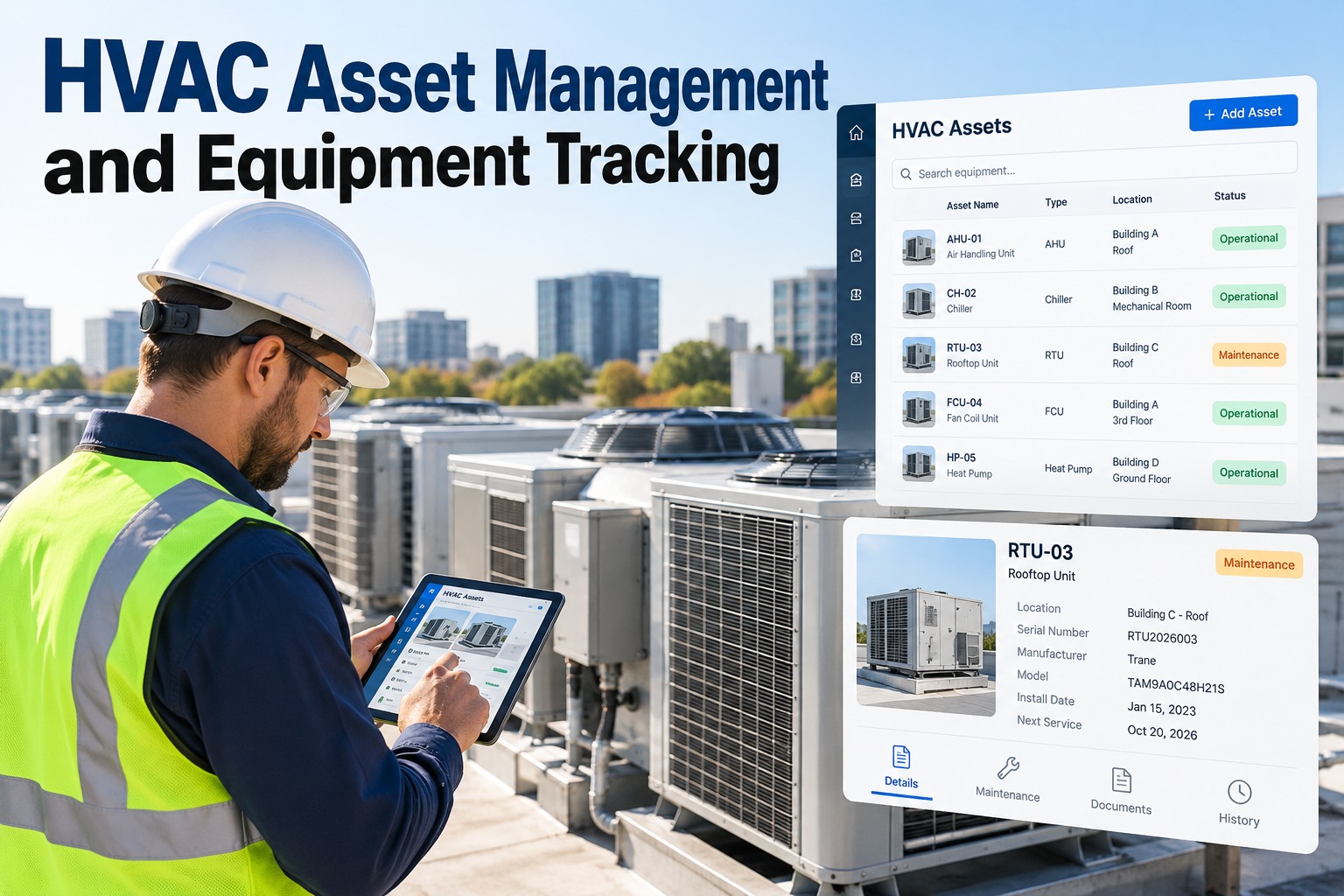
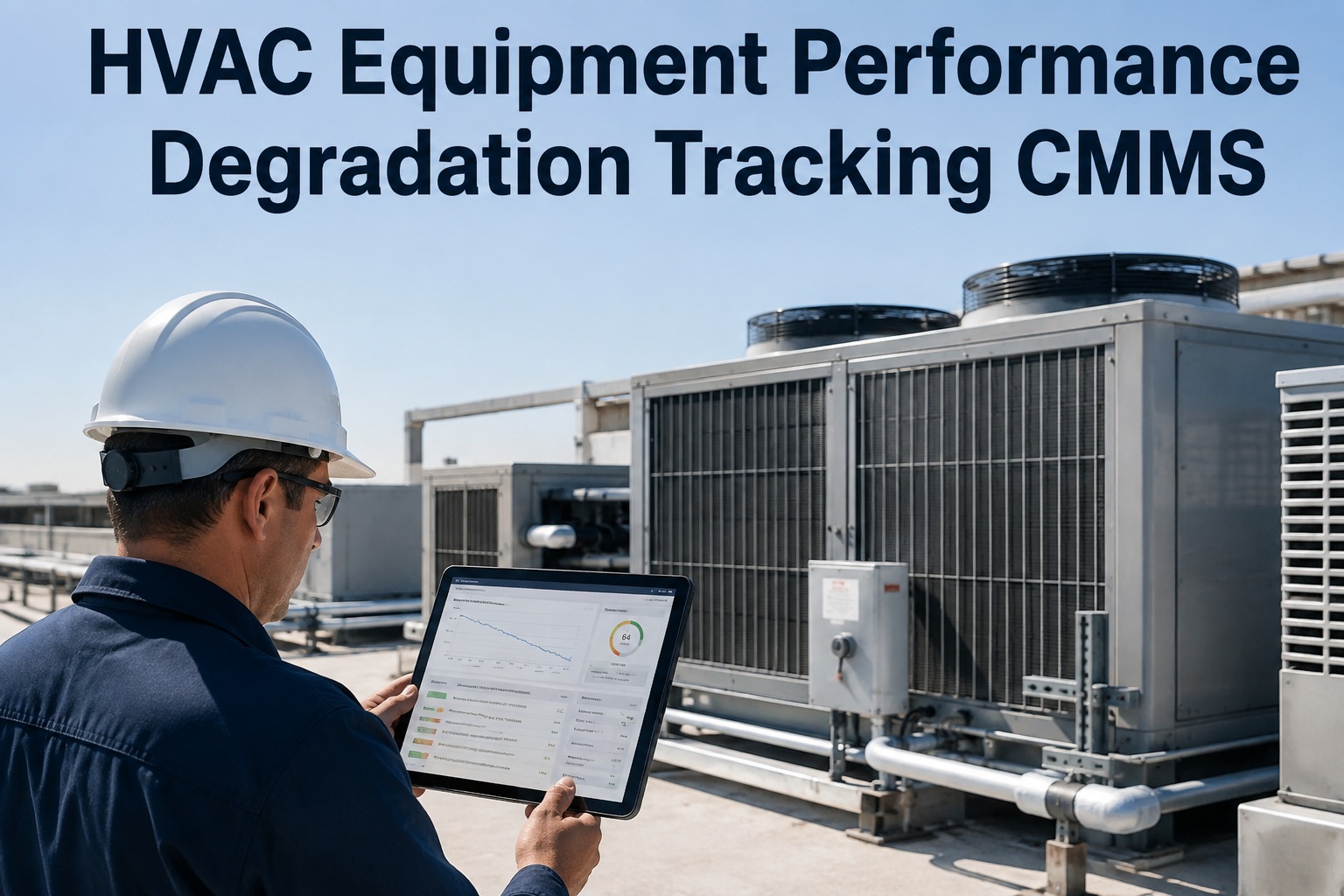
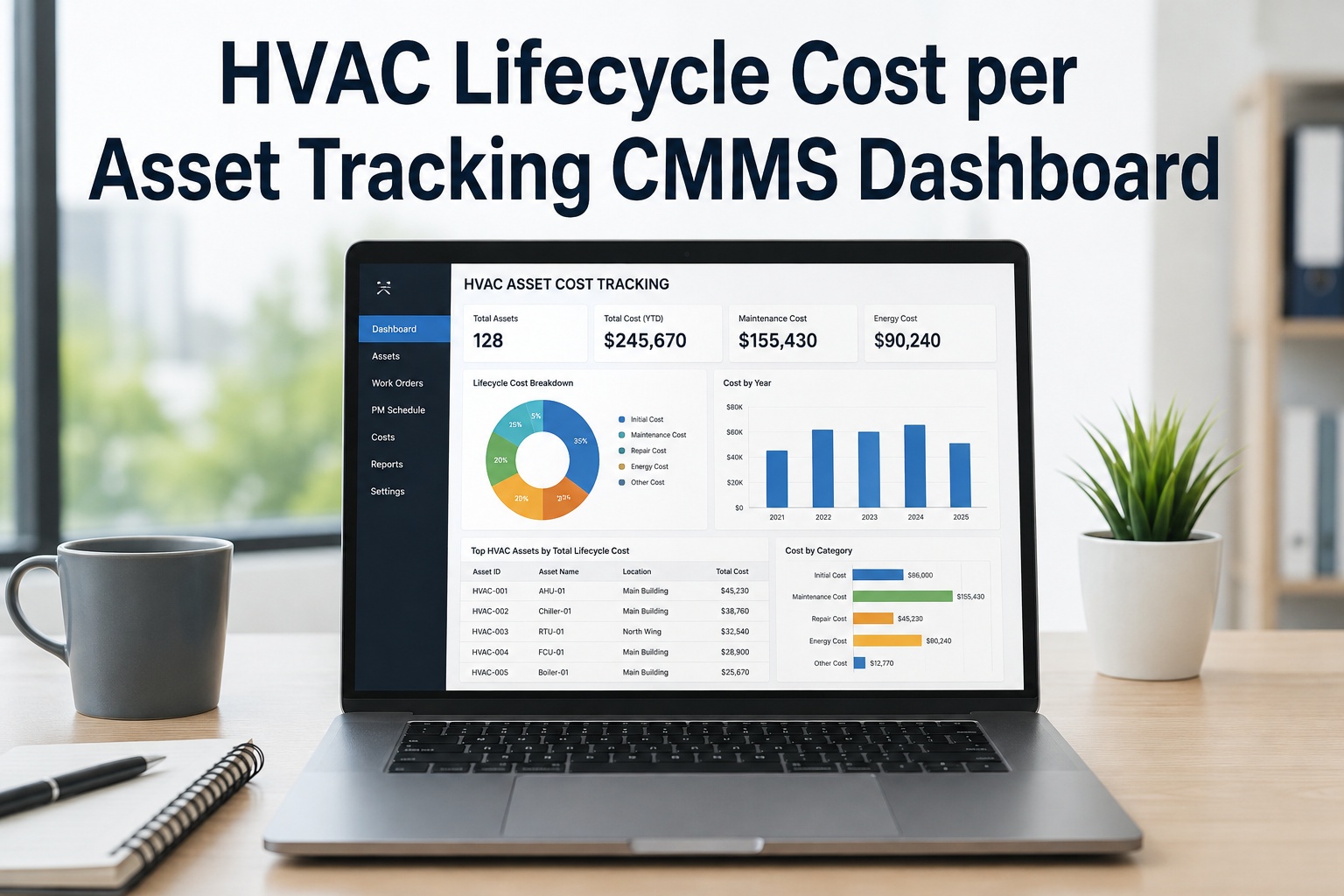
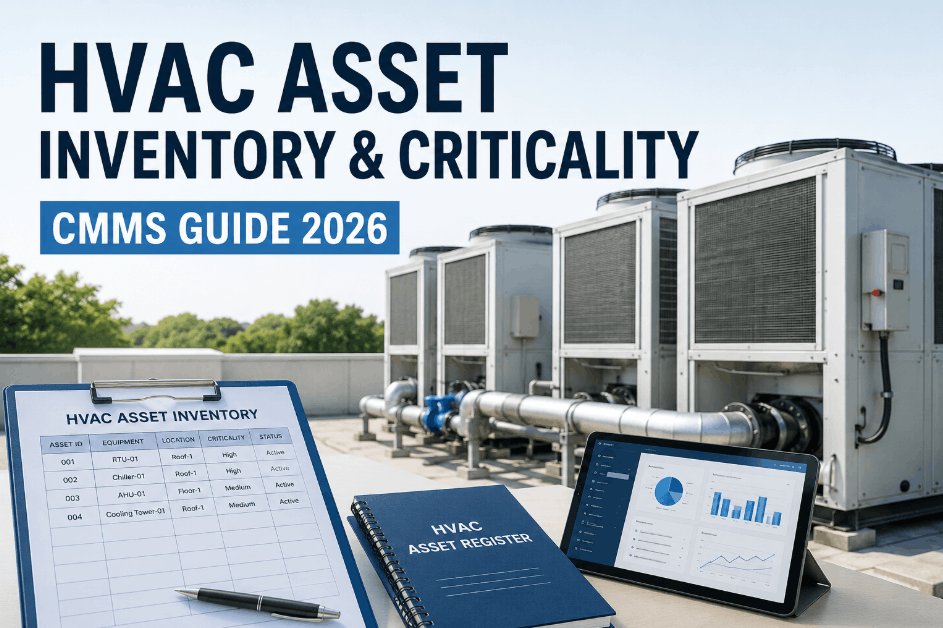
A technician climbs onto a rooftop and finds three packaged units with no tags, no model numbers, and no record of which one the work order was actually written for. Multiply that by a dozen buildings and a few hundred units, and the honest answer to "how much HVAC equipment do we have" is a shrug. You can't maintain equipment you can't find or remember exists. OXMAINT AI maintenance management software turns every unit into a tagged, located, fully specified asset record the moment it's found — and keeps it that way for the life of the equipment. This guide covers how to build an HVAC asset management and equipment tracking programme across a building portfolio with OXMAINT AI's AI-powered CMMS.
Facilities & Portfolio Operations · HVAC Asset Management
HVAC Asset Management and Equipment Tracking
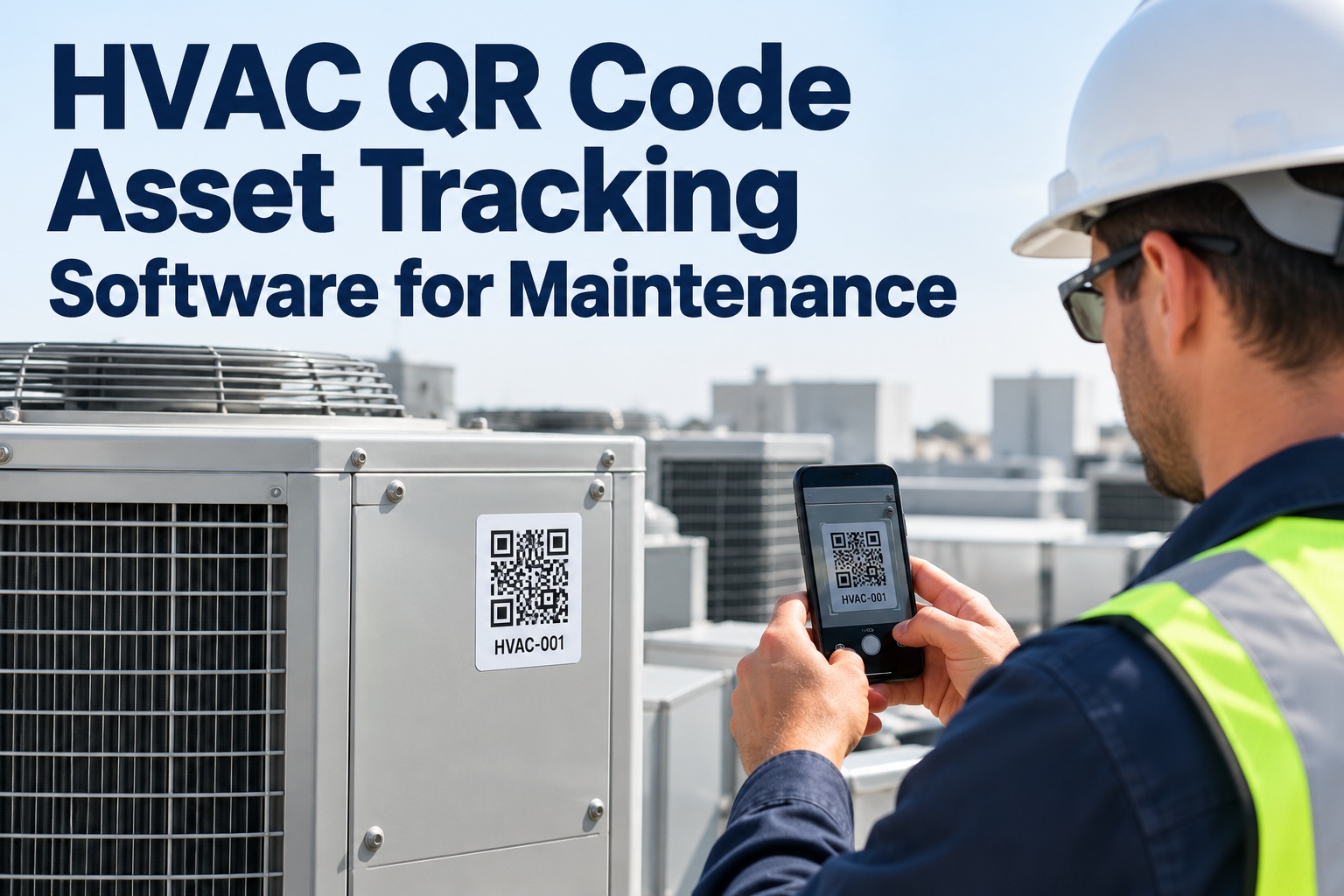
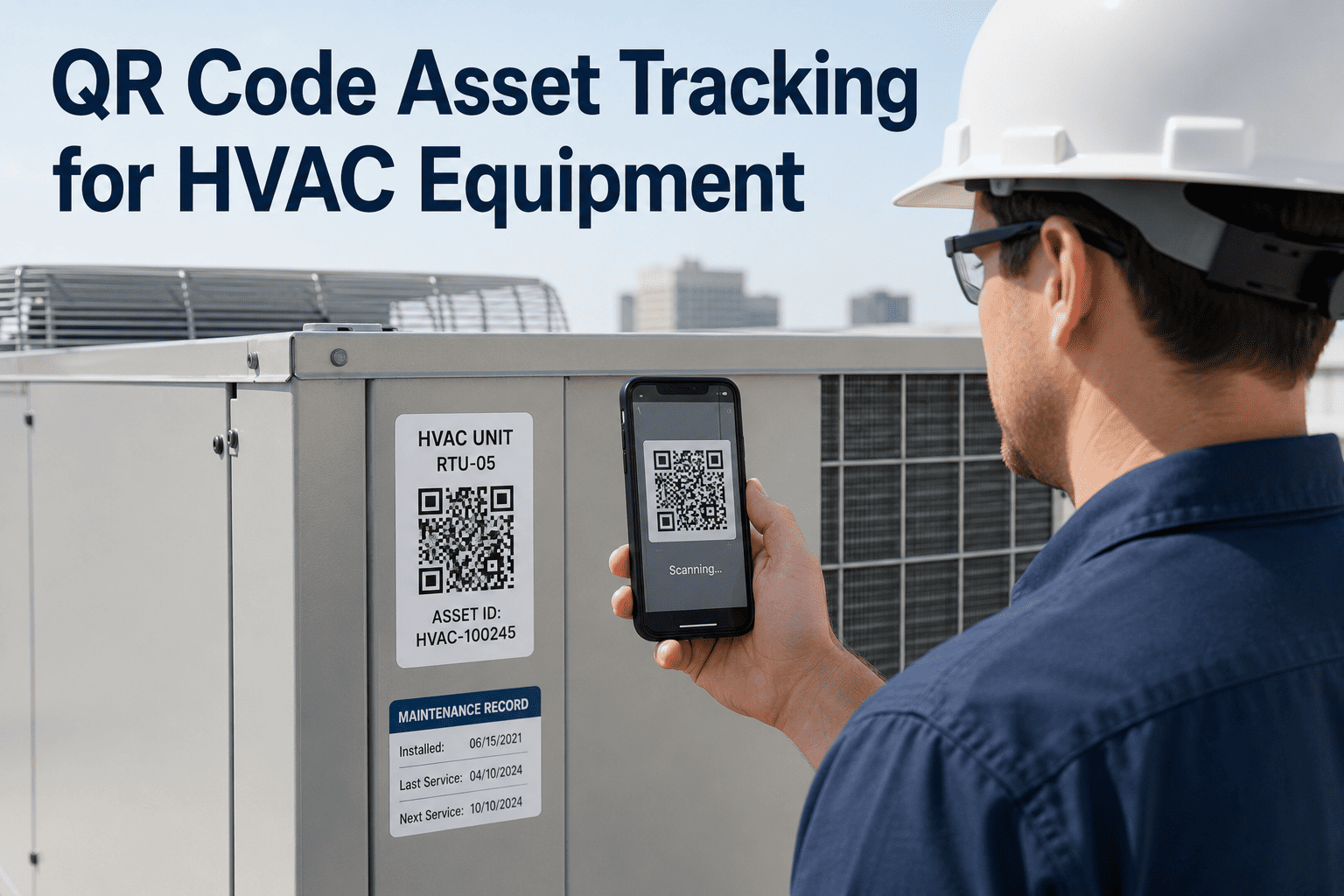
A unit gets found, it needs a tag and a record, and that record needs to follow it for the rest of its life — model, serial, location, and every work order ever opened against it. OxMaint's AI-powered CMMS turns a QR scan in the field into a permanent asset record, then attaches every future PM and repair to it automatically. Start a free trial to tag your first building, or book a demo to see a portfolio-wide registry in action.
QR Asset Tagging
Portfolio-Wide Registry
Nameplate Data Capture
1 Asset Register
every unit, every building, in one searchable list
1 QR Tag
per asset, scannable from a phone in the field, online or off
1 Location Hierarchy
building, floor, zone, and unit, mapped once per site
1 History Timeline
every PM, repair, and inspection attached to the asset for life
The 3 Layers A Defensible Asset Record Needs
A line item that just says "rooftop unit #4" isn't an asset record — it's a label. A record that holds up over the equipment's whole life needs three layers built in from day one. OXMAINT AI's software captures all three the moment a unit is tagged. Sign up free and build your first asset record today.
IDENTIFICATION
Where It Is & What It's Called
Captures: A unique ID, QR tag, and a position in the location hierarchy
Logic: Every unit gets one ID tied to building, floor, and zone
Why: A work order needs a specific asset, not "the unit near the elevator"
Risk if missing: Duplicate or phantom assets, technicians guessing which unit
SPECIFICATION
What It Actually Is
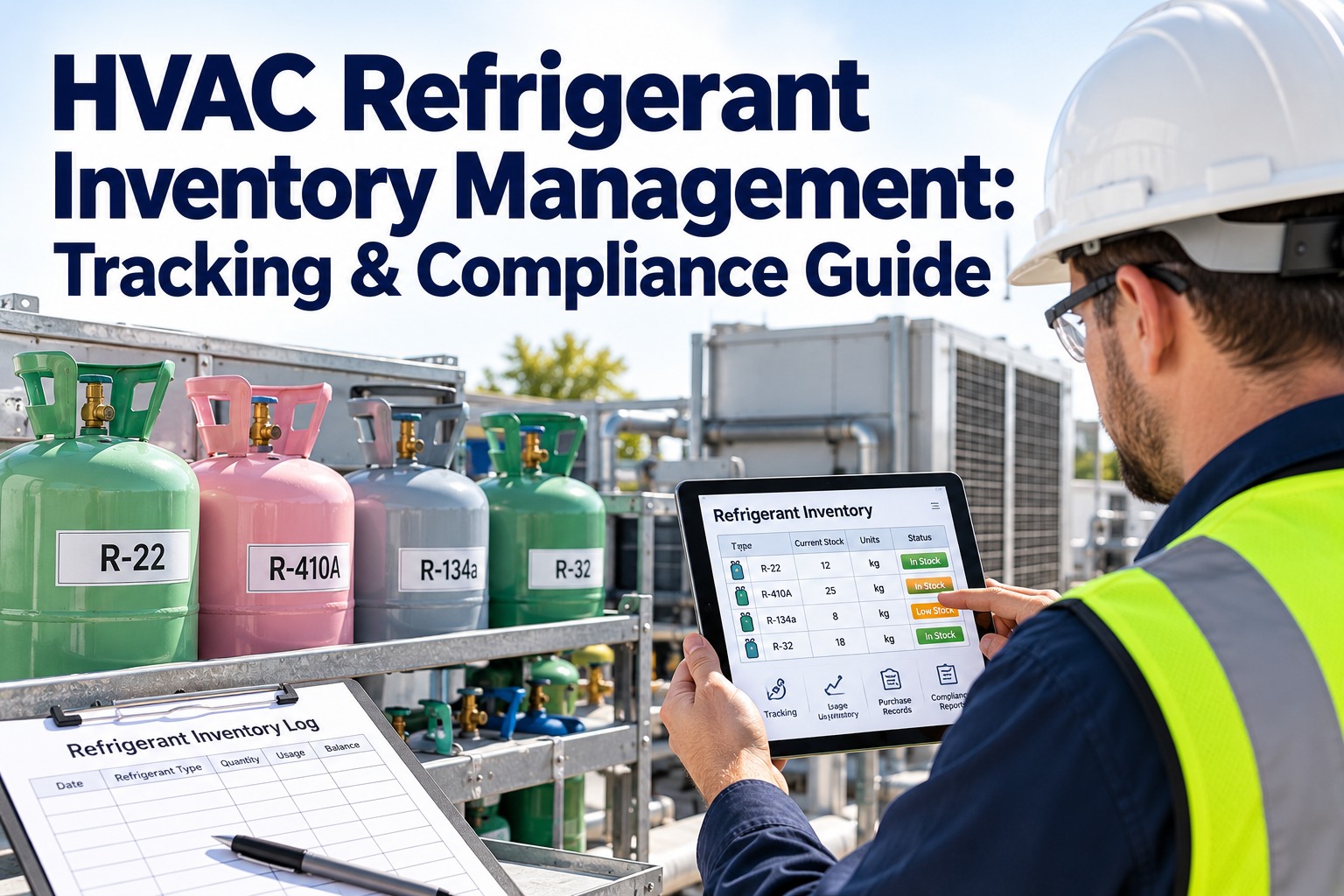
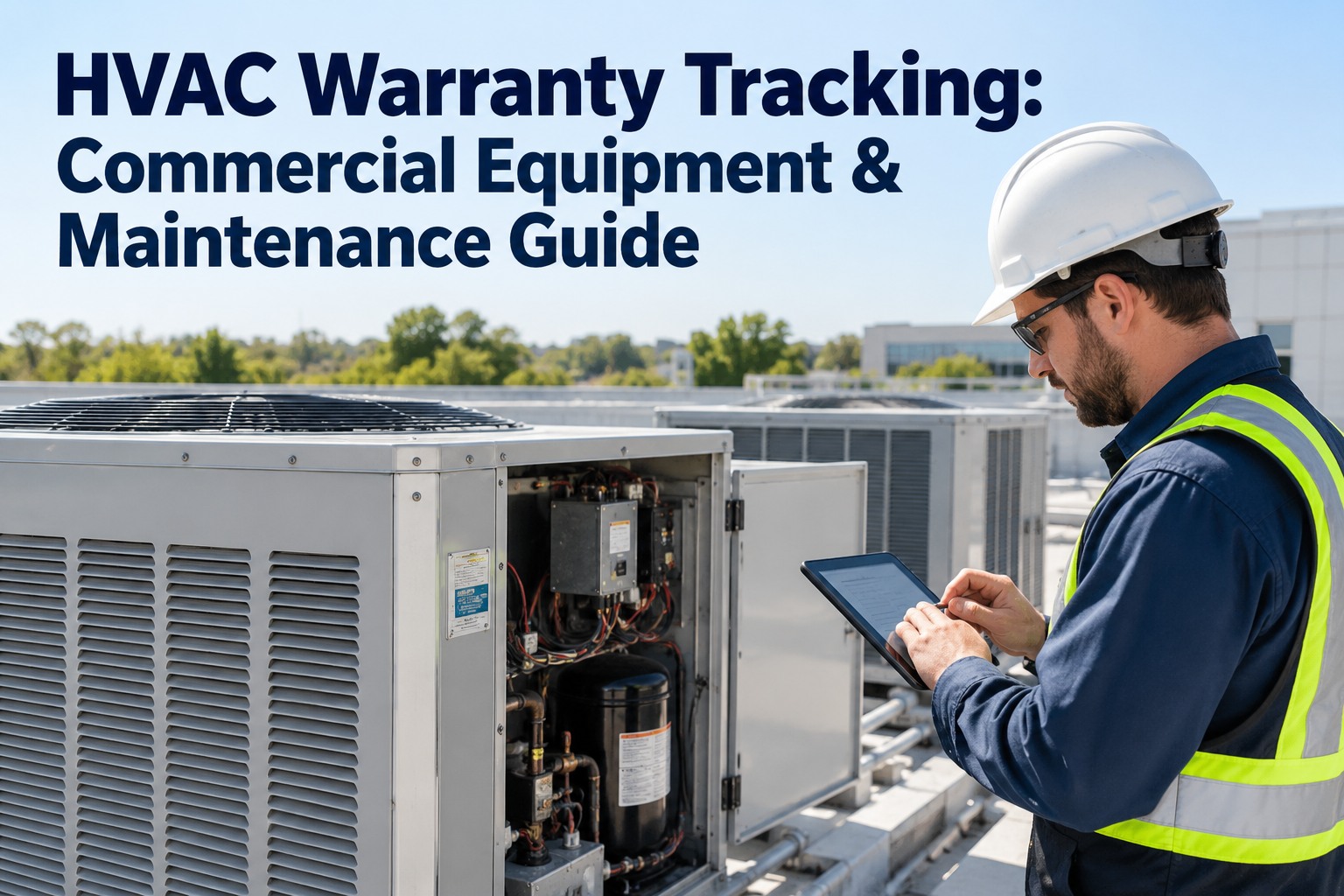
Captures: Model, serial, refrigerant type, capacity, install date, warranty
Logic: Nameplate data captured once at tagging, attached permanently
Why: A parts order or warranty claim needs the exact model and serial
Risk if missing: Wrong parts ordered, warranty claims denied for lack of proof
HISTORY
What's Happened To It
Captures: Every PM, repair, and inspection logged over the asset's life
Logic: Each work order attaches to the asset record automatically
Why: A repeat failure only becomes visible when the history is in one place
Risk if missing: The same fault gets "fixed" repeatedly with nobody noticing
The 5 Equipment Types Every HVAC Registry Should Track First
Not every piece of equipment carries the same risk of going untracked. Five categories account for most of the gaps in a typical portfolio's registry — either because there are too many of them, or because they're too easy to forget between seasons. Book a demo to see the equipment type library.
R
Rooftop Units
Packaged RTUs — usually the most numerous asset type and the most often untracked
Tracked by: unit ID, serving zone, tonnage, refrigerant type
A
Air Handling Units & Chillers
Central plant equipment — fewer units, but the highest individual replacement cost
Tracked by: capacity, motor HP, refrigerant, warranty expiry
V
VAV Boxes & Terminal Units
The long tail — dozens or hundreds per building, easy to lose track of individually
Tracked by: zone served, CFM range, tied to parent AHU
B
Boilers & Heating Plant
Seasonal equipment — easy to forget between heating seasons when it isn't running
Tracked by: fuel type, BTU rating, install date
E
Exhaust Fans & Specialty Equipment
Kitchen hoods, lab exhaust, make-up air units — often missing from registries entirely
Tracked by: CFM, served space, code category
The Discover-to-Retire Chain — How Equipment Enters The Registry And Stays There
An asset register isn't a one-time inventory — it's a process that has to keep working as equipment is added, repaired, and eventually replaced. OXMAINT AI connects every stage so a unit is never orphaned from its own history. Start free and build your tracking chain today.
01 · Discover
Equipment Found In The Field
A technician or survey crew finds a unit during a walk-through or routine service
▼
02 · Tag
QR Code Applied & Linked
A physical QR tag is applied and linked to a new digital asset record on the spot
▼
03 · Capture
Nameplate Data Recorded
Model, serial, capacity, and refrigerant type photographed and logged against the record
▼
04 · Link
Asset Added To Location Hierarchy
The unit is placed in its building, floor, and zone so it's findable without a QR scan
▼
05 · Track
PM & Work Orders Attach Automatically
Every future PM, repair, and inspection logs against this one record going forward
▼
06 · Retire
Replacement Logged, History Preserved
When a unit is replaced, the new asset is tagged and the old record's history is kept
Minimum Asset Record Fields By Equipment Type
Not every asset type needs the same fields filled in to be useful. OXMAINT AI's software prompts for the right minimum field set at tagging time, so a record is complete enough to act on the first time it's created. Book a demo to see the tagging checklist.
Minimum Fields Captured At Tagging
RTU
Rooftop Units
Model, serial, tonnage, refrigerant type, install date, serving zone
AHU
Air Handlers & Chillers
Model, serial, capacity, motor HP, refrigerant type, warranty expiry
VAV
VAV & Terminal Units
Model, serial, zone served, CFM range, parent AHU reference
BLR
Boilers & Heating Plant
Model, serial, fuel type, BTU rating, install date
EXH
Exhaust & Specialty Equipment
Model, serial, CFM, served space, applicable code category
ALL
Every Asset, Regardless Of Type
Photo, QR tag ID, building/floor/zone location, date tagged
Every Unit. One Registry. Nothing Untracked.
OXMAINT AI's maintenance management software turns a QR scan into a permanent, searchable asset record — nameplate data, location, and full history, built once and kept current automatically.
Registry Completeness Panel — Which Building Still Has Gaps
A registry-completeness score by building shows exactly where the asset data is solid and where it's still missing units, nameplate data, or history. OXMAINT AI's software trends this per site, pulled straight from the live registry. Sign up free and see your registry panel live.
Illustrative Portfolio Registry Completeness Panel
Warehouse & Distribution
WATCH
Medical Office Building
HEALTHY
Green = registry substantially complete · Amber = gaps in tagging or data · Red = large portion of equipment untracked · updated live as units are tagged
What OXMAINT AI's Maintenance Management Software Gives A Portfolio Team
Purpose-built for tracking HVAC equipment across multiple buildings — one software platform that tags, locates, specifies, and tracks every unit for the life of the equipment. Start free and load your portfolio into OXMAINT AI.
QR & Barcode Asset Tagging
Every unit gets a scannable tag that opens its full record instantly from a phone in the field.
Portfolio-Wide Asset Register
Every building's equipment in one searchable list, filterable by site, type, or status.
Nameplate Data Capture
Model, serial, capacity, and refrigerant data captured once and attached permanently.
Location Hierarchy Mapping
Building, floor, and zone structure so any asset is findable without needing a QR scan.
Asset History Timeline
Every PM, repair, and inspection retained against the asset for its entire service life.
Registry Completeness Dashboard
Tagging and data-completeness progress trended per building across the whole portfolio.
"
We budgeted for a two-week equipment survey and it turned into six, because every building had units nobody had documented — some not even on the original drawings. The tagging itself was the easy part once we started; the hard part was realizing how much equipment had been running completely off the books for years.
Portfolio Facilities Manager · Multi-Site Commercial Real Estate Group
Frequently Asked Questions
Can we bulk-import an existing equipment spreadsheet instead of starting from scratch?
Does QR tagging work in mechanical rooms or on rooftops without reliable WiFi?
Can assets be tracked consistently across a whole multi-building portfolio?
Yes — every building shares the same registry and location hierarchy structure, so equipment can be compared, filtered, and reported on across the full portfolio, not just one site at a time.
Start free and connect your first few buildings.
What happens to an asset's history when the unit is replaced?
How long does it take to build a complete registry for a typical portfolio?
Stop Maintaining Equipment You Can't Find.
Build your HVAC asset management and equipment tracking programme on OXMAINT AI's maintenance management software — QR tagging, nameplate data capture, location mapping, and a full history timeline, for every unit across your portfolio.