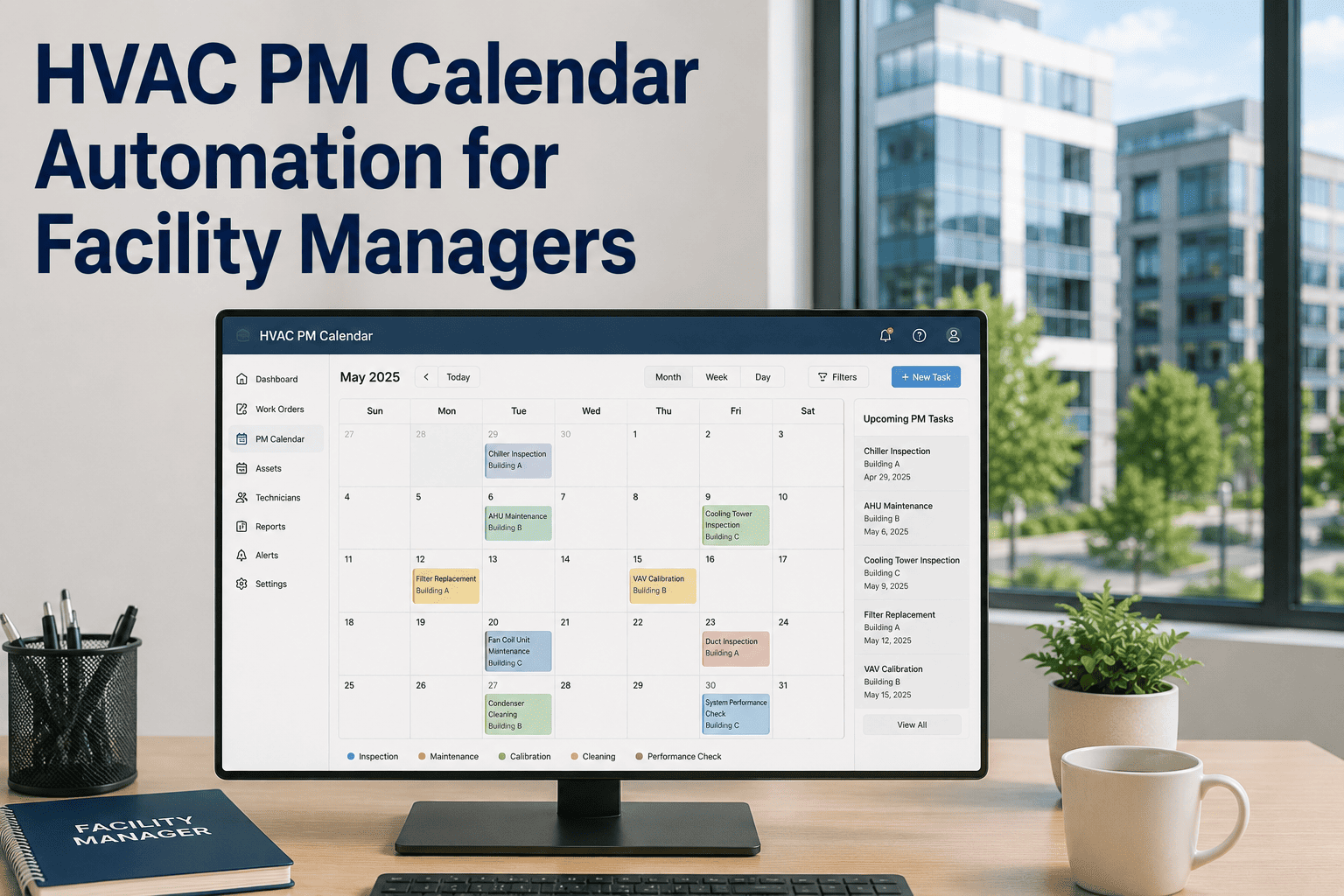
Facility managers lose an average of 23 hours per month manually updating HVAC maintenance schedules — time that could be spent on actual oversight. When a rooftop unit runs 1,400 hours instead of the 1,000-hour PM trigger, or a technician is booked on another job when the chiller needs a quarterly inspection, systems degrade faster and emergency repair costs spike. HVAC PM calendar automation eliminates these gaps by linking asset runtime, season, vendor SLA, and technician availability into one self-updating schedule — so every task lands at the right time with the right person assigned. Start your free trial on Oxmaint and connect your first HVAC assets today, or book a demo to see automated PM scheduling live.
PM Scheduling · HVAC · Facility Management
HVAC PM Calendar Automation for Facility Managers
How smart scheduling by asset type, runtime hours, season, and technician availability cuts emergency repairs and keeps compliance audit-ready — without a single manual calendar update.
8 min read
PM Scheduling
Facility Management
Why Manual HVAC Scheduling Breaks Down
Static calendar-based PM systems were designed for simpler buildings. A 300,000 sq ft commercial facility with 40+ HVAC assets, multiple vendors, and seasonal load swings cannot be managed on a spreadsheet. Three failure modes repeat across every facility that relies on manual scheduling.
01
Fixed Intervals Miss Real Usage
A filter replacement scheduled every 90 days regardless of runtime means over-servicing in mild months and under-servicing during peak cooling season.
02
Technician Conflicts Go Undetected
When two critical PMs land on the same day and only one technician is available, one task gets deferred — and that deferral rarely gets rescheduled on time.
03
Vendor SLAs Are Tracked Separately
Contractor visit windows sitting in email threads instead of the PM calendar create missed vendor inspections, warranty voids, and SLA penalties that cost more than the repair.
The 5 Automation Triggers Every HVAC PM Calendar Needs
Automated scheduling works by replacing calendar dates with condition-based rules. These five triggers cover the most common failure patterns in commercial HVAC operations.
| Trigger Type |
Example Rule |
Assets It Protects |
Without Automation |
| Runtime Hours |
PM every 500 operating hours |
Chillers, AHUs, compressors |
Fixed 90-day intervals regardless of load |
| Seasonal |
Cooling startup checklist triggers April 1 |
Cooling towers, condensers |
Manual calendar entries missed or duplicated |
| Compliance |
Annual refrigerant leak check per EPA 608 |
All refrigerant-containing systems |
Tracked in separate spreadsheet, often missed |
| Vendor SLA |
Manufacturer visit within 60 days of annual |
Specialized equipment under warranty |
Email threads; no system-level visibility |
| Technician Load |
Auto-assign based on skill + availability |
All PM tasks |
Manual dispatcher bottleneck each week |
PM Frequency by HVAC Asset Type
Different HVAC systems require very different PM cadences. Automating by asset type ensures each system gets exactly the right attention — not a one-size-fits-all quarterly visit.
Chiller
Monthly + Annual major
Refrigerant levels, oil analysis, tube inspection
AHU / FCU
Quarterly
Filters, belts, coils, drain pans
Cooling Tower
Seasonal + Monthly water treatment
Fill media, drift eliminators, fan blades
Boiler
Annual + pre-season
Combustion analysis, safety valves, controls
RTU / Packaged Unit
Bi-annual
Coils, capacitors, refrigerant charge
VAV / Controls
Annual
Actuator calibration, sensor drift, sequences
See Automated PM Scheduling in Action
Oxmaint auto-generates HVAC PM calendars by asset type, runtime, and season — with technician assignment built in. No spreadsheets.
Impact Data: Automated vs Manual PM Scheduling
Facilities that switched from spreadsheet-based PM to automated CMMS scheduling report measurable improvements within the first two quarters.
34%
Reduction in HVAC emergency calls
Source: BOMA facility benchmark report, 2023
91%
PM compliance rate achievable with automation
vs. 63% industry average with manual scheduling
4.8×
Cost multiplier for reactive vs planned repairs
Source: Plant Engineering magazine cost study
23 hrs
Monthly time saved per facility manager
Eliminated manual schedule updates and rescheduling
Expert Review
DM
"The single biggest improvement we made to HVAC reliability was tying PM triggers to runtime hours, not calendar dates. A chiller running at full load in a hot summer needs service after 500 hours whether that's 6 weeks or 3 months. Static quarterly schedules were leaving us under-maintained during peak season — exactly when we could least afford a failure."
David Mercer
Chief Engineer, 2.1M sq ft Commercial Portfolio — 14 years in facilities management
How Oxmaint Builds Your HVAC PM Calendar Automatically
1
Asset Registration
Add each HVAC asset with type, location, manufacturer, install date, and runtime meter. Templates pre-load standard PM tasks per asset class.
2
Trigger Rule Configuration
Set runtime, seasonal, compliance, and SLA triggers per asset. Rules run automatically — no manual check required after initial setup.
3
Technician Assignment
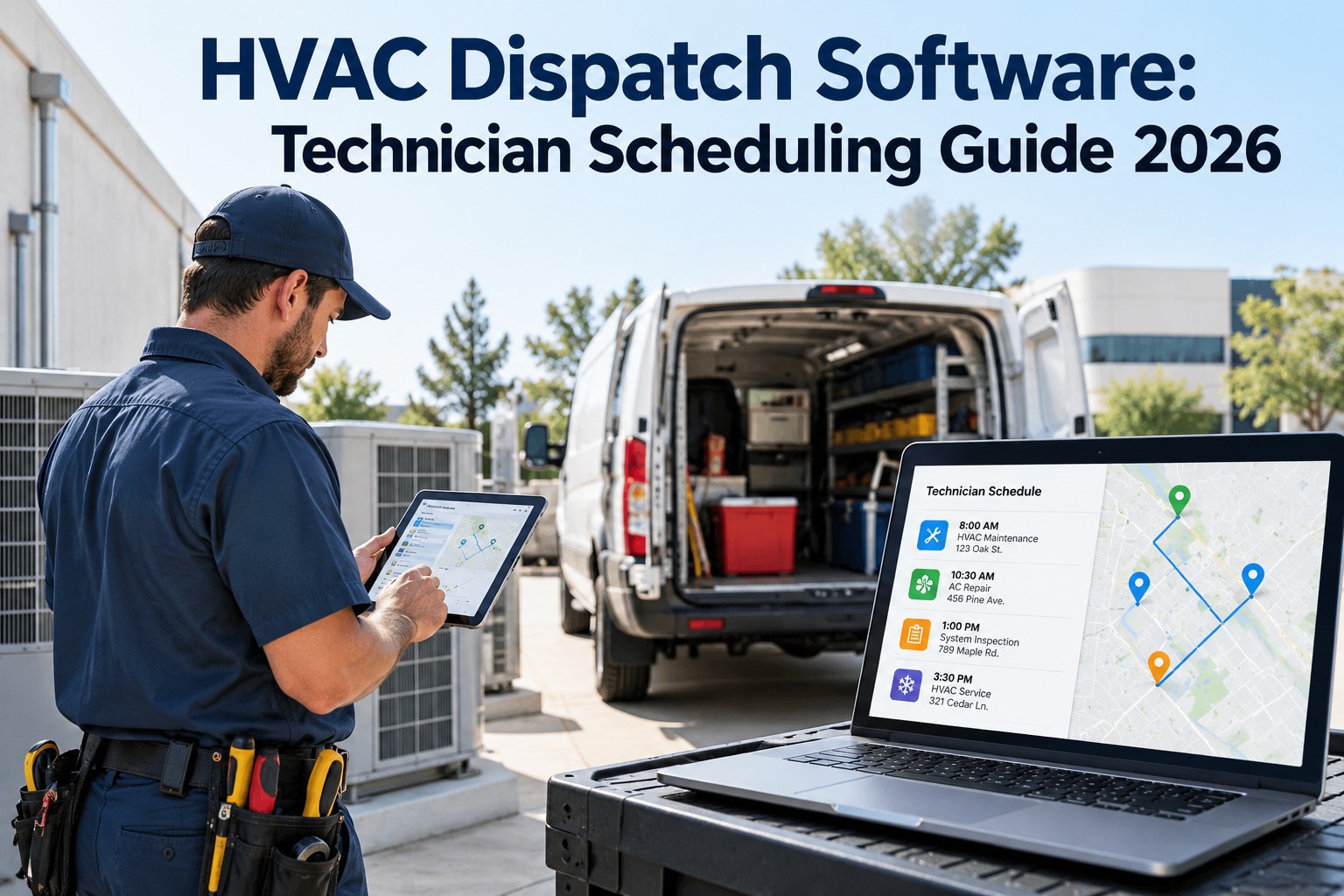
Work orders auto-assign to the qualified technician with available capacity on the target date. Conflicts surface before they become missed PMs.
4
Compliance Tracking
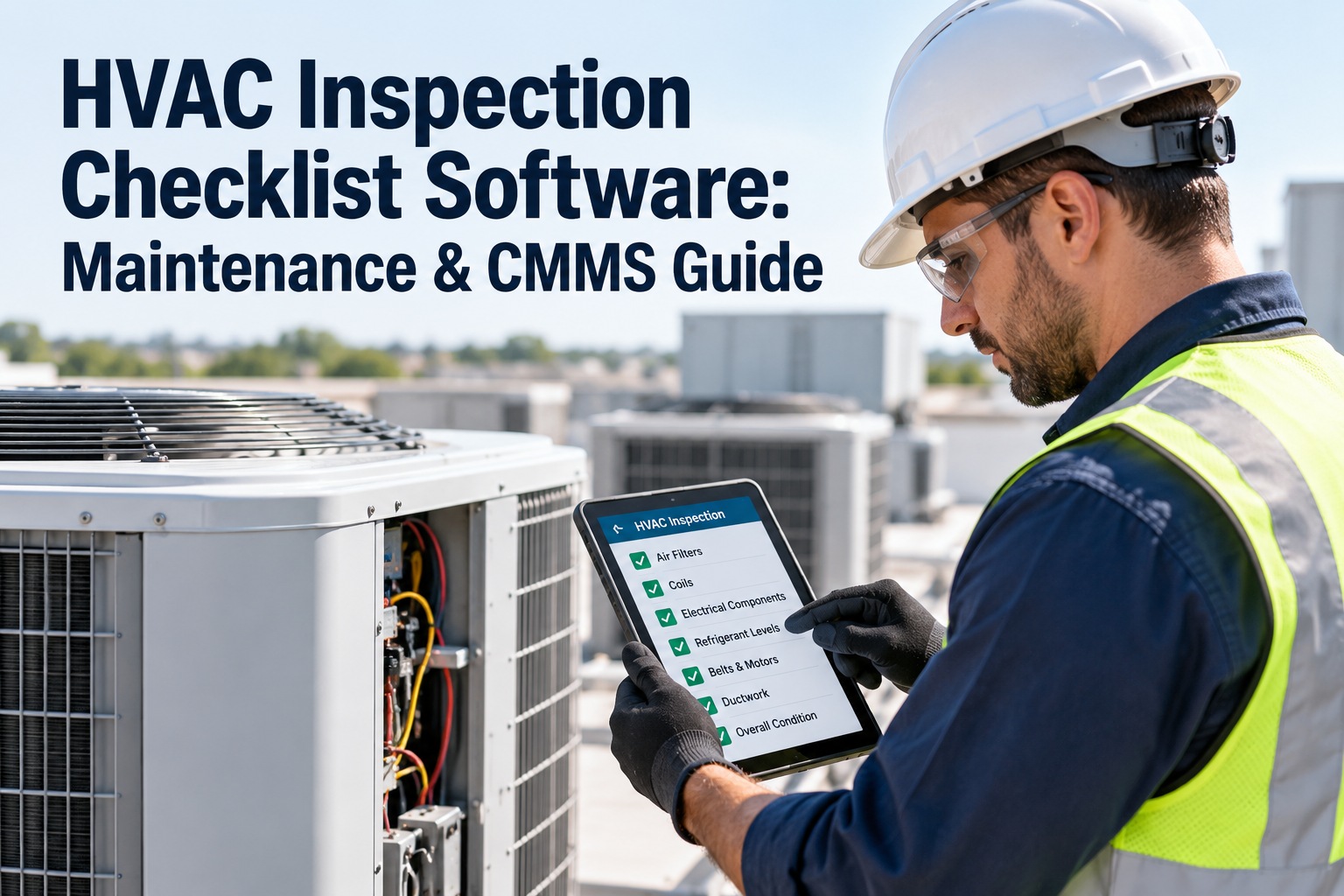
Every completed PM logs timestamp, technician signature, and findings. Compliance reports for EPA, ASHRAE, and local codes export in minutes.
Frequently Asked Questions
Can I migrate from a spreadsheet-based PM schedule to Oxmaint without losing historical data?
Yes. Oxmaint supports bulk asset import via CSV, and historical PM records can be uploaded as maintenance history entries. Your existing PM intervals and compliance records carry over, and the system begins triggering automated tasks from the point of import. Most facilities complete migration in under a week.
Start your free trial and use the import wizard to bring your existing data across.
How does runtime-hour-based triggering work if we don't have BMS integration?
Technicians can manually log runtime hours from meter readings during routine rounds, which update the asset's hour counter in Oxmaint. For assets with BMS or SCADA connectivity, runtime updates automatically via OPC-UA or API. Both approaches trigger PM work orders accurately — the difference is whether the runtime update is manual or automatic. Many facilities start manual and add integration later as the program matures.
Book a demo to discuss integration options for your building systems.
What happens when a seasonal PM trigger fires but the technician team is fully booked?
Oxmaint shows the scheduling conflict immediately when the work order generates — it doesn't silently defer. The facility manager sees the overload on the technician calendar and can either reassign to a contractor, adjust the window within the acceptable SLA, or escalate to management. The task remains visible as open and overdue until actioned, so nothing disappears into a spreadsheet backlog. This visibility is exactly what manual calendars cannot provide.
Does Oxmaint support multi-site HVAC PM calendars across different buildings?
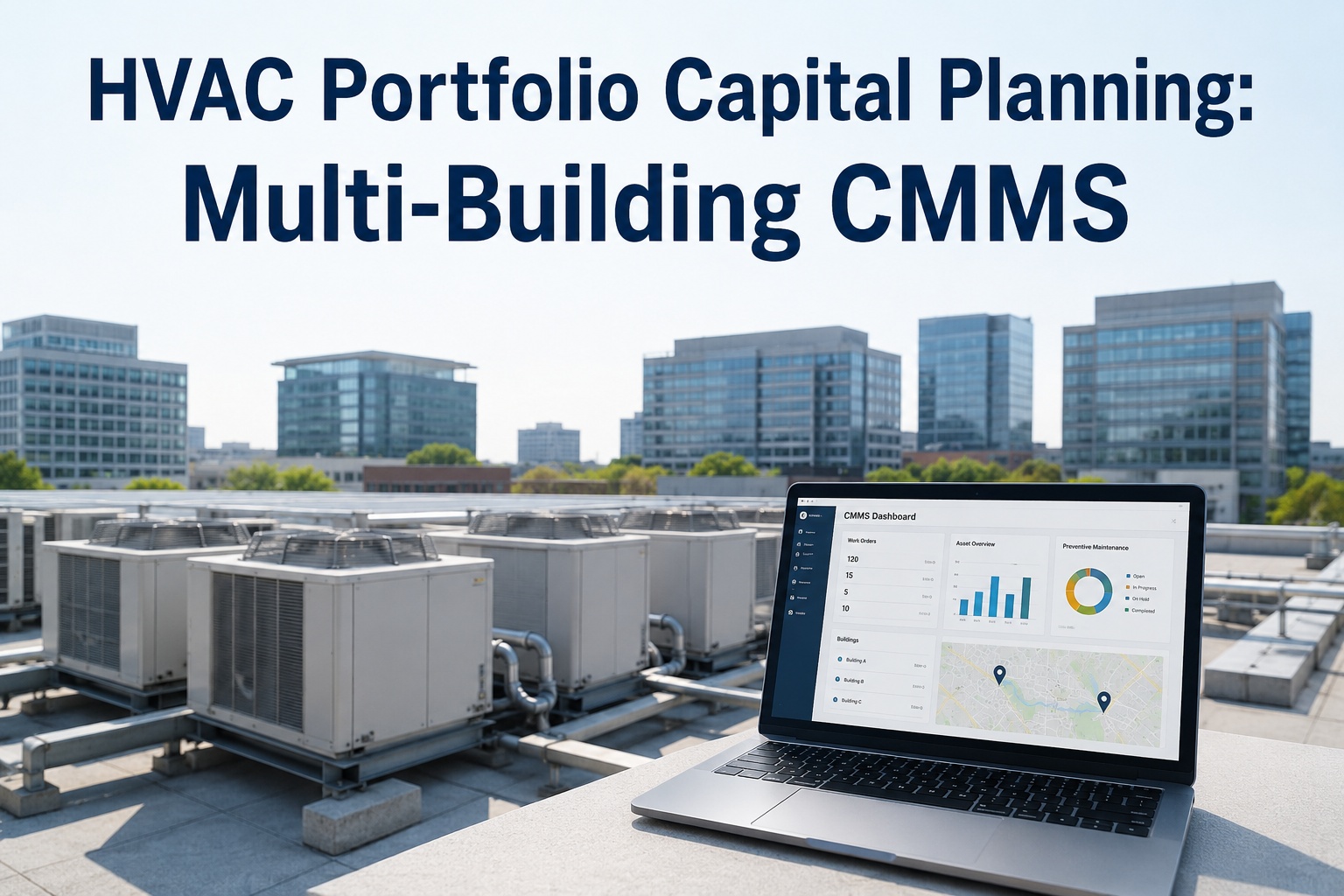
Oxmaint is built for multi-site operations. Each site has its own asset hierarchy, technician teams, and PM schedules, while facility managers and portfolio directors get a consolidated compliance view across all buildings. You can compare PM compliance rates, MTBF, and maintenance cost per square foot across sites from one dashboard. Site-level access controls ensure each team only sees their relevant assets and work orders.
Start your free trial and configure multiple sites from day one.
Stop Scheduling HVAC PM Manually
Oxmaint builds and runs your HVAC PM calendar automatically — triggered by runtime, season, compliance deadlines, and technician availability. Your team gets the right task at the right time, every time.