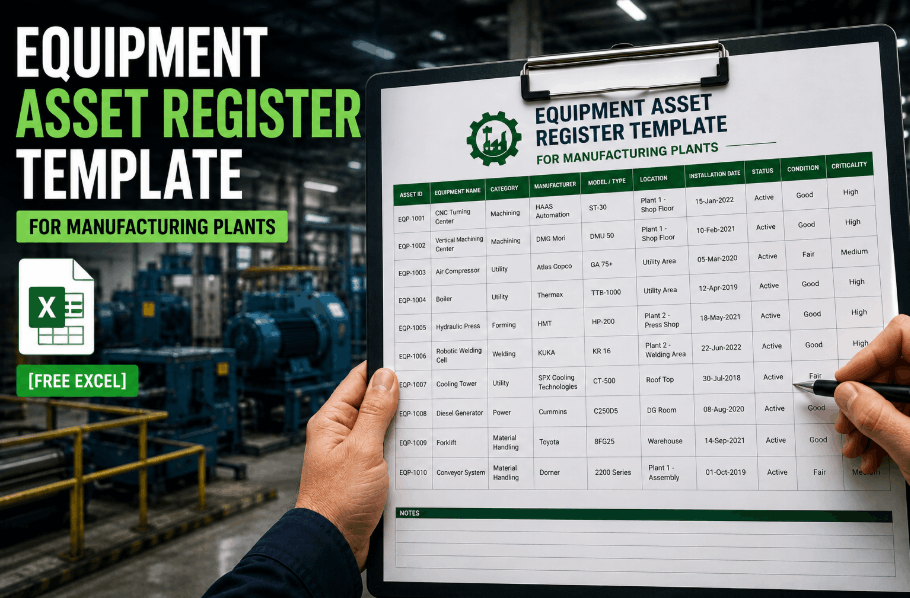
Every maintenance question eventually becomes a question about one machine: how old is it, how critical is it, is it still under warranty, and what has been done to it? Oxmaint's Assets Master keeps each machine as one record with its type, serial, maker, model, location, criticality, warranty and running hours, and puts its work orders, PM schedules, inspections, certificates and QR label one click away. Sign up to try the micro app and open a sample register of 64 machines.
Asset Register Software for Manufacturing Plants
One record per machine, with everything that has happened to it beside it. Sign up and open a sample plant's register.
One Machine, One Page
This is a real asset page from the sample plant. Everything below is on one screen, gathered from the jobs, checks, inspections and costs recorded against the crane. Sign up to open Overhead Crane 01.
Sample plant records from the Oxmaint portal, captured 26 Nov 2026. The page also listed six passed pre-start checks from 20 to 26 Nov and $2,118 of maintenance spend across 2 closed jobs.
What the Asset Page Gathers
Type, manufacturer, model, serial, site, location, external ID and description.
Health score, running hours, warranty date and the latest pre-start checks.
Work orders raised, breakdowns, labor booked and downtime logged.
Last maintained, next due, open work orders and PM schedules.
Inspections done, failed items and the mean score.
Maintenance spend, the jobs it came from and the mean cost per job.
The Sample Register in Numbers
Sample plant records from the Oxmaint portal, captured 26 Nov 2026. Your numbers will differ.
Open the Sample Register
Filter by criticality, open a machine and follow its history. Sign up to the micro app and explore 64 sample assets.
Plants, Areas and Lines Are Places, Not Assets
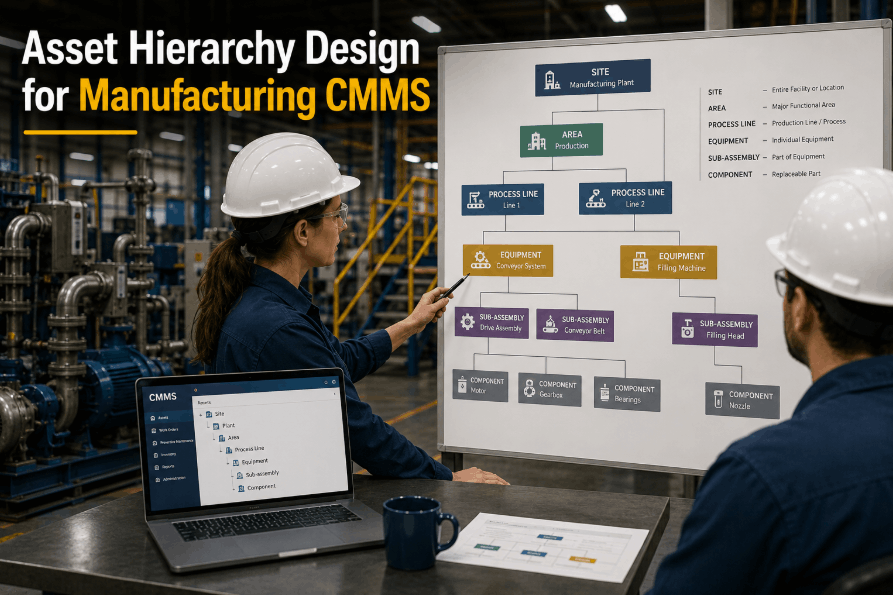
The hierarchy keeps places and machines apart. A plant, an area and a line are places that hold machines; they are not machines themselves, so they are not mixed into the asset counts. A machine can also be part of another, such as a gearbox on a conveyor, and the asset page shows the full path.
| Area (Columbus Plant, sample) | Assets | Area (continued) | Assets |
|---|---|---|---|
| CNC Machining | 12 | Assembly & Test | 6 |
| Fabrication & Welding | 9 | Warehouse & Mobile Equipment | 5 |
| Packaging & Shipping | 7 | Paint & Finishing | 4 |
| Utilities: air, chilled water and dust | 7 | Receiving & Raw Material | 3 |
| Stamping | 6 | Electrical & Controls | 3 |
| Maintenance Shop & Stores | 2 | Distribution Center (2nd site) | 0 |
Sample plant records, captured 26 Nov 2026: 12 locations over 2 sites.
A Register That Does Not Invent Things
Fill a blank warranty with a year from today
Mark a new machine as serviced today
Delete sub-assets with their parent
A date left blank stays blank
An in-service date cannot be in the future, and a warranty cannot end before it
Removing a machine offers to move its sub-assets up a level, with their history
Actions From the Asset
Get criticality right before anything else. Mark as high only the machines whose failure stops a line, and be honest about it: on the sample plant that is 24 of 64. Then log running hours on those first, because meter-based PMs and MTBF both depend on them, and a register without readings cannot tell you which machine is working hardest. Editorial guidance, not a quote from a named person.
Frequently Asked Questions
Know Every Machine You Look After
One register, one page per machine, and its whole history beside it. Sign up and open the sample register.