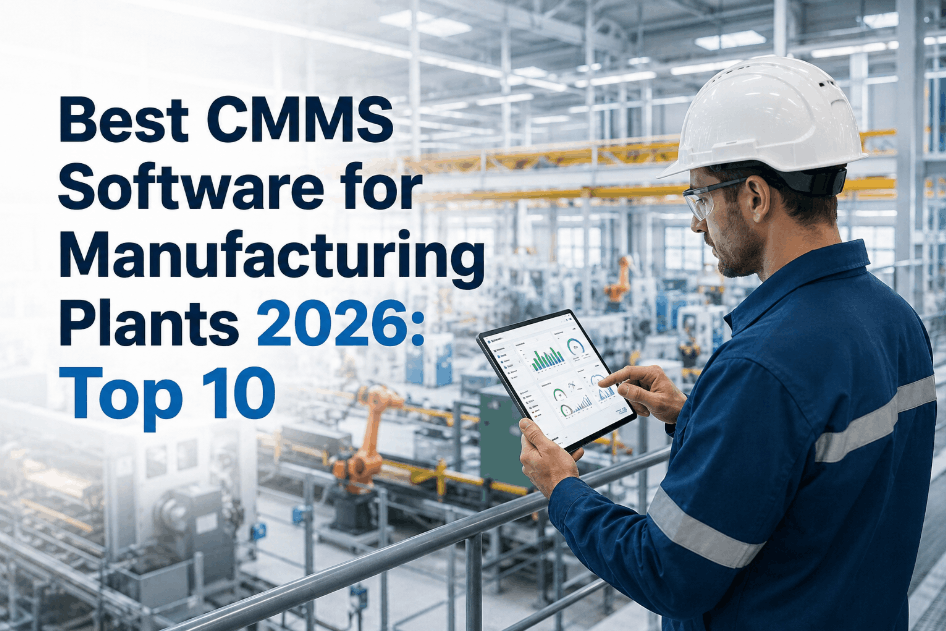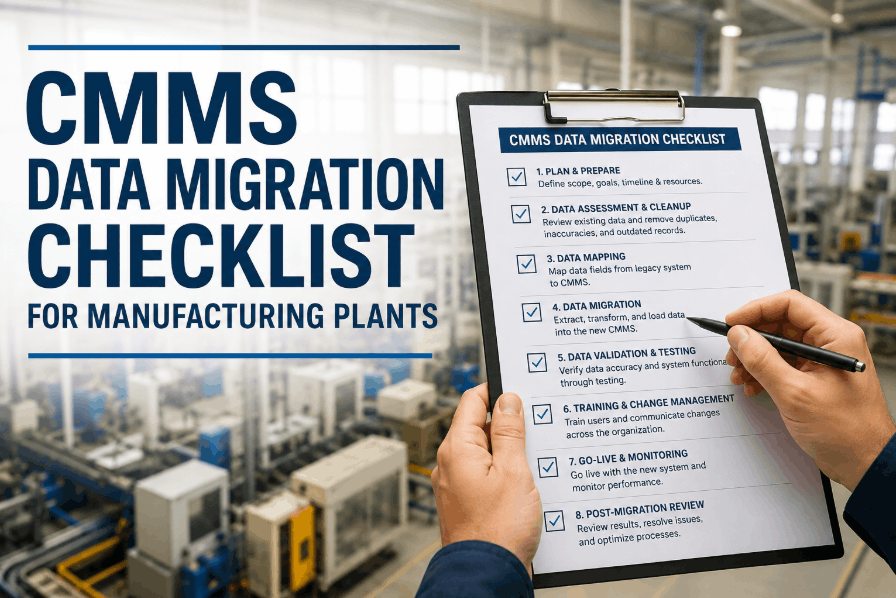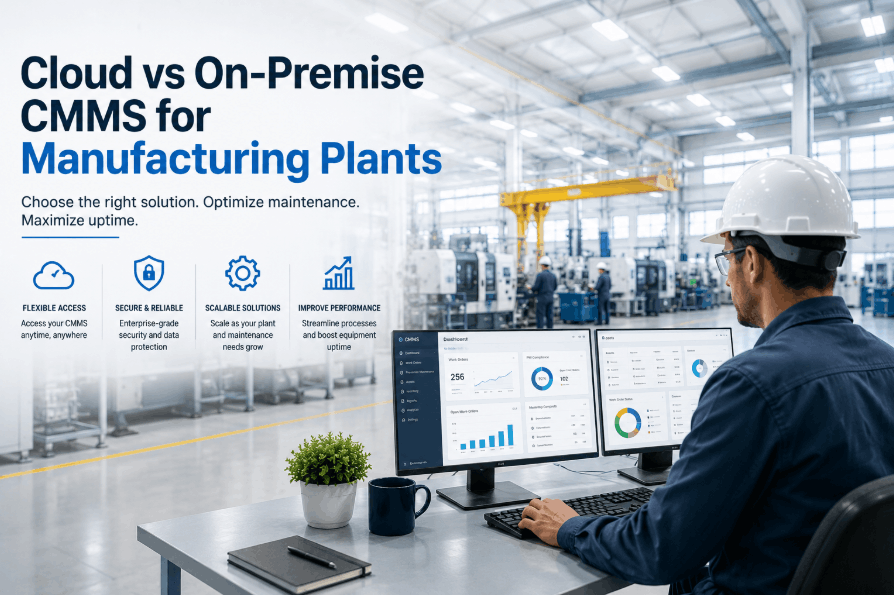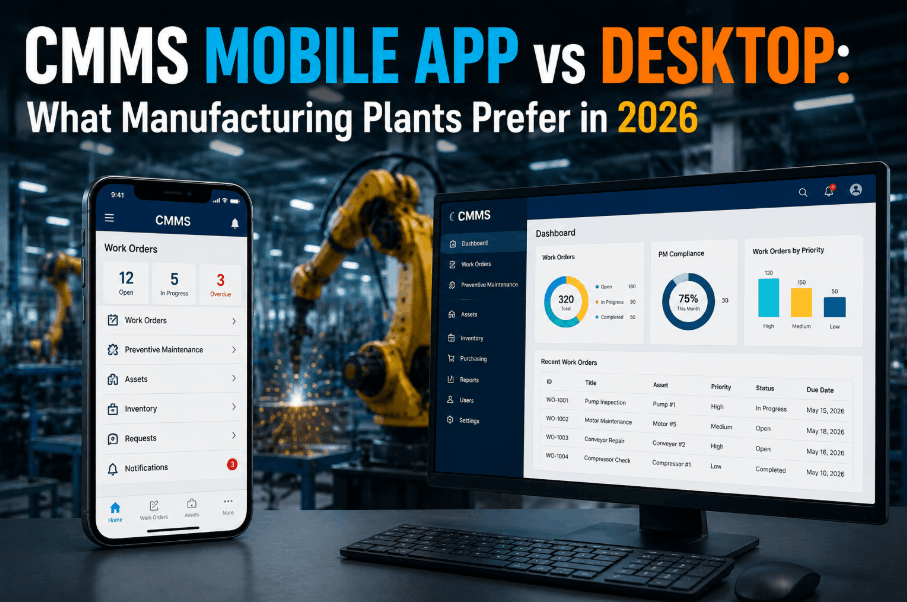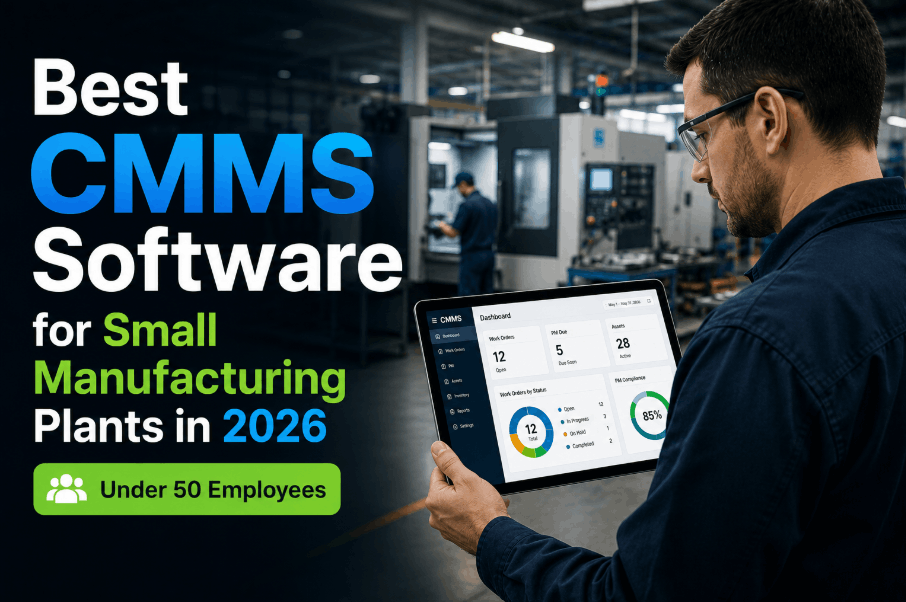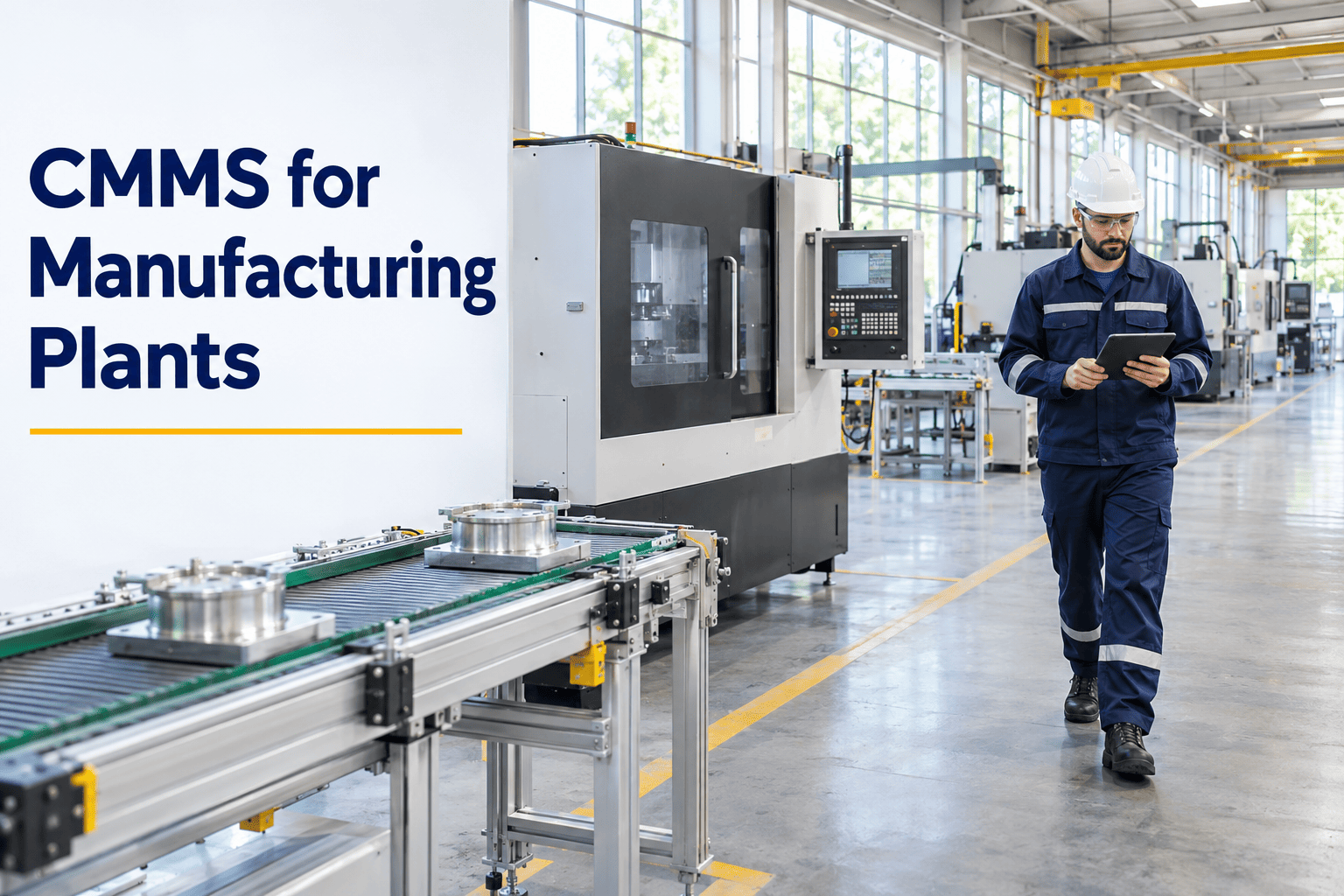
A manufacturing plant does not need a maintenance system that knows about buildings and fleets. It needs one that knows about lines, machines, run hours, lockouts and the spare part that stops a job. Oxmaint for manufacturing puts work orders, requests and PM schedules on dates or run hours beside pre-start checks, inspections, permits, LOTO, parts and purchasing, with plant KPIs counted from the plant's own records. Sign up to try the micro app and walk a ready-made metal fabrication and assembly plant.
CMMS for Manufacturing Plants
Maintenance, safety and spares for the plant floor, in one portal. Sign up and explore a sample plant with 64 machines already in it.
The Sample Plant at a Glance
The portal does not open empty. It opens on Oxmaint Manufacturing, a sample plant in Columbus, Ohio, with machines, stock, schedules and about two months of work orders, so every screen has something in it from the first minute. Sign up to walk the sample plant.
Sample plant records from the Oxmaint portal, captured 26 Nov 2026. Columbus Plant has 11 areas and 7 lines; a Distribution Center in Grove City is set up with no lines yet. 70 part lines in stock. Your numbers will differ.
What Is in the Portal
| Menu group | Screens | What it is for |
|---|---|---|
| Dashboard & KPIs | Overview, KPIs | Open work, overdue, PM on time, assets down, MTTR, cost; 43 indicators with definitions |
| Plants & Lines | Plants, areas, lines, machines | 30-day availability, OEE, MTBF and MTTR per plant and line |
| Maintenance | Work Orders, Requests, PM Schedules, PM Forecast, Notices, Labor, My Tasks | The job lifecycle, preventive work on dates or hours, and the technician's queue |
| Inspection | Daily Checks, Inspection Reports, Checklists | Pre-start checks on forklifts, aerial lifts and cranes; planned inspections; checklists on a phone |
| EHS & Safety | Work Permits, LOTO, Clearances, Certificates, EHS Dashboard, Incidents | Safety records on the same machines as the work |
| Audit & Logbook | Audit Trail, Audits, Shift Logbook, Maintenance Logbook, Routes | Who changed what, handovers and rounds |
| Purchasing & Inventory | Purchase Orders, Demand Parts, Parts, Parts Readiness, Stocks, Vendors | Which jobs can start, what to order, and stock by site |

Four Ideas That Run Through It
Hour-based schedules are projected from each machine's own usage, and the forecast lists any it cannot place instead of guessing.
A failed critical pre-start item takes the machine out of use, and a job on an asset with a lockout asks for the safety steps before it starts.
Stock on the shelf is allocated across open jobs in the order the work would be done, so a card shows parts ready or short.
Every indicator is counted from live records and carries its definition and time window.
Walk the Sample Plant
Open the dashboard, the board and the forecast on a plant that already has work in it. Sign up to the micro app and look around.
Set Up for Your Kind of Plant
One portal, tuned by plant type. Choosing a type changes the words, the indicators, the starting checklists and PM programmes, never your stored records.
Machining, stamping, welding cells and assembly lines.
Filling and packaging lines, with CIP on time and sanitation stops.
Pumps, compressors, exchangers, boilers, instruments and rounds.
Melting, ladles and refractory, casting or rolling, heat treatment, with cranes in every bay.
Built for the People Who Use It
From Sample Data to Your Own
Use the sample plant to see how a full register reads before you add anything.
Add machines under Assets, import a spreadsheet, or send your asset list, parts and stock, PM schedules and work order history to be loaded for you.
Remove the sample site whenever you are ready, and the numbers on every screen become your own.
Start where the plant hurts most. If breakdowns dominate, begin with requests and work orders on your critical machines. If audits worry you, start with pre-start checks, LOTO procedures and certificates. Add PM schedules on run hours next, because that is where usage-based wear gets caught before it stops a line. Editorial guidance, not a quote from a named person.
Frequently Asked Questions
Maintenance Software That Speaks Plant
Lines, run hours, lockouts and spares in one portal. Sign up and walk the sample plant today.