A defective batch that passes your receiving dock does not stay at the dock — it travels into your production line, into your finished goods, and eventually into your customer's hands. Incoming Quality Control is the one gate where bad material can be stopped before it multiplies in cost and complexity. Sign up for Oxmaint to automate your IQC workflows, track supplier defect history, and turn your receiving bay into a data-driven quality gate — not a paperwork checkpoint.
Incoming Quality Control (IQC): AI-Powered Inspection from Supplier to Production Floor
How manufacturers are replacing manual sampling and paper checklists with automated IQC workflows that catch supplier defects at the dock — before they reach the line.
IQC Is Not Just Receiving Inspection. It Is Your First Quality Gate.
Incoming Quality Control is the systematic verification of all materials, components, and sub-assemblies arriving from suppliers before they are accepted into stock or released to the production floor. It is the difference between catching a bad batch at the dock — when it costs nothing to return — and finding it three stages into production, when it has already consumed machine time, labour, and other good materials.
Inspects materials and components from suppliers before production begins. The first and most cost-effective quality gate in the manufacturing chain.
Monitors quality during active production — catching process deviations and equipment drift before entire batches are produced out of specification.
Final verification of finished goods before customer dispatch. Catches what escaped IQC and IPQC — at the most expensive point to fix it.
All three are essential. But IQC is where the lowest-cost defect prevention happens — because nothing has been added to the material yet.
Why Traditional IQC Fails — and What It Costs When It Does
Manual sampling, paper checklists, and static AQL tables were designed for simpler supply chains. Today's multi-supplier, multi-material manufacturing operations have outgrown them.
AQL sampling tables inspect the same percentage regardless of supplier risk, batch history, or material criticality. A supplier with 12 prior NCRs gets the same sampling depth as your most reliable partner. High-risk lots slip through; low-risk ones are over-inspected.
When IQC findings live in paper binders or disconnected spreadsheets, patterns are invisible. A supplier sending marginally out-of-spec material across 20 consecutive lots never triggers a review because nobody has aggregated the trend across all 20 inspection sheets.
Manual visual inspection starts at 60–85% accuracy and declines further with repetition, shift changes, and volume pressure. Defects that escape at shift changeovers or during high-throughput periods are systematic — not random human error.
When a batch passes IQC but causes line scrap or in-process failures days later, traditional systems have no mechanism to link the downstream failure back to the incoming material lot. The IQC process never learns from what happened after it released the material.
Automate Your IQC Workflows in Oxmaint
Configure dynamic inspection plans, supplier risk scoring, NCR workflows, and material hold management — all integrated with your asset and maintenance records in one platform.
How AI Transforms Incoming Inspection: From Static Sampling to Predictive Quality Gates
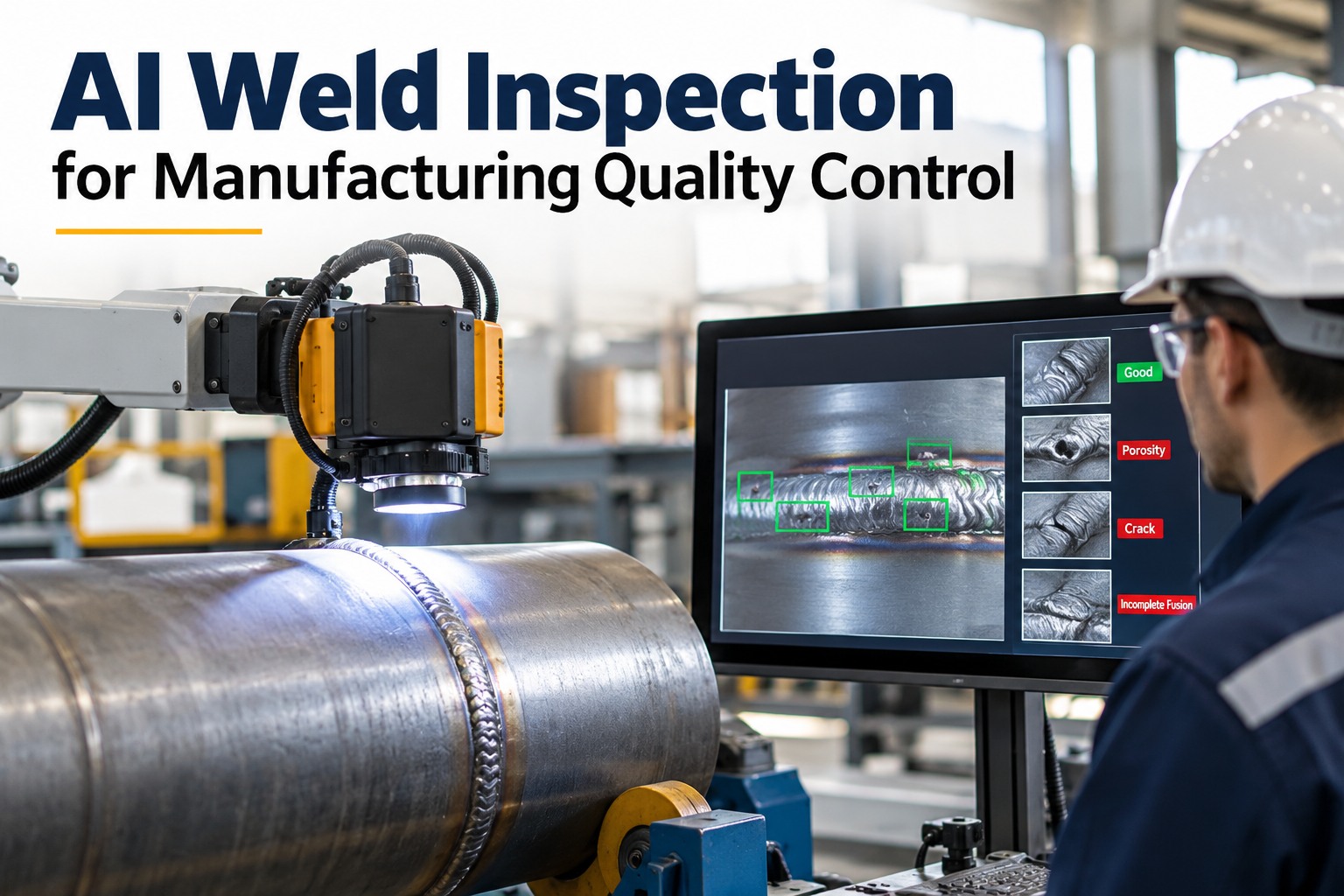
AI does not simply automate the existing inspection process. It changes the logic of the process — from uniform sampling based on batch size to risk-weighted inspection based on what is actually known about that supplier, that material, and that lot's downstream history.
What Every Incoming Inspection Must Verify — Across All Material Types
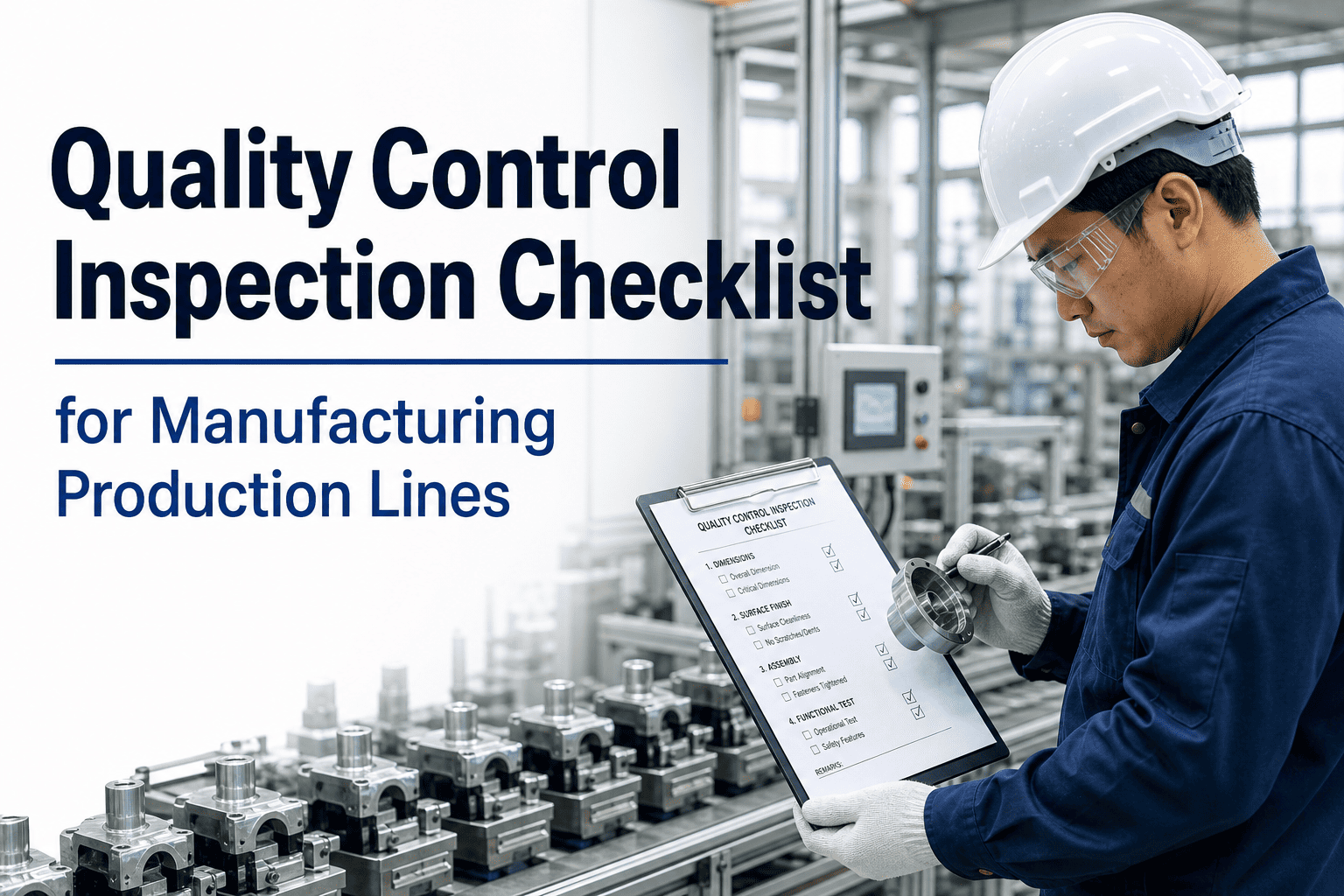
Effective IQC is not a single check — it is a structured sequence of verifications, each catching a different failure mode. Oxmaint configures each check as a separate inspection item in a digital work order, with pass/fail criteria, measurement entry, and photo capture built in.
IQC Data Is Your Most Valuable Supplier Management Tool — If You Track It
Every IQC inspection result is a data point about a supplier's actual performance — not their claimed performance. Aggregated across lots and time, this data reveals which suppliers consistently deliver within spec, which ones show creeping drift, and which ones are generating hidden production costs that never appear on the procurement dashboard.
| Supplier Metric | What It Measures | Why It Matters | Oxmaint Action |
|---|---|---|---|
| Incoming Defect Rate | % of lots or units failing IQC per supplier | Identifies which suppliers are driving the most inspection rework and holds | Auto-increases inspection depth when rate exceeds threshold |
| NCR Count and CAPA Closure | Number of Non-Conformance Reports raised and resolved per supplier | Measures whether corrective actions are actually effective | Tracks open NCRs per supplier and escalates when CAPA overdue |
| Lot Acceptance Rate | % of incoming lots accepted first-pass vs. rejected or placed on hold | Signals whether a supplier's process is in control or showing instability | Flags lots from low-acceptance suppliers for 100% inspection |
| On-Time Certification Delivery | % of shipments arriving with required CoC or MTR documentation | Documentation gaps delay production and indicate supplier process gaps | Blocks lot release until certification confirmed and uploaded |
| Downstream Defect Linkage | Production line failures traced back to specific supplier lots | Reveals hidden supplier quality cost invisible in IQC-only data | Links IPQC and OQC failures back to incoming lot records automatically |
How Oxmaint Structures Your Entire IQC Programme
Oxmaint connects incoming inspection work orders, supplier quality records, material lot tracking, and corrective action workflows in one system — so your IQC programme is not a clipboard exercise but a closed-loop quality intelligence operation.
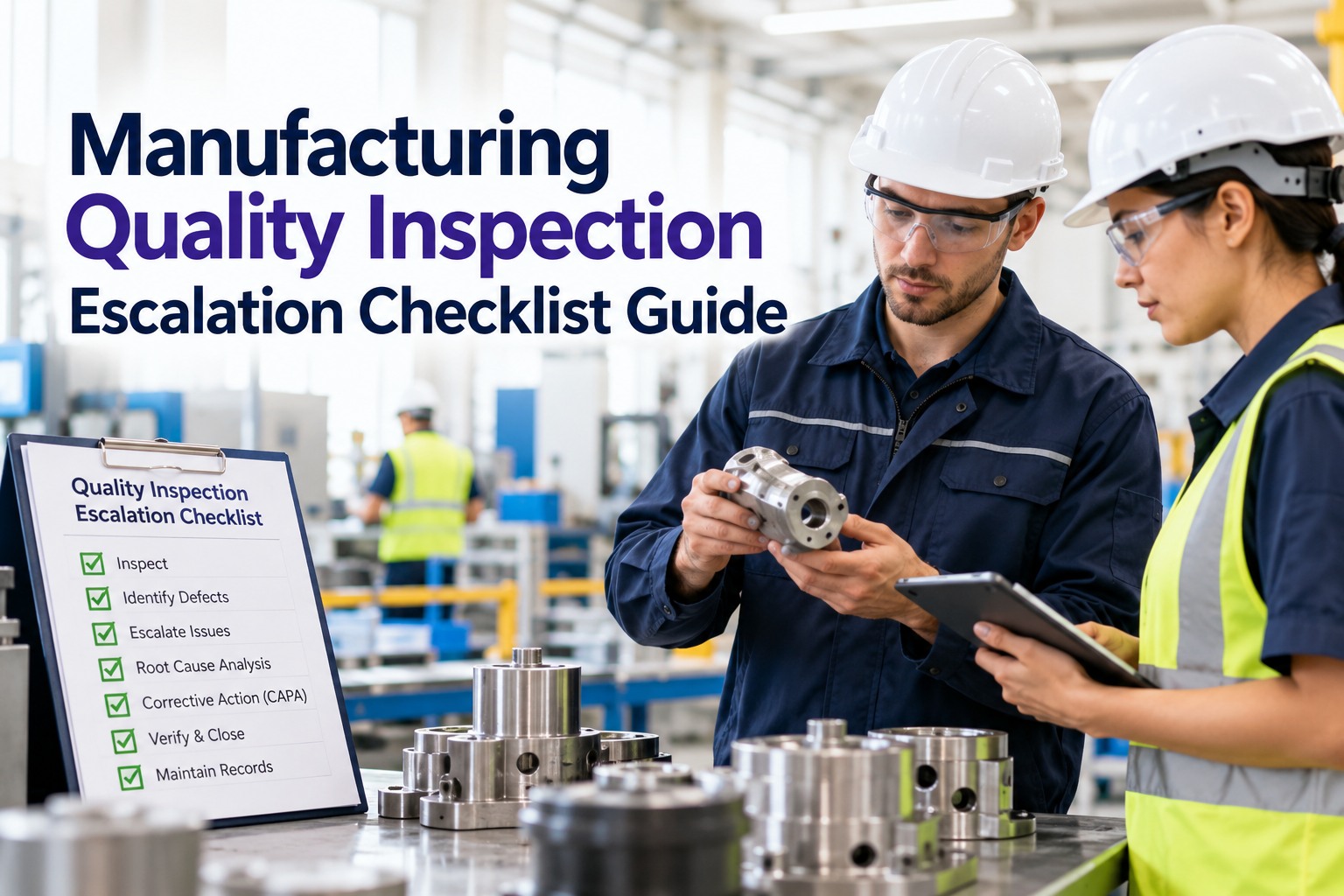
Every incoming shipment triggers a structured inspection work order — pre-loaded with the correct checklist for that material type, supplier, and part number. Inspectors work through each item on a mobile device, entering measurements, recording results, and capturing photos. No paper, no manual file creation.
Inspection depth is configured per supplier and part criticality. New suppliers or those with recent NCRs receive 100% or tightened inspection. Established suppliers with clean records qualify for skip-lot or reduced inspection. The rules update automatically as performance data accumulates — no manual adjustment required.
When any IQC check fails, Oxmaint automatically creates a Non-Conformance Report — linked to the lot, the supplier, and the specific failing parameter. The lot is placed on hold immediately. Purchasing and supplier management are notified. The NCR tracks to resolution with corrective action, supplier response, and final disposition recorded.
Every IQC result feeds a live supplier quality dashboard — showing incoming defect rate, lot acceptance rate, open NCRs, and CAPA closure status per supplier. Quality managers see supplier performance trends over time without compiling a single report. Procurement uses the same data for supplier review meetings and requalification decisions.
Lots accepted through IQC carry their inspection record with them into the production work order system. If a defect is found in production or field, Oxmaint traces it back to the incoming lot and supplier immediately — enabling targeted recalls rather than broad ones, and precise supplier accountability rather than assumptions.
Incoming Quality Control — Questions Quality and Operations Teams Ask
AQL (Acceptable Quality Limit) sampling sets inspection sample size based purely on batch volume — it applies the same sampling intensity to every supplier regardless of their history. Risk-based inspection adjusts the sample size based on supplier performance data, part criticality, and recent lot outcomes. A supplier with three consecutive NCRs receives tighter inspection than one with 24 clean lots. Oxmaint implements risk-based rules that update automatically as supplier data accumulates. Book a demo to see risk-based inspection configuration in action.
Oxmaint supports conditional disposition — where a lot is split into accepted, rejected, and held-for-disposition subsets. Units that pass dimensional checks but fail cosmetic inspection can be conditionally released for applications where cosmetic acceptance criteria differ. Rejected units are quarantined with a work order for supplier return, rework, or scrap, each tracked to resolution. Full lot traceability is maintained for both accepted and rejected portions. Sign up to configure split-lot disposition workflows for your material types.
Yes. Oxmaint supports API-based integration with ERP systems so that goods receipts in your ERP automatically trigger IQC inspection work orders in Oxmaint, and acceptance or rejection decisions in Oxmaint update the ERP stock status without manual entry. This eliminates the dual-entry problem where IQC findings and ERP stock records are managed separately and routinely fall out of sync. Book a demo to discuss your specific ERP integration scenario.
Oxmaint automatically generates and stores all ISO 9001 Clause 8.4 and 8.6 documentation required for incoming inspection — inspection plan records, result logs with technician sign-off, NCR reports with corrective action evidence, supplier performance records, and material lot traceability chains. Every record carries a date, technician, and result with full audit trail. When auditors request 12 months of IQC records for a specific supplier, Oxmaint retrieves them in minutes. Sign up to start building your ISO-compliant IQC documentation record.
For a facility with 15–30 active suppliers and an existing inspection procedure, basic IQC workflow setup in Oxmaint — covering digital inspection checklists, supplier records, NCR templates, and mobile app training — typically takes 2–3 weeks. Operations with more complex supplier portfolios, multi-site configurations, or ERP integration requirements may need 4–6 weeks. Oxmaint's implementation team provides direct configuration support throughout. Book a demo to get a setup estimate specific to your operation.
Bad Material Caught at the Dock Costs Nothing. Bad Material Found in the Field Costs Everything.
Oxmaint turns your receiving bay into a systematic quality gate — with digital inspection work orders, supplier risk scoring, automatic NCR generation, and full lot traceability into production. Set it up once. Run it every delivery. Know exactly which supplier is behind every quality event.