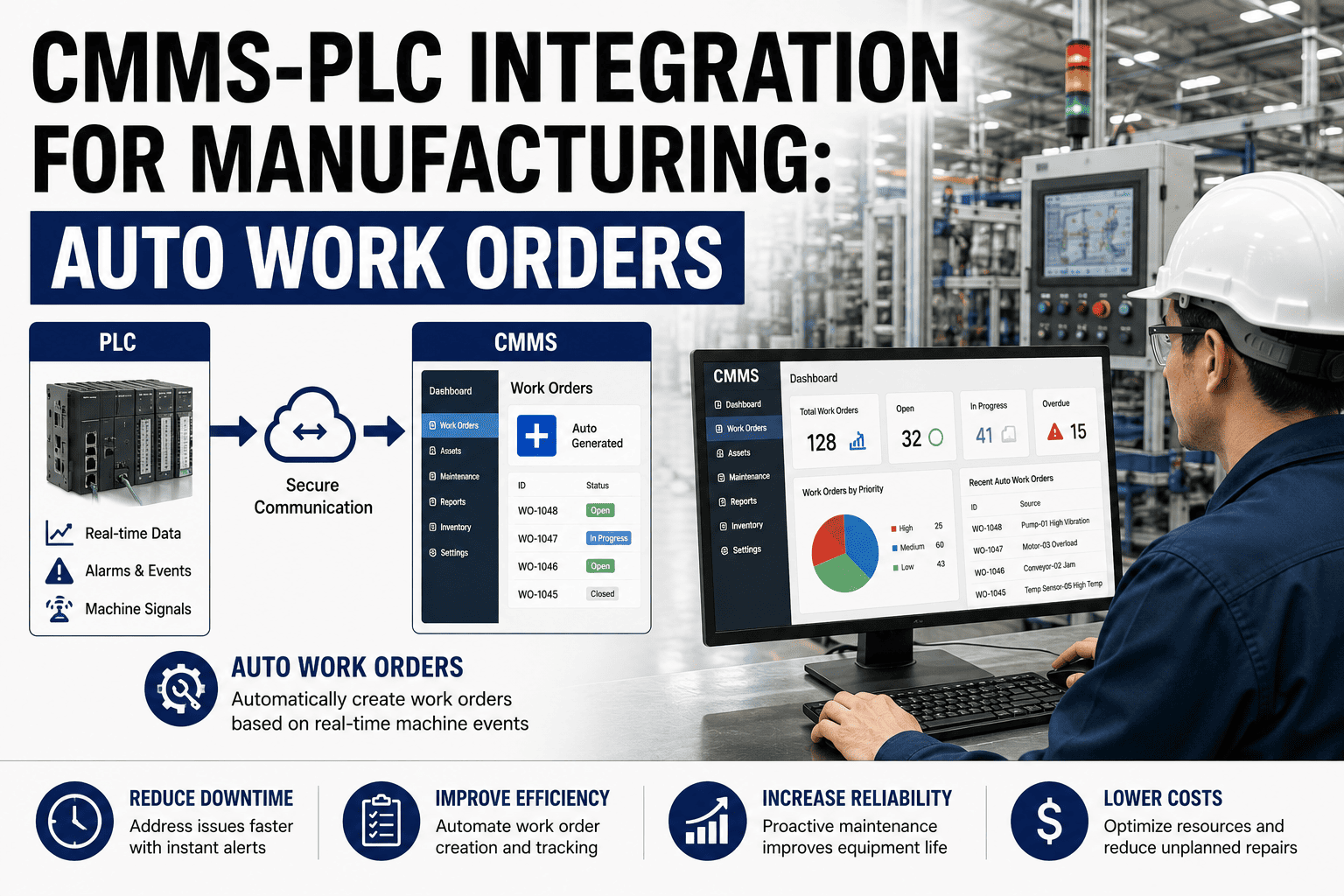
The most expensive thing a skilled technician does all day is paperwork. Writing up work orders by hand, walking back to the office to log a job, hunting the stockroom for a part, digging equipment history out of a binder — on a typical shift more than half the hours go to tasks that aren't turning a wrench. Every hour on administration is an hour the plant paid a technician not to maintain anything. This guide shows where the admin time goes and how to give it back, and how OXMAINT AI, the AI-powered CMMS, automates the overhead off the technician's day.
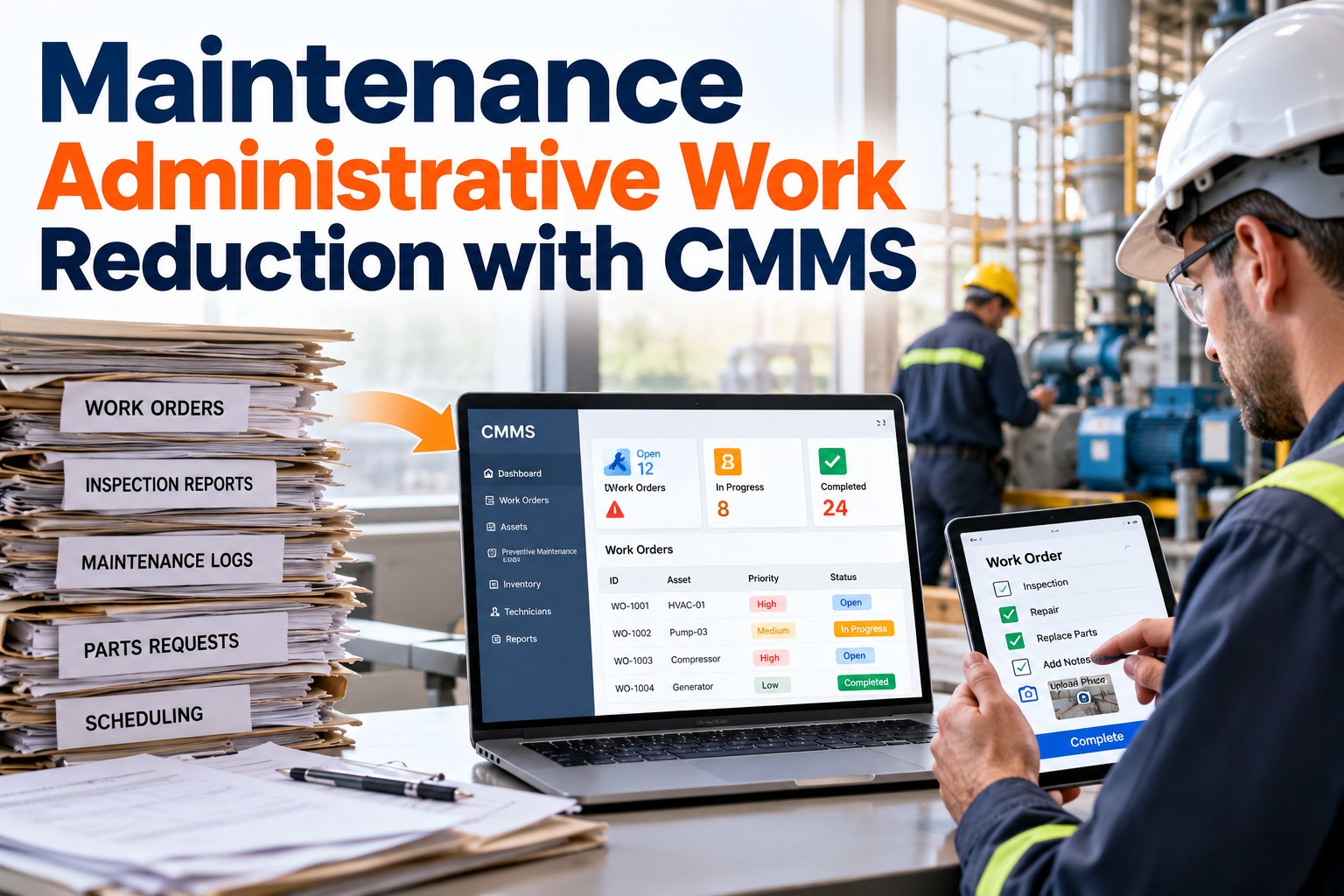
Maintenance Administrative Work Reduction with CMMS
Hand-written work orders, trips back to the office to log a job, parts hunted in the stockroom, history buried in a binder — the admin tax eats the shift. OXMAINT AI, the AI-powered CMMS and maintenance management software, automates the overhead: work orders generate themselves, jobs close from a phone, parts and history are at the point of work, and reports build on their own — so the shift goes back to the wrench.
The Admin Tax, Line by Line
You can't cut admin time until you can see it. These are the seven tasks that eat a technician's non-wrench hours, what each looks like on a paper-run floor, and the automation that removes it. OXMAINT AI takes each one off the technician's plate. Book a demo to see the automation in OXMAINT AI.
| Admin drain | What it looks like | What removes it |
|---|---|---|
| Work-order creation | Writing orders by hand after a phone call or verbal request | Auto-generated, prioritized orders from sensors, meters and triggers |
| Data entry | Return trips to the office to log completion on paper | Mobile capture — photos, parts and close-out from the phone |
| Parts hunting | Walking to the stockroom to check what's on hand | Real-time parts availability and reservation at the point of work |
| History lookup | Digging through binders, emails and memory for asset history | QR scan to the full asset record, notes and past work orders |
| PM schedule upkeep | Spreadsheets that drift out of sync with real equipment needs | A PM scheduler that triggers on condition and runtime, not guesswork |
| Shift handover | Verbal handoffs where open issues get lost between crews | A digital shift logbook, searchable and linked to assets |
| Report compiling | A manager spending hours assembling reports from scattered data | Audit and KPI reports generated in seconds from the work itself |
Wrench Time Is the Number That Matters
Wrench time — the share of a shift spent on direct maintenance — is the clearest measure of whether a team is being spent well. Best-in-class operations run it at roughly 45–55%; reactive, paper-run teams sit closer to 25–35%, with the gap lost to the admin tax. Closing that gap doesn't mean working technicians harder; it means handing the overhead to the system. Start free and lift your wrench time in OXMAINT AI.
You Hired a Technician, Not a Clerk.
Every hour a skilled hand spends writing up, walking back and chasing parts is an hour of maintenance you paid for and didn't get. Automating the admin tax isn't about speed for its own sake — it's about getting the capacity you already pay for back onto the equipment.
The Automations That Give the Hours Back
Each admin drain has a specific countermeasure, and together they rebuild the shift. OXMAINT AI runs all of them on one platform, so the overhead doesn't just move — it disappears. Book a demo to see the offsets in OXMAINT AI.
What the Manager Gets Back Too
The admin tax isn't only on the floor — it lands on the planner and the manager as much as the technician. When the data captures itself, the office work shrinks alongside the field work. Start free and reclaim the planning hours in OXMAINT AI.
We didn't have a staffing problem — we had a paperwork problem wearing a staffing problem's clothes. Our techs were good, but half their day went to writing orders, walking to the stockroom and coming back to the office to log everything. Moving it to mobile, with the work orders generating themselves and parts visible before dispatch, gave those hours straight back to the floor. Same headcount, noticeably more work actually getting done.
Frequently Asked Questions
Give the Shift Back to the Wrench.
Cut the admin tax with the OXMAINT AI maintenance management software — auto-generated work orders, mobile capture that ends the office trip, parts and history at the point of work, digital handovers, and reports that build themselves. Recover the capacity you already pay for, without adding a single technician.