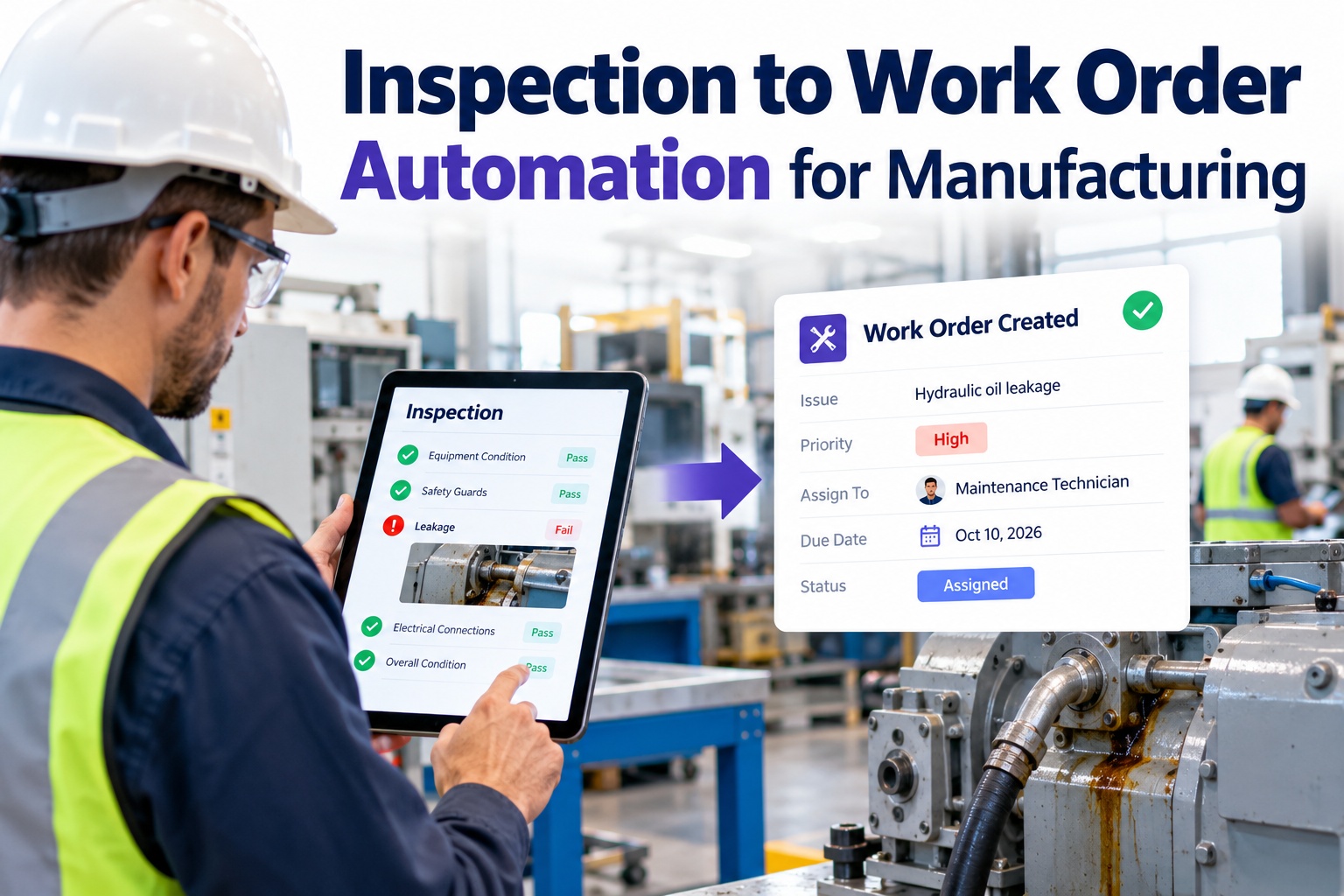
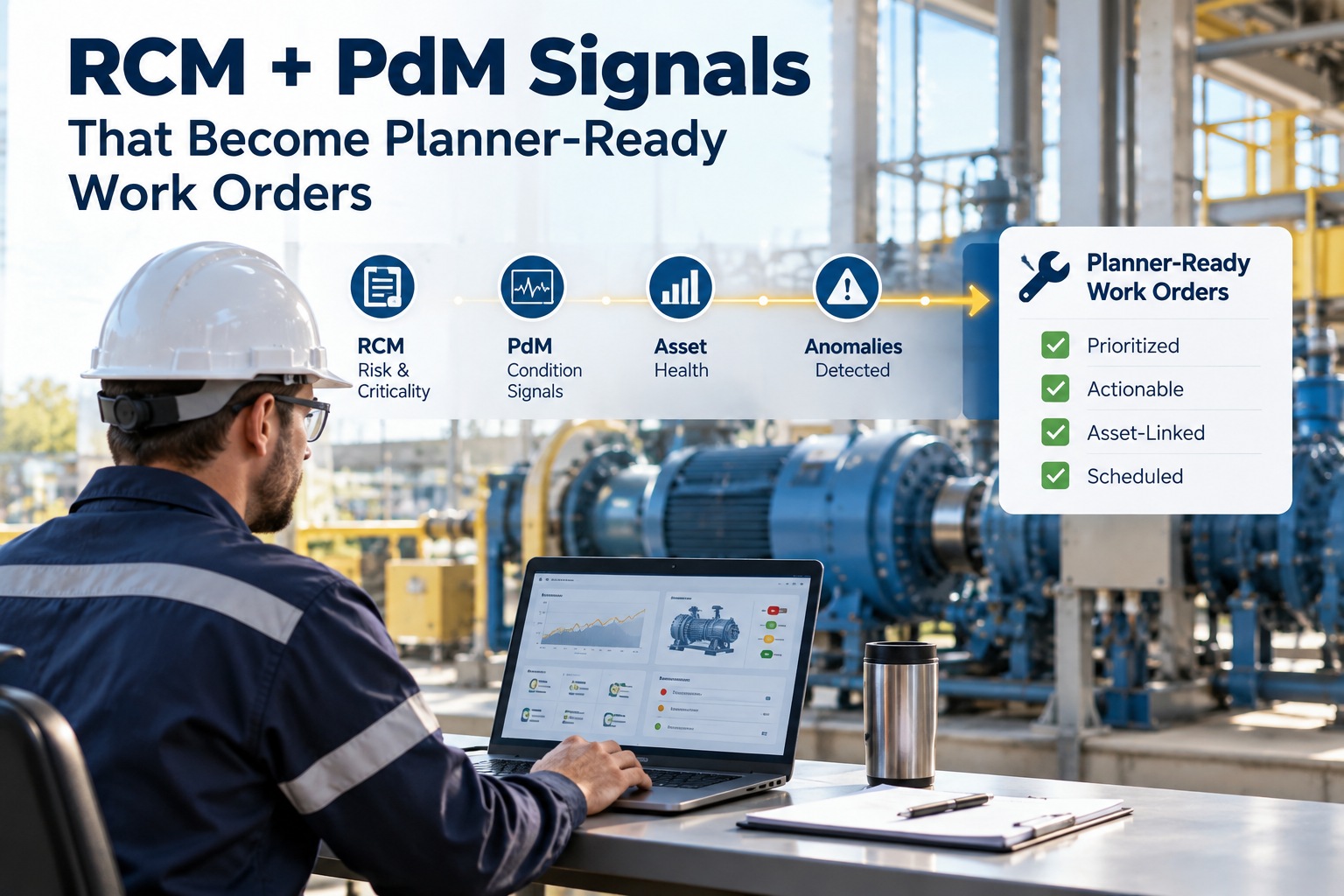
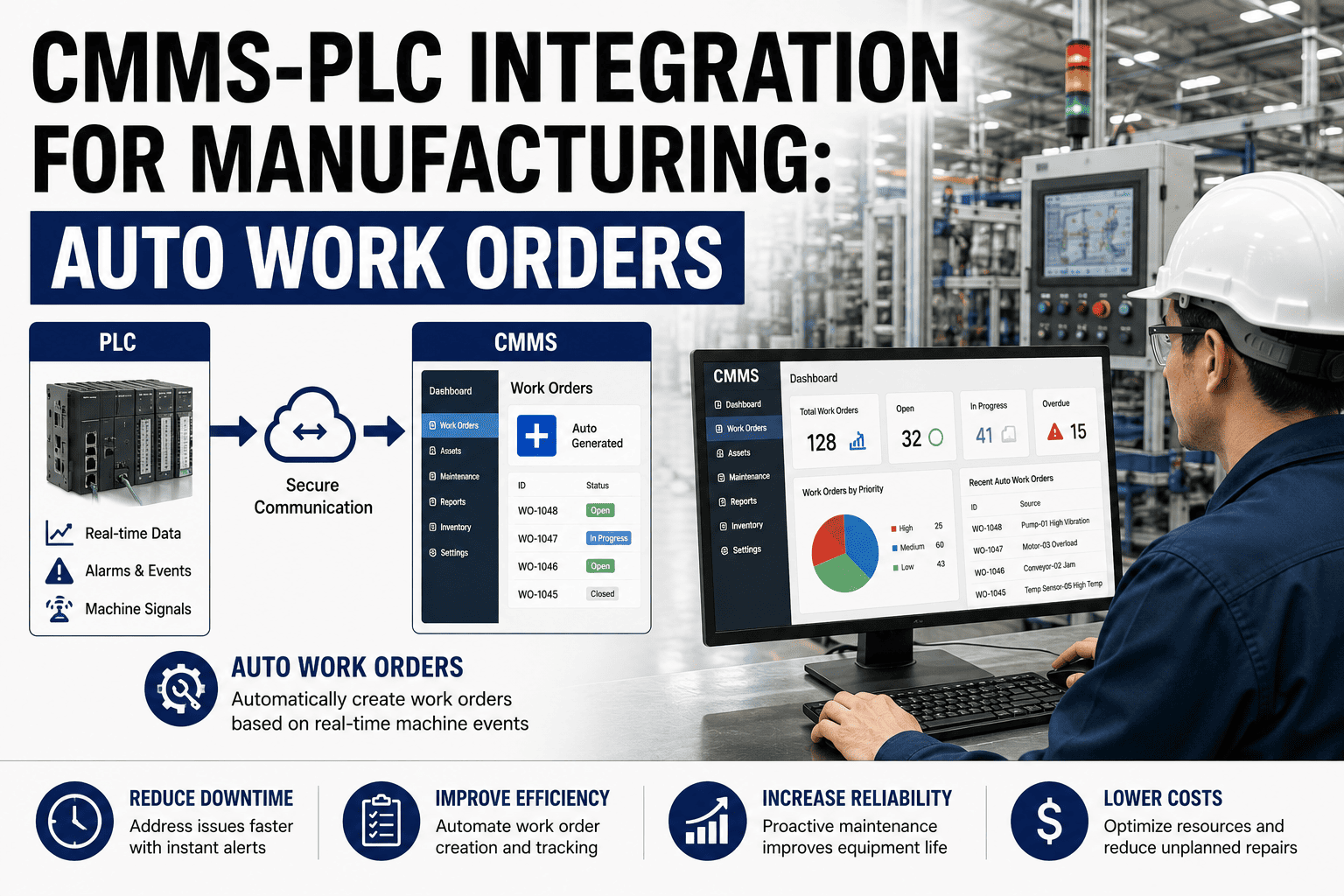
Manufacturing technicians still spend 30-40% of their shift walking back to the maintenance office to update work orders, print checklists, or look up equipment history. That inefficiency compounds across hundreds of technicians in a facility — thousands of hours lost annually to paperwork friction that mobile technology solved a decade ago in every other industry. The gap between what technicians need in the field and what legacy CMMS platforms deliver is precisely where productivity dies. A modern mobile CMMS app puts work orders, asset history, spare parts lookup, and approval workflows directly in technicians' hands so they spend time fixing equipment instead of chasing information.
Mobile First · Manufacturing Tech · Field Productivity
Mobile CMMS Apps: How Field Technicians Are Finally Getting the Tools They Deserve
Work orders on your phone. Asset histories in your pocket. Photo uploads from the machine. Parts requests without walking to stores. The mobile CMMS revolution is here, and the plants adopting it are seeing 40% faster work order closure and technician satisfaction scores that actually move upward.
42%
Faster work order completion with mobile access
6.2hr
Time saved per technician per week
89%
Reduction in data entry errors
The Paper Trail Problem
What Field Technicians Deal With When CMMS Is Desktop-Only
Before mobile CMMS, technicians were forced into workflows designed around the maintenance office computer, not the machine they were fixing. Here is what that inefficiency looks like in a typical shift.
Walk to Office
Technician stops work, walks 5-10 minutes to maintenance office to print work order and check equipment history
Time Lost: 15 min
Paper Workflow
Carries printed work order to machine, writes notes by hand, realizes part number is wrong, needs to check system again
Time Lost: 8 min
Return to Office
After completing work, walks back to office to manually enter completion notes, actual time, parts used into desktop CMMS
Time Lost: 20 min
43 minutes
wasted per work order on administrative friction
Mobile Capabilities
What a Modern Mobile CMMS Delivers in the Field
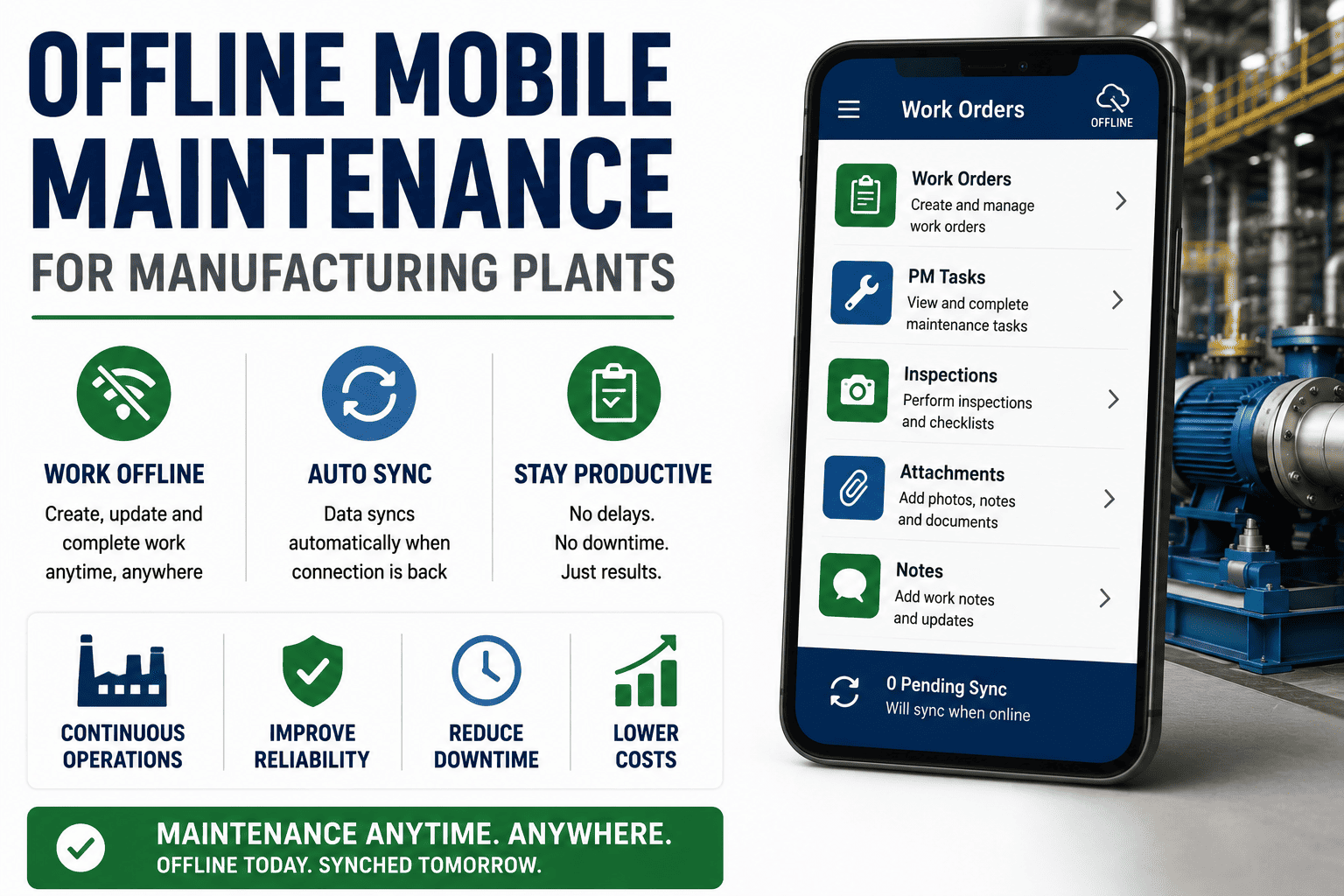
Mobile CMMS is not just desktop CMMS on a smaller screen. It is purpose-built for the realities of field work — offline capability, barcode scanning, photo capture, voice notes, GPS validation, and one-tap approvals.
Offline First
Work Without Wi-Fi
Complete work orders, update asset records, and capture photos in areas with no network coverage. All data syncs automatically when connection returns.
Instant Lookup
QR & Barcode Scanning
Scan asset tag to pull complete maintenance history, open work orders, parts list, OEM manuals, and recent sensor readings in under 2 seconds.
Visual Documentation
Photo & Video Capture
Attach before and after photos directly to work orders. Video walkthroughs for training. Annotate images to highlight damage or installation details.
Hands-Free Notes
Voice-to-Text Entry
Record completion notes while hands are busy with tools. Voice transcription converts speech to searchable text attached to work order record.
Inventory Integration
Parts Request from Machine
Request parts, check storeroom availability, reserve inventory, and trigger purchase orders without leaving the equipment location.
Location Verification
GPS Work Order Validation
Automatically log technician arrival time and location. Validate service completion at correct asset for contractor accountability and safety compliance.
Field-Ready Technology
Give your technicians the mobile tools that match how they actually work
OxMaint mobile app works offline, scans asset tags, captures photos and voice notes, and syncs seamlessly with your desktop CMMS. Available on iOS and Android with full feature parity.
Technology Shift
Paper Checklists vs Desktop CMMS vs Mobile CMMS
| Capability |
Paper Checklists |
Desktop CMMS Only |
Mobile CMMS |
| Field Accessibility |
Carried manually |
Office computer required |
Phone or tablet anywhere |
| Real-Time Updates |
End of shift manual entry |
Manual entry at desk |
Instant sync from field |
| Asset History Lookup |
File cabinet search |
Walk to office terminal |
Scan QR code, instant results |
| Photo Documentation |
Separate camera, manual filing |
Upload later from camera |
Capture and attach on device |
| Offline Work |
Always works offline |
Network required |
Full offline capability |
| Data Entry Errors |
High, illegible handwriting |
Moderate, manual reentry |
Low, direct digital capture |
| Parts Request Speed |
Phone call or walk to stores |
Create request at desk |
One-tap from asset location |
| Approval Workflow |
Physical signature routing |
Email-based approvals |
Push notification, tap to approve |
Mobile Workflow
A Day in the Life with Mobile CMMS Access
This is how a mobile CMMS transforms a technician's daily workflow — from morning dispatch to end-of-shift closeout, everything happens in their pocket.
7:00 AM
Morning Dispatch
Push notification delivers 6 assigned work orders ranked by priority. Technician reviews list on phone during morning coffee, already planning the route.
7:45 AM
First Work Order
Scans QR code on packaging line conveyor. Instantly sees full maintenance history, current issue description, recommended spare parts. Accepts work order with one tap.
9:20 AM
Parts Request
Realizes additional bearing needed. Opens inventory lookup on phone, checks storeroom stock, reserves part, notifies stores via app. Part delivered to machine in 12 minutes.
11:10 AM
Photo Documentation
Captures before and after photos of replaced coupling. Uses voice note to record unusual wear pattern observed. Both automatically attached to work order.
2:35 PM
Emergency Work Order
Alert arrives on phone: robot arm fault on line 3. Accepts work order, navigates to machine, scans asset tag, reviews recent similar failures from mobile app — all before arriving.
3:50 PM
End of Shift
All 7 work orders completed and closed from mobile app. Total time at desktop computer today: zero minutes. Administrative work happened in real-time throughout the day.
Measurable Impact
What Manufacturing Plants Report After Mobile CMMS Rollout
42%
Faster Work Order Completion
Elimination of office trips and manual data entry cuts average work order time from 3.2 hours to 1.9 hours
6.2hr
Weekly Time Savings per Tech
Technicians reclaim over 6 hours weekly previously spent on paperwork and walking to office terminals
89%
Fewer Data Entry Errors
Direct digital capture eliminates transcription mistakes from handwritten notes and illegible work orders
3.2x
More Photo Documentation
Easy in-app photo capture increases visual documentation from 12% to 38% of all completed work orders
67%
Higher Tech Satisfaction
Technicians rate mobile tools as most impactful technology improvement in annual employee satisfaction surveys
24min
Faster Emergency Response
Mobile alerts and instant work order acceptance cut emergency response time from 45 minutes to 21 minutes
Implementation
How to Roll Out Mobile CMMS Without Disrupting Operations
Step 1
Pilot with Power Users
Select 3-5 experienced technicians who already use smartphones confidently. Give them mobile access for 2 weeks. Collect feedback on what works and what needs adjustment before wider rollout.
Step 2
QR Code Asset Tagging
Print and laminate QR codes for all critical assets. Start with top 20% most-serviced equipment. Technicians scan to access asset records — builds muscle memory and proves value immediately.
Step 3
Hands-On Training Sessions
30-minute training per shift covering work order acceptance, photo capture, parts lookup, and work order closure. Repeat training available on-demand via video in the app itself.
Step 4
Parallel Operation Period
Allow both paper and mobile workflows for 30 days. No forced adoption. Technicians naturally migrate to mobile as they experience time savings. Monitor adoption rate weekly.
Step 5
Full Deployment
Once 80% adoption achieved, phase out paper work orders entirely. Mobile becomes the standard. Desktop CMMS remains for planning, reporting, and admin functions.
Common Questions
Mobile CMMS Questions Answered
Does mobile CMMS work in areas without cell service or Wi-Fi?
Yes. Modern mobile CMMS apps store work orders, asset data, and checklists locally on the device. Technicians complete work offline and all data syncs automatically when network connection returns.
What happens to desktop CMMS when technicians go mobile?
Desktop CMMS remains essential for maintenance planning, reporting, analytics, and administrative tasks. Mobile is the execution layer for field technicians while planners and managers continue using desktop interface.
Can contractors and third-party technicians use mobile CMMS?
Absolutely. Role-based access controls let you give contractors mobile access to only their assigned work orders and relevant assets. They cannot see your full system but can update their work in real-time.
How long does it take technicians to adopt mobile CMMS?
Most facilities see 80% technician adoption within 30 days of rollout. Younger technicians adapt immediately while experienced technicians usually convert after seeing time savings from QR code scanning and photo capture.
Does mobile CMMS require expensive rugged devices?
No. OxMaint mobile app runs on standard iOS and Android devices. Many plants use consumer-grade smartphones with protective cases. Rugged tablets optional for harsh environments but not required for most manufacturing settings.
Built for the Field
Stop Making Technicians Choose Between Fixing Machines and Updating Systems
OxMaint mobile app delivers full CMMS capability on iOS and Android — offline work, QR scanning, photo capture, voice notes, parts lookup, and one-tap approvals. Your technicians will actually want to use it.