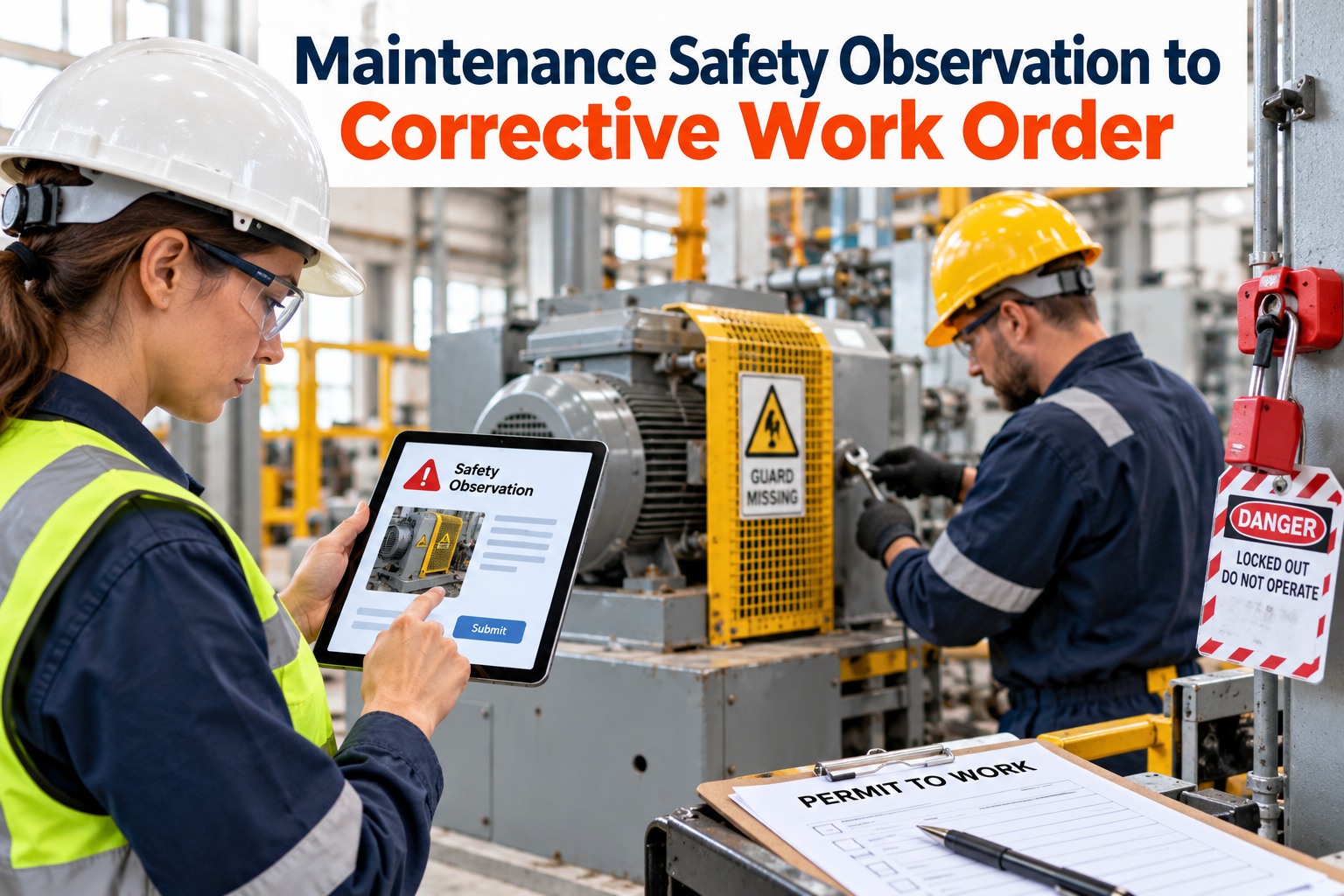
A technician spots a missing guard on a conveyor tail pulley and mentions it at the end of the shift. The supervisor nods. Nothing is written down, nothing is assigned, and three weeks later someone else reaches in to clear a jam. Most serious incidents have a warning sign that somebody saw first. The difference between a safe plant and an unlucky one is what happens in the hours after that sighting. This guide shows how to turn every safety observation into a risk-rated, tracked and verified corrective work order, using OXMAINT AI, the AI-native CMMS that connects safety reporting to maintenance action.
Maintenance Safety · EHS · Corrective Actions
Maintenance Safety Observation to Corrective Work Order
OXMAINT AI, the AI-native CMMS and maintenance management software, lets anyone raise a safety observation from a phone, rates the risk, creates a corrective work order, tracks permits and controls, and records the verification that closes the loop.
QR Safety Reports
Risk-Rated Actions
Verified Close-Out
5 Stages
from first sighting to verified fix
3 Risk Bands
to decide how fast to act
5 Controls
ranked from most to least effective
0 Lost Notes
every observation gets an owner and a due date
The Observation-to-Action Pipeline
Safety systems rarely fail because nobody noticed a hazard. They fail in the gap between noticing and doing. A simple, visible pipeline closes that gap and makes it obvious where an item is stuck. Sign up free and build your safety pipeline.
1
Observe
Anyone scans the asset QR code or opens the app and logs what they see, with a photo.
Owner: Reporter
▶
2
Assess Risk
Rate likelihood and severity to set the priority.
Owner: Supervisor / EHS
▶
3
Control Now
Make it safe immediately: barricade, tag out, or stop use.
Owner: Supervisor
▶
4
Corrective WO
Create, assign and schedule the permanent fix.
Owner: Maintenance
▶
5
Verify & Close
Confirm the control works, attach proof and close.
Owner: EHS / Reporter
From Hazard Note to Corrective Work Order
The magic is in the hand-off. A rough note on a phone becomes a structured action with a priority, an owner and a due date, and the reporter can see what happened to it. Book a demo to see this hand-off live.
SAFETY OBSERVATION
AssetConveyor 4 · Tail pulley
What I sawGuard missing, pinch point exposed
PhotoAttached
Reported byShift technician
Immediate actionArea barricaded
▶
CORRECTIVE WORK ORDER
PriorityHigh
TaskFit and inspect fixed guard
ControlsLockout before work
Assigned / DueTechnician · target date set
VerificationRe-inspect and sign off
Illustrative example
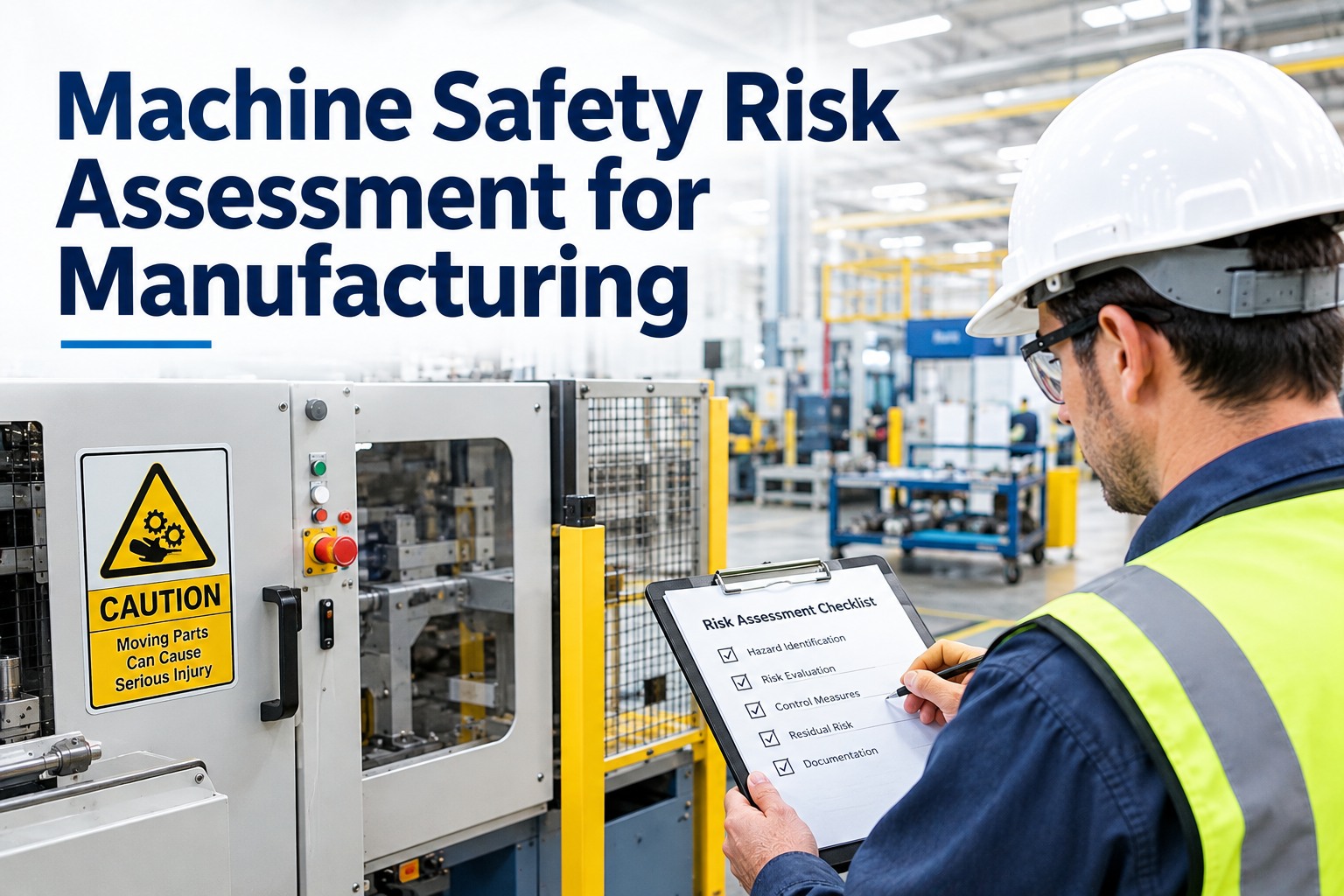
Rate the Risk, Then Set the Pace
A simple likelihood and severity grid keeps priorities consistent from shift to shift and person to person. Use your own company's matrix if you have one, and set response targets that match your policy.
Minor
Serious
Severe
High likelihood
MEDIUM
HIGH
HIGH
Medium likelihood
LOW
MEDIUM
HIGH
Low likelihood
LOW
LOW
MEDIUM
HIGH Control immediately, raise the work order the same shift and escalate to management.
MEDIUM Add interim controls, schedule the fix within a short, defined window.
LOW Plan into routine maintenance and track to closure.
Choose the Strongest Control You Can
The hierarchy of controls ranks fixes from most to least reliable. A corrective work order that only adds a sign or asks people to be careful is the weakest answer. Aim as high as practical. Start free and record the control level on each action.
1 · Eliminate
Remove the hazard, such as redesigning to remove the pinch point
2 · Substitute
Replace with something safer, such as a lower-risk process or material
3 · Engineering Controls
Isolate people from the hazard, such as a fixed guard or interlock
4 · Administrative
Change how people work: procedures, training, permits, signage
5 · PPE
Last line of defence: gloves, eye and hearing protection
The Best Safety Report Is the One That Gets Fixed.
OXMAINT AI links every observation to a corrective work order, an owner and a verified close-out, so nothing sits in a notebook or an inbox.
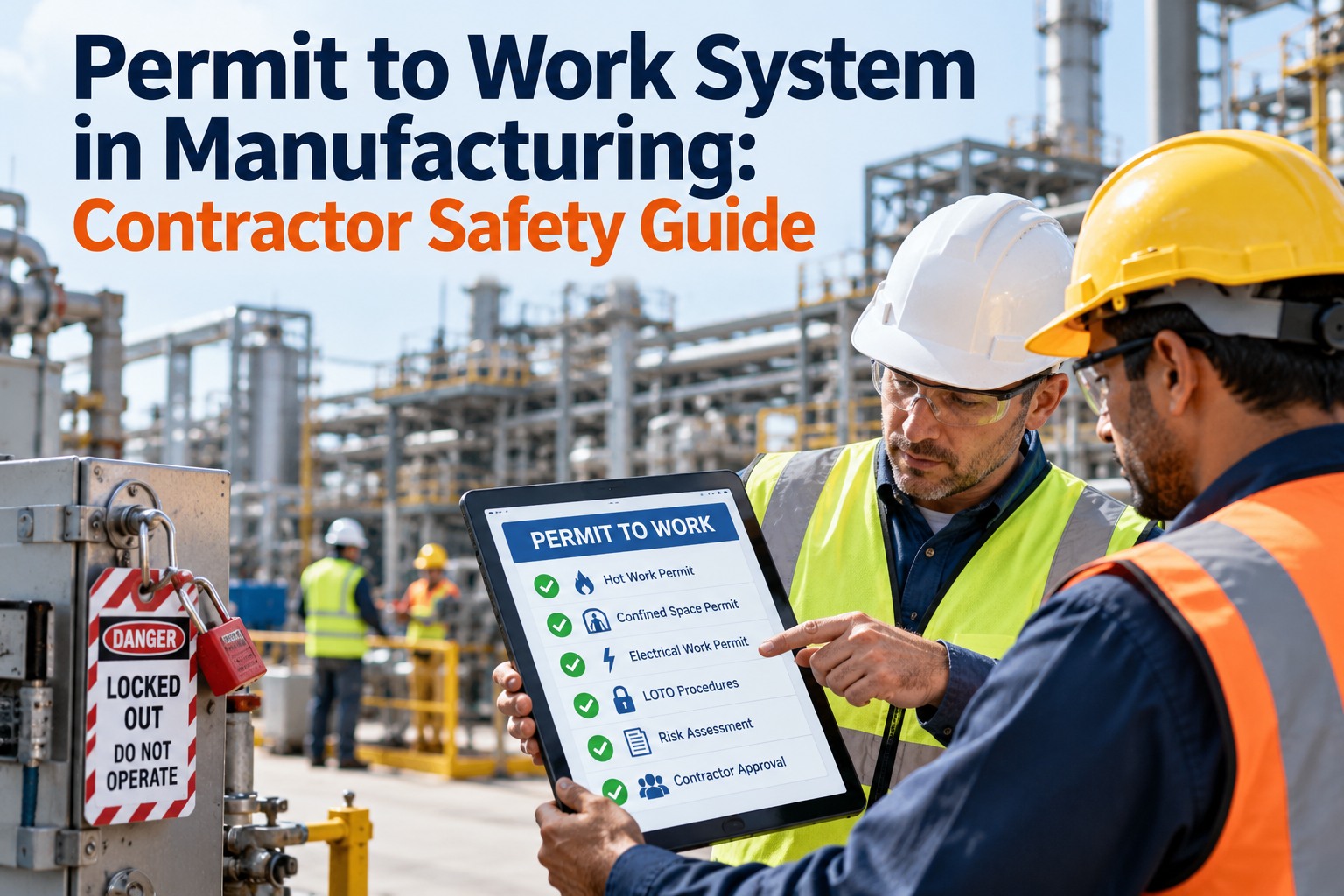
Permits and Isolation: Gate the Risky Work
When the corrective work itself is hazardous, the work order should carry the permit and isolation requirements with it. Always follow your local regulations and site procedures. The list below is a starting point, not a legal standard.
LOTO
Isolate and lock out energy sources. Verify zero energy before work.
Hot Work
Control ignition sources, clear combustibles and assign a fire watch.
Confined Space
Test the atmosphere, plan rescue and control entry.
Work at Height
Fall protection, secured access and tool control.
Electrical Work
Qualified persons only, with safe isolation and proving dead.
Close the Loop: Verify Before You Close
✓
Control is physically in place
Photo evidence of the guard, barrier or repair.
✓
Control works as intended
Test the interlock, re-inspect the area, confirm no new hazard was created.
✓
Reporter and EHS are informed
People who speak up should see the result. It keeps reporting alive.
✓
Lessons are shared
Update procedures, PM tasks and checklists so the hazard does not return.
Leading Indicators Worth Tracking
Observations Raised
A rising count usually means a healthier reporting culture
Time to Control
Hours from report to interim control on high risks
Closure Rate
Actions closed on or before the due date
Overdue Actions
Open items past due, ranked by risk
Repeat Hazards
Same hazard on the same asset or area
What OXMAINT AI Gives Your Safety and Maintenance Teams
Scan an asset's QR code to report a hazard with a photo, no forms and no training needed.
Assign, schedule and track fixes with labour, parts and full history linked to the asset.
Incident tracking, safety compliance and PPE detection in one platform.
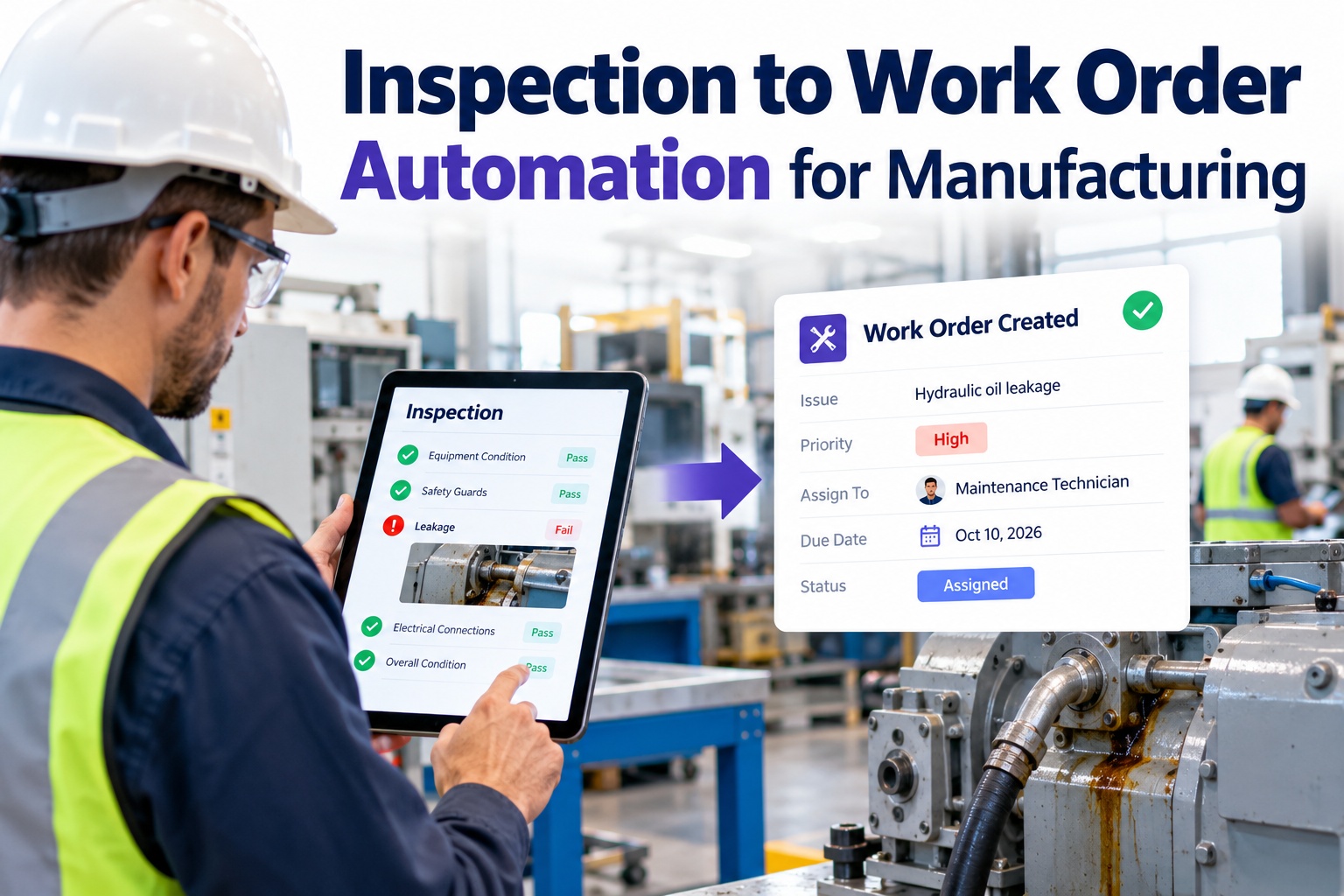
Digital checklists with photo capture. A failed item raises a corrective action automatically.
AI-generated audit trails and safety checklists that show what was found, done and verified.
Detects PPE violations and other visible hazards, then raises work orders automatically.
"
Illustrative scenario: a technician scans a QR code on a conveyor and reports a missing guard with a photo. The supervisor barricades the area, a high-priority work order is raised and assigned the same shift, and the reporter is notified when the guard is fitted and verified.
Example use case · Manufacturing plant
Frequently Asked Questions
What is a safety observation in maintenance?
How do I turn an observation into a work order?
Assess the risk, apply an interim control, then create a corrective work order with an owner, a due date, the required permits and a verification step. OXMAINT AI keeps these linked to the original report.
Book a demo to see the hand-off.Does OXMAINT AI replace our permit-to-work system?
It supports safer work by linking permits, checklists and isolation requirements to the work order and keeping the records. Your site's permit procedures and local regulations still apply.
Book a demo to discuss your permit process.How do we encourage people to report?
Make reporting quick, show that reports lead to action, and give feedback to the reporter. Fear of blame or silence after a report kills participation.
Start free and make reporting easy.Can we use it for audits and inspections?
Turn Every Near Miss into a Fix That Sticks.
Connect safety observations, risk ratings, permits and corrective work orders in OXMAINT AI, and build a plant where hazards get closed, not forgotten.