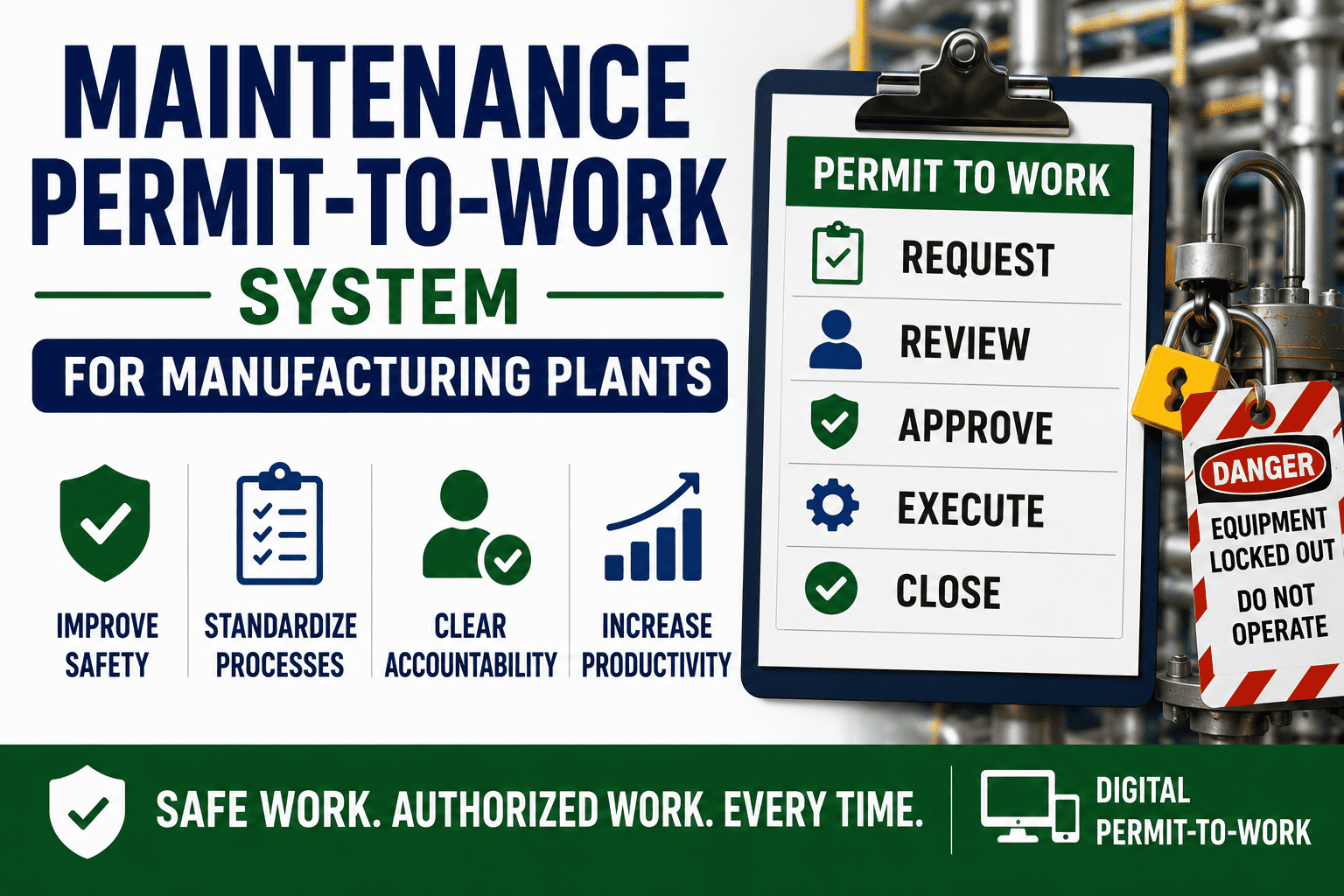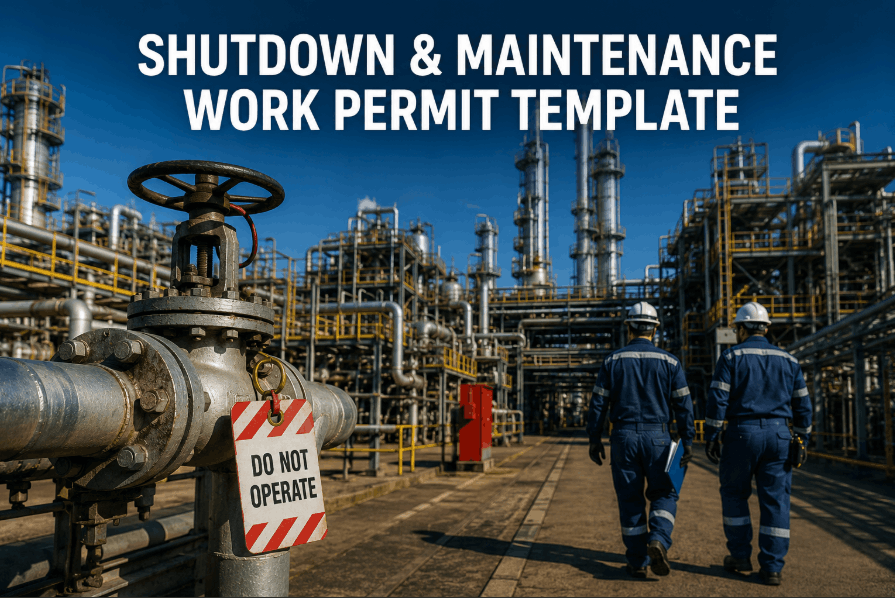
A shutdown work permit is the single most critical safety document in industrial plant maintenance. Without a structured permit-to-work (PTW) system, plants face uncontrolled hazards, regulatory penalties, and fatal incidents. This page gives maintenance managers and safety officers a free, ready-to-use shutdown and maintenance work permit template — covering permit types, hazard identification, isolation points, approvals, and expiry controls — aligned with industrial compliance standards in 2026. If you want to digitize and automate your permit workflow, Sign Up Free on OxMaint and replace paper permits with real-time digital PTW management.
What Is a Maintenance Work Permit? Why Industrial Plants Need One
A maintenance work permit — also called a permit to work (PTW) — is a formal authorization system that controls who can perform high-risk maintenance tasks, under what conditions, and with what hazard controls in place. During plant shutdowns, turnarounds, and scheduled overhauls, multiple trades work simultaneously on live and isolated equipment. Without a structured PTW template, hazard communication breaks down, isolation steps get skipped, and simultaneous operations create lethal risk. Every industrial plant operating under OSHA 29 CFR 1910.147, NFPA 70E, ISO 45001, or local EHS regulations requires documented permit authorization for confined space entry, hot work, electrical isolation, working at height, and energy lockout/tagout. Book a Demo to see how OxMaint's digital PTW module handles multi-trade shutdown permitting end to end.
Authorizes welding, cutting, grinding, and any spark-generating activity near flammable materials. Requires fire watch assignment and atmosphere testing sign-off.
Covers non-spark-generating maintenance tasks — mechanical disassembly, lubrication, bolt work — that still require isolation verification and hazard clearance.
Documents oxygen level testing, gas monitoring, attendant assignment, emergency rescue procedures, and entry/exit log for any permit-required confined space.
Tracks LOTO (lockout/tagout) steps, energy source identification, de-energization verification, and authorized electrician sign-off before work begins.
Controls scaffold inspection sign-off, fall arrest equipment verification, exclusion zone setup, and weather condition clearance for elevated maintenance tasks.
The master permit that coordinates simultaneous work activities, controls plant area access, and links individual activity permits during a full plant shutdown event.
Shutdown Work Permit Template: All Required Fields Explained
The sections below represent the complete field structure of an industrial-grade maintenance work permit. Each field maps to a specific compliance or hazard control requirement. Sign Up Free on OxMaint to access a pre-built digital version of this template with approval workflows, notification triggers, and automatic expiry management already configured.
Permit number, plant area / equipment tag, permit type (hot / cold / confined space / electrical / height), work order reference number, issue date, valid from, valid until (expiry), and issuing authority name and designation.
Detailed description of work to be performed, equipment involved, asset tag or P&ID reference, number of workers authorized, contractor or internal maintenance crew, and task duration estimate.
Checklist of applicable hazards: flammable / toxic atmosphere, electrical energy, pressure, temperature, confined space atmosphere, moving parts, working at height, chemical exposure. Each hazard marked present / not present with risk level rating.
Complete isolation register: each energy source (electrical, hydraulic, pneumatic, chemical, thermal), isolation method (LOTO, blinding, double block and bleed), isolation point tag number, person responsible, and verification sign-off.
Required PPE checklist (respiratory protection, face shield, chemical suit, arc flash PPE, safety harness), atmosphere testing results with acceptable thresholds, fire watch required (yes/no), exclusion zone dimensions, and emergency equipment location.
Originator signature, area authority approval, safety officer countersignature, permit receiver (work crew supervisor) acceptance, permit suspension log, permit reinstatement log, job completion declaration, and area handback confirmation with plant return-to-service sign-off.
CMMS-Linked Work Permits: How OxMaint Eliminates Paper PTW Failures
Paper-based permit systems fail in predictable ways: permits expire unnoticed, isolation steps are skipped under shutdown time pressure, and approval signatures are forged or bypassed. OxMaint's digital PTW module eliminates these failure modes by embedding the permit workflow directly inside the work order. When a technician is assigned to a shutdown task, the system automatically triggers the required permit type, routes it to the correct approver, and locks task execution until all preconditions are cleared. Book a Demo to see how OxMaint enforces permit compliance in real plant shutdown scenarios.
| Paper PTW Problem | OxMaint Digital PTW Solution | Compliance Benefit |
|---|---|---|
| Expired permits undetected | Automatic expiry alerts and work order lockout | OSHA / ISO 45001 audit trail |
| Missing isolation sign-offs | Sequential approval gates before task unlock | LOTO compliance verification |
| No simultaneous operations control | Conflicting permit detection and area exclusion | Prevents concurrent hazard events |
| Illegible or lost paper records | Permanent digital audit trail per asset and area | Regulator-ready audit reports |
| Permit copy not with crew | Mobile access on technician device at job site | Real-time permit verification |
| No handback confirmation | Area handback workflow with return-to-service sign-off | Prevents premature re-energization |
When to Use Each Permit Type During a Plant Shutdown
Shutdown Permit System Performance Benchmarks for 2026
Top 7 Permit-to-Work Failures in Industrial Plant Shutdowns
Most shutdown incidents are not caused by unknown hazards — they are caused by known PTW failures that repeat across plants and industries. Understanding these failure modes is the first step to eliminating them. Book a Demo to see how OxMaint's digital permit system is engineered specifically to block each of these failure points before a task begins.
Issuing authority signs a permit without physically verifying isolation status, atmosphere conditions, or area hazards. OxMaint enforces a mandatory site checklist sign-off before permit activation.
Work continues past permit validity without formal renewal. OxMaint auto-expires permits at the defined time and locks task execution until a renewed permit is issued and approved.
Two permit holders working adjacent areas without awareness of each other's hazards — a leading cause of secondary incidents. OxMaint flags overlapping permit areas at the time of issue.
Not all energy sources are identified and locked out before work begins. The digital PTW template requires every isolation point to be tagged, assigned, and confirmed before task unlock.
Paper permits left in the control room instead of at the job site. OxMaint's mobile app puts the active permit on the technician's device — accessible at the work location, in real time.
Work area returned to operations without a documented handback sign-off, risking premature re-energization of isolated equipment. OxMaint requires a handback workflow before permit closure.
Shutdown schedules create pressure to skip approval steps. OxMaint enforces sequential gate approvals — no work order can be started without every required permit authorization in place.
How to Implement a Digital Permit-to-Work System in 5 Steps
Transitioning from paper PTW to a digital permit system does not require a long IT project. With a CMMS-integrated platform like OxMaint, most plants complete the transition within 2–4 weeks. Sign Up Free and follow these five steps to go live with a fully operational digital PTW system before your next planned shutdown.
List every permit type your plant currently uses — hot work, cold work, confined space, electrical, height, radiation, or excavation. Map each to the risk level and regulatory requirement it satisfies. This becomes your digital permit library in OxMaint.
Identify who must authorize each permit type — area supervisor, safety officer, plant manager, or specialized certifier. Configure approval routing in OxMaint so every permit follows the correct sign-off chain before task unlock.
Connect each permit type to the relevant work order categories and asset tags. When a technician is assigned a confined space cleaning task, the system automatically triggers the confined space permit — no manual permit request required.
Set permit validity periods per type — typically one shift for hot work and confined space, up to 24 hours for low-risk cold work. Configure automatic expiry alerts to supervisors and automatic work order suspension when permits lapse.
Execute your first shutdown using the digital PTW system in parallel with existing paper records. After completion, run the OxMaint audit report — permit cycle times, approval bottlenecks, expiry events, and compliance gaps — and fine-tune before full rollout. Book a Demo to walk through this setup with an OxMaint implementation specialist.