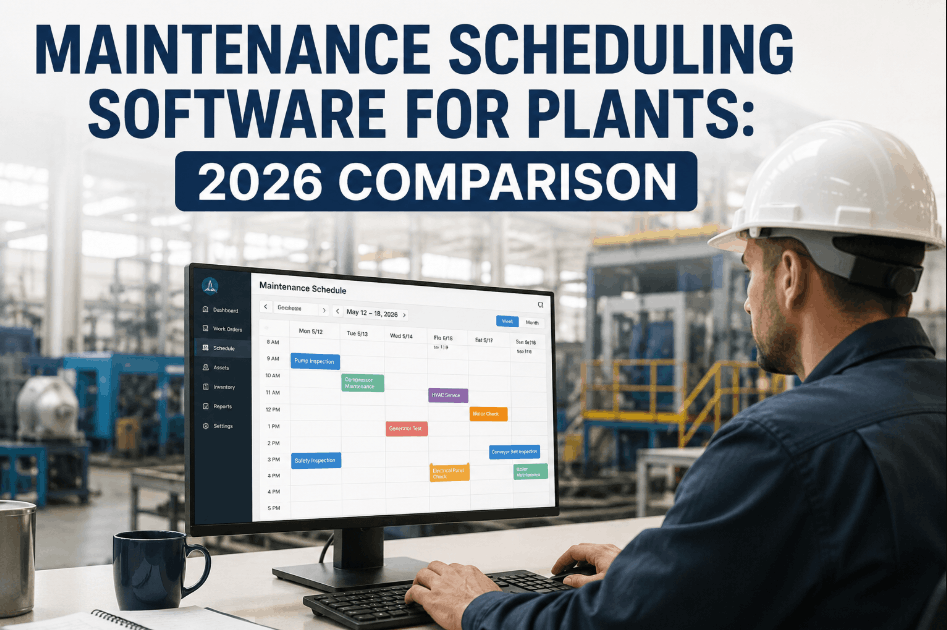
Preventive maintenance fails in two quiet ways: the schedule is set on the wrong trigger, or the due job is never actually raised. Oxmaint lets each PM schedule run on a calendar date, on an hour meter, or on whichever comes first. Due schedules raise their work orders one at a time or in a single click, the forecast shows the weeks ahead, and finished PMs stay in each machine's history beside its breakdowns. Sign up to try the micro app and open 55 sample schedules.
Preventive Maintenance Software: Run Hours & Dates
Dates, hours or both, raised on time and counted honestly. Sign up and open the sample plant's PM register.
Three Ways a PM Can Fall Due
Every week, month or year. Right for work driven by time whatever the machine does: water treatment, annual inspections, statutory checks.
Every 250, 500 or 2,000 hours. Right for wear that follows use: compressors, forklifts, spindles and gearboxes.
Every 500 hours or 1 month. The machine that runs hard gets serviced on hours; the one that sits idle still gets seen.
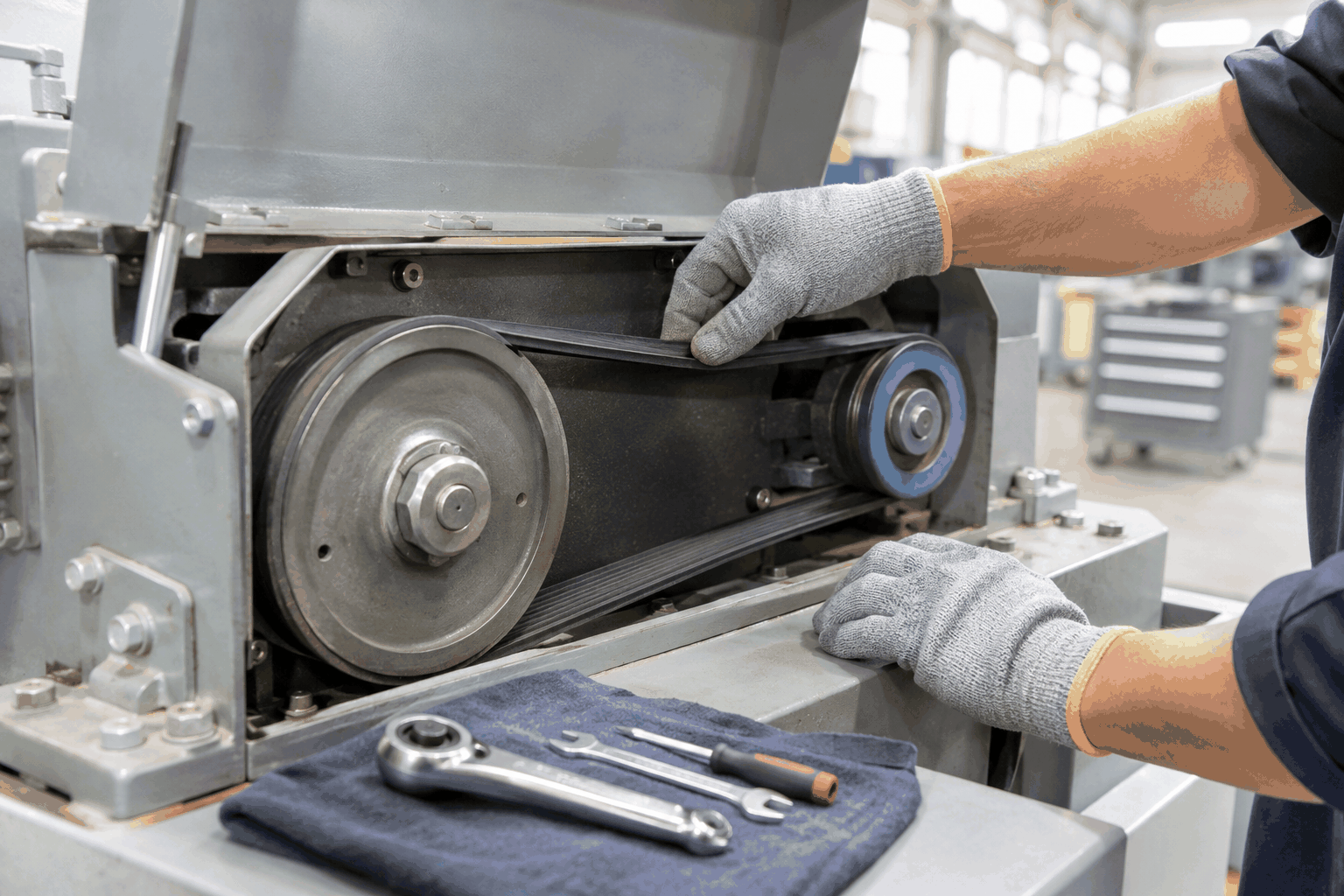
A Schedule Card from the Sample Plant
Sample plant records from the Oxmaint portal, captured 26 Nov 2026. One schedule per machine, each with its own next due date and technician; CNC Machining Center 01's copy was Paused.
The Register at a Glance
Sample plant records, captured 26 Nov 2026. Your numbers will differ.
Raising the Work, Not Just Listing It
A due PM that nobody turns into a job is still a missed PM. Each schedule card has a Generate work order button, and the register has one button that raises every due PM at once. On the sample plant it read Raise jobs for due PMs (10). Sign up and raise them on the sample plant.
On 26 Nov 2026 the sample plant had 15 open notices at 30 days and 2 at 2 days. Notices are shown in the portal; email and SMS delivery was not connected on the sample plant.
Generate a PM Work Order
Open a due schedule, raise its job and watch it appear on the board and the calendar. Sign up to the micro app and try it.
Two PM On-Time Numbers, and Why Both Are Right
The sample plant's dashboard shows 88% PM on time in one place and 20% in another. They are not a contradiction; they answer two different questions over two different windows, and the portal shows both.
| Where shown | Question it answers | Window | Sample plant |
|---|---|---|---|
| Overview tile | Of the schedules running, how many are not overdue right now? | Today | 88% (45 of 51) |
| Plant KPIs | Of the preventive jobs that fell due, how many were done on or before the due date? | Last 30 days | 20% (2 of 10) |
Sample plant records, captured 26 Nov 2026. Definitions read from the portal's KPI registry.
A high overview figure with a low 30-day figure usually means schedules are being caught up late rather than missed entirely. The fix is in the raising and the scheduling, not in adding more schedules.

Where PMs Show Up
Pick the trigger from how the part wears, not from what is easy to schedule. Anything that wears with use belongs on hours, or on hours with a calendar back-stop. Then judge your programme on the 30-day on-time figure, because that is the one that shows whether due work is done when it is due. Editorial guidance, not a quote from a named person.
Frequently Asked Questions
Preventive Work That Actually Gets Raised
Dates, hours or both, one-click job raising and honest on-time figures. Sign up and open the sample PM register.