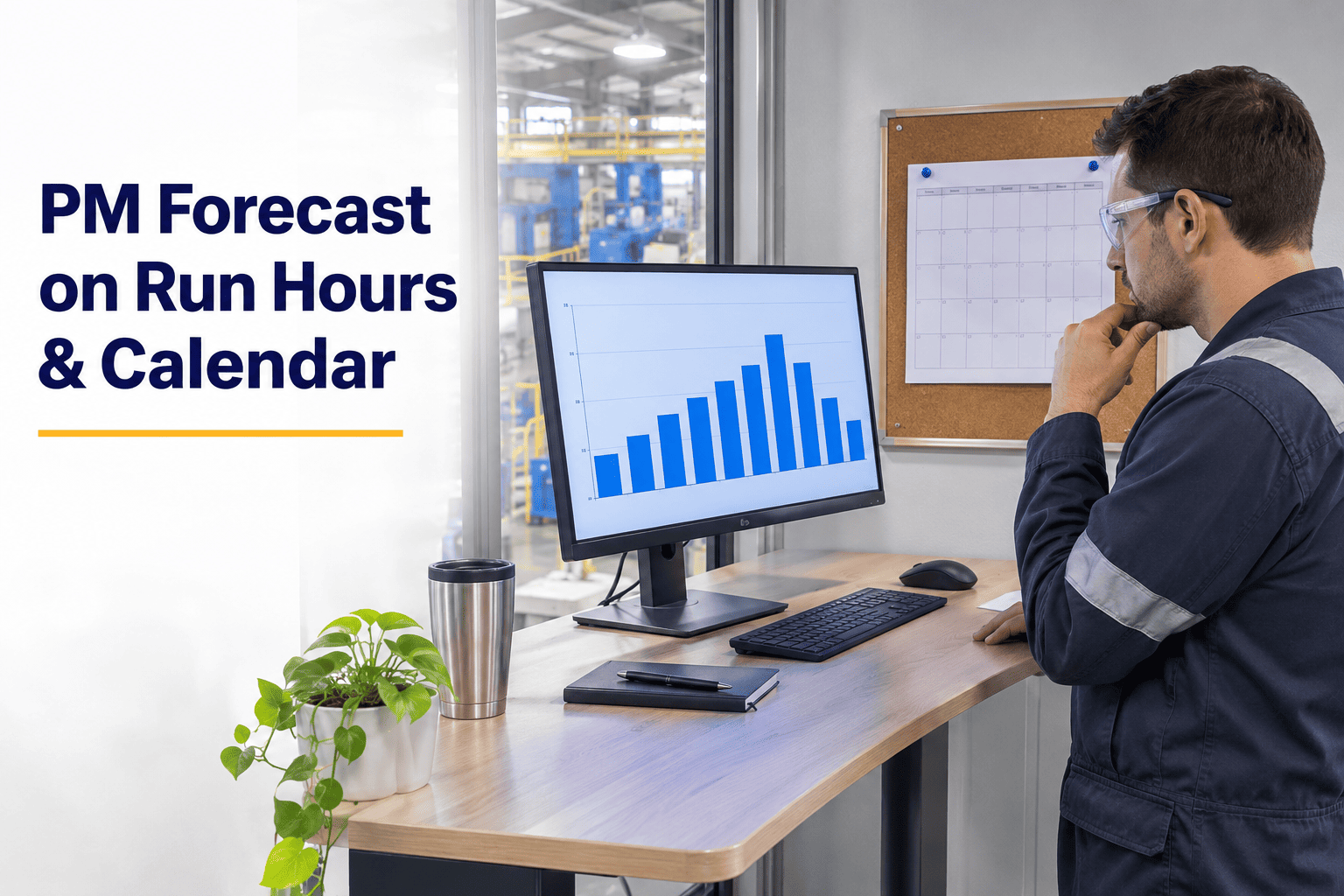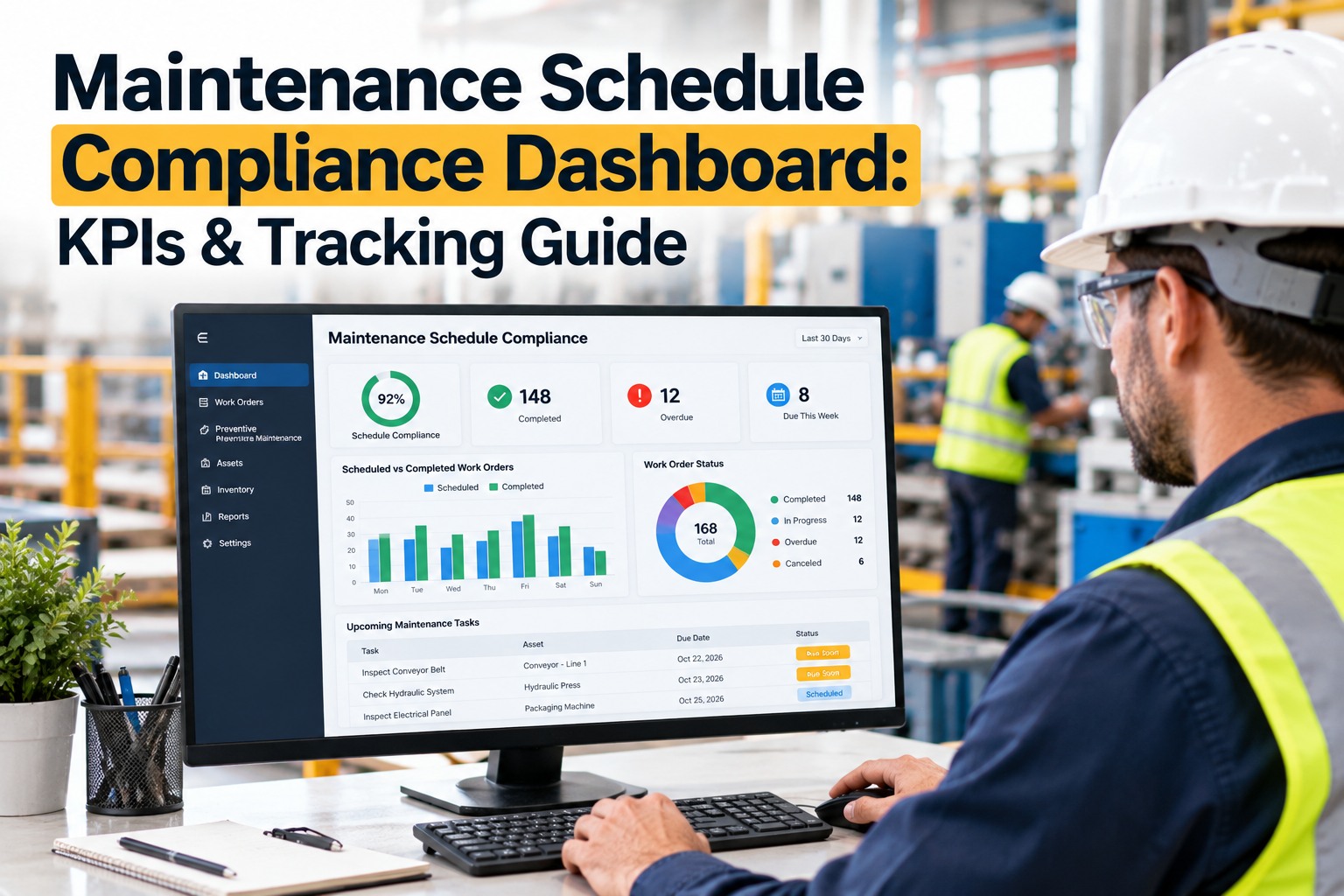
A fixed calendar date is a poor guide for a machine that does not run the same hours every week. A press that stood idle for a fortnight does not need its 500-hour service yet, and a line that ran double shifts needs it early. Oxmaint AI lets you schedule preventive maintenance on running hours, on the calendar, or on whichever comes first, and its PM Forecast shows when the work will land. This guide walks through six steps. Sign up to try the micro app and follow along on a sample plant with 55 PM schedules.
How to Schedule a PM on Run Hours
Create a PM schedule that comes due on running hours, on a calendar date, or on whichever is first, and see it on PM Forecast. Sign up and follow the steps on a sample plant with 55 PM schedules.
Six Steps From Hour Meter to Work Order
A run-hours schedule counts from the machine's hours today. Open the asset and use Log reading, or go to Meters & Utilisation. A machine that has never been read starts counting at its first reading.
Open PM Schedules and choose New Schedule. Name it, pick the asset and set Basis to Meter. Type the interval in Every, and the unit becomes Running hours. There is no Next due date to fill in, because the schedule falls due at its hours.
Enter the estimated hours, who it is assigned to and a task list. Parts can be listed too. Every work order the schedule raises carries the tasks and parts you set here.
Open the schedule and change Basis to Both. Set the hours interval and the calendar interval, and the schedule falls due on whichever is reached first, such as every 500 hours or 1 month.
Log a reading whenever someone reads the meter. Oxmaint refuses a reading lower than the last one, or one that implies more than 20 hours a day, and warns when the figure has not changed. Two readings give the machine a run rate.
PM Forecast places each schedule in one of the next thirteen weeks, and lists any it cannot place. When you are ready, use Raise job on the forecast, or Generate work order on the schedule.
Try the Steps on a Sample Plant
Open PM Schedules, find a schedule set on running hours and see where it lands on PM Forecast. Sign up to the micro app and start with 55 sample schedules.
Hours or Calendar: Which Comes First?
With Basis set to Both, the two rules race. The job is raised by whichever side gets there first, and the forecast row says which one it was, so a planner can see a machine being worked harder than the plan assumed. Both examples below use the sample plant's schedule wording, every 500 hours or 1 month, whichever first. Sign up to set one up.

How PM Forecast Places an Hours-Based PM
A date on the record cannot tell you when a machine will reach 500 hours, so Oxmaint projects it. It takes the hours remaining and divides them by the hours the machine runs each day. The example numbers are invented.
Illustrative example, not real data.
The hours a day come from the machine's own typical usage if the plant knows it, or from the readings you have logged. With neither, the schedule is listed under Not placed instead of being given a guessed date, and it takes its place in the weeks as soon as a reading is logged. As readings come in, the projected dates move.
What Each Basis Asks You For
| Basis | You enter | Next due date | Falls due |
|---|---|---|---|
| Time | Every number of weeks or months | Required | On the date |
| Meter | Every number of running hours | Not used | When the machine has run the hours since its last service |
| Both | An hours interval and a calendar interval | Calendar date | On whichever is reached first |
The create form offers Time or Meter. Open the saved schedule to switch its Basis to Both.
Three Readings Oxmaint Checks
A run-hours PM is only as good as the readings behind it, so the portal tests each one before it is saved.
Where It Lands: The Sample Plant's Forecast
The sample plant has 55 PM schedules: 51 active, 6 overdue, 10 due this week and 10 meter based. Its PM Forecast turns them into a thirteen-week picture. Sign up to open the forecast.
Sample plant records from the Oxmaint portal, captured 26 Nov 2026. Hours-led means the schedule reaches its hours before its date. Your numbers will differ.

Run-hours PMs repay the effort on machines whose use swings, such as presses, CNC cells and forklifts. Pick a regular day for reading meters and give one person the job, and add a calendar backstop on anything where a date still matters. Check the Not placed list each week, because every row on it needs a reading or a usage figure. Editorial guidance, not a quote from a named person.
Frequently Asked Questions
Schedule Maintenance on the Hours a Machine Really Runs
Run-hours PMs, calendar PMs and a thirteen-week forecast in one portal. Sign up, explore the sample plant, and add your own meters when you are ready.