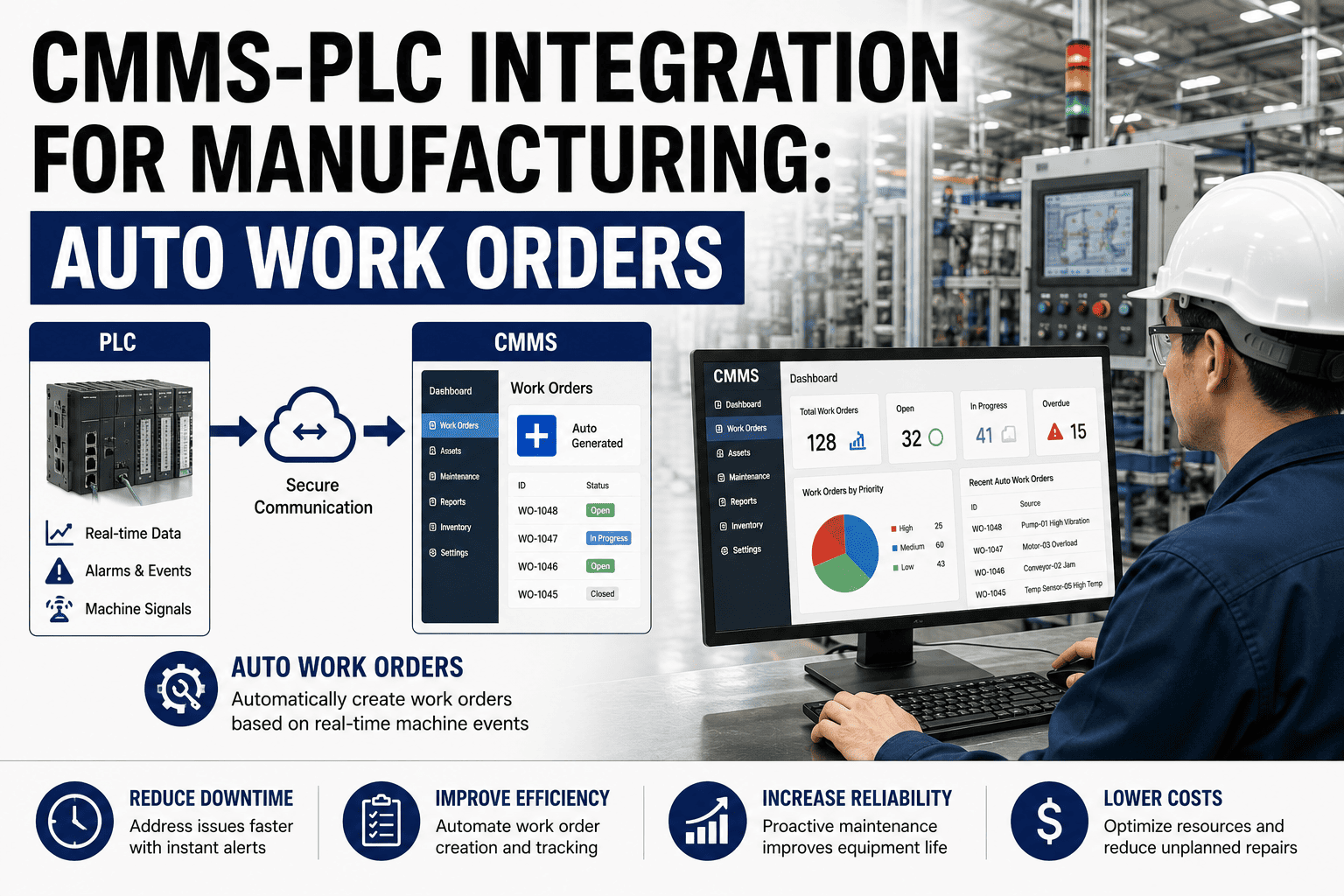
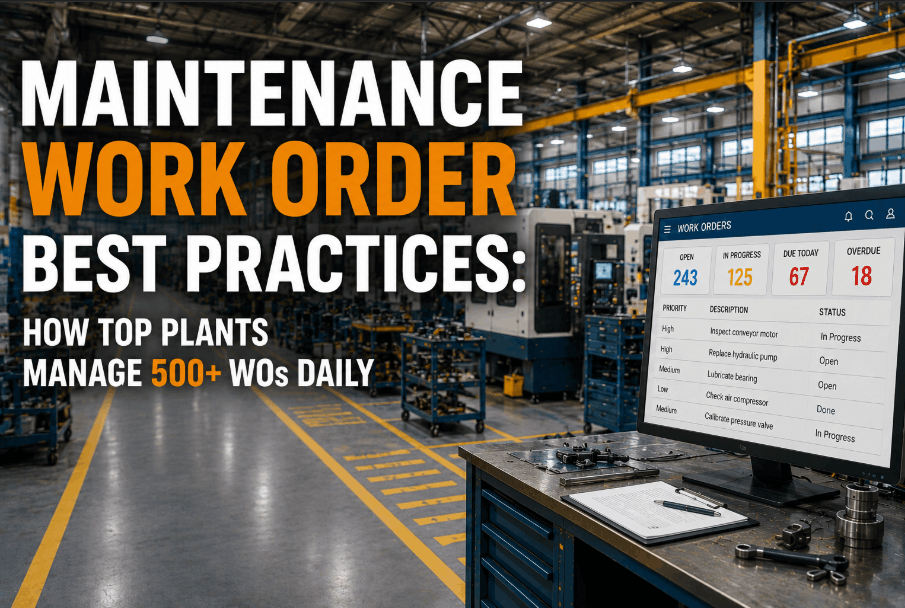
Your SAP plant maintenance module knows every asset, order and cost but your technicians are standing at a machine with greasy gloves, and the nearest SAP screen is in the office. The gap between the system of record and the shop floor is where work orders go late, hours go unlogged and parts go missing. OXMAINT AI is the mobile CMMS for SAP plant maintenance that lets technicians scan, log and close work orders on a phone, synced with SAP.
SAP PM MOBILE · WORK ORDERS ON THE FLOOR · PM / MM / FI SYNC · 2027
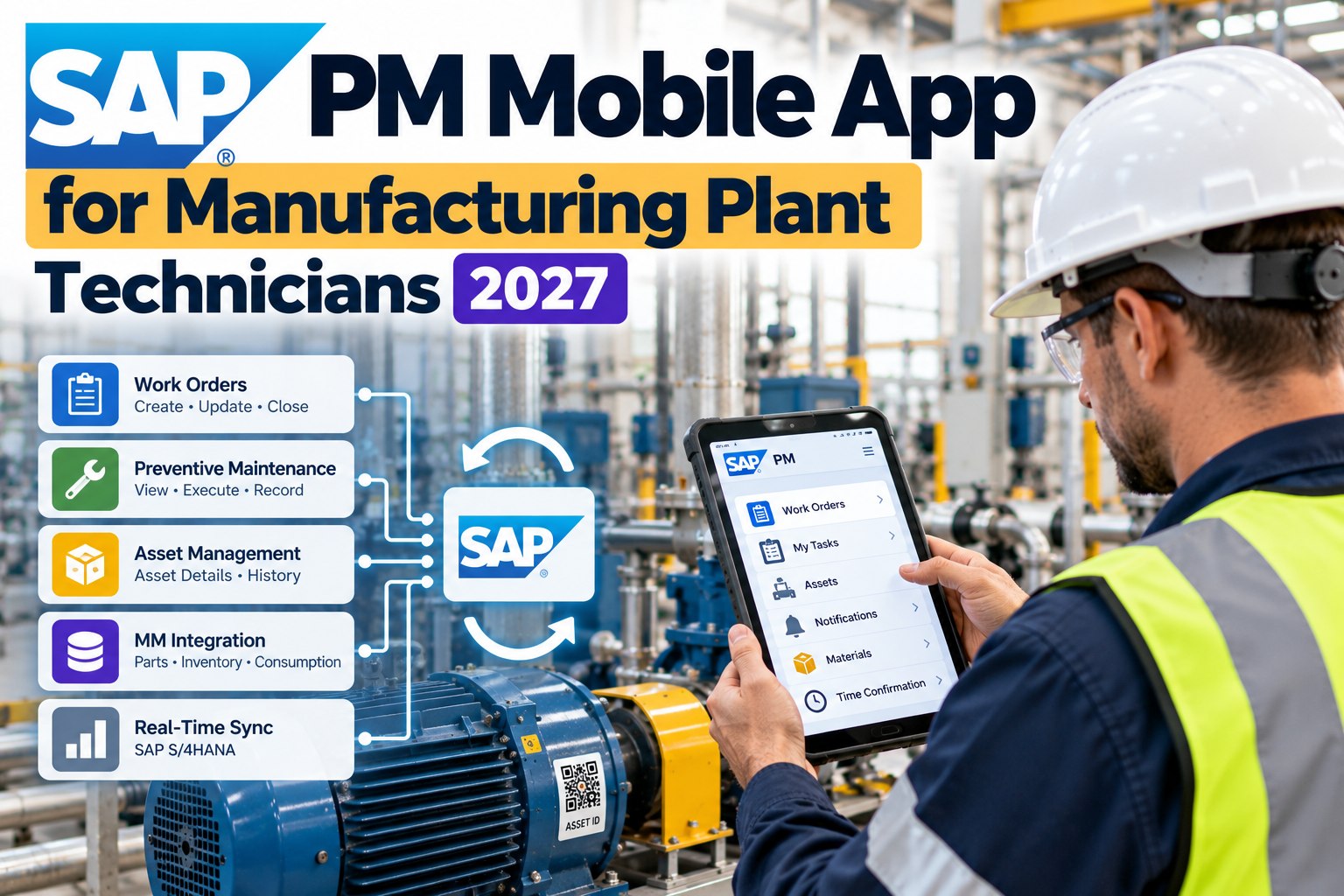
SAP PM Mobile App for Manufacturing Plant Technicians 2027
SAP PM mobile access without SAP GUI. OXMAINT AI syncs with SAP plant maintenance so technicians scan, log and close work orders where the work happens, and planners see the result in SAP.
No SAP GUI on the floor
QR scan to asset
PM, MM and FI sync
Work order management
6 steps
in the standard SAP PM work order cycle, from notification to completion
Dec 2027
end of mainstream maintenance for SAP ECC 6.0, per SAP's current dates
2030
end of optional extended maintenance for ECC, at a premium
60%+
of SAP customers still on ECC with no S/4HANA decision yet, estimates Gartner
THE REAL PROBLEM
SAP PM is built for planners and cost control, not for a technician on a ladder. Plants end up with paper job cards re-keyed later, or technicians who simply never log the work. Either way, the data in SAP is late and thin.
SAP PM in 30 Seconds: Where the Floor Comes In
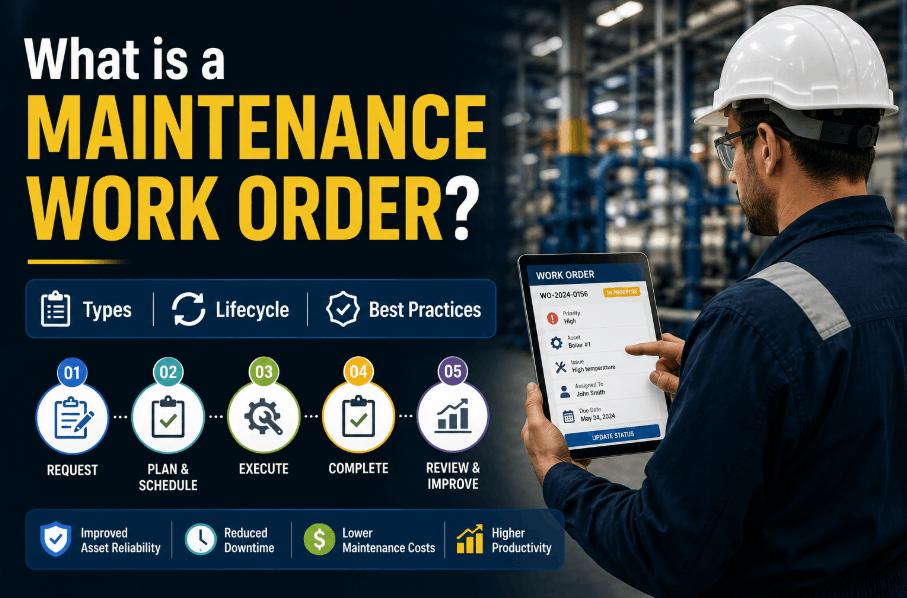
The standard SAP PM work order cycle has six steps. The first three belong to the planner; the last three happen at the machine. That is where a mobile app earns its place. Sign up free and see the floor steps on a phone.
1NotificationOffice
2Plan orderOffice
3ScheduleOffice
4Do the workFloor
5ConfirmFloor
6CompleteFloor
Cycle as set out in the SAP PRESS plant maintenance guide. Your plant may split the steps differently. The amber steps are the ones most often delayed or re-keyed from paper.
The Screen Path vs the Floor Path
Closing one job in SAP can mean several screens and a trip to a desk. On the floor it should take a scan and a few taps. Book a demo to watch a work order close from a phone.
AT A DESK · TYPICAL SAP STEPS
1Raise the notificationIW21
2Open the maintenance orderIW31
3Issue spare partsMIGO
4Enter time confirmationIW41
5Set status to technically complete
Work order 4000231
Pump P-204 · Line 2
Scan asset QRDone
Log time1.5 h
Parts used2
PhotoAdded
Close work order
Synced with SAP
Transaction codes are typical examples and vary by configuration. The phone screen is an illustrative mock-up; actual sync depends on how your plant's SAP integration is set up.
What Syncs, and in Which Direction
A useful integration is two-way. SAP stays the system of record; the app carries the work to the floor and brings the results back. Start free and map your first sync.
SAP SIDE
MODULE
OXMAINT AI SIDE
→Equipment, functional locations, orders and notifications go out
PM
←Status, findings, time and completion come back
→Materials and stock levels go out
MM
←Parts used and reservations come back
→Cost objects and cost centres go out
FI
←Labour and parts cost post against the right order
In plain terms: PM holds the maintenance objects and orders, MM holds the materials, and FI holds the money. A mobile app that touches all three keeps the data honest from end to end.
Stop Re-Keying Paper Job Cards Into SAP.
Give technicians a phone app that works on the floor and keeps SAP current. Fewer late entries, fewer missing hours, better reports.
The 2027 Clock: Why Not to Wait for the Migration
Many plants are still deciding between ECC and S/4HANA. Technicians cannot wait for that decision to get a usable mobile tool. Book a demo and ask about your SAP release.
DEC 2027
Mainstream maintenance ends
ECC 6.0 moves from the standard support path.
2028–2030
Optional extended maintenance
Available at a premium for those who stay.
2031–2033
Transition option
A time-bound offer for certain large customers.
Dates reflect SAP's published position as reported by SAP Insider and The Register. Check with SAP or your partner for your contract. Which release your plant runs, and which interface your integration uses, should be confirmed before any rollout.
Rolling It Out Without Drama
1
Pick one plant and one order type
Start with preventive maintenance orders, the easiest to standardise.
2
Tag the assets
Put a QR code on each machine linked to its equipment record.
3
Pilot with one crew
Compare hours logged and closed orders against last month.
4
Expand by line
Add order types, parts and further plants once the first works.
EXPERT REVIEWPlant systems view
The integration only works as well as the master data behind it. Before you put a phone in anyone's hand, clean up the equipment list and functional locations in SAP, and agree one naming rule for assets. A mobile app on top of messy data just makes the mess faster. Fix the data for one line, prove the sync, then scale.
How OXMAINT AI Works With SAP Plant Maintenance
OXMAINT AI brings work order management, QR scanning and SAP sync into one mobile experience. Try it free on one production line.
SYNC
Two-way PM, MM and FI sync
Orders, parts and costs flow between SAP and the app.
QR
Scan to the right asset
One scan opens the machine, its history and its open orders.
ORDER
Work order management
Assign, prioritise, track and close from one list.
LOG
Time, parts and photos
Capture labour, parts used and evidence at the machine.
OFFLINE
Keep working in dead zones
Work in plant areas with weak signal and sync when back online.
VIEW
Dashboards for planners
Overdue orders and completion rates without a SAP report run.
Questions SAP Plant Maintenance Teams Ask
Do technicians need SAP GUI to use a mobile app with SAP PM?
What is the difference between SAP PM and SAP MM?
Does it work with S/4HANA as well as ECC?
What data should we clean before connecting the app?
Can we use the app without replacing SAP?
Put SAP PM in Every Technician's Pocket — With OXMAINT AI.
Scan, log and close work orders on the floor while SAP stays current. Start with one production line.