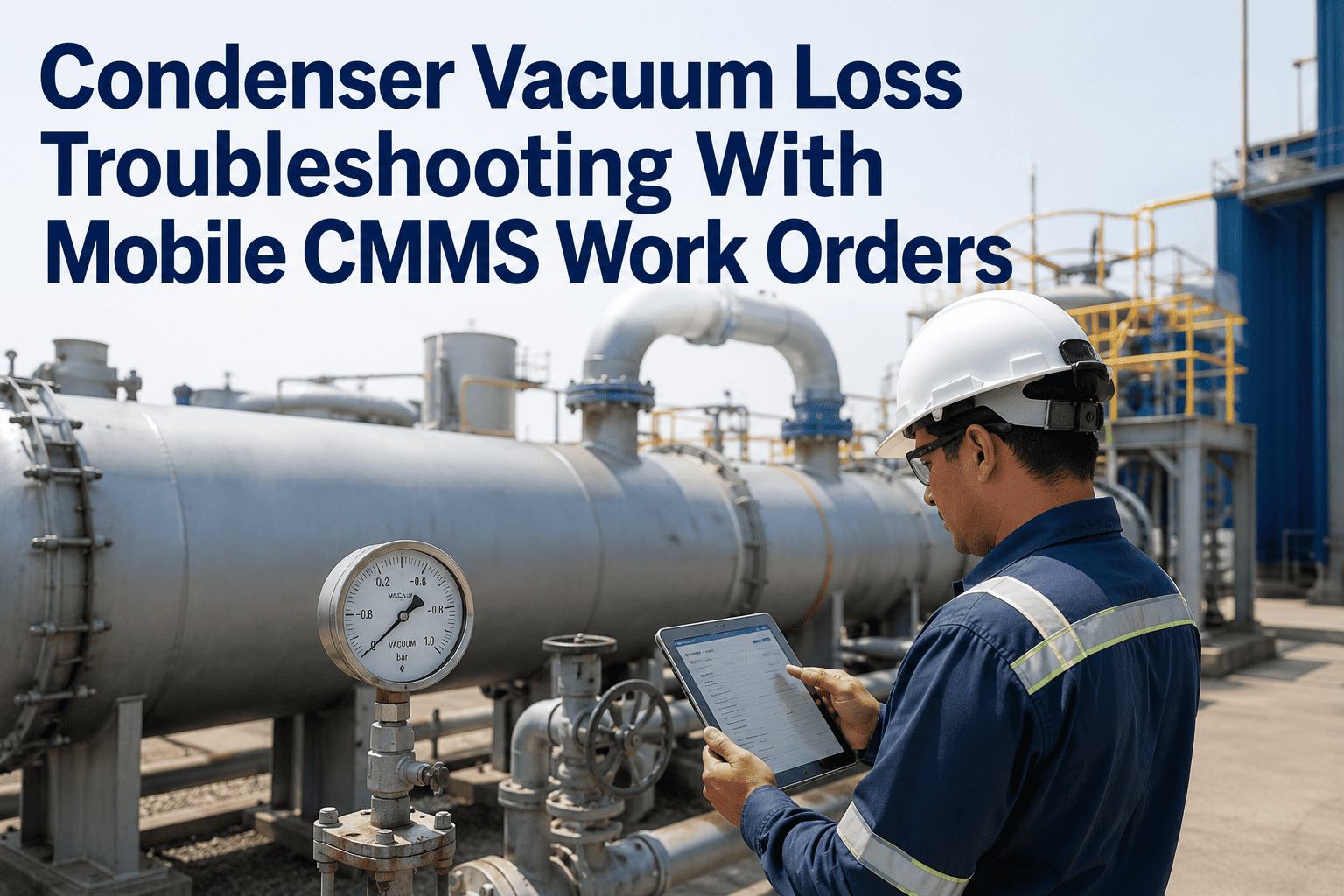
When critical power infrastructure fails, the maintenance response in the first 30 minutes determines whether an outage becomes a four-hour restoration or a four-day crisis. Emergency restoration work orders are not standard maintenance workflows — they require instant technician dispatch, real-time status visibility for operations leadership, parallel parts procurement, and a complete documentation trail for regulatory reporting and insurance claims. Most CMMS platforms route emergency work orders through the same queue as routine tasks, creating dangerous delays when speed matters most. OxMaint's work order management system supports prioritized emergency dispatch, mobile execution, and real-time status escalation — giving power infrastructure operators a response capability that matches the urgency of critical asset failures. Sign Up Free to configure your emergency response workflows in OxMaint, or Book a Demo to see emergency work order management in action.
Where Emergency Restoration Programs Break Down
The most avoidable delays in power infrastructure restoration come from process gaps — not from the technical complexity of the repair itself. These six failure points add hours to outage durations that should be measured in minutes.
Emergency work orders created in a CMMS that doesn't support priority dispatch sit in queue with routine work. The right technician doesn't know until they check the system — which may not be for hours.
Technicians arriving without the asset's previous failure history, last repair records, and known problem areas take longer to diagnose. OxMaint's mobile app delivers this history to the technician's phone before they reach the equipment.
Discovering that a critical spare is not in stock after the technician has diagnosed the fault adds hours to restoration time. Real-time parts inventory visibility in OxMaint enables parallel procurement the moment the emergency work order is created.
When plant leadership and grid operators don't have real-time restoration status, they make decisions — load shedding, emergency procurement, contractor mobilization — on outdated information. OxMaint work order status is visible to all authorized users in real time.
Post-restoration documentation is often skipped when technicians move to the next priority. Without structured root cause capture, the same failure recurs. OxMaint's mobile work order requires root cause code entry before closure.
NERC, FERC, and utility interconnection agreements require outage event documentation within defined timeframes. Assembling this data from scattered sources post-event is labor-intensive and error-prone. OxMaint's work order record captures all required fields in real time.
OxMaint's priority dispatch, mobile execution, and real-time status visibility give power infrastructure maintenance teams the response speed critical assets demand. Configure your emergency workflows today.
Emergency Work Order Configuration in OxMaint: What to Set Up Before the Next Event
The time to configure emergency response workflows is not during an outage. These five OxMaint configuration items determine whether your next emergency response is fast and documented — or slow and improvised.
Classify assets as Critical, Major, or General in OxMaint's asset hierarchy. Critical-tier work orders trigger immediate mobile push notification to the on-call technician — bypassing the standard work order queue entirely.
Set up shift-based on-call assignments so Critical-tier emergency work orders are automatically routed to the correct technician based on the time of day and day of week — no dispatcher required in off-hours.
Each critical asset should have a pre-configured emergency checklist in OxMaint — isolation steps, safety checks, diagnostic procedure, and regulatory notification triggers — so the technician follows a structured process under pressure.
Associate required emergency spares with each critical asset in OxMaint's parts module. When an emergency work order is created, the technician immediately sees which spares are required and whether they are in stock — before leaving the shop.
Configure OxMaint access so plant managers and operations leadership have read visibility on Critical-tier work orders in real time — eliminating the status update phone calls that pull technicians away from the repair.
Mandate failure code and root cause entry as a required field for Critical-tier work order closure in OxMaint. This single configuration step transforms emergency events from lost knowledge into reliability improvement data.
Emergency Response KPIs OxMaint Tracks Automatically
Measuring emergency response performance is the only way to improve it. OxMaint captures these metrics from work order data — no manual calculation required.
Frequently Asked Questions
Priority dispatch, mobile execution, real-time visibility, and automatic documentation — OxMaint gives critical power infrastructure operators the emergency work order capability that protects availability and satisfies regulators when it matters most.