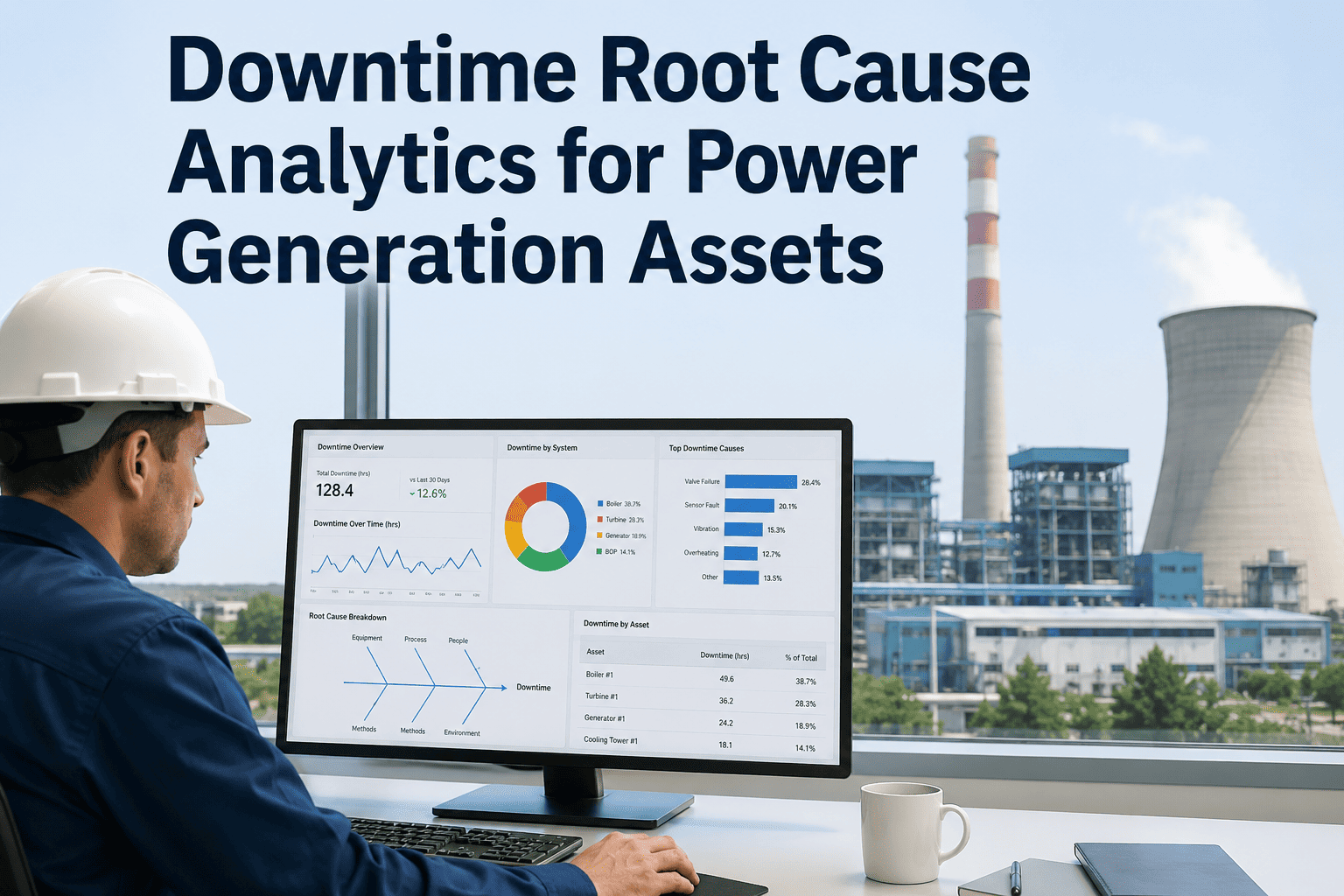
A power plant maintenance manager overseeing 80 to 150 field technicians has, at best, a rough estimate of where labor hours are actually going. Timesheets arrive days late, are often filled in from memory, and cannot be cross-referenced to specific assets or work orders without manual reconciliation. The result: overtime budgets are exhausted on activities that are invisible until the cost report arrives, and actual repair labor — the hours that could be optimized to reduce outage duration — is treated as a fixed, unmanageable input. Oxmaint's Mobile CMMS captures technician time at the work order level, in real time, from the field — giving power plant operations the labor data they need to actually manage repair efficiency, not just report it.
Mobile CMMS
Labor Tracking
Power Plant Repairs
Field Technician Time Tracking for Power Plant Repairs
Stop managing labor costs from memory and delayed timesheets. Oxmaint captures repair hours by technician, asset, and work order — in real time, from the field — so you see where every maintenance rupee goes.
34%
Average labor efficiency gain when repair hours are tracked at work order level vs. daily timesheets
2.8x
Higher overtime incidence in plants with no real-time labor tracking vs. CMMS-based tracking
INR 18L+
Annual preventable overtime cost at a 500 MW plant identified through work order level time data
The Labor Data Gap
What Power Plant Maintenance Managers Cannot See Without Work Order Time Tracking
Without field-level time capture, maintenance managers operate with a fundamental blind spot. They know total labor cost from payroll. They know headcount from HR. What they cannot see — without work order time tracking — is the information that actually drives maintenance improvement.
?
Which assets consume the most repair labor?
Is the boiler feed pump consuming 40% of turbine maintenance labor? Is the coal conveyor system generating more repair hours than the HP turbine? Without work order time data, asset-level labor cost is invisible — making maintenance budget allocation a guess rather than a data-driven decision.
?
How long should a specific repair actually take?
When a technician clocks 14 hours on a standard HP valve replacement that should take 6, the deviation is invisible without work order time tracking. Labor benchmarks — planned hours vs. actual hours by task type — can only be built when time is captured at the task level, not the day level.
?
Where is overtime actually coming from?
Overtime in power plant maintenance is rarely random. It concentrates on specific assets, specific repair categories, and specific technician skill gaps. Without field-level time data, the maintenance manager cannot distinguish between necessary outage overtime and preventable overtime that is a symptom of poor planning or repeated failures.
?
How is contractor labor being utilized?
Annual maintenance contracts with third-party vendors are typically billed on time-and-material or lump-sum bases. Without independent time capture in the CMMS, the plant has no verification layer for contractor time claims and no data to challenge invoices that appear inconsistent with actual repair complexity.
How Oxmaint Works
Real-Time Labor Capture — The Oxmaint Time Tracking Architecture
Oxmaint tracks technician time at the work order level through three integrated data capture points — each requiring minimal technician action while producing highly accurate, auditable labor records.
Capture Point 1
Mobile Clock-In at Work Order Start
When the technician opens a work order on the Oxmaint mobile app and taps Start Work, Oxmaint records the timestamp and assigns it as the labor start time for that technician on that work order. No separate timesheet entry — the action of starting work in the CMMS is the time record. Multiple technicians can be clocked in on the same work order simultaneously, with individual time records maintained for each.
Work Order #WO-2847
BFP-01 Mechanical Seal
Started: 06:42 AM
Tech: R. Sharma, K. Patel
Capture Point 2
Interruption and Break Logging
Work orders on power plant equipment are frequently interrupted — waiting for permits, waiting for parts, shift handovers, or equipment cooling periods. Oxmaint allows technicians to log interruptions with a cause code (parts wait, permit wait, access restriction, shift break) without closing the work order. Interruption time is tracked separately from active repair time, creating an accurate picture of true wrench-time versus total elapsed time — a critical distinction for outage duration analysis.
Interruption Log
Cause: Parts Wait
09:15 — 10:40 AM
85 min non-productive
Capture Point 3
Closure and Supervisor Sign-Off
When the technician marks the work order complete, Oxmaint captures the closure timestamp and calculates total active repair hours, total interruption hours, and elapsed time from start to close. The supervisor reviews and digitally signs off on the completion record — creating a dual-authenticated time record that satisfies both internal audit and regulatory evidence requirements. Total labor cost for the work order is calculated automatically using the technician's rate code in Oxmaint's labor rate register.
Completion Summary
Active repair: 4.2 hrs
Wait time: 1.4 hrs
Total labor: INR 4,200
Reporting Intelligence
Labor Analytics That Change How Power Plants Manage Maintenance Costs
Field-level time data is only valuable if it reaches decision-makers in a form they can act on. Oxmaint's labor analytics module converts raw time capture into five management-ready reporting views — each answering a question that could not be answered before field-level tracking was in place.
Asset Labor Cost Ranking
Every asset in the plant ranked by total maintenance labor cost over a selectable period. Identifies the 20% of assets consuming 80% of maintenance labor — the starting point for every reliability improvement investment decision. Drillable to individual work orders by asset.
Planned vs. Actual Hours by Task Type
Compares planned labor hours from the work order template against actual hours captured in the field — for every task type across every asset. Identifies where planning assumptions are systematically wrong and where crew efficiency varies across shifts or teams.
Wrench Time vs. Wait Time Analysis
Shows, for each work order and in aggregate, what percentage of time is active repair versus waiting — for parts, permits, access, or coordination. Wrench time below 50% on critical repairs signals system failures in parts availability or permit processing that are directly extending outage duration.
Overtime by Crew and Work Type
Overtime hours by individual, crew, and maintenance category. Identifies whether overtime is concentrated in reactive repairs (indicating a reliability problem) or in planned work (indicating a scheduling problem). Required for any serious overtime cost reduction program.
Contractor Hours vs. Own Staff — Cost Comparison
Side-by-side comparison of internal technician hours versus AMC contractor hours by task category and asset. Gives the maintenance manager independent data to validate contractor invoices, renegotiate AMC scope, and identify activities where in-house labor is more cost-effective than contracted labor.
Repair hours are your largest controllable maintenance cost. Start measuring them.
Oxmaint captures technician time at the work order level — in real time, from the field — so power plant maintenance managers know exactly where every labor rupee goes and can act on that data to reduce costs and outage duration.
Benchmark Data
Labor Efficiency Benchmarks — Tracked vs. Untracked Power Plant Maintenance
The following benchmarks represent operational data ranges from thermal power plant maintenance operations where CMMS-based work order time tracking was implemented. Ranges reflect plant size, maintenance maturity, and repair complexity variation.
| Labor Metric |
Untracked (Timesheet Only) |
Oxmaint Work Order Tracking |
Improvement Driver |
| Wrench time as percentage of total shift |
42–48% |
58–66% |
Wait time visibility enables process changes |
| Overtime as percentage of total labor hours |
18–26% |
9–14% |
Overtime patterns identified and addressed |
| Planned hours accuracy (planned vs. actual deviation) |
35–55% deviation |
12–22% deviation |
Historical actuals calibrate future plans |
| Forced outage repair labor cost per event |
Estimated ±40% |
Accurate ±8% |
Real-time capture vs. post-event reconstruction |
| Contractor invoice verification accuracy |
No independent data |
Cross-reference in CMMS |
Parallel CMMS time record vs. contractor claim |
FAQ
Frequently Asked Questions
Will field technicians resist using a mobile time tracking app — especially older workforce members?
This is the most common concern from maintenance managers evaluating Oxmaint, and it is addressed directly in the Oxmaint implementation design. The mobile interface requires three taps for a complete time log — open work order, tap Start, tap Complete. There are no forms, no free-text fields, and no administrative tasks for the technician beyond what they already do to receive and complete work orders. Plants that have deployed Oxmaint across technician age ranges of 25 to 58 years consistently report adoption rates above 90% within the first two weeks. A two-hour training session is sufficient for standard field use.
Book a demo to see the technician mobile interface.
Can Oxmaint time tracking handle multi-shift repair jobs that span multiple days?
Yes — Oxmaint handles multi-shift, multi-day work orders natively. When a repair spans shift changes, the outgoing technician closes their time session on the work order and the incoming technician opens a new session on the same work order. Oxmaint maintains an individual time record for each technician session while aggregating total labor hours against the single work order. The work order history shows the complete chronological log of all sessions, all technicians, all interruptions, and all shift handovers — with individual timestamps and duration calculations. This is particularly important for boiler overhauls, turbine maintenance, and transformer replacements that run 36 to 72 hours.
Start free to configure your work order templates.
How does Oxmaint handle contract technician time separately from permanent employee time?
Oxmaint maintains separate labor rate codes for permanent employees, contract staff, and AMC vendor technicians. Contract technicians can be added to Oxmaint with a contractor designation, and their time is tracked using the same work order clock-in/clock-out mechanism as permanent staff. Reports can filter labor cost by employment category — allowing the maintenance manager to see, for any asset or work order, how much of the cost was internal labor versus contract labor. This data is used both for cost center allocation and for AMC contract performance verification.
Book a demo to see contractor tracking configuration.
Does Oxmaint integrate time tracking data with plant ERP or finance systems?
Oxmaint exports labor cost data in formats compatible with SAP PM, Oracle EAM, and standard accounting systems via CSV export, REST API, and scheduled data push. For plants where maintenance cost is tracked in a separate finance module, Oxmaint can be configured to export daily labor cost summaries by cost center, asset hierarchy, and work order category — removing the need for manual data re-entry between the CMMS and the finance system. Plants using SAP can receive Oxmaint work order completions with labor cost data in the format required for PM notification closure.
Start free and explore integration options.
Can Oxmaint time tracking be used to benchmark technician productivity without triggering workforce relations issues?
Oxmaint's analytics are designed for system and process benchmarking, not individual performance surveillance. The standard reporting views show labor efficiency by task type, asset, and maintenance category — not by individual technician. When individual data is needed (for training needs assessment or skill gap identification, for example), access to that view is restricted to authorized roles and is configured to be used in accordance with the plant's HR policies. Plants that have introduced Oxmaint time tracking typically frame it to technicians as a tool for better work planning and faster parts availability — both of which directly benefit the technician's working experience — rather than a monitoring system.
Book a demo to discuss role-based access configuration.
Know where every maintenance labor hour goes. Then reduce the ones that shouldn't be there.
Oxmaint captures technician time at the work order level — in real time — giving power plant maintenance managers the labor data they need to reduce overtime, improve outage response, and verify contractor costs with independent field records.