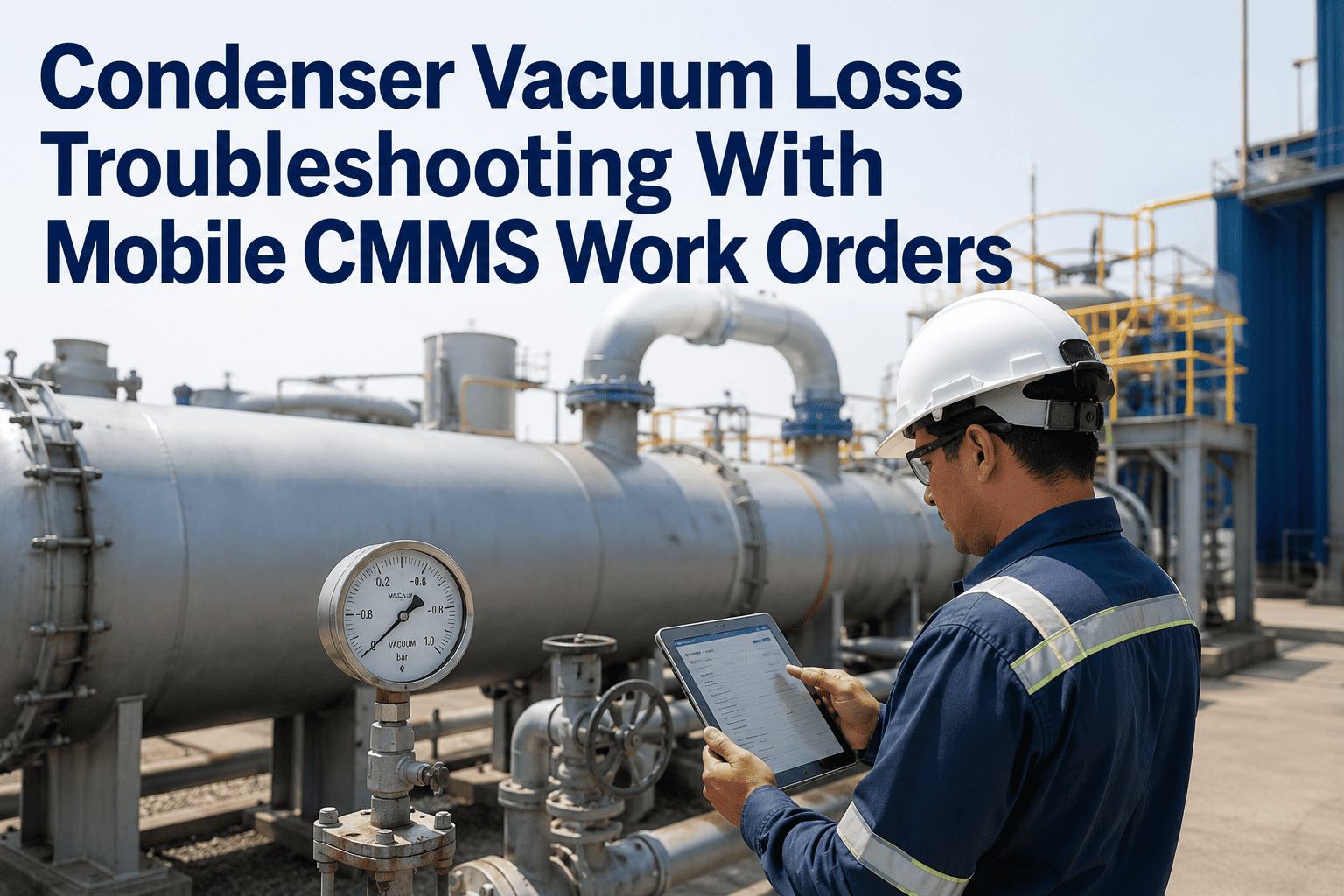
In a power plant forced outage, the single most common cause of repair delay is not the repair itself — it is a technician arriving at the storeroom to discover that the required part is out of stock, has a different part number than expected, or is available at another site's warehouse 120 kilometers away. The repair work was planned, the permit was issued, the crew was mobilized — and the 45-minute repair turns into a 6-hour procurement event. Oxmaint's Mobile CMMS gives every field technician real-time parts availability, location, and BOM data on their mobile device — so the first thing a technician checks before travel to the storeroom is availability, not optimism.
Mobile CMMS
Inventory Access
Maintenance Crews
Mobile Parts Lookup for Power Plant Maintenance Crews
Every minute a technician spends discovering a stockout at the storeroom counter is a minute that could have been used for the repair. Oxmaint puts real-time parts availability, BOM lookup, and storeroom location data on the field crew's mobile device — before they travel.
67%
Of unplanned storeroom trips in power plant maintenance are for parts that could have been verified available before the technician moved
45–90 min
Average delay per stockout discovery during a forced outage repair when parts are not pre-verified
INR 2.8L
Average generation revenue lost per hour of additional forced outage duration attributable to parts delays at a 500 MW unit
The Storeroom Problem
Why Parts Lookup Failures Extend Power Plant Outages
The storeroom trip that discovers a stockout is not the problem — it is the symptom of a broken information flow. The underlying failure is that parts availability was never checked before the work order was dispatched, because the maintenance team had no mobile tool to do so in the field. Four patterns drive most parts-related repair delays in Indian power plants.
Pattern 01
BOM Not Known to Field Crew
Technicians often know the asset they are repairing but not the correct part numbers or specifications for the components they need. Without a mobile BOM lookup, they describe the part verbally to the storeroom — resulting in wrong parts being issued, multiple storeroom trips, and delays while the engineering team looks up the correct part number.
Pattern 02
Stock Checked Only After Crew Dispatched
In plants without a mobile parts lookup tool, storeroom stock check happens when the technician physically arrives at the counter. The crew mobilization, permit issuance, and tool preparation are already complete before the stockout is discovered — making the delay significantly more expensive in terms of total outage time than if the check had been done before dispatch.
Pattern 03
Multi-Site Inventory Not Visible
Plants with multiple units or sister plants 50 to 200 km away often have the required part in stock at another location — but the field technician and even the maintenance supervisor have no visibility into the network stock position. The plant raises an emergency procurement order for a part that exists three hours away, adding 2 to 5 days of lead time unnecessarily.
Pattern 04
Critical Spare Consumed Without Reorder Trigger
When a critical spare is consumed during a repair, the depletion is often not recorded in the inventory system until the end of the shift or the following day. The next outage event finds the storeroom empty, and no reorder was triggered. Without real-time inventory update from mobile work order closure, minimum stock alerts are perpetually behind actual consumption.
Oxmaint Mobile Parts Lookup
What Field Crews Can Access from the Mobile App — Before They Move
Oxmaint's mobile parts lookup gives field technicians a complete inventory intelligence layer directly on their Android or iOS device. The following capabilities are available without leaving the job site or opening a desktop terminal.
BOM
Asset Bill of Materials — Full Parts List by Asset Tag
Technicians search by asset tag or scan the asset QR code in the Oxmaint app to pull up the complete BOM for that equipment item — including part numbers, OEM references, interchangeable alternatives, and minimum stock specifications. No need to contact the planning office or search paper manuals for the correct part number.
QTY
Real-Time Stock Availability by Part Number
For each part in the BOM, Oxmaint shows current quantity on hand, bin location in the storeroom, reserved quantity against other open work orders, and available quantity. Technicians know before leaving the job site whether the part they need is available, partially available, or out of stock — and can plan the repair accordingly.
LOC
Multi-Site Stock Position Across Plant Network
For parts not available at the local storeroom, Oxmaint shows availability at connected sister plants and regional warehouses — with transfer lead time estimated based on distance and logistics type. Maintenance supervisors can initiate an inter-plant transfer request directly from the mobile app, reducing emergency procurement orders for parts that exist within the network.
REQ
One-Tap Parts Requisition from the Job Site
When a part is confirmed available, the technician can raise a parts requisition directly from the mobile work order — pre-populated with part number, quantity, work order reference, and asset tag. The storeroom receives the requisition on their screen before the technician arrives, eliminating counter wait time and ensuring the right part is ready for collection.
UPD
Inventory Updated at Work Order Closure
When a technician closes a work order and records the parts consumed, Oxmaint updates the inventory quantity in real time. Minimum stock alerts trigger automatically if the remaining quantity falls below the reorder point — creating a continuous, self-updating inventory cycle rather than a periodic manual count cycle that is always days behind actual consumption.
Time Savings Data
Parts Lookup Impact on Repair Duration — Benchmark Comparison
The following table shows the difference in repair timeline for common power plant maintenance tasks when mobile parts lookup is used versus when technicians rely on physical storeroom visits for availability confirmation. Data reflects operational benchmarks from Indian thermal plant maintenance operations.
| Repair Task |
Without Mobile Lookup |
With Oxmaint Mobile Lookup |
Time Saved |
Revenue Impact at INR 2.8L/hr |
| BFP mechanical seal replacement |
8–14 hrs (incl. avg. parts delay) |
5–9 hrs |
2–5 hrs |
INR 5.6–14L per event |
| FD fan bearing changeout |
10–16 hrs |
7–11 hrs |
2–5 hrs |
INR 5.6–14L per event |
| HP turbine governing valve service |
6–12 hrs |
4–8 hrs |
2–4 hrs |
INR 5.6–11.2L per event |
| Boiler tube leak plugging |
18–28 hrs |
14–22 hrs |
3–6 hrs |
INR 8.4–16.8L per event |
| Cooling water pump impeller replace |
12–20 hrs |
8–14 hrs |
3–6 hrs |
INR 8.4–16.8L per event |
The part exists. Your technician just doesn't know where yet. Fix that.
Oxmaint's mobile parts lookup puts your complete inventory — stock quantities, bin locations, BOM by asset, and multi-site availability — on every field technician's phone. The storeroom trip that discovers a stockout becomes a pre-departure check that eliminates the delay before it happens.
FAQ
Frequently Asked Questions
Does Oxmaint mobile parts lookup work when the technician is in an area without internet connectivity?
Oxmaint's mobile app caches the BOM data for all assets assigned to a technician's active work orders, as well as the last-known stock position for all parts in those BOMs. In offline mode, technicians can access BOM lookups and the last-synchronized stock availability without a live connection. When the device reconnects, stock position data is refreshed to reflect any transactions that occurred while offline. For plants with patchy connectivity in turbine halls, boiler areas, or cable basements, this offline BOM cache ensures technicians are never without parts information in the field.
Start free to configure offline sync settings.
Can Oxmaint integrate with an existing SAP MM or Oracle inventory system rather than replacing it?
Yes — Oxmaint is designed to integrate with existing ERP inventory systems, not replace them. For plants running SAP MM, Oxmaint can pull real-time stock quantities from the SAP material master via API or scheduled sync, display them in the mobile field interface, and push parts consumption back to SAP as a goods issue document against the maintenance order. The storeroom continues to operate in SAP; field technicians get the mobile lookup layer they need. For Oracle, Maximo, and other inventory systems, REST API integration or scheduled CSV sync are available depending on system version.
Book a demo to discuss your ERP integration configuration.
How does Oxmaint handle critical spare management — ensuring high-value spares are not consumed without proper authorization?
Oxmaint supports a critical spare authorization workflow where specific part numbers — turbine rotor assemblies, generator exciter units, high-value transformer components — are flagged as requiring supervisor or engineering approval before issue. When a technician raises a requisition for a flagged critical spare from the mobile app, the approval request routes to the authorized approver's mobile device before the storeroom releases the part. This creates a controlled consumption chain for high-value spares while maintaining the speed advantage of mobile workflow for standard parts. Approval records are stored against the work order for audit purposes.
Start free to configure your critical spare authorization rules.
Can Oxmaint track parts consumption history by asset to support maintenance cost analysis?
Every parts requisition and consumption record in Oxmaint is linked to the work order and asset against which it was consumed. This creates a complete parts cost history per asset — showing total spend on replacement parts, frequency of specific part consumption, and trend data on component life between replacements. The asset parts cost report in Oxmaint is a primary input for plant reliability engineers assessing whether an aging asset should be overhauled, replaced, or retired based on spare parts cost trajectory. The data can be exported to support capital expenditure proposals and regulatory submissions for FERV (Fixed and Variable Expenses) claims.
Book a demo to see the asset cost history dashboard.
How does Oxmaint handle parts with multiple OEM and cross-reference part numbers?
Oxmaint's parts master supports multiple reference numbers per part: OEM part number, plant internal part code, alternative supplier references, and common name or description. When a technician searches for a part in the mobile app — by any reference number, name, or by scanning the asset tag to pull the BOM — all matching references are returned. Storeroom staff see the same cross-reference data, eliminating the confusion that arises when a technician requests a part by OEM number but the storeroom stocks it under the plant's internal code. Duplicate entries for the same physical part can be merged in the parts master to maintain accurate total stock positions.
Start free and import your existing parts master.
Stop discovering stockouts at the storeroom counter. Check availability before you move.
Oxmaint puts your complete parts inventory on every field technician's mobile device — BOM by asset, real-time stock, bin location, multi-site availability, and one-tap requisition — so parts delays become a planning problem you solve before the repair starts, not during it.