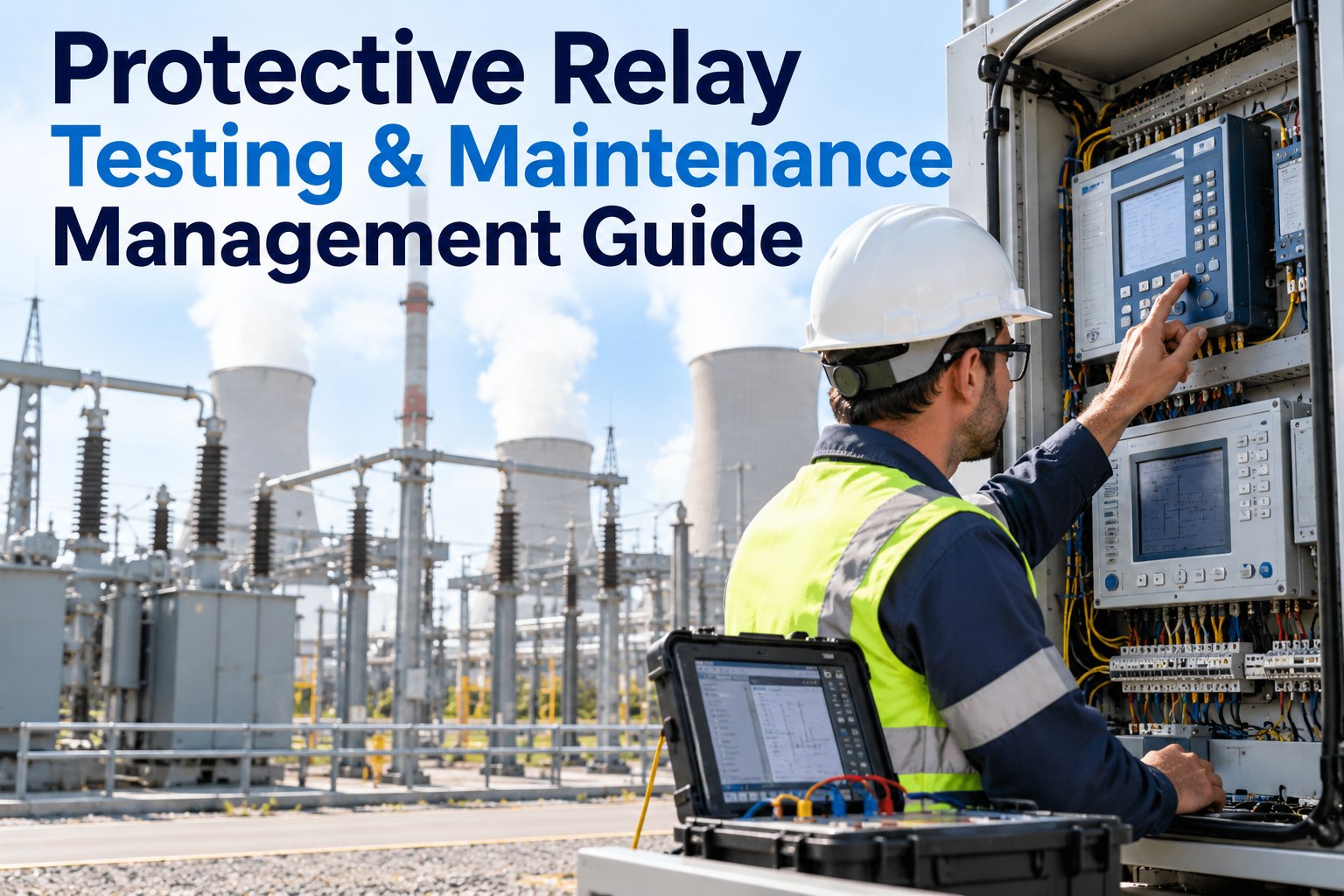
Protective Relay Testing & Maintenance Management Guide

By Willam Jerry on October 2, 2026

protective-relay-testing-maintenance-guide

A protective relay spends most of its life doing nothing — and that is exactly why it gets neglected. It only matters in the second a fault occurs, and by then it is too late to find out the settings drifted, a trip circuit was open or the last test record can't be found. Keeping a protection system dependable comes down to one habit: test on schedule, record what you found, and close every defect. This guide shows how to manage relay testing as a clear maintenance workflow, and how OXMAINT AI, the AI-powered CMMS, keeps schedules, test records, defects and corrective actions together.

AI-Powered CMMS · Protection System Maintenance · Power Plants & Substations

Protective Relay Testing & Maintenance Management Guide

Test dates in spreadsheets, results in PDFs, and failed checks that nobody is sure were closed — relay maintenance gets hard to prove and harder to trust. OXMAINT AI puts the full workflow in one maintenance management platform: scheduled relay tests generate work orders, results are recorded against each relay, defects become corrective actions, and the next test is scheduled automatically.

The Relay Test Loop
1
SchedulePM plan creates the test work order
2
Test & recordAs-found and as-left results per relay
3
Raise defectsFailed checks become corrective actions
4
Close & rescheduleEvidence saved, next test set

Why Relay Testing Slips Through the Cracks

Protection assets are low-profile, spread across panels and switchyards, and owned by more than one team. Three gaps show up again and again. Book a demo to see how OXMAINT AI closes them.

01
No single schedule
Intervals live in personal calendars, so overdue relays surface only when someone remembers to look.
02
Scattered records
Test sheets, setting files and photos sit in different places, making history slow to assemble.
03
Open-ended defects
A failed check is noted on a report, but no work order is raised and no one owns the fix.

Five Moments That Call for a Relay Test

Testing is not only a yearly checkbox. Different events trigger different levels of verification, and a good system tracks all of them. Start free and set up trigger-based tests in OXMAINT AI.

A
Commissioning
Acceptance tests confirm the relay and scheme work as designed before energizing.
B
Routine interval
Scheduled maintenance tests on a time or condition basis defined by your program.
C
After a trip or fault
Post-event checks confirm the relay operated correctly and the scheme is healthy.
D
Settings or firmware change
Verification that the new settings are loaded correctly and protection still coordinates.
E
Repair or replacement
Re-test after any work on the relay, wiring, instrument transformers or trip path.

What a Complete Relay Test Record Contains

A record is only useful if someone else can understand it years later. Here is what a dependable one captures for each relay.

✓Relay ID, location, panel and function
✓Approved settings vs. settings found in the relay
✓As-found and as-left test results
✓Pickup and operate-time checks
✓Trip circuit and breaker operation verified
✓CT/VT circuits, DC supply and alarms checked
✓Technician, date, test equipment used
✓Photos, notes and attached test reports

From Test Result to Corrective Action

The result of the test should decide the next step automatically, with no one needing to chase it. Book a demo to see result-driven follow-up in OXMAINT AI.

PASS
Within tolerance
Record results, close the work order and schedule the next test.
PASS WITH NOTE
Drift or minor finding
Adjust and re-test, log the observation and shorten the next interval if needed.
FAIL
Out of tolerance or not operating
Raise a priority corrective work order, assign an owner and require a re-test before close.

When the Auditor or Insurer Asks, Have the Answer Ready.

Documented testing is the evidence that your protection system is maintained. With schedules, results and corrective actions kept per relay, the answer is one search away instead of a week of digging.

Paper and Spreadsheets vs. a Digital Workflow

NeedSpreadsheets & paperOXMAINT AI workflow
Know what is due Manual date tracking PM schedules generate test work orders
Find test history Search folders and emails Records attached to each relay
Act on failures Note on a report Defect becomes a tracked corrective work order
Show evidence Assemble before an audit Searchable history with photos and attachments
Spot weak relays Rarely compared Trend findings and shorten intervals where needed

Frequently Asked Questions

How often should protective relays be tested?
It depends on relay type, your maintenance program, manufacturer guidance and any regulatory requirements that apply, such as NERC PRC-005 for covered systems in North America. Many organizations use time-based intervals and adjust them using test history and monitoring.
Do microprocessor relays still need testing?
Self-diagnostics help, but they do not verify everything. Settings, trip paths, instrument transformer circuits, DC supply and the wider scheme still need periodic verification under your program.
What are as-found and as-left results?
As-found is the relay's condition before any adjustment; as-left is the condition after. Recording both shows whether a relay was drifting and confirms it was restored correctly. Start free and capture both in OXMAINT AI.
Does a CMMS replace relay test software?
No. Relay test sets and settings tools do the technical testing. A CMMS manages the schedule, work orders, records, defects and corrective actions around that testing.
Can OXMAINT AI help with compliance evidence?
It keeps dated test records, attachments and corrective-action history organized so they are easy to produce. Your program and regulator requirements still define what must be done. Book a demo to review your requirements.

Make Every Relay Test Easy to Prove.

Schedule tests, record results, close defects and keep evidence for every protective relay in one place with OXMAINT AI. Try it free or see the workflow on your own assets in a short demo.



Share This Story, Choose Your Platform!