Most power plants didn't choose between SAP PM and a shop-floor maintenance tool they ended up running both, because neither one does the other's job well. SAP PM holds the cost centers, purchase orders and asset master data finance needs. A CMMS is where a technician actually logs a finding, opens a work order, and closes it out in the field. When those two systems don't talk to each other, someone ends up re-typing the same work order twice, and the asset history splits in half. This guide walks through how to connect SAP PM maintenance transactions with a plant-floor CMMS — work orders, costs, materials and asset data kept in sync — using OXMAINT AI, the AI-powered CMMS built to give technicians a fast, field-ready workflow while keeping SAP PM the system of record for cost and materials.
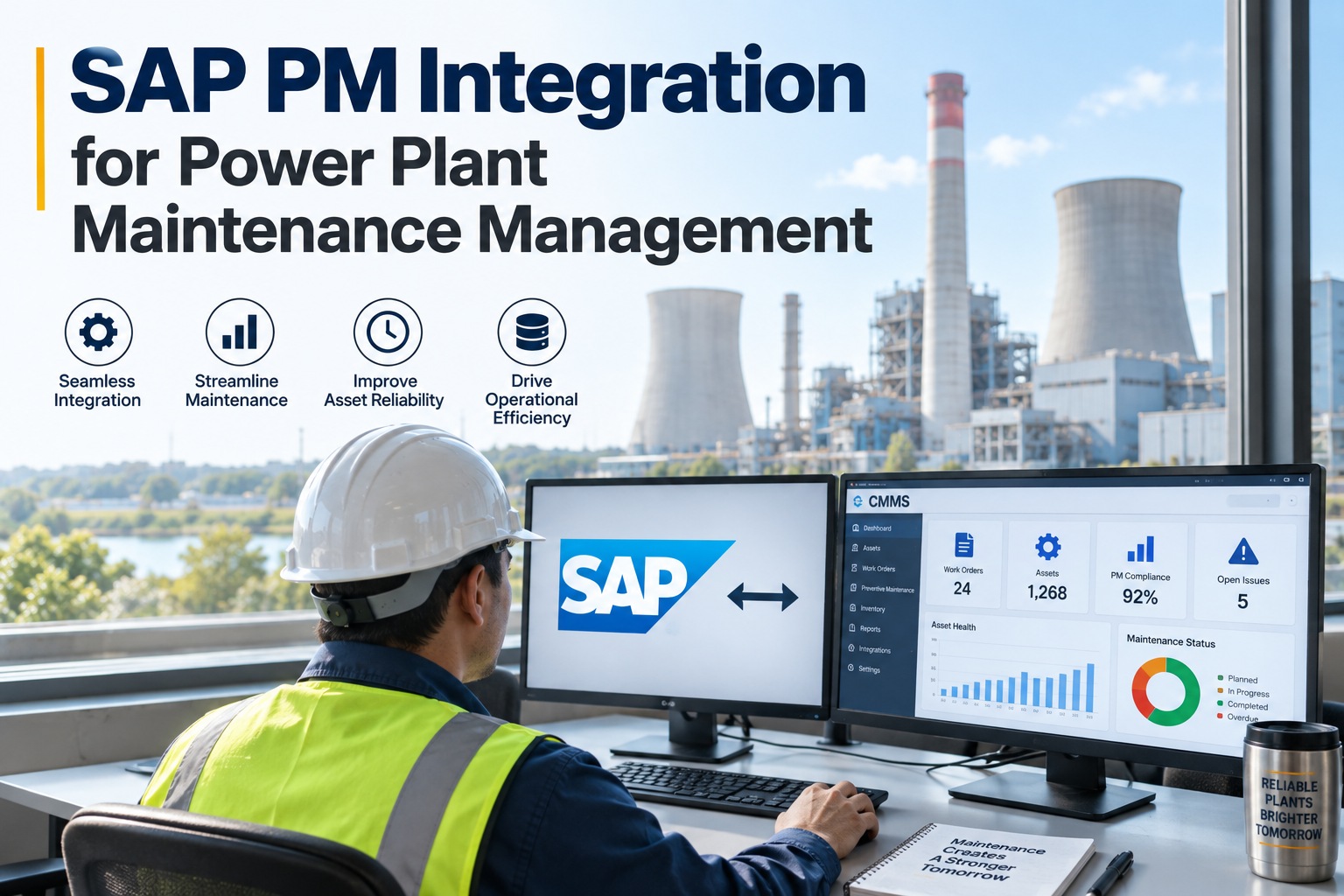
SAP PM Integration for Power Plant Maintenance Management
A technician shouldn't have to open two systems to log one finding, and finance shouldn't have to chase a maintenance team for cost data that was never entered anywhere consistent. OXMAINT AI connects to SAP PM so a maintenance request or inspection finding logged in the field becomes a work order that syncs with the matching SAP notification and order, keeps materials and labor costs flowing back to the right cost center, and leaves SAP PM as the system of record — without asking your technicians to work inside it directly.
Where Two Disconnected Systems Actually Cost You
SAP PM and a plant-floor CMMS running separately isn't just an inconvenience — it's how asset history gets split, how costs go untracked, and how a technician ends up spending more time on data entry than on the actual repair. Start free and see your own SAP PM data mapped in OXMAINT AI.
- A field work order gets typed into SAP a second time, by someone else, later
- Materials issued in SAP don't reflect what the technician actually used on site
- Labor and parts costs lag behind the work they're supposed to be tied to
- Asset history splits — some events live in SAP, others only in the CMMS
- Technicians avoid SAP's interface, so field data quality suffers
- A field work order syncs to its matching SAP PM notification and order
- Materials used on site are reflected back to SAP without manual re-entry
- Labor and parts costs post back to the right cost center as work closes
- Asset history stays whole — SAP holds the cost record, OXMAINT AI holds the field record, both pointing to the same asset
- Technicians work in a fast, mobile-first tool; SAP still gets clean data
What Actually Needs to Sync
An integration isn't one connection — it's several data types moving between the two systems, each for a different reason. OXMAINT AI's job is to keep each of these flowing in the direction it actually needs to go. Book a demo to see the sync mapping for your own SAP PM instance.
SAP PM Object vs. What It Means in the Field
SAP PM speaks in transaction objects; a technician on a plant floor speaks in "the pump is leaking." This is a general mapping between the two — your own SAP configuration will determine the exact object types involved. Sign up free and confirm your own object mapping in OXMAINT AI.
| SAP PM object | What it holds | What the technician sees in OXMAINT AI |
|---|---|---|
| Functional location / equipment | Asset hierarchy, technical data, criticality | The specific asset they're standing in front of, with its full history |
| Notification | The reported problem or finding | The maintenance request or inspection finding they logged in the field |
| Order | Planned work, cost collector, status | The work order they're assigned, with tasks and checklist |
| Material / cost line | Parts consumed, labor hours, cost posting | The parts they picked and the time they logged against the job |
Finance Shouldn't Have to Chase Maintenance for Cost Data.
And maintenance shouldn't have to open SAP to log a finding on a pump. OXMAINT AI lets each team work where they're fastest, while keeping the record between them in sync.
One Work Order, Across Both Systems
Here's how a single piece of field work actually moves between OXMAINT AI and SAP PM. Book a demo to see this flow on your own SAP PM setup.
Manual Dual Entry vs. Synced Systems
| What matters | Manual dual entry | SAP PM + OXMAINT AI, synced |
|---|---|---|
| Where a work order is created | Twice — once in the field tool, once in SAP | Once — synced to the matching SAP record |
| Materials consumption accuracy | Depends on someone remembering to update SAP | Reflects what was actually used, synced automatically |
| Cost visibility for finance | Delayed until manual entry catches up | Posted as work closes in the field |
| Asset history completeness | Split between two disconnected systems | Whole — both systems reference the same asset |
| Technician's experience | Working in SAP's interface, or bypassing it entirely | Working in a mobile-first field tool built for the job |
Frequently Asked Questions
Keep SAP PM as the Record. Give Your Technicians a Tool Built for the Field.
Connect SAP PM's cost, materials and asset data to a fast, mobile-first CMMS your technicians will actually use — with work orders, materials and costs syncing back automatically.