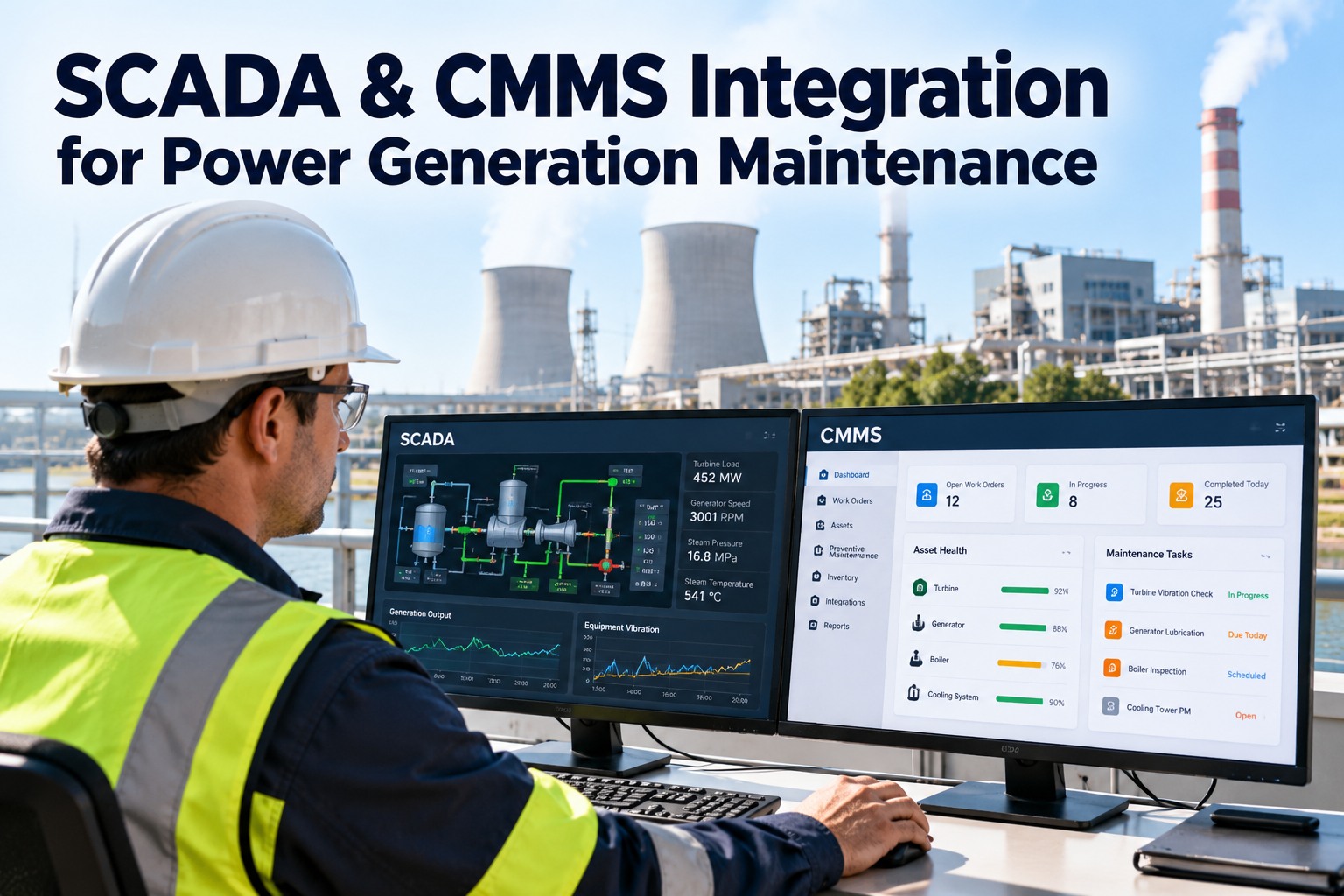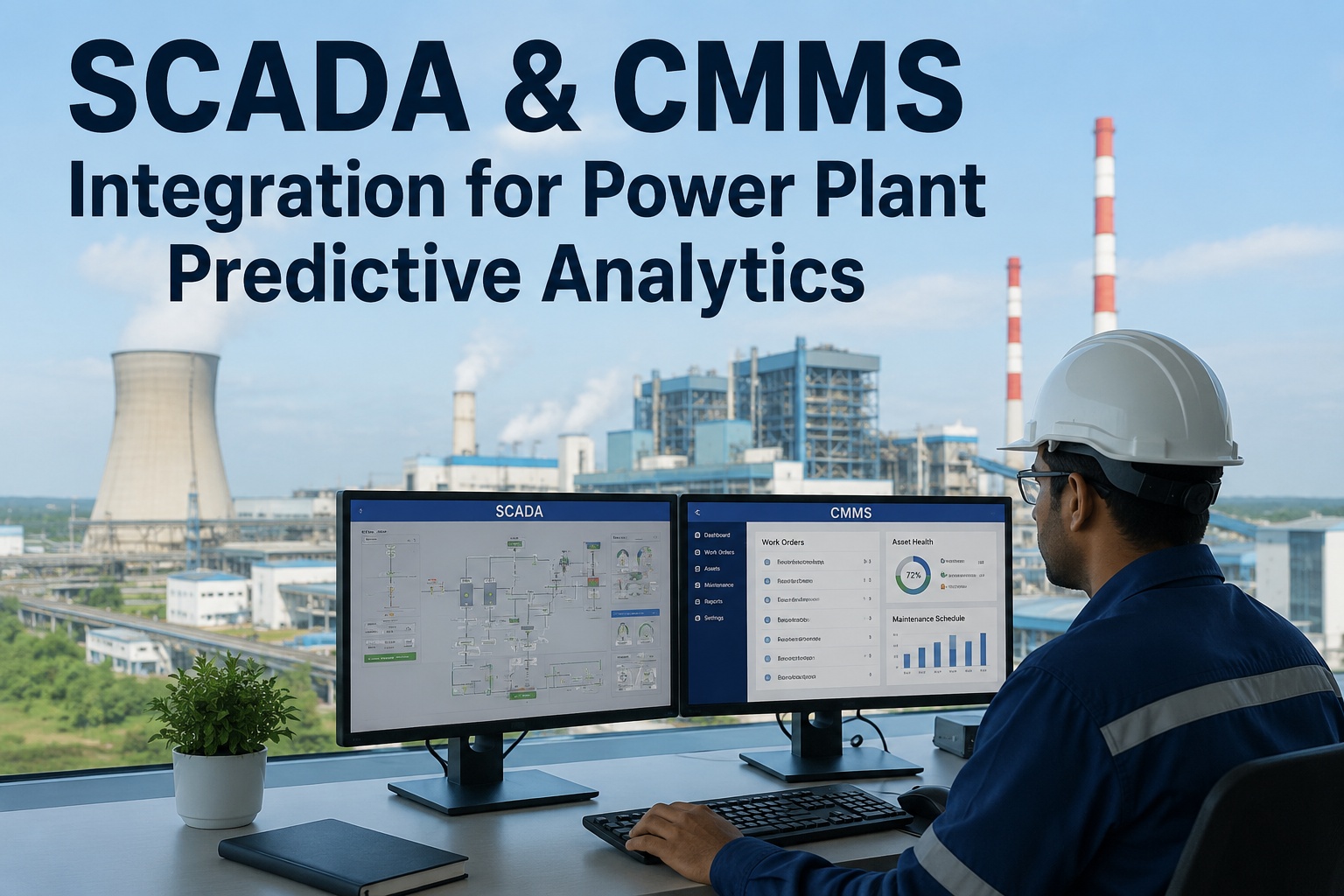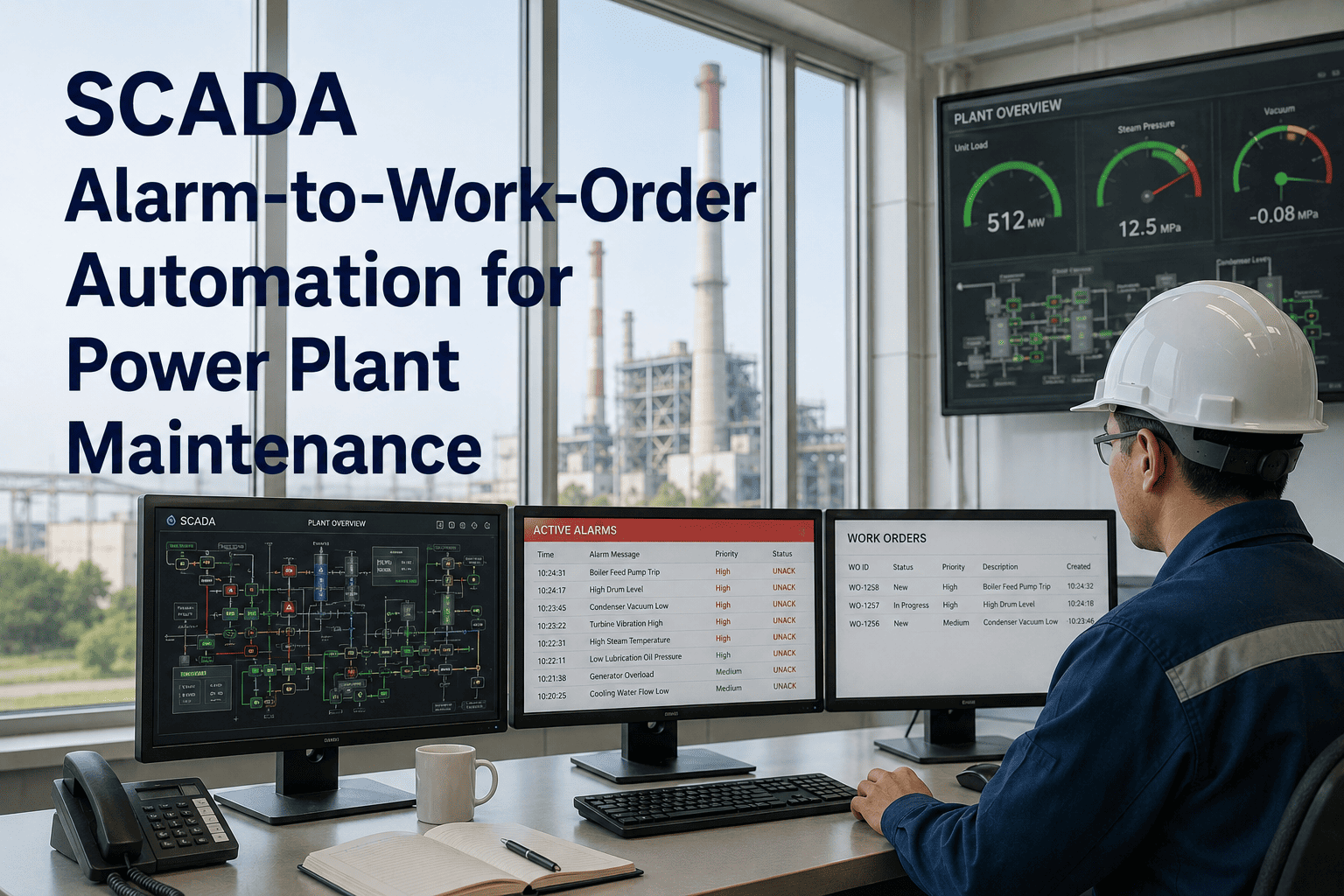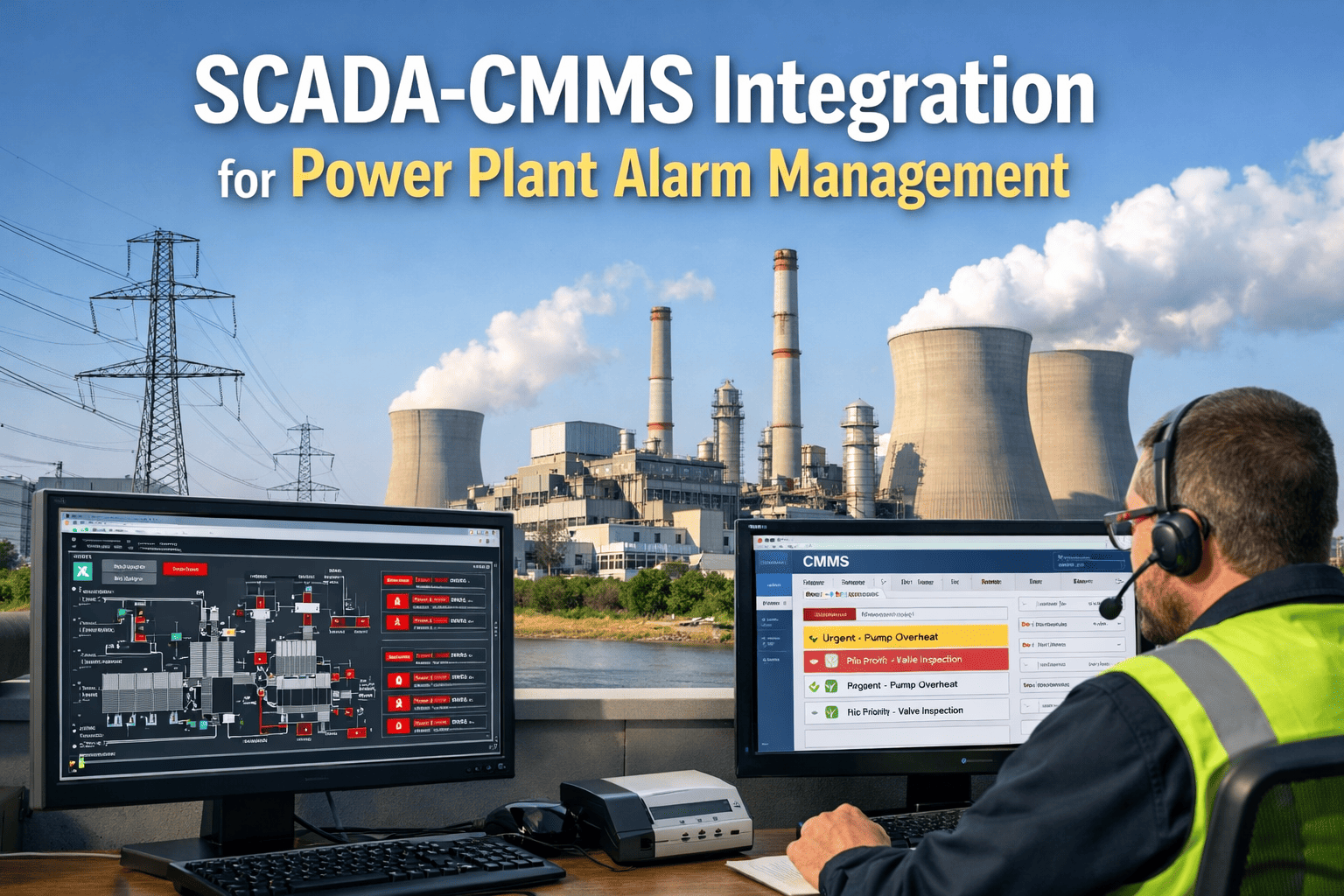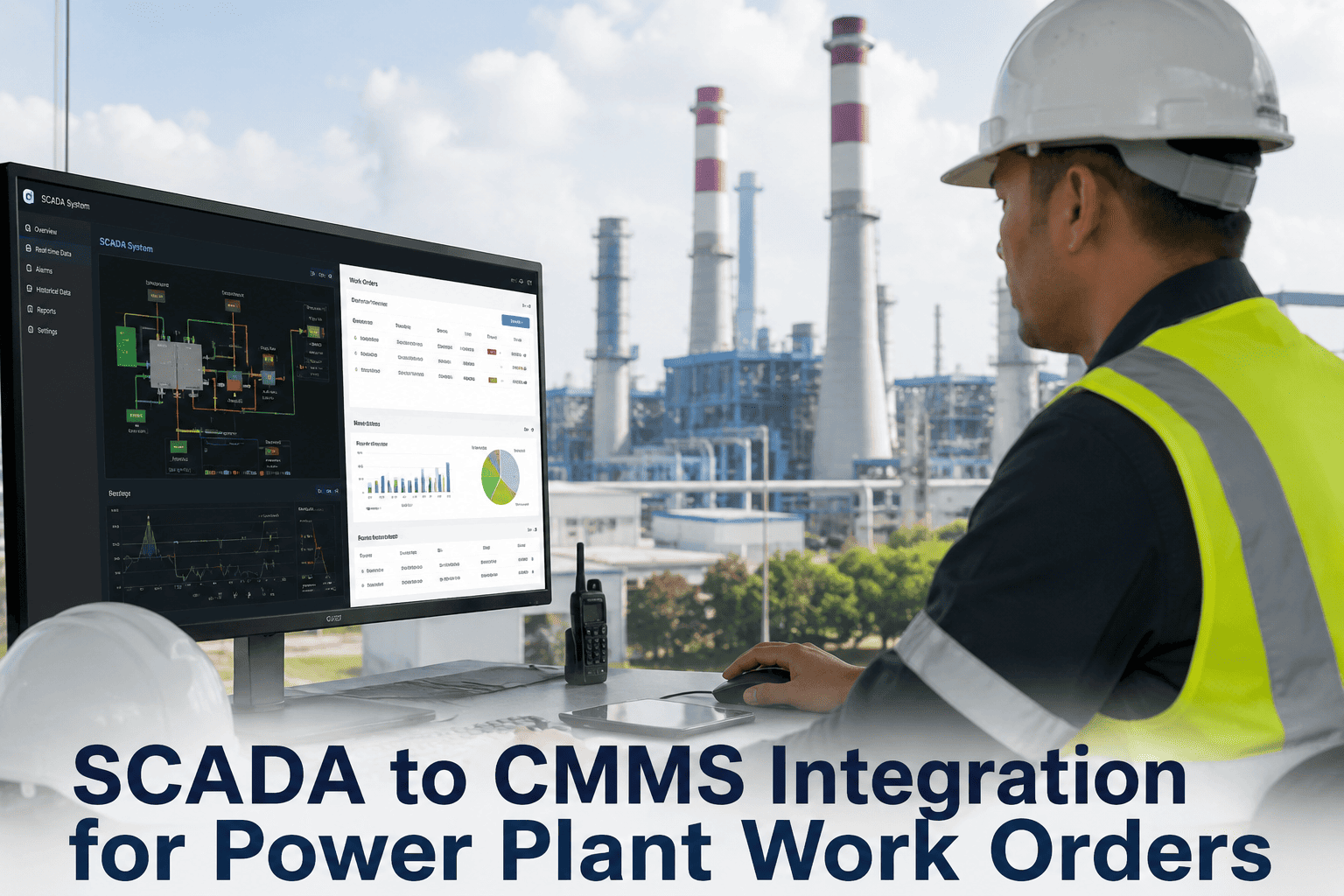
When a high-temperature alarm fires on a feedwater heater at 2:14 AM, the difference between a 20-minute response and a 6-hour response is not how fast the operator sees the SCADA screen — it is whether a work order with the right technician, the right asset history, and the right parts list generates automatically in the CMMS before anyone asks. A SCADA-integrated CMMS for power plant operations closes the loop between real-time process data and coordinated maintenance response by converting alarm conditions into actionable work orders with full equipment context, maintenance history, and predictive failure patterns — so every fault triggers not just awareness, but a routed repair workflow with parts, permits, and personnel already lined up.
Connect SCADA Alarms to CMMS Work Orders in Real Time
Automate work order creation from DCS alarms, historian trends, PLC signals, and sensor thresholds — with asset context, maintenance history, and predictive failure insights built into every auto-generated ticket.
Why SCADA and CMMS Still Run on Separate Islands
Power plants run two parallel nervous systems. SCADA sees everything happening right now — temperatures climbing, pressures dropping, flows deviating. CMMS knows everything that happened before — failure modes, repair histories, parts consumption patterns. The gap between them is where response time dies. An operator sees a bearing temperature alarm, calls maintenance, maintenance logs into the CMMS, searches for the asset, creates a work order, assigns a technician, and by then the bearing has already crossed into the damage zone.
How SCADA-to-CMMS Integration Actually Works
The integration architecture sits between your existing control systems and maintenance platform — reading alarm states, historian trends, and PLC registers in real time, then translating process conditions into maintenance actions with full equipment intelligence. No replacement of SCADA or CMMS required.
Common SCADA Protocols and CMMS Integration Methods
Every power plant runs a different control architecture — legacy DCS systems, modern SCADA platforms, PLCs from multiple vendors, and proprietary historian databases. Integration pathways vary by protocol but the outcome is the same: alarms in, work orders out.
| SCADA System / Protocol | Integration Method | Data Refresh Rate | Work Order Trigger Capability | Deployment Complexity |
|---|---|---|---|---|
| OPC UA (unified architecture) | Direct OPC client connection | 1-5 seconds | Real-time alarm state + tag value | Low — standardized interface |
| OPC DA (classic) | OPC wrapper or gateway | 2-10 seconds | Tag polling with threshold logic | Medium — requires wrapper service |
| Modbus TCP / RTU | Modbus gateway polling | 5-15 seconds | Register value comparison | Low — widely supported protocol |
| DNP3 (SCADA protocol) | DNP3 master polling | 2-10 seconds | Event-driven status changes | Medium — utility-specific config |
| PI Historian (OSIsoft) | PI Web API or ODBC | 1 minute - 1 hour (historical) | Trend analysis + threshold alerts | Low — mature API ecosystem |
| Wonderware Historian | SQL database connector | 1-15 minutes | Alarm log query triggers | Medium — SQL access required |
| GE iFIX / CIMPLICITY | EDA (Event Data Archive) link | Real-time event stream | Alarm object subscription | Medium — vendor-specific API |
| Siemens WinCC / PCS7 | OPC UA or SQL reporting | 1-10 seconds | Alarm + process value pairing | Medium — licensing dependencies |
| Emerson DeltaV | OPC or DeltaV web services | 1-5 seconds | Module condition + alarm state | Medium — DCS integration layer |
| ABB System 800xA | OPC UA or Aspect Objects | 1-5 seconds | Event-driven work order spawn | High — requires ABB integration config |
Deployment complexity and refresh rates vary by plant network architecture, firewall rules, and IT security policies. Most integrations use read-only data pull to avoid any write access to control systems.
Turn Every Critical Alarm Into a Routed Work Order
OxMaint connects to your existing SCADA, DCS, and historian infrastructure without replacing anything — so alarms generate work orders with asset context, maintenance history, and technician dispatch in under 60 seconds. See it running on your own control system data in a 30-minute walkthrough.
Real Work Order Automation Scenarios in Power Plants
These are actual alarm-to-maintenance workflows running in combined-cycle, coal-fired, and renewable generation facilities — where SCADA conditions translate directly into coordinated repair actions without human intervention in the alert-to-dispatch window.
SCADA Trigger: Motor bearing RTD exceeds 85°C for 5 consecutive minutes
CMMS Action: High-priority work order generated with bearing specs, last lubrication date, vibration trend from historian, and certified technician auto-assigned
Outcome: Technician arrives with correct grease, thermal camera, and vibration analyzer before bearing enters damage zone
SCADA Trigger: Condenser backpressure rises 15% above baseline over 48 hours
CMMS Action: Predictive work order created for tube cleaning with historian data showing gradual fouling curve and last cleaning work order from 7 months ago
Outcome: Cleaning scheduled during next planned outage window instead of forced derate
SCADA Trigger: Burner flame signal drops below 60% strength
CMMS Action: Work order spawned with scanner replacement procedure, spare part inventory check, and boiler lockout/tagout permit pre-attached
Outcome: Technician has permit, parts, and procedure before entering burner deck
SCADA Trigger: Approach temperature increases 3°F while range remains constant
CMMS Action: Inspection work order generated with thermal imaging request and link to last fill inspection photos from 6 months ago
Outcome: Fill blockage identified and cleared before condenser performance degrades
SCADA Trigger: H2 purity falls below 98% for 15 minutes
CMMS Action: Emergency work order issued with seal oil system inspection checklist and gas analysis trending data from historian
Outcome: Seal leak located and isolated before purity reaches trip threshold
SCADA Trigger: FWH level control oscillates beyond ±5% for 10 minutes
CMMS Action: Work order created for level transmitter calibration with last calibration date, drift history, and I&C technician assignment
Outcome: Control issue resolved before heater trips on high level
What Changes When SCADA Talks to CMMS
These are the operational shifts plants measure within 6 months of deploying integrated alarm-to-work-order workflows — across thermal, hydro, and renewable generation portfolios.
Technical Requirements for SCADA-CMMS Integration
This is what IT and OT teams need to provision on the plant side before integration deployment — covering network access, security protocols, and data interface specifications.
Frequently Asked Questions
Stop Manually Translating Alarms Into Work Orders
OxMaint integrates with SCADA, DCS, historians, and PLCs to auto-generate maintenance work orders with asset context, failure history, and technician dispatch — so every critical alarm triggers a coordinated response in under 60 seconds. Start free or see it live on your control system data.