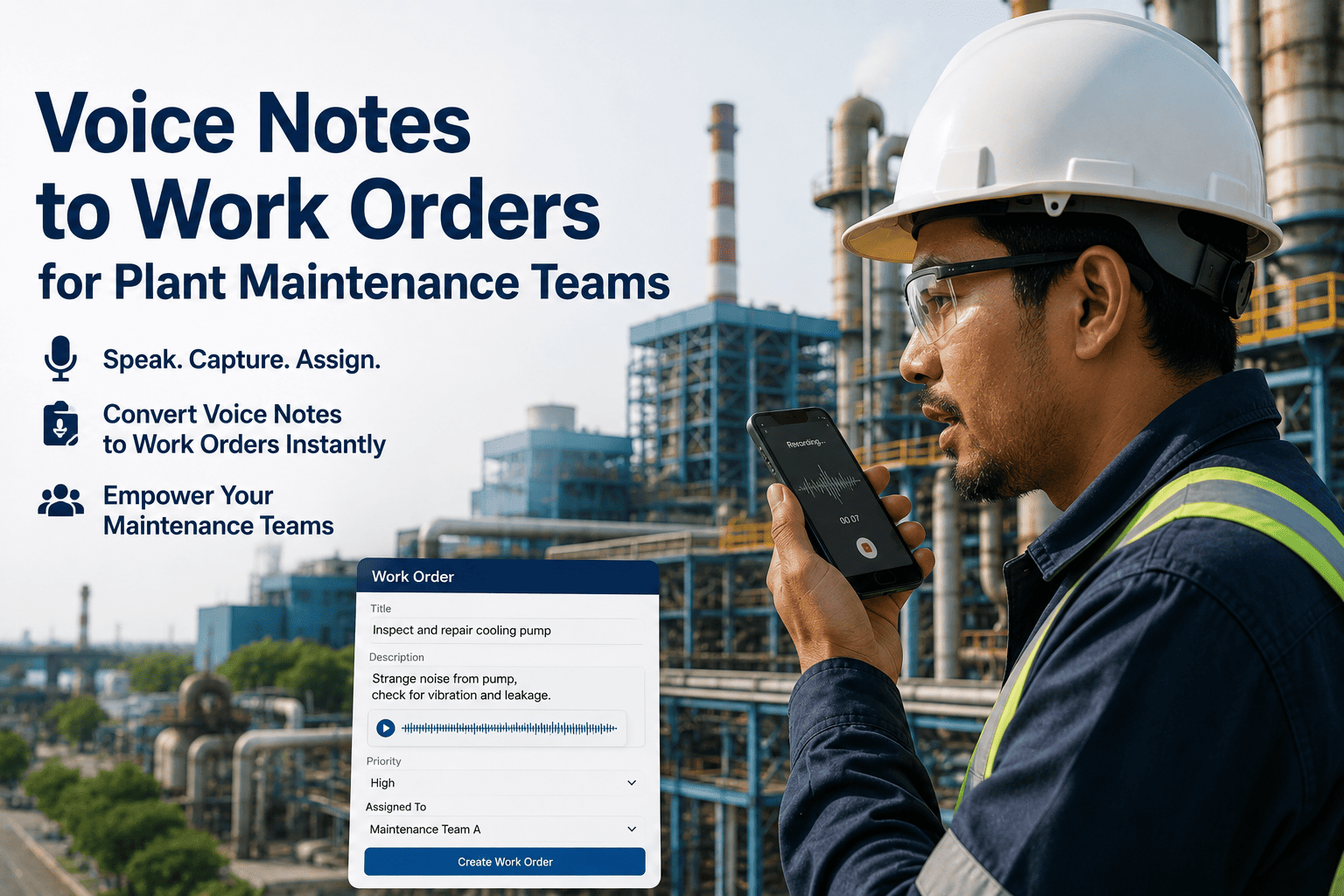
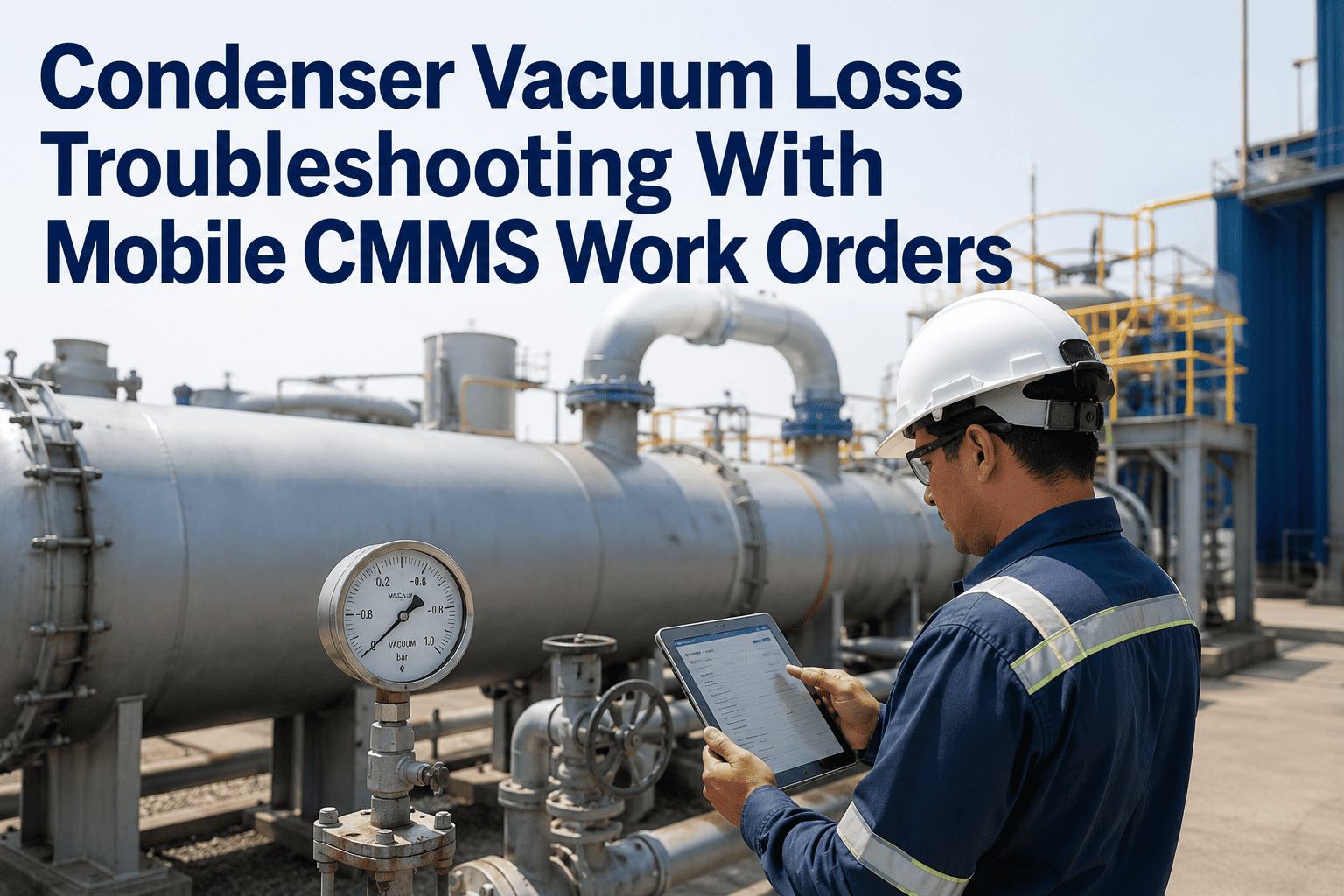
Maintenance technicians in power plants work in conditions that make typing difficult by design — gloves on, tool in hand, standing on a grating six metres above the turbine floor, with ambient noise at a level that makes speaking louder than thinking. The standard response has been to ask technicians to type observations into a mobile CMMS anyway, and the predictable result is brief, thin work order notes that capture almost nothing useful for the next person. Voice-to-work-order changes this: the technician speaks the observation aloud, the AI transcribes and structures it into a proper work order description, and the job record carries the detail that comes naturally from speech rather than the abbreviations that come from reluctant typing. Sign in to OxMaint to try voice-based work order creation, or book a demo to see how AI converts field observations into structured maintenance records.
What Gets Lost In Translation
The Same Observation — Typed vs Spoken
Typed In The Field
"BFP motor vibrating. Needs check."
vs
Spoken And Structured By AI
"Boiler feed pump motor BFP-02A, unit 3, is showing elevated vibration on the drive-end bearing — started approximately two hours ago during the load ramp. Vibration level is around 8mm/s, significantly higher than the normal 2mm/s baseline. No alarm active yet. Recommend vibration analysis and bearing temperature check before next shift change. Priority: high."
Why Typed Notes Are Thin
What Power Plant Conditions Do To Work Order Quality
Gloved Hands
Touchscreen entry with work gloves is slow and error-prone. Technicians either remove gloves — adding time and a safety step — or type with a knuckle and produce abbreviated, error-filled notes.
Ambient Noise
Turbine halls, fan decks, and compressor areas run at 85–105 dB. Technicians are wearing hearing protection that makes reading the phone screen preferable to navigating menus — and abbreviation preferable to description.
Working At Height Or Confined Space
A technician on a ladder or inside a vessel does not have a free hand for a phone. Observations noted mentally are reconstructed later — with degraded accuracy — when the technician reaches a safe surface.
Post-Task Memory Degradation
Work order notes entered after the task rather than at the asset lose specificity within minutes. The exact reading, the precise location of the anomaly, and the comparison to baseline behaviour become approximations.
Let Technicians Speak Their Observations — AI Does The Rest
OxMaint converts field voice notes into structured work orders in seconds. Technicians speak naturally at the asset — AI extracts asset, location, severity, description, and recommended action and formats a complete work record automatically.
How It Works
From Field Observation To Structured Work Order
Technician Taps Record
One tap on the OxMaint mobile app opens the voice capture interface — available from any asset view or from a new work request screen. No menu navigation, no form fields to scroll through before speaking.
Observation Spoken At The Asset
The technician speaks the observation naturally — asset, what they see, when it started, any reading they have, and how urgent it feels. No specific format required; normal field language works as input.
AI Transcribes And Structures
OxMaint's AI converts the voice note into a structured work order — extracting asset identification, location, problem description, severity estimate, recommended action, and any readings mentioned. The result is formatted as a complete work record, not a raw transcript.
Technician Reviews And Submits
The technician sees the structured output and can confirm or edit before submitting. This takes five seconds on a well-described observation and thirty seconds on a complex one — versus three to five minutes of careful typing to produce the same detail.
Work Order In The Planning Queue
The submitted work order appears in the maintenance planning queue with full context — enough for the planner to assign it to the right trade and for the technician who picks it up to understand the fault without a verbal briefing.
Where Voice Notes Change The Quality
The Work Order Scenarios Voice Input Transforms
Rotating Equipment Faults
Vibration anomalies, bearing temperature readings, unusual sounds, and seal leaks all have specific characteristics that are easily described in speech — direction, location on the machine, change from baseline — but laborious to type with precision in the field.
Instrumentation Discrepancies
A technician noting that a pressure transmitter reads 4 bar higher than the local gauge has a specific observation that needs to reach the instrument department accurately. Voice capture gets the transmitter tag, the discrepancy value, and the operating context into the record without truncation.
Visual Inspection Findings
Leaks at flanges, corrosion on structural supports, cracked lagging, damaged cable trays — visual findings are naturally described in spatial language that technicians speak easily but type badly. Voice notes capture the geometry of a fault without the compression that typing imposes.
Post-Repair Condition Notes
When a technician completes a job, the closing note should capture what was done, what was found, and any residual concerns. Speaking this summary at the asset immediately after completion is faster and more accurate than typing it at the end of shift from memory.
Patrol Observation Logs
A technician covering twenty assets in a shift has twenty sets of observations to record. Voice notes at each asset, structured automatically, produce a complete patrol record in a fraction of the time that twenty typed entries would require — without the quality degradation of late-shift fatigue entries.
Emergency Fault Reports
When a fault is developing quickly, the technician's first priority is dealing with it, not documenting it. A voice note captured in the first seconds — before the fault worsens and demands full attention — creates a timestamped first observation record that paper and typing cannot match for speed.
Impact On Maintenance Records
What Better Work Order Notes Actually Change
3–5x
More detail in work order descriptions when technicians use voice notes versus freeform mobile typing
60%
Reduction in planners needing to call back technicians for clarification on work order details before assigning jobs
45 sec
Average time from observation to submitted work order using voice — versus 4–7 minutes for equivalent typed detail
Better RCA
Complete first-observation records give root cause analysis teams the early fault detail that thin typed notes cannot provide
From The Maintenance Office
What Maintenance Planners Tell Us About Field Notes
"
The biggest frustration in planning is getting a work order that says something like 'pump not working' or 'fan noisy — check' and having to call the technician back to find out which pump, what kind of noise, how long it has been going on, and whether it is an emergency or a next-week job. Those details were in the technician's head when they raised the request — they just did not make it onto the screen. Since we started using voice notes, the observations arriving in the queue are complete enough to assign without a follow-up call in most cases. The technicians actually find it faster, and we get work orders we can actually use.
Maintenance Planner
Gas-Fired Combined-Cycle Power Plant — 10 years in maintenance planning and scheduling
Common Questions
What Plant Teams Ask About Voice-To-Work-Order
Does voice capture work in loud plant environments like turbine halls or fan decks?
OxMaint voice input uses the device microphone and standard noise-cancellation processing available on modern smartphones. For most plant noise environments — pump rooms, motor control rooms, and general process areas — the transcription accuracy is sufficient for practical use. In extremely high-noise areas like adjacent to running fans at close range, technicians typically move a short distance from the noise source before speaking, which takes seconds and is still significantly faster than typing with gloves in the same conditions. Headset microphones, which some technicians already carry for radio communication, further improve accuracy in high-noise areas.
Sign in to test voice capture in your environment.
Can the technician correct the AI output before submitting if a word was transcribed incorrectly?
Yes. After the voice note is transcribed and structured, the technician sees the output as editable text before submitting. Any transcription errors — particularly important for asset tag numbers or specific technical terms — can be corrected in the review step. For teams with asset-specific terminology or local naming conventions, OxMaint can be configured with a vocabulary of preferred asset names and tag formats, which significantly reduces the frequency of corrections needed for regular patrol observations.
Book a demo to see the review and edit workflow.
Does voice input work in languages other than English, including regional accents common in power plant teams?
OxMaint voice-to-work-order supports multiple languages and is designed to handle a range of accents and dialects that appear in field maintenance teams. The underlying AI transcription model is trained on technically inflected speech, which improves accuracy for maintenance-specific vocabulary compared to general-purpose voice assistants. For teams working primarily in a non-English language, the structured output can be configured to produce work order records in that language, so the entire workflow from observation to planning queue operates in the team's preferred language.
Sign in to explore language settings for your team.
How does the AI know which asset the technician is talking about if they do not state the tag number?
If the voice note is captured from within a work order that is already associated with an asset, the asset context is inherited automatically — the technician does not need to identify it. For new observations raised without an existing work order, the AI extracts asset identification from the spoken description and suggests a match from the asset register. The technician confirms or corrects the suggestion in the review step. Teams using QR code scanning can also open the voice capture interface directly from a QR scan, which automatically sets the asset before the technician speaks.
Book a demo to see asset context in voice capture.
Are voice recordings stored, or only the transcribed text?
OxMaint processes voice input to produce a structured text work order and stores the text record. The raw audio is not retained as a permanent attachment by default, which keeps storage requirements manageable and avoids creating large audio archives. The structured text output — with the asset, description, severity, and recommended action — is what persists in the work order record and is available for search, reporting, and audit. Teams who require audio retention for compliance purposes can discuss custom configuration options with the OxMaint team via a demo session.
Sign in to review data handling settings for your team.
Your Technicians Already Know What To Say — Let Them Say It
The detail that makes work orders useful exists in every technician's head at the moment of observation. Voice-to-work-order captures it completely, structures it automatically, and puts it in the planning queue in under a minute. Free trial, no setup required.