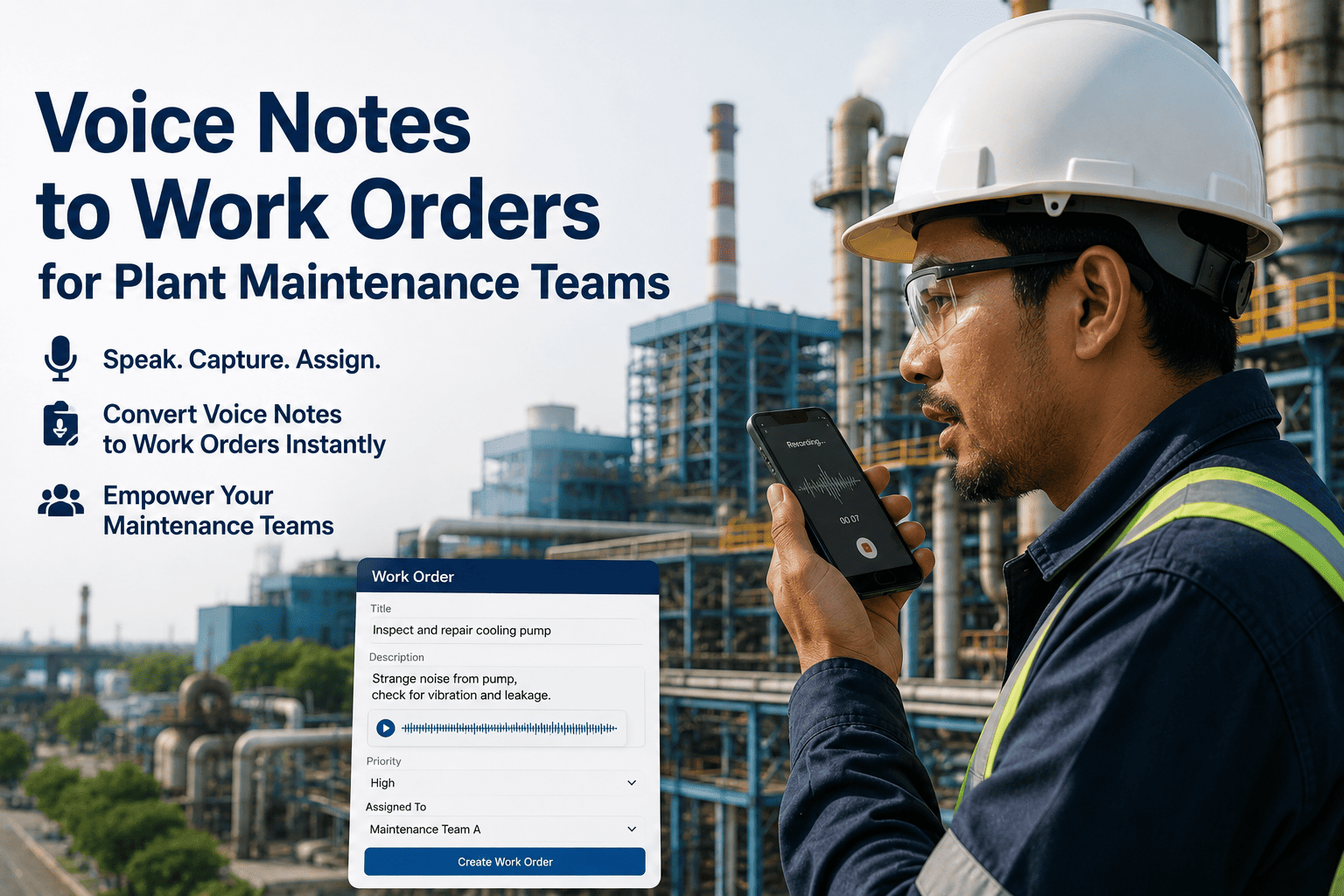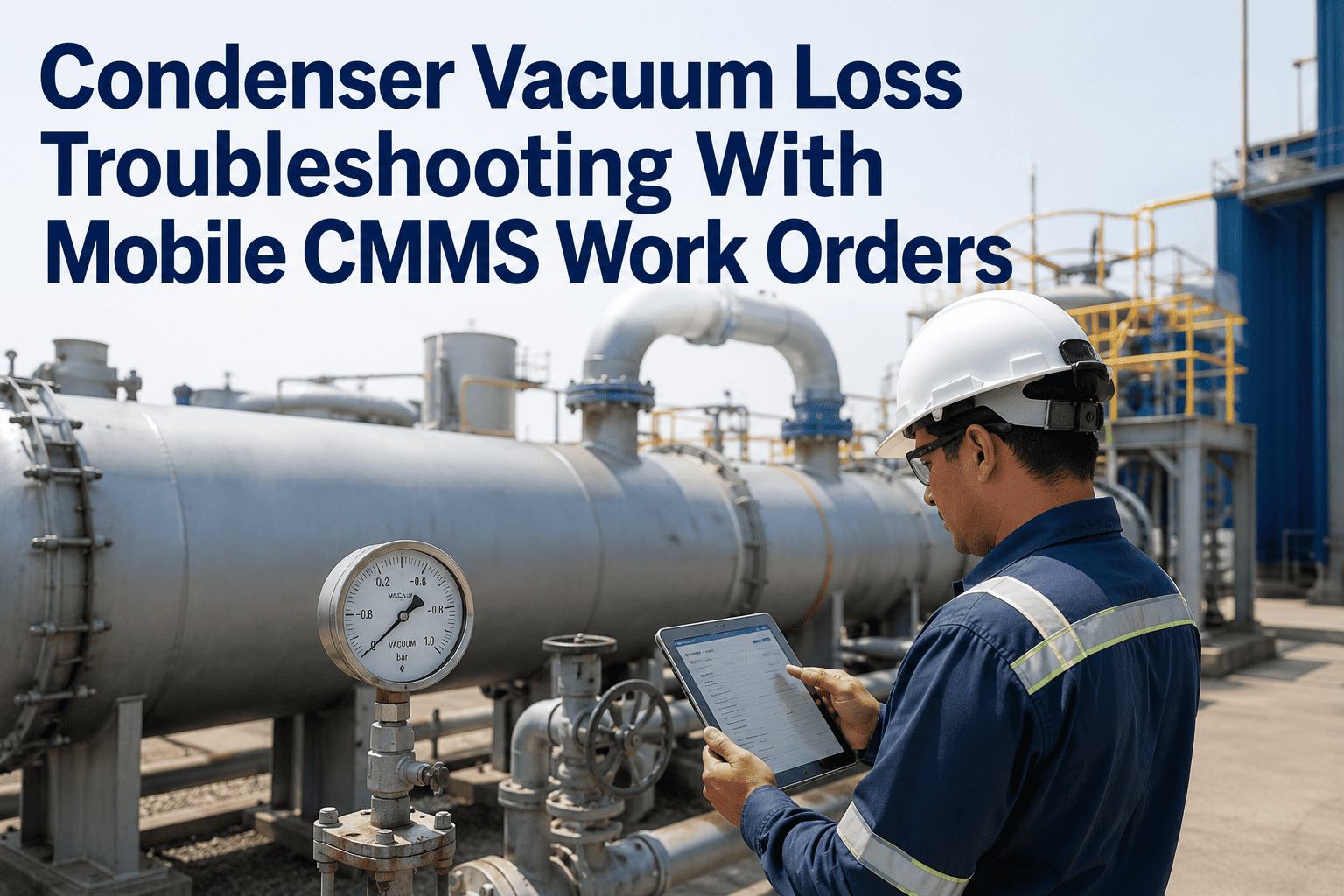
Field rounds at a power plant generate a lot of information that never makes it into the CMMS — a strange noise from a pump, a hot spot on a panel, a leak that's "not bad yet." Technicians notice these things but rarely stop to type up a work order while standing next to live equipment. Voice-to-work-order capture lets them just say what they see. Sign up for Oxmaint to start turning spoken field notes into structured work orders automatically.
Say It Once. The Work Order Writes Itself.
During a field round, a technician speaks a quick observation into the OxMaint mobile app. It's transcribed, structured, tagged to the right asset, and ready for the planner — no typing, no forms, no delay.
"Cooling fan on transformer 2 is making a grinding noise, sounds like a bearing"
Asset: Transformer 2 Cooling Fan — Issue: Bearing noise — Priority: Medium — Type: Corrective
The Gap Between Noticing and Reporting
Most plants don't have a data problem — they have a capture problem. Technicians notice early warning signs constantly during routine rounds, but logging them through a traditional form means stopping work, finding a terminal, and typing details from memory later, when half the detail is already lost.
Observed in the Field
A technician hears, sees, or smells something during a routine walk-through that doesn't match normal operation.
Often Never Logged
Without a fast way to capture it, the observation gets mentioned verbally if at all, and rarely becomes a work order.
Surfaces Later as a Failure
Weeks later, the same issue returns as an unplanned failure — and the early warning is gone for good.
Capture Every Observation, Not Just the Big Ones
Give your field team a way to report issues as fast as they notice them. OxMaint mobile turns voice notes into structured, asset-linked work orders in seconds.
From Spoken Note to Scheduled Work
Speak the Observation
Technician presses record and describes what they're seeing, in plain language, while standing at the asset.
AI Transcribes and Structures
The note is transcribed and parsed into asset, symptom, and suggested priority automatically.
Asset Auto-Matched
OxMaint matches the description to the correct asset record using location and equipment context.
Work Order Ready for Review
A draft work order appears in the planner's queue, ready to approve, prioritize, and schedule.
Where Voice Capture Gets Used Most
| Field Scenario | What Gets Captured | Resulting Work Order |
|---|---|---|
| Routine rounds on rotating equipment | Unusual noise, vibration, or heat noticed during walk-by | Corrective inspection task linked to the asset |
| Confined space or hazardous areas | Observation logged without removing PPE or stopping to write | Work order created hands-free for later review |
| Shift handover notes | Outgoing technician records open issues for the next shift | Tasks queued and visible to incoming crew immediately |
| Post-storm or post-outage walkdowns | Multiple quick observations across many assets in one pass | Batch of prioritized work orders generated together |
Voice-to-Work-Order Capture — Common Questions
Does this work without a network connection?
Voice notes are recorded on the device and processed once connectivity is available, so technicians in low-signal areas aren't blocked from logging issues.
How accurate is the asset matching?
Asset matching improves as your asset register and naming conventions are set up in OxMaint. Sign up to configure your asset hierarchy.
Can planners edit the draft work order before approval?
Yes, every voice-generated work order appears as a draft that planners can review, edit, and approve before it enters the schedule.
What languages are supported?
Multiple languages are supported for voice capture. Book a demo to confirm support for your team's preferred language.
Can photos be attached along with the voice note?
Yes, technicians can attach photos alongside a voice note, and both are linked to the same generated work order.
Stop Losing Field Observations to Busy Schedules
Make reporting as fast as noticing. Bring voice-to-work-order capture to your field team with OxMaint mobile.