
Between 60% and 80% of CMMS implementations fail. In steel plants—where a single hour of unplanned downtime on a continuous casting line costs upward of $50,000—a failed implementation is not just an IT setback. It is a direct hit to production capacity, safety compliance, and your annual profit. The steel plants that succeed share one thing in common: they follow a structured, steel-specific roadmap that accounts for extreme temperatures, 24/7 operations, and 15,000+ assets spread across vastly different process zones.
Steel manufacturing is fundamentally different from typical factory operations. You manage blast furnaces that run for 15 to 20 years without shutdown, continuous casters operating at 1,500°C, rolling mills with microsecond tolerance requirements, and utility networks spanning kilometers of pipe and cable. Paper-based work orders, disconnected spreadsheets, and tribal knowledge cannot support this complexity. A Computerized Maintenance Management System transforms reactive firefighting into proactive, data-driven reliability—but only when the implementation itself is engineered for how steel plants actually work.
Why Generic CMMS Playbooks Fail in Steel Plants
An implementation guide built for a commercial building or food processing plant will collapse under the weight of steel plant complexity. Four critical differences demand a steel-specific approach from day one.
Massive Asset Scale
10,000 to 20,000 maintainable assets across melt shops, caster floors, rolling mills, finishing lines, and utility networks. Each zone has unique failure modes, spare part ecosystems, and maintenance frequencies. Your asset hierarchy must mirror this complexity or work orders get logged against wrong equipment from day one.
Safety Compliance Complexity
OSHA, EPA, and industry-specific regulations covering confined space entry, hot work permits, lockout/tagout, crane operations, and hazardous material handling. Your CMMS must embed permit-to-work workflows and audit trail generation into work order execution—not as an afterthought configured months later.
Zero-Downtime Operations
Blast furnaces run continuously for years. Casters and rolling mills operate in campaigns lasting weeks. Your CMMS implementation cannot disrupt production even for a single shift. This demands phased rollouts, parallel systems during transitions, and offline-capable mobile devices for network dead zones deep inside the facility.
Multi-Craft Rotating Workforce
Mechanical fitters, electricians, instrumentation techs, hydraulics specialists, refractory masons, and crane crews—each with different skills, tools, and work order needs across rotating shifts. The CMMS must support craft-specific routing, skill-based assignment, and bulletproof shift handover protocols.
The 7-Phase Steel Plant CMMS Roadmap
This roadmap is refined through real-world steel plant deployments. Each phase builds on the previous, creating a foundation that supports long-term adoption—not a rushed go-live that collapses under operational pressure. Total timeline: 12 to 20 weeks from kickoff to plant-wide deployment.
Operational Assessment and Goal Definition
Before touching any software, audit your current maintenance reality. Walk every plant area with supervisors and document how work orders flow, where data lives (spreadsheets, paper, SAP, tribal knowledge), which assets cause the most downtime, and what KPIs leadership wants to improve. Define 3 to 5 measurable success criteria—such as reducing unplanned downtime by 25% or achieving 90% PM compliance within 12 months.
Asset Hierarchy and Master Data Preparation
This is where most steel plant CMMS projects succeed or fail. Build a hierarchical asset structure mirroring your physical plant: Site → Plant Area (Melt Shop, Caster, Rolling Mill, Utilities) → System → Equipment → Component. Tag every critical asset with unique identifiers, link spare parts to bills of materials, and attach maintenance procedures. Clean and validate all data before migration—duplicates, inconsistent naming, and missing specs will corrupt every report the CMMS ever generates.
CMMS Configuration and Workflow Design
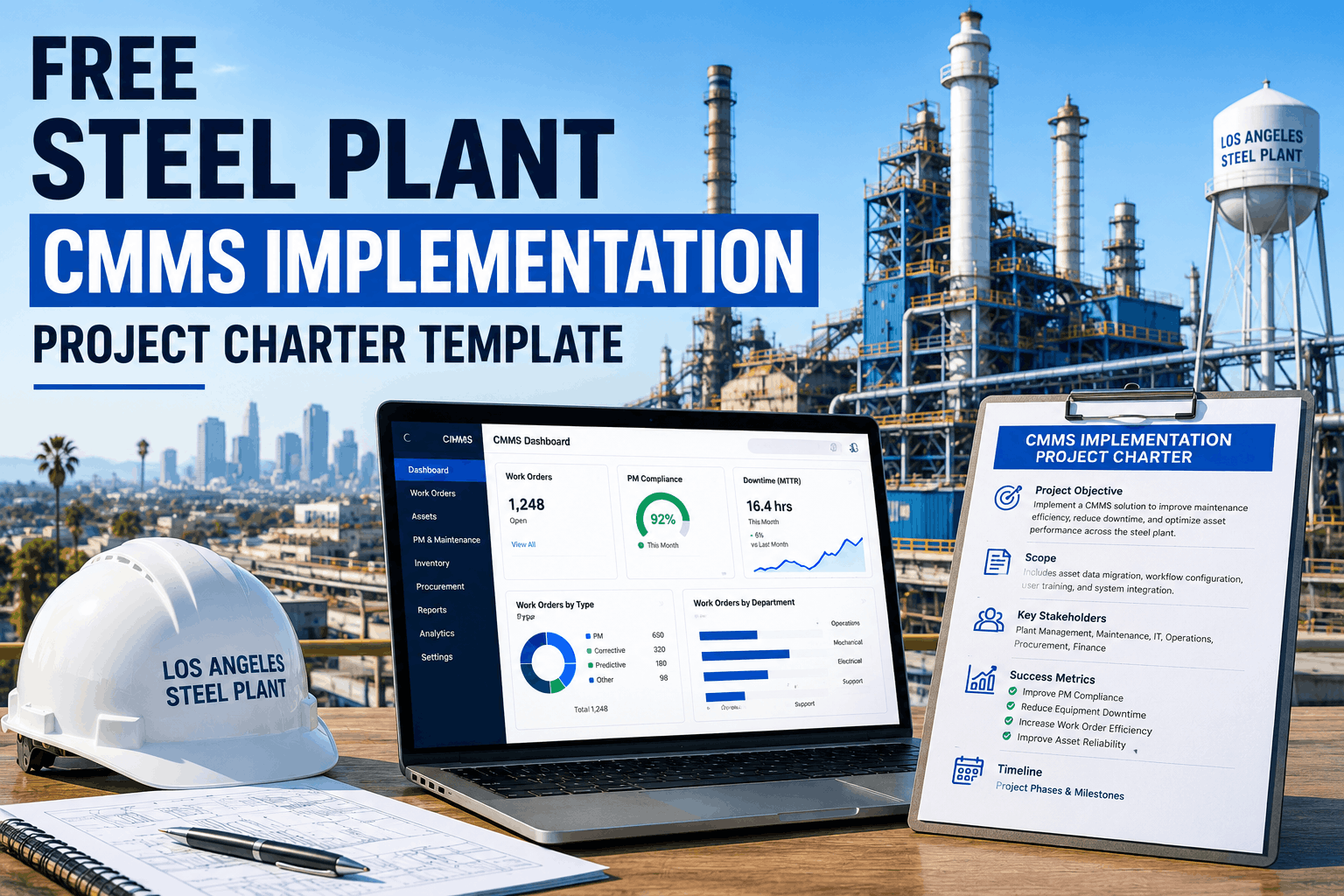
Configure the CMMS platform to reflect your actual maintenance workflows—not generic templates. Set up work order types (corrective, preventive, predictive, shutdown), priority classifications aligned with asset criticality, approval routing for high-risk jobs, safety permit integration, craft-based assignment rules, and shift handover protocols. Build three dashboard views: technician (my jobs), supervisor (shift KPIs), management (plant-wide trends).
Preventive Maintenance Program Migration
Transfer existing PM schedules into the CMMS with proper task lists, frequencies, and resource requirements. This is also the ideal moment to audit PM effectiveness—steel plants commonly discover that 30% of existing PMs are either too frequent (wasting labor) or too infrequent (failing to prevent breakdowns). Use criticality rankings to prioritize: start with the top 20% of assets driving 80% of downtime, then expand progressively.
Pilot Deployment on a Single Plant Area
Select one area for the pilot—ideally the rolling mill or finishing line where downtime impact is visible and the crew is receptive. Deploy to that area's technicians and supervisors only. Run parallel operation (paper + digital) for 2 weeks, then cut over entirely. Monitor adoption metrics daily: work order completion rate, mobile app usage, data quality scores. Fix issues in real-time before they become entrenched habits.
Plant-Wide Rollout by Area
Using the pilot as your proven template, expand to remaining areas one at a time: Melt Shop → Caster → Hot Mill → Cold Mill → Utilities. Each area gets a 1-week intensive onboarding followed by 2 weeks of supported operation. Assign a CMMS champion on each shift—a respected technician who helps peers navigate the system and feeds real-time feedback to the implementation team.
Optimization and Advanced Features
With adoption above 85%, activate advanced capabilities: predictive maintenance triggers from sensor data, automated spare parts reorder, shutdown planning modules, reliability analytics, and ERP/financial integration. This phase never truly ends—continuous improvement driven by CMMS data is the entire point of the investment.
Start Your Steel Plant CMMS Implementation the Right Way
Oxmaint provides a steel-industry-proven CMMS with guided implementation, mobile work orders, safety permits, and predictive maintenance—built for 24/7 continuous production.
Implementation Timeline and Resource Map
Understanding the time, people, and risks for each phase prevents the two most common steel plant CMMS failures: underestimating data preparation and under-resourcing training.
| Phase | Duration | Key Resources | Biggest Risk | Success Metric |
|---|---|---|---|---|
| 1 Assessment | 2 weeks | Maintenance Manager, Reliability Eng., Vendor | Skipping audit, rushing to software | Documented gaps with sign-off |
| 2 Data Prep | 3 weeks | Planner, Area Supervisors, Data Team | Migrating dirty spreadsheet data | 100% critical assets validated |
| 3 Configuration | 3 weeks | CMMS Admin, Planner, Safety Officer | Generic templates vs. steel workflows | All workflows tested end-to-end |
| 4 PM Migration | 3 weeks | Reliability Eng., Planners, Craft Leads | Copying ineffective PMs unaudited | PM schedules loaded for top 20% |
| 5 Pilot | 3 weeks | Pilot Crew, Supervisor, CMMS Champion | Insufficient technician training | >80% adoption in pilot area |
| 6 Rollout | 6 weeks | All Crews, Shift Champions, Trainers | Expanding too fast before fixing issues | >85% plant-wide adoption |
| 7 Optimization | Ongoing | Reliability Team, Management, Admin | Declaring victory and stopping | KPI improvement each quarter |
5 Data Migration Mistakes That Sink Steel Plant CMMS Projects
Data is the foundation your entire CMMS stands on. In steel plants where asset registers span decades of accumulated records, data migration is the phase most likely to derail everything. Avoid these five traps.
Migrating Everything Instead of What Matters
Loading 20 years of history for every asset—including decommissioned equipment and obsolete parts—takes 3x longer and launches a system filled with phantom assets that destroy technician trust.
No Standardized Naming Convention
The same pump is called "HM-Hyd-Pump-03," "Hot Mill Hydraulic Pump 3," and "Pump #3 (HM)" in different spreadsheets. All three get migrated as separate assets—splitting maintenance history and corrupting reports.
Skipping Bill of Materials Linkages
Equipment records loaded without connecting to spare parts and vendor info. BOMs get left for "Phase 2" which never happens—so technicians cannot check parts availability from within a work order.
Ignoring Equipment Criticality Rankings
All assets loaded with the same default priority. A continuous caster cooling pump is treated identically to a workshop fan—making work order prioritization and PM scheduling meaningless.
No Data Validation Before Go-Live
Data imported and assumed correct. No one walks the floor to verify locations, tag numbers, or parent-child relationships. Technicians discover the CMMS says equipment is in Bay 12 when it moved to Bay 7 three years ago. Trust collapses in week one and recovery takes months. Digital platforms with mobile verification workflows make physical walkdowns significantly faster.
ROI Benchmarks: Before and After CMMS in Steel Plants
Steel plant leadership needs hard numbers. Here is what well-implemented CMMS deployments consistently deliver within 12 to 24 months.
4 Critical Success Factors for Steel Plant CMMS
Beyond the implementation phases, these factors consistently determine whether a steel plant CMMS delivers lasting value or becomes expensive shelf-ware within two years.
Operations Must Own It—Not IT
The maintenance manager and reliability engineer must own the project. IT supports infrastructure, but when IT leads, configuration reflects data theory instead of how a caster floor technician executes work orders at 2 AM.
Invest 3x More in Training
Steel crews average 15 to 25 years tenure with limited digital tool experience. Classroom training alone fails. Effective training happens on the floor, during actual shifts, using real work orders. Budget 8+ hours of hands-on training per technician across the first 4 weeks.
Start With Quick Wins on High-Impact Assets
Do not load every asset on day one. Start with the 50 to 100 most critical assets. When the CMMS prevents even one major breakdown on a continuous caster, the ROI story tells itself and builds momentum for plant-wide expansion.
Measure and Report KPIs From Day One
Configure automated dashboards before pilot launch. Share weekly reports at all levels—technicians on shift boards, supervisors in morning meetings, management in monthly reviews. Visible progress sustains adoption; invisible data collection does not.
CMMS Feature Checklist for Steel Plant Evaluation
Not every CMMS handles continuous steel production. Use this checklist when evaluating platforms for your facility.
| Category | Requirement | Why It Matters in Steel | Priority |
|---|---|---|---|
| Mobile | Full offline work order execution | Dead zones in furnace buildings, tunnels, basements | Critical |
| Safety | Integrated permit-to-work workflows | OSHA hot work, confined space, LOTO compliance | Critical |
| Assets | Multi-level hierarchy with BOM linkage | 15,000+ assets across diverse process areas | Critical |
| Scheduling | Craft-based assignment and shift management | Multi-craft teams on rotating 24/7 schedules | High |
| Inventory | Parts linked to assets with auto-reorder | Long lead times on specialty components | High |
| Integration | ERP/SAP bi-directional sync | Financial tracking and procurement workflows | High |
| Analytics | MTBF, MTTR, OEE, failure mode tracking | Reliability engineering and improvement | Medium |
| Predictive | Sensor integration for condition monitoring | Vibration, temperature, oil analysis triggers | Medium |
Post Go-Live: Building the Continuous Improvement Engine
Going live is the starting line, not the finish. The real value compounds over time as data accumulates and drives smarter decisions.
Monthly Reliability Reviews
Present CMMS-generated reports: top 10 assets by downtime, failure Pareto analysis, PM compliance trends, and maintenance cost per ton of steel produced. Use data to adjust PM frequencies, target root cause analyses, and reallocate resources for highest ROI.
Quarterly Data Quality Audits
Data degrades as equipment gets moved, replaced, or modified without updating the CMMS. Schedule quarterly walkdowns where area supervisors verify their asset data against physical reality. Check BOMs, nameplate data, and new installations.
Progressive Predictive Maintenance
After 6 to 12 months of clean data, layer in predictive capabilities. Connect vibration sensors on critical rotating equipment, temperature monitoring on bearings, and oil analysis programs. Feed sensor data into the CMMS to trigger condition-based work orders automatically.
Frequently Asked Questions
How long does a full CMMS implementation take in a steel plant?
A realistic timeline for a mid-size steel plant is 12 to 20 weeks from kickoff to full plant-wide deployment. This includes 2 weeks for assessment, 3 weeks for data preparation, 3 weeks for configuration, 3 weeks for pilot, and 6 weeks for phased area rollout. Compressing below 10 weeks almost always results in poor data quality and low adoption that costs more to fix later.
Should we implement across the entire plant at once or in phases?
Always in phases. A big-bang deployment overwhelms training resources, creates too many simultaneous issues, and risks plant-wide failure. Start with one area pilot, prove the system works, train your champions, then expand area by area. Phased approaches consistently achieve 85%+ adoption versus 25-40% for big-bang deployments.
How do we transition from paper work orders to digital?
Run parallel operation for 2 weeks during each area's pilot—technicians complete work orders in both systems. After 2 weeks, eliminate paper entirely. The cutover must be definitive. Plants that leave paper as a permanent backup never achieve full adoption because technicians default to the familiar path whenever the digital system requires extra effort.
What ROI can a steel plant expect from CMMS implementation?
Steel plants typically see 3x to 5x return on investment within 12 months. Largest gains come from increased wrench time (30-80% improvement), reduced unplanned downtime from better PM compliance, and eliminated data entry costs. A mid-size plant with 200 technicians commonly recovers $1.8M to $2.8M annually through combined improvements, with full payback in 4 to 8 months.
What KPIs should we track to measure CMMS success?
Five core KPIs from day one: PM Schedule Compliance (target 90%+ within 6 months), Unplanned Downtime Hours per month (target 30-50% reduction in 12 months), Work Order Completion Rate (target 95%+ in 3 months), Mean Time to Repair (target 25-40% reduction in 12 months), and User Adoption Rate (target 85%+ active daily users within 90 days).
Build Your Steel Plant CMMS on a Foundation That Lasts
Oxmaint delivers a CMMS platform engineered for steel manufacturing extremes—guided implementation, mobile-first work orders, integrated safety workflows, and predictive maintenance that transforms reactive firefighting into data-driven reliability.

.png)


