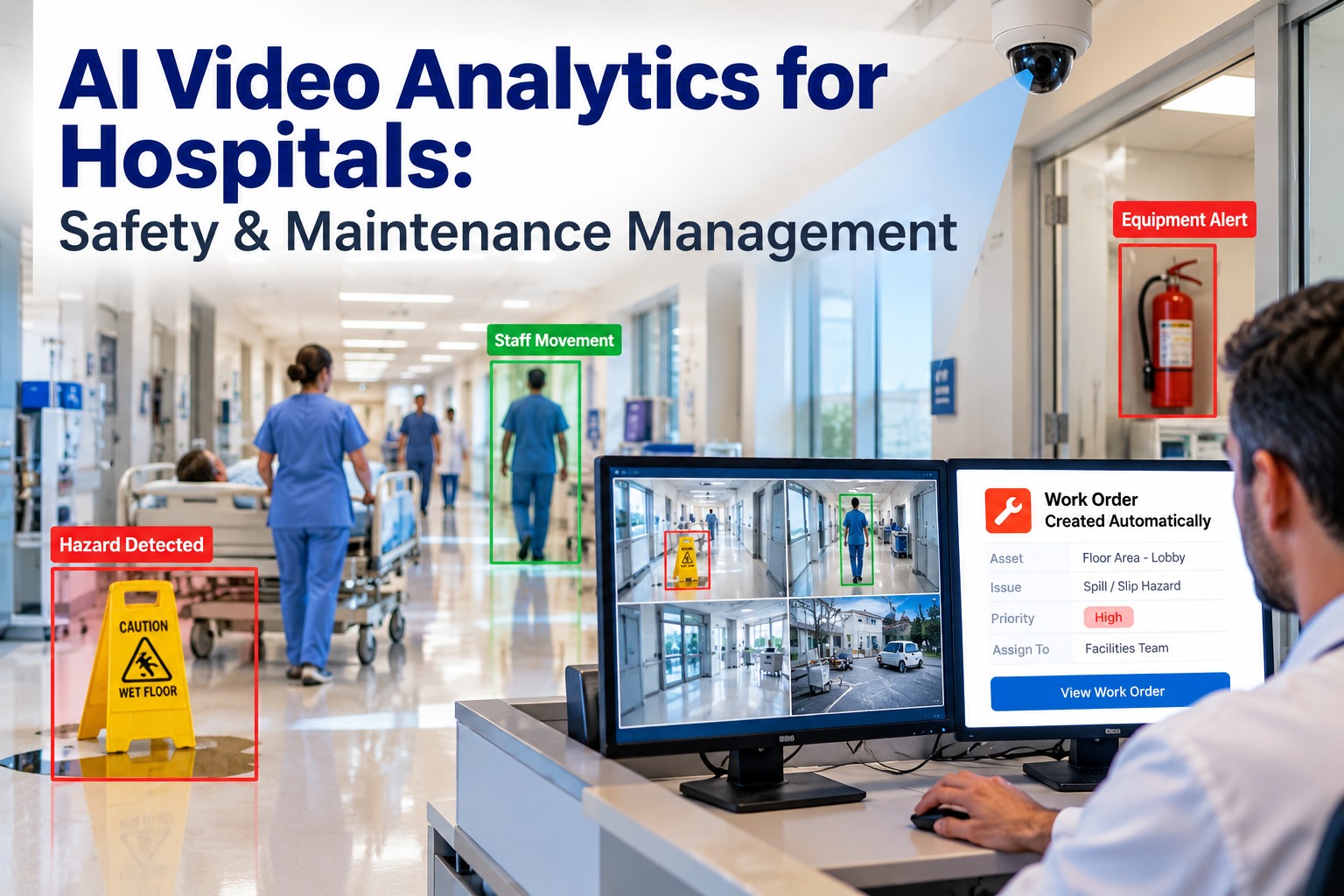
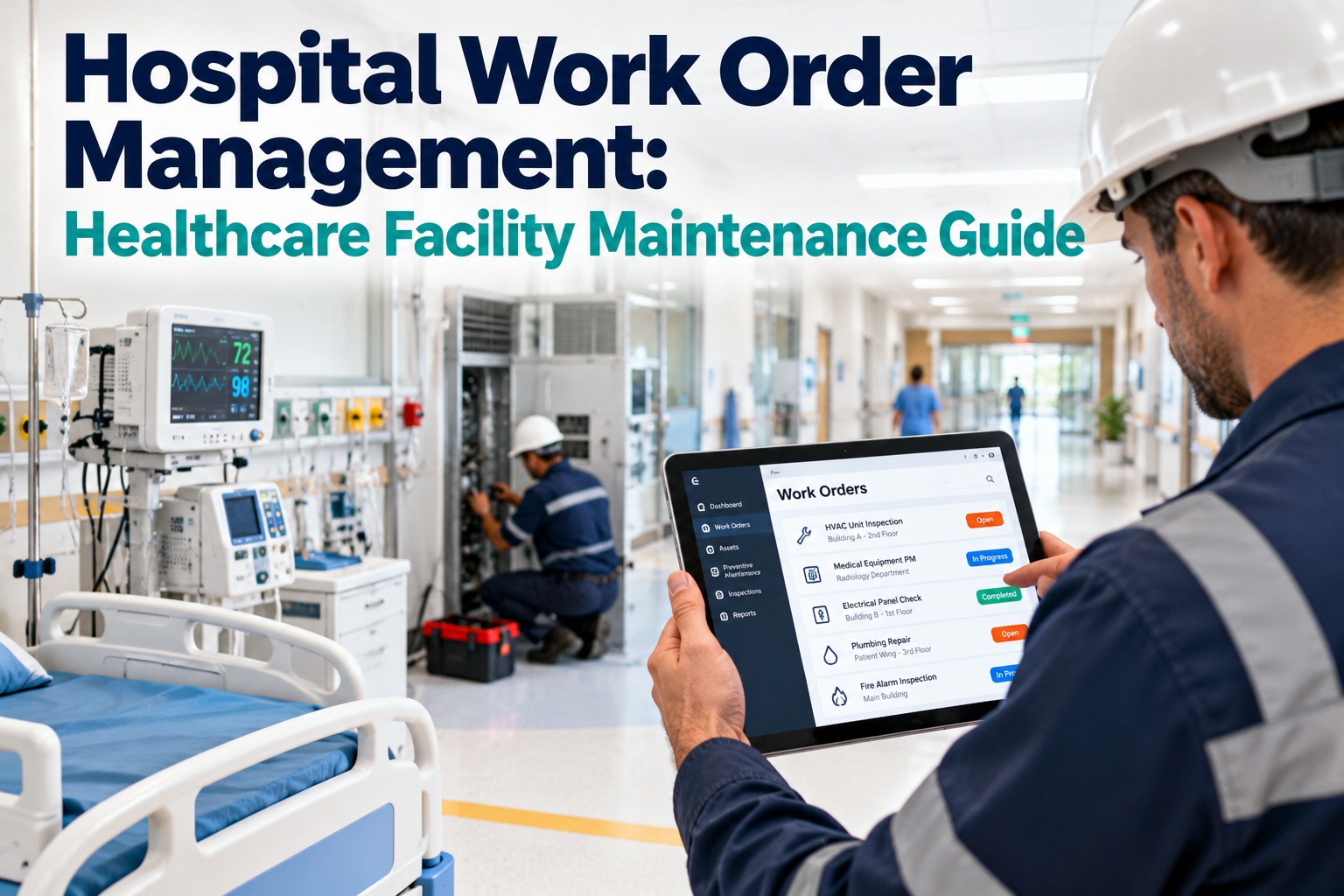
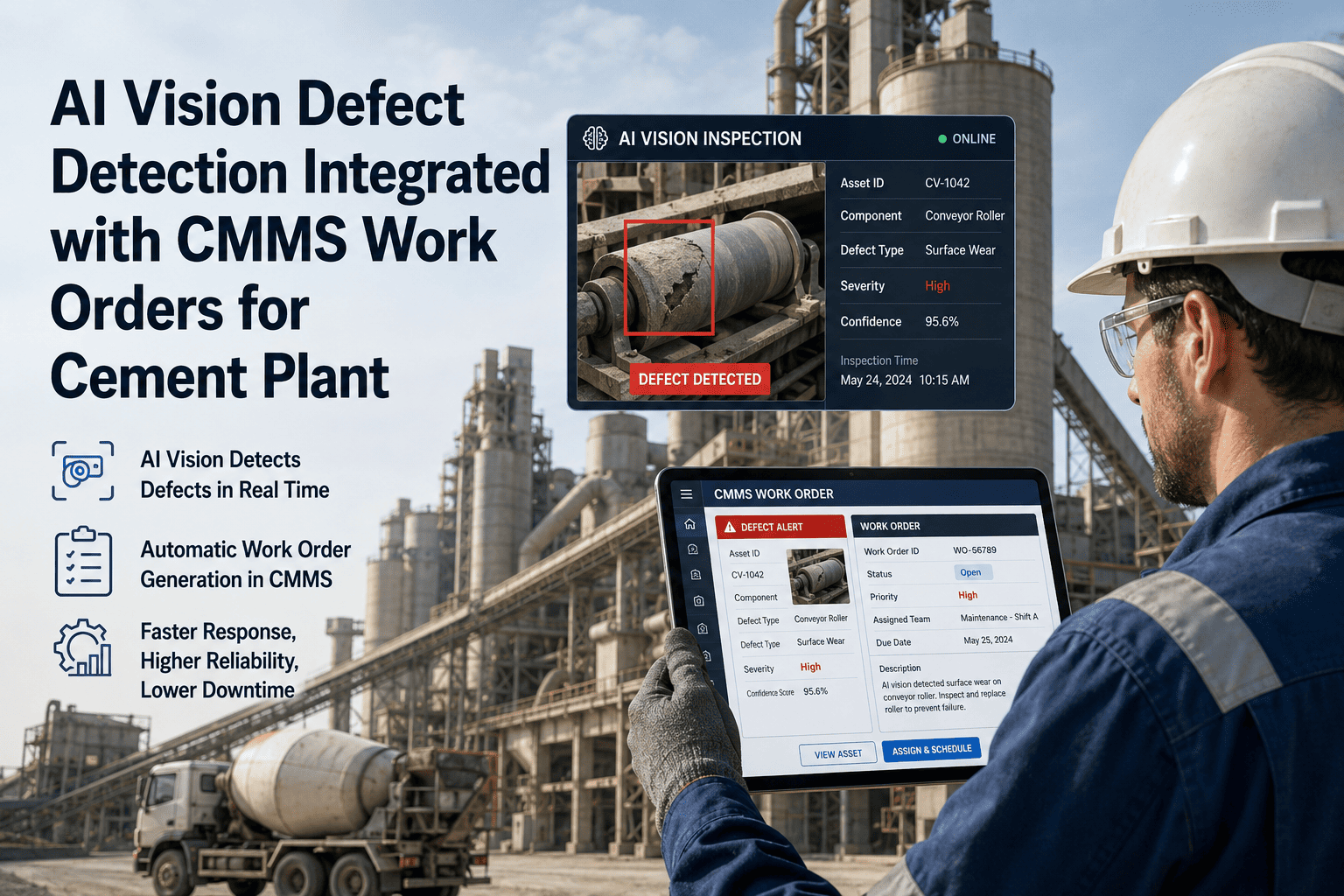
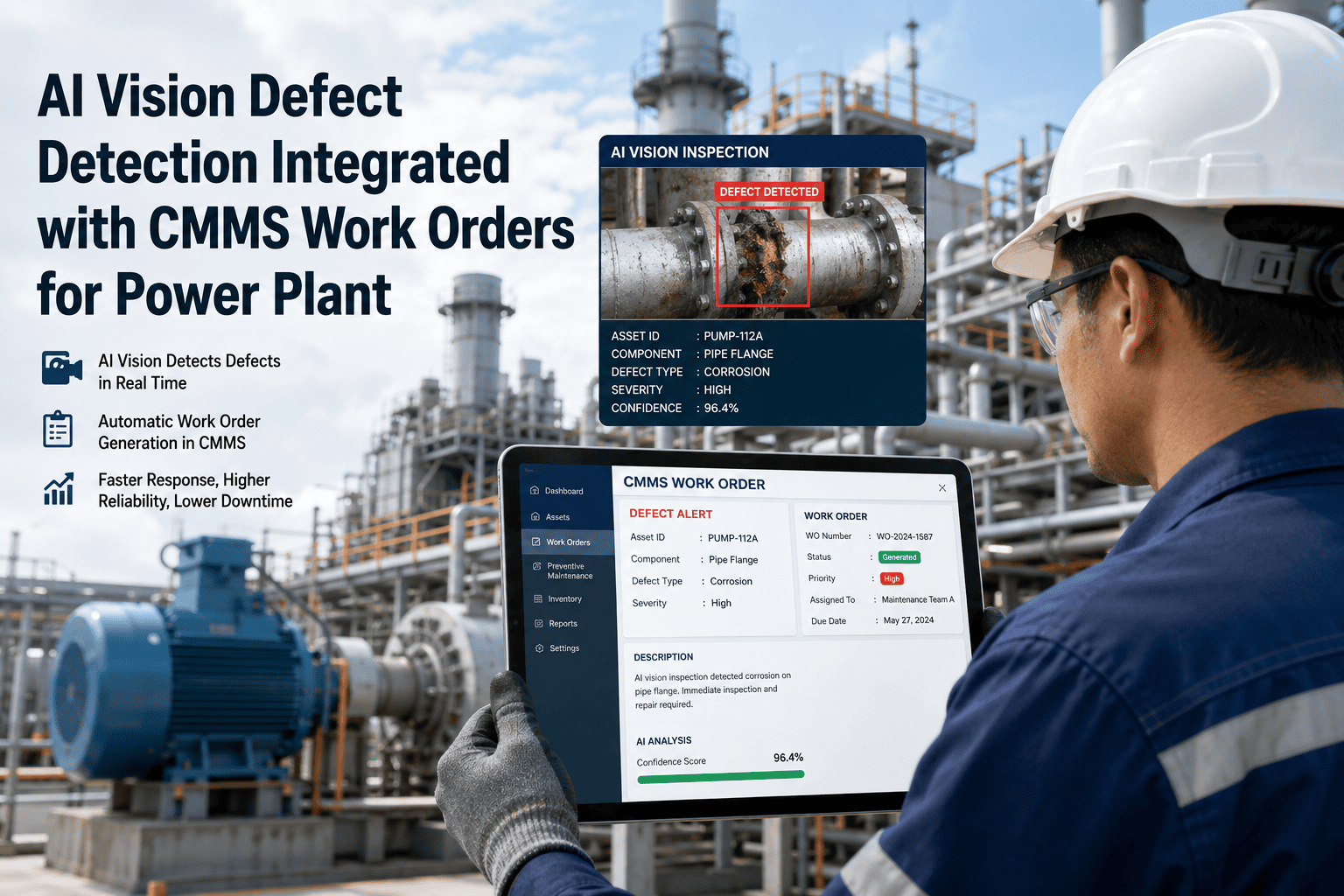
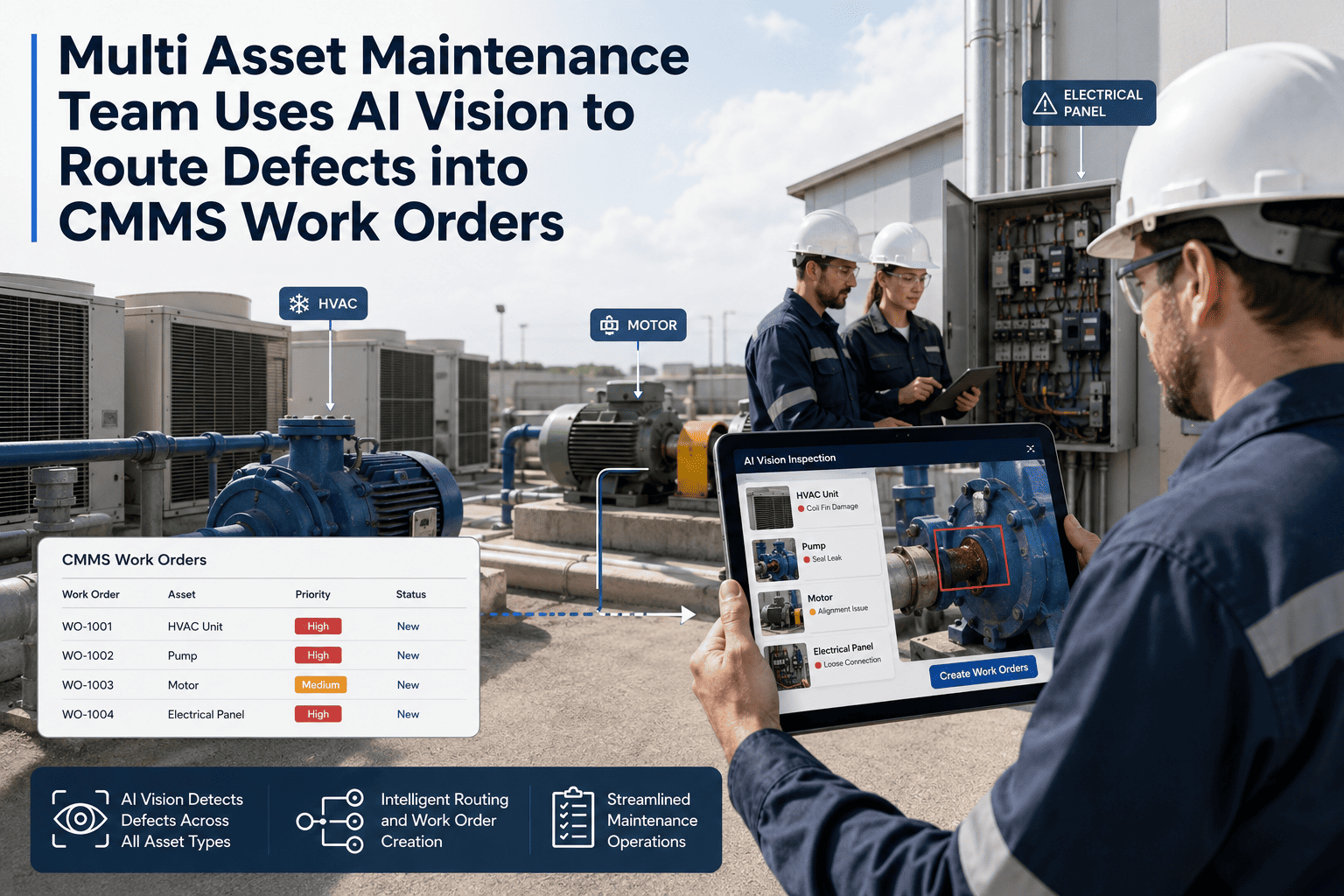
A hospital never stops running, and neither do its hazards: a spill at a corridor junction, a blocked exit behind a supply cart, a slow leak above a ceiling, a door that no longer latches. Staff walk past most of these, assuming someone has already reported them. AI video analytics can spot some of these conditions from cameras you may already have. But a detection only matters if someone fixes the problem. This guide covers what AI video analytics can and cannot do for hospital safety, where to draw privacy lines, and how OXMAINT AI, the AI-powered CMMS, turns each detected issue into a tracked work order.
Hospital Facilities · AI Video Analytics · Safety · Maintenance
AI Video Analytics for Hospitals: Safety & Maintenance Management
Hazards that are seen but never logged keep coming back. OXMAINT AI, the AI-powered CMMS and maintenance management software, connects the full workflow in one platform. A camera alert becomes an issue on the right asset or location, the issue becomes a work order with priority and assignee, and repeat problems guide your preventive maintenance plan. The result is better visibility of what is wrong, who owns it and whether it was fixed.
SAMPLE ALERT FEED
HIGH
Liquid on floor
Main corridor, Level 2
Work order created
HIGH
Exit path obstructed
Stairwell B, Level 1
Assigned
MED
Possible water pooling
Plant room
Inspection queued
LOW
Repeat spill, same spot
Cafeteria entrance
Added to PM review
1
Detect
Video analytics flags a visible hazard
→
2
Verify
Staff confirm and classify it
→
3
Dispatch
A work order goes to the right team
→
4
Prevent
Repeat issues shape PM tasks
What Cameras Can Help Catch in a Hospital Building
AI video analytics works best on conditions that are visible and recurring. It does not replace sensors, rounds or clinical judgment. It adds one more way to notice facility problems sooner. Which of these a system can detect depends on the product and camera placement, so confirm capabilities during evaluation. Book a demo to see how detected issues are logged in OXMAINT AI.
Corridors & Lobbies
- Spills and wet floors
- Equipment left in walkways
- Crowding at choke points
Stairwells & Exits
- Blocked or cluttered egress
- Propped-open fire doors
- Doors left unsecured
Plant Rooms & Utilities
- Visible water pooling
- Smoke or unusual activity
- Unauthorized access
Loading Docks & Waste Areas
- Blocked access lanes
- Overflowing containers
- Vehicle and pedestrian conflict
Parking & Entrances
- Poor lighting zones
- Damaged barriers or signage
- Ice or standing water
Public Waiting Areas
- Fallen or misplaced furniture
- Spills near seating
- Slip and trip risks
Alert Only vs. Alert Plus Work Order
Many video systems stop at the notification. A message goes to a screen or a group chat, and what happens next depends on who noticed. Connecting it to a CMMS closes that gap. Start free and set up your issue-to-work-order flow in OXMAINT AI.
Alert Only
✕Notification seen by whoever is watching
✕Follow-up by phone or message
✕No owner, no due time
✕Fix is rarely recorded
✕Same hazard returns, no pattern visible
Alert + OXMAINT AI Work Order
✓Issue logged against a location or asset
✓Work order assigned with priority
✓Owner, status and completion tracked
✓Notes, photos and parts recorded
✓Repeat issues visible for preventive action
One Detection, Followed All the Way Through
Here is how a single event moves from camera to closed job. Book a demo to walk through this flow with your own scenarios.
1
A camera flags liquid on a corridor floor
The analytics system raises an alert with location and a snapshot for review.
2
A person confirms it is real
A quick check avoids sending crews to false detections and keeps trust in the system.
3
An issue becomes a work order in OXMAINT AI
It carries the location, priority and task, and goes to environmental services or engineering.
4
The team resolves it and closes the job
Completion notes and photos build a documented history for the location.
5
Repeat hazards trigger a root-cause look
If the same spot keeps flooding, a preventive or corrective task addresses the source, such as a leaking unit or a faulty drain.
Seeing a Hazard Is Not the Same as Fixing It.
A detection with no owner is just another notification. Put every confirmed issue into one maintenance workflow, and your team can see what is open, who has it and what keeps coming back.
Privacy Lines to Draw Before You Deploy
Hospitals handle sensitive information, so camera use needs clear boundaries. Involve your privacy officer, legal counsel and clinical leadership early, and follow your local regulations. This is general guidance, not legal advice. Start free and build a facility-only issue workflow in OXMAINT AI.
Good Practice
✓Focus on facility conditions, not people
✓Limit use to common and service areas
✓Define who can view footage and why
✓Post clear signage and written policies
✓Keep only the snapshots a work order needs
Avoid
✕Cameras in patient rooms, restrooms or changing areas
✕Attaching patient details to maintenance tickets
✕Using facility alerts to monitor staff performance
✕Skipping a human review of alerts
✕Rolling out without a privacy assessment
Start Small: A Four-Step Rollout
You do not need to cover the whole campus on day one. A narrow pilot proves value and surfaces false alarms before they become a burden. Book a demo to plan a pilot area with OXMAINT AI.
STEP 1
Pick 2 or 3 problem zones
Choose areas with repeat spills, leaks or blocked paths. Past incident and work order history helps here.
STEP 2
Map alert types to work orders
Decide which detections create a job, which team gets it and what counts as urgent.
STEP 3
Review alerts with a human
Tune sensitivity over the first weeks and remove alert types that create noise.
STEP 4
Study repeats, then expand
Use recurring locations to build preventive tasks, then add more zones.
What to Track Once It Is Running
Good measures show whether detections turn into action. Set your own baselines before starting, so improvement is something you can actually see.
⏱
Time to acknowledge
How long a confirmed alert waits before someone owns it.
✅
Time to close
How long the work order takes from creation to completion.
🔄
Repeat locations
Spots or assets that generate the same issue again and again.
🚫
False alert rate
Share of alerts staff dismiss. A falling rate means tuning is working.
Frequently Asked Questions
What is AI video analytics in a hospital?
It is software that analyzes camera footage to recognize defined conditions, such as liquid on a floor, an obstructed exit path or unusual activity in a restricted area, and sends an alert. In a facility setting it supports safety and maintenance teams, and it should complement, not replace, staff rounds and inspections.
Book a demo to see the maintenance side in OXMAINT AI.
Does OXMAINT AI do the video analysis itself?
OXMAINT AI is the maintenance layer. It manages issues, work orders, assets and preventive schedules. Alerts from your video analytics or monitoring tools can be turned into tracked work orders there. Ask during a demo how your specific video system would connect.
Is it safe for patient privacy?
It can be, if you limit use to facility conditions in common and service areas, keep cameras out of private spaces, restrict footage access and keep patient information out of work orders. Review your plan with your privacy and legal teams before deployment.
How does this help preventive maintenance?
Can it help with audit and documentation needs?
Work orders record who did what and when, with notes and photos, which supports your internal documentation. Meeting any specific regulation or accreditation standard still depends on your own policies and processes.
Make Every Hazard Someone's Job to Fix.
Give your facilities team one place to log issues, assign work orders and learn from repeat problems. Start a free trial of OXMAINT AI, or book a short demo and we will map the workflow to your hospital's zones and teams.