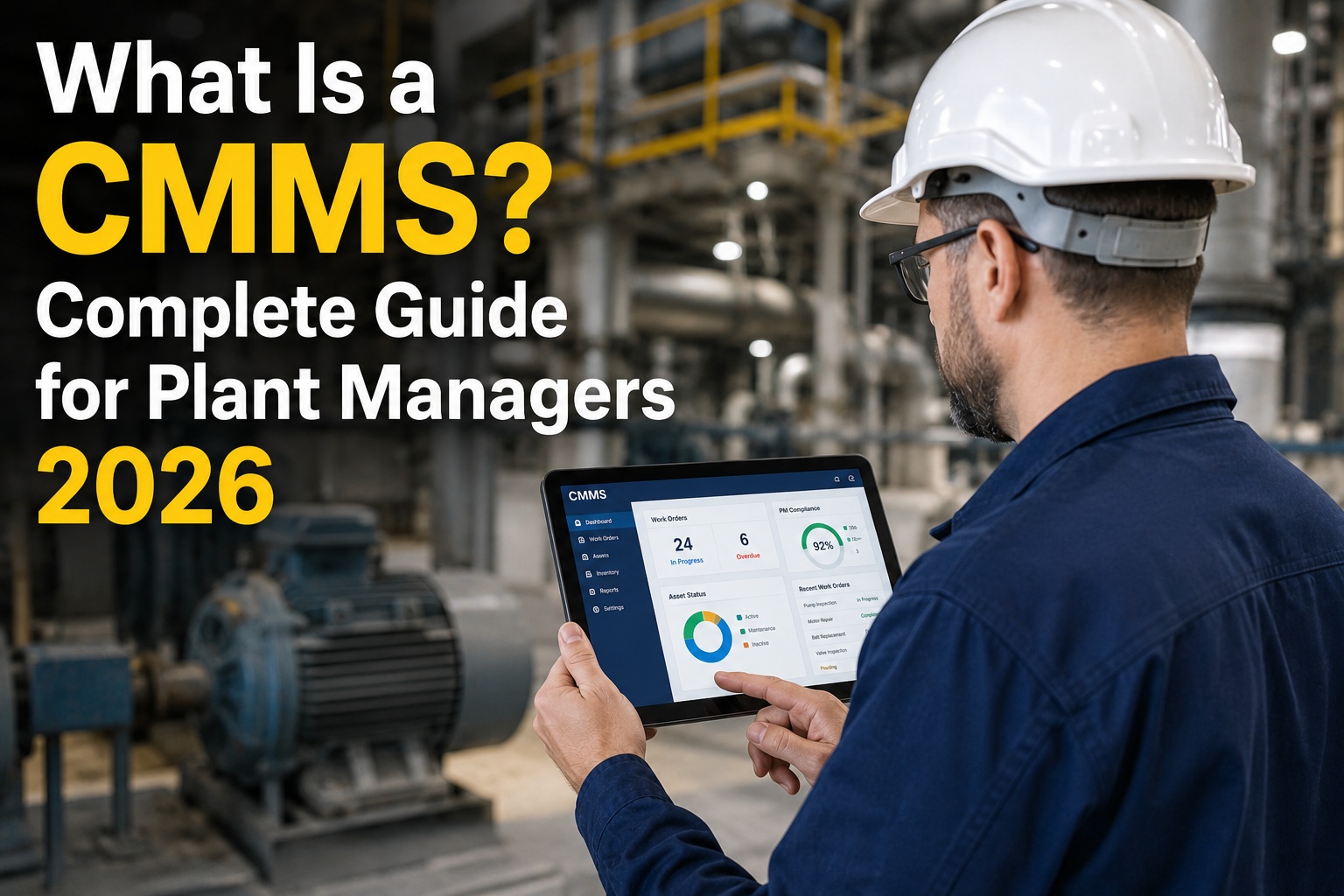
A Computerized Maintenance Management System (CMMS) is software that centralizes work orders, preventive maintenance scheduling, asset tracking, inventory control, and maintenance analytics so plant managers can shift from reactive firefighting to planned, data-driven reliability. If you are researching what a CMMS is or how modern maintenance software works, this guide breaks down the features, implementation steps, and ROI benchmarks you need to evaluate the right platform for your facility. OxMaint delivers an AI-powered CMMS and EAM platform that helps maintenance teams eliminate paper workflows, cut unplanned downtime, and extend asset lifecycles. You can explore the full platform with a Start Free Trial or book a personalized walkthrough to see it on your own assets.
Still running your plant on spreadsheets and clipboard work orders?
Reactive maintenance costs industrial plants up to 10x more than planned maintenance. A modern CMMS flips that ratio — automating PM scheduling, mobilizing technicians, and predicting failures before they shut down your line. Here is exactly what a CMMS is, how it works, and what it delivers.
What is a CMMS? Core meaning and scope
A CMMS (Computerized Maintenance Management System) is a centralized software platform that manages the complete lifecycle of physical assets — from work order creation and preventive maintenance scheduling to spare-parts inventory, technician dispatch, and compliance reporting.
Work Order Management
Create, assign, track, and close digital work orders. Capture labor hours, parts consumed, failure codes, and completion notes — no paper, no lost data.
Preventive Maintenance (PM)
Automate PM schedules based on meter readings, calendar intervals, or condition triggers so critical equipment is serviced before it fails.
Asset & Equipment Tracking
Maintain a live register of every asset — location, criticality, install date, warranty, repair history, and total cost of ownership (TCO) at your fingertips.
Spare-Parts Inventory
Track stock levels, set reorder points, and link parts directly to assets so technicians never wait on missing components during a breakdown.
Mobile Technician Workflow
Technicians receive assignments, log hours, upload photos, and close work orders from a mobile app — even in offline plant environments.
Maintenance Analytics & KPIs
Monitor MTBF, MTTR, OEE, PM compliance, and downtime costs on live dashboards — turning raw work-order data into reliability decisions.
How a CMMS works: the maintenance data loop
A CMMS works by capturing every maintenance event — planned or unplanned — in a central database, then turning that history into automated schedules, alerts, and analytics. The loop below is what separates a true maintenance management system from a digital filing cabinet.
Asset & data foundation
Every asset is logged with criticality, location, serial number, warranty status, and historical failure codes. This master register is the backbone of every work order and PM trigger.
Automated work-order generation
Work orders are auto-generated from PM calendars, meter-based triggers, inspection checklists, or condition-monitoring alerts — routed to the right technician with parts and procedures attached.
Mobile execution & capture
Technicians execute on mobile devices: follow step-by-step checklists, log labor and parts, upload photos, and close out work orders on the floor — even without a Wi-Fi signal.
Analytics & predictive insight
The system aggregates completion data into KPIs (MTBF, MTTR, PM compliance) and applies AI to detect failure patterns — shifting maintenance from reactive to predictive over time.
CMMS ROI: what the numbers look like
Industry benchmarks from Plant Engineering and Reliabilityweb show that a properly implemented CMMS reduces unplanned downtime by 30–50%, cuts maintenance labor costs by 15–25%, and extends asset life by 20–40%. The formula below illustrates the direct payback calculation.
| Metric | Before CMMS (Reactive) | After CMMS (Planned) | Improvement |
|---|---|---|---|
| Unplanned downtime (hrs/mo) | 48 | 19 | −60% |
| PM compliance rate | 45% | 92% | +104% |
| Mean time to repair (MTTR) | 6.2 hrs | 3.1 hrs | −50% |
| Spare-parts stockout events | 11/mo | 2/mo | −82% |
| OEE (overall equipment effectiveness) | 61% | 78% | +28% |
How OxMaint turns CMMS theory into measurable plant-floor results
OxMaint is an AI-powered CMMS and EAM platform built for plant managers, facility directors, and fleet operators who need more than a digital work-order log. It connects asset data, preventive triggers, mobile execution, and predictive analytics in one operational system.
AI-Driven Predictive Maintenance
OxMaint analyzes vibration, temperature, and runtime data to flag failure signatures weeks before breakdown. Plants using predictive alerts cut unplanned downtime by 30–50% and avoid emergency labor premiums.
Offline Mobile Work Orders
Technicians receive assignments, follow digital SOPs, scan QR-coded assets, and close work orders from the floor — even with zero connectivity. Eliminates paper work orders and lost labor data overnight.
Automated PM Scheduling
Calendar, meter-based, and condition-based PM triggers fire automatically — pushing work orders to the right tech with parts and checklists attached. Typical PM compliance jumps from under 50% to over 90%.
Live Reliability Analytics
Dashboards surface MTBF, MTTR, OEE, and downtime cost in real time. Audit-ready reports for ISO 55000, OSHA, and FMCSA are generated automatically — no spreadsheet stitching required.
See OxMaint on your assets — book a 30-min demo
Walk through work orders, PM automation, mobile execution, and predictive analytics configured for your facility. No generic slides — just your assets, your failure modes, your KPIs.
CMMS implementation: a 4-phase rollout plan
Most failed CMMS implementations fail because of data quality and low adoption — not software limitations. The phased plan below is how OxMaint onboards plants in 30–45 days without disrupting production.
Asset hierarchy & data import
Cleanse and import your asset register, spare-parts list, and existing PM schedules. Define criticality ratings and failure-code standards before a single work order goes live.
Configure PMs & workflows
Build PM triggers, approval routings, inspection checklists, and technician skill mappings. Set reorder points for high-velocity parts to eliminate stockouts from day one.
Pilot on critical assets
Run live work orders on the top 10–20 critical assets. Gather technician feedback on mobile UX and checklist logic. Refine before plant-wide rollout.
Full rollout & KPI baseline
Deploy to all technicians and assets. Baseline MTBF, MTTR, PM compliance, and downtime cost. Switch off paper work orders and schedule the first 90-day reliability review.
CMMS frequently asked questions
Common questions plant managers, facility directors, and maintenance leaders ask when evaluating CMMS software.
What does CMMS stand for and what is its primary purpose?
CMMS stands for Computerized Maintenance Management System. Its primary purpose is to centralize and automate work orders, preventive maintenance scheduling, asset tracking, inventory, and maintenance reporting — so teams move from reactive repairs to planned, cost-efficient reliability. You can see how OxMaint operationalizes this by scheduling a Book a Demo session.
How much does a CMMS cost in 2026?
Cloud-based CMMS pricing typically ranges from $40 to $120 per user per month depending on features, asset count, and analytics depth. Most plants recover the annual subscription cost within the first 4–6 months through downtime reduction and labor savings alone.
What is the difference between CMMS and EAM?
A CMMS focuses on maintenance execution — work orders, PMs, parts, and technician workflows. An EAM (Enterprise Asset Management) extends further across the asset lifecycle, including capital planning, procurement, depreciation, and multi-site portfolio governance. OxMaint combines both in a single platform.
How long does CMMS implementation take?
A well-scoped cloud CMMS implementation takes 30–60 days for a mid-sized plant. The biggest variables are data cleanliness, asset-hierarchy complexity, and technician training. Pilot-first rollouts on critical assets dramatically improve adoption and reduce go-live friction.
Can a CMMS work for small maintenance teams?
Yes. Modern cloud CMMS platforms scale from a 2-technician facility to multi-site enterprises. Small teams benefit most from automated PM reminders, mobile work orders, and parts reorder alerts — features that eliminate the administrative overhead that disproportionately burdens lean crews.
Ready to modernize your maintenance operation?
Join the plant managers and reliability leaders using OxMaint to cut downtime, eliminate paper work orders, and predict failures before they happen. Start free or book a 30-minute demo tailored to your assets.
Free 14-day trial · No credit card