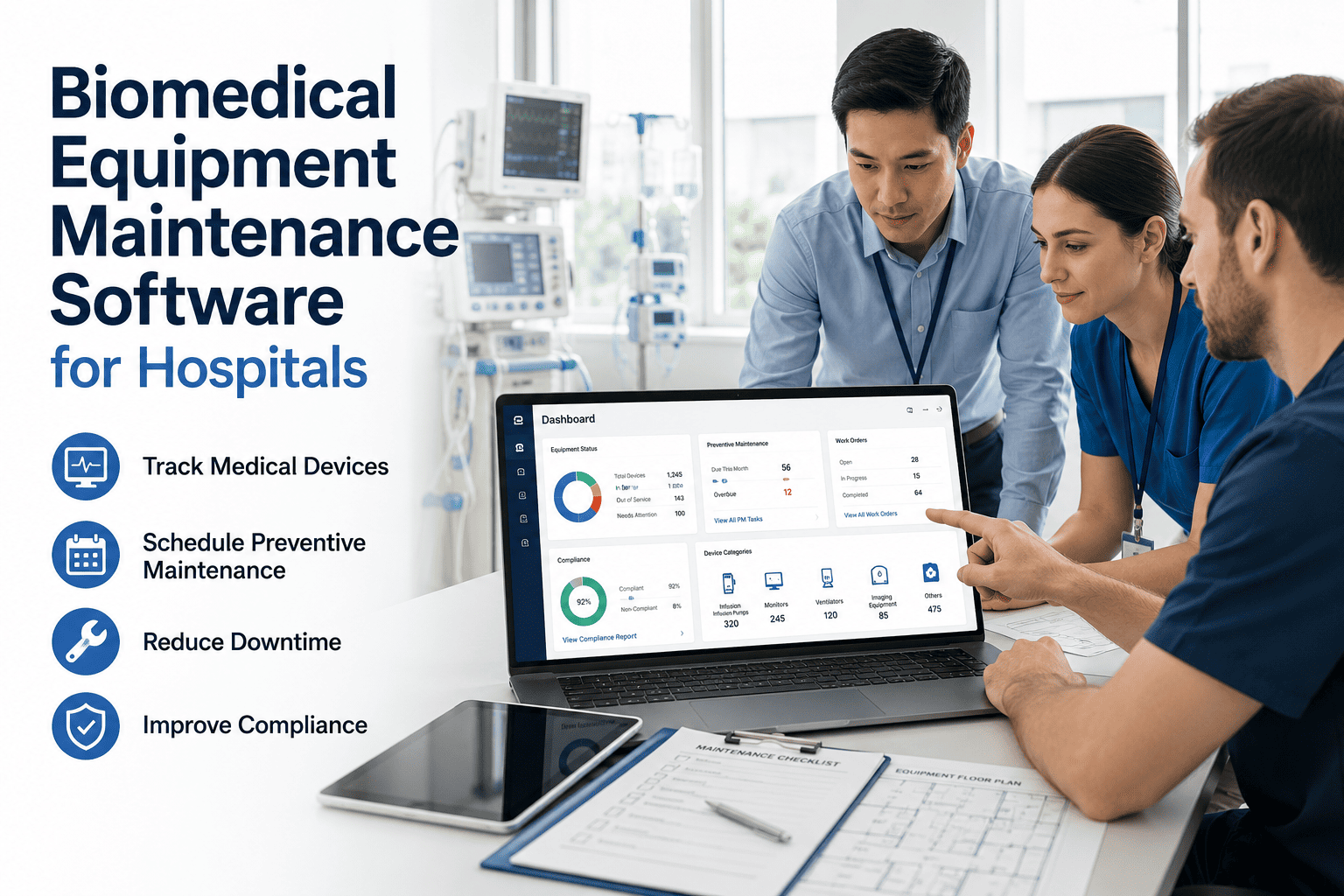
Every hospital has a drawer full of "lost" infusion pumps, wheelchairs, and monitors that aren't actually lost — they're just sitting three floors away from where the system thinks they are, while a nurse spends twenty minutes hunting for a replacement and a purchasing manager signs off on buying another one. The real cost isn't the missing asset; it's the duplicate spend, the missed preventive maintenance interval nobody could schedule because nobody knew the device existed at that location, and the Joint Commission finding when a surveyor asks for a PM record that was never generated because the equipment fell off the inventory radar. Biomedical equipment maintenance software fixes the visibility problem before it becomes a compliance problem. Sign up to register your biomedical equipment inventory in OxMaint and see every device, its location, and its PM status in one place.
The Equipment Wasn't Lost. Your Maintenance Programme Just Couldn't See It.
Hospitals running thousands of movable medical devices lose track of a meaningful share of their fleet at any given time — not to theft, but to poor visibility. When equipment can't be located, it can't be maintained on schedule, and a missed PM interval on a ventilator or infusion pump is not a paperwork problem. It's a patient safety risk.
Where Equipment Maintenance Actually Breaks Down
Biomedical maintenance failures rarely start with a broken device. They start earlier — with a registration gap, a location nobody updated, or a service history that lives in three different spreadsheets instead of one record. By the time a device fails on a patient floor, the maintenance programme has usually already failed it in three or four earlier, quieter ways.
New device received but not yet registered with a PM schedule, calibration interval, or department assignment in the system.
Nurses relocate mobile devices between units constantly. Without location tracking, the asset record and physical reality drift apart within days.
A scheduled maintenance date arrives for a device the biomedical team can no longer locate. The work order sits open with no asset to act on.
The missed PM doesn't surface until the device is found again — often during a survey, an incident review, or a routine inventory sweep.
Stop Buying Equipment You Already Own
OxMaint gives every biomedical asset a single record — location, PM schedule, calibration history, and service status — so devices stay visible between maintenance intervals instead of disappearing until the next audit.
What Biomedical Equipment Maintenance Software Tracks for Every Device
Manufacturer, model, serial number, department assignment, and purchase date in one record — no more piecing together a device history from three different spreadsheets when a question comes up.
Ventilators, infusion pumps, defibrillators, and monitors each carry different maintenance and calibration intervals. Templates apply the correct schedule automatically the moment a device is registered.
Every asset shows current, due, or overdue at a glance — so a biomedical manager can see the entire fleet's PM status without opening a single individual work order.
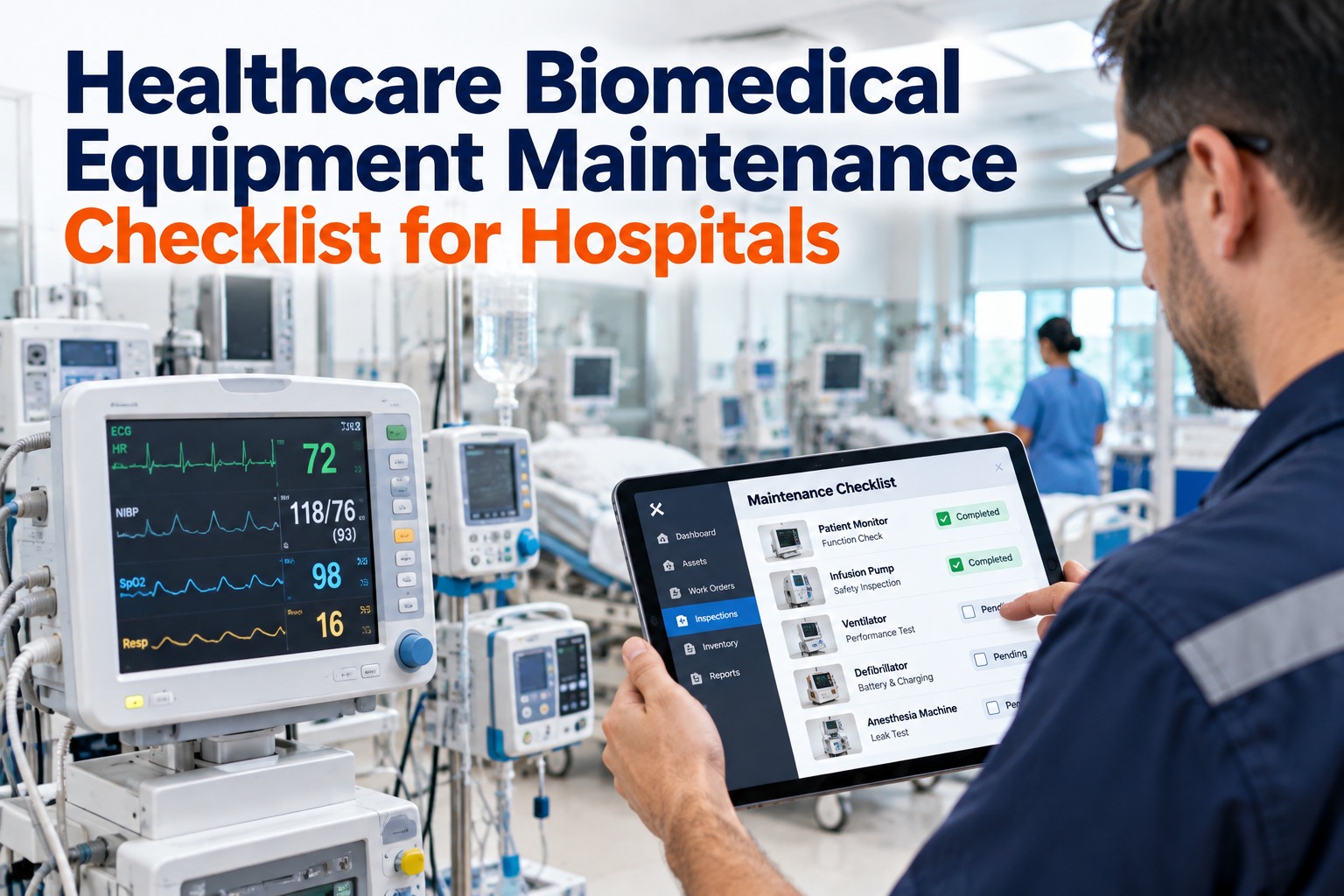
Every repair, calibration, and PM event attaches permanently to the asset record — retrievable in minutes instead of requiring days of manual file searches during a survey.
Nurses report a malfunctioning device directly against its asset record — no phone calls to the biomedical office, and no delay between the issue being noticed and a work order being created.
Tracking which devices move most often and which sit idle helps right-size equipment fleets — fewer duplicate purchases driven by availability complaints rather than actual need.
Paper Logs vs. OxMaint: What Changes for Your Biomedical Team
| Activity | Spreadsheets and Paper Logs | OxMaint Biomedical CMMS |
|---|---|---|
| Finding a device's current location | Calling departments or walking floors | Last known location visible on the asset record |
| Knowing what's due for PM this week | Manually reviewing a master calendar | Auto-generated due list filtered by department |
| Producing a service history for a surveyor | Searching paper files across multiple binders | Exported in minutes from the asset record |
| Responding to a clinical equipment complaint | Phone call routed through several staff members | Request portal creates a work order instantly |
| Deciding whether to buy more equipment | Based on complaints about availability | Based on actual utilization data per asset |
Frequently Asked Questions
Your Equipment Fleet Is Only as Reliable as Your Visibility Into It
Every device your biomedical team can't locate is a maintenance interval waiting to be missed and a purchase order waiting to be duplicated. OxMaint keeps every asset visible, scheduled, and documented — so nothing falls off the radar between one survey and the next.




.png)
