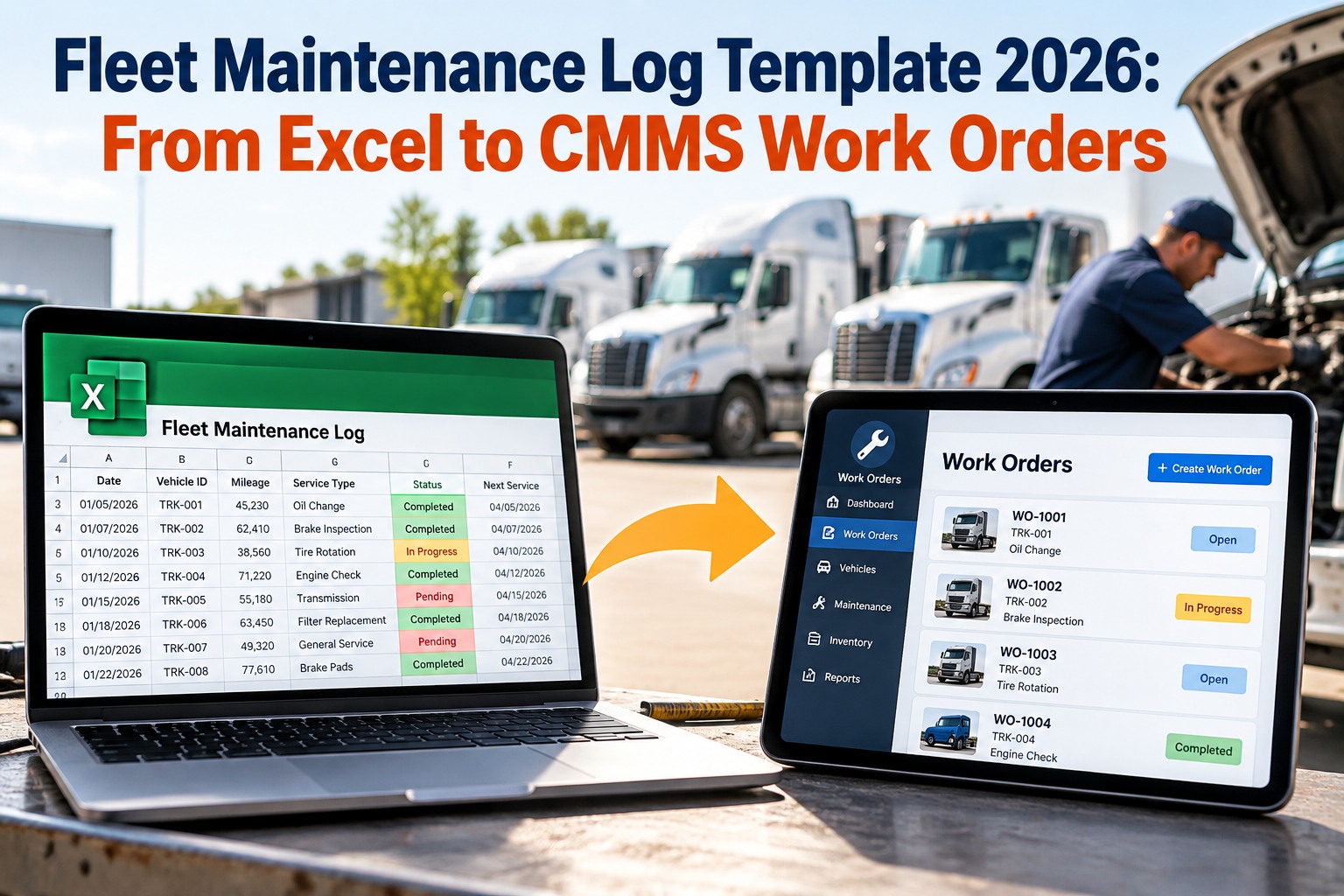
It starts with a driver noticing a soft brake pedal at 5 a.m. By noon the note has become a WhatsApp message, a sticky note on the dashboard and a half-remembered chat in the workshop. By Friday the truck is still on the road. Fleets rarely lose time because repairs are hard. They lose it in the gap between "someone saw a defect" and "someone fixed it and proved it." Fleet work order management software closes that gap by giving every defect one record, one owner and one status from the first report to the final sign-off. This guide walks through the full defect-to-repair journey and shows how OXMAINT AI, the AI-powered CMMS, tracks it end to end.
Fleet Maintenance · Work Orders · Workshop Management
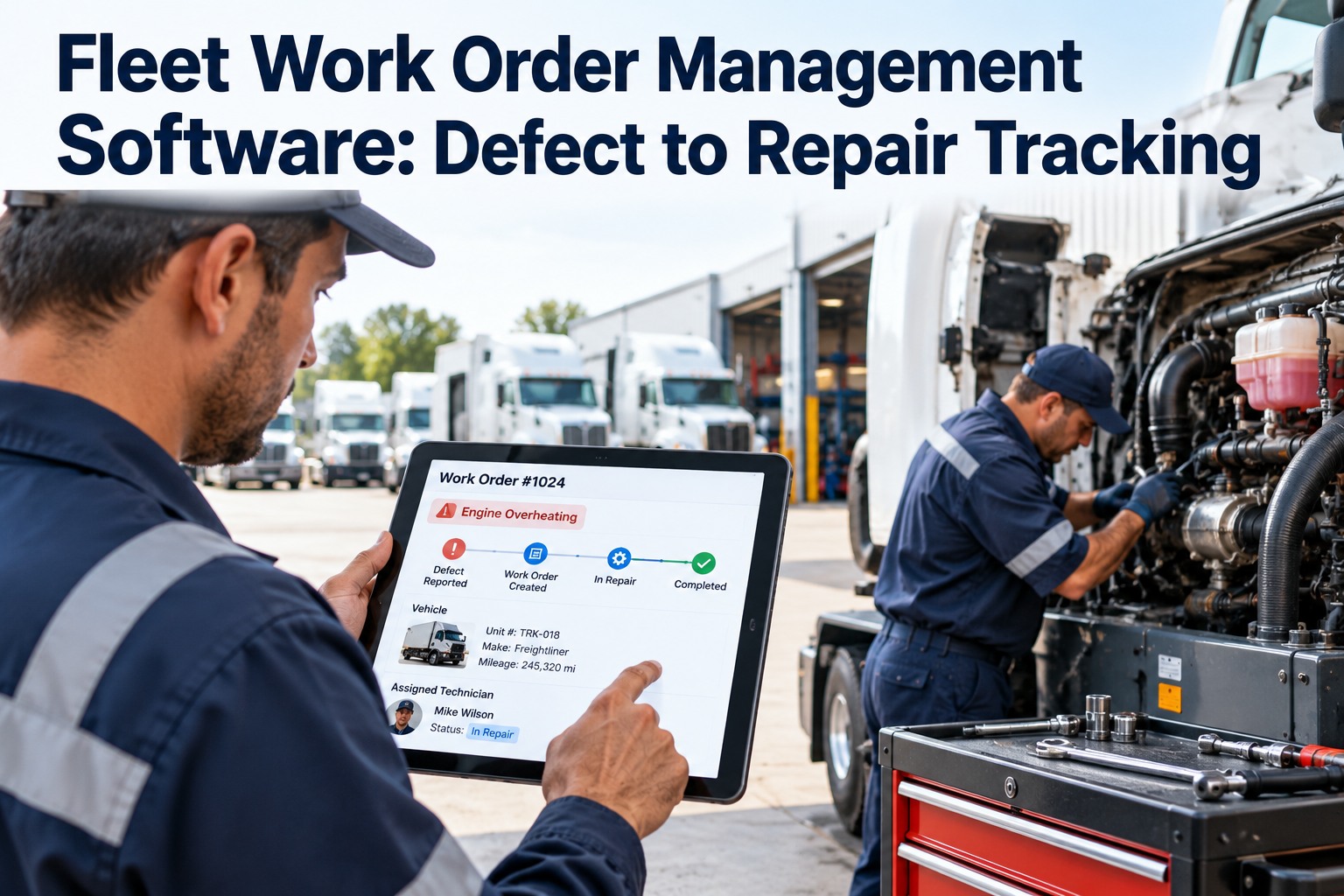
Fleet Work Order Management Software: Defect to Repair Tracking.
OXMAINT AI, the AI-powered CMMS/maintenance management software, turns driver defect reports into prioritised, assigned work orders and tracks each one until the vehicle is back on the road.
Defect Reporting
Live Status Board
Full Repair History
7 Stages
from defect report to closed work order
4 Priorities
so safety-critical repairs jump the queue
1 Record
per defect, with photos, parts, labour and sign-off
4 Roles
driver, supervisor, technician and manager, one shared view
Where Fleet Repairs Quietly Get Lost
Most fleets do not have a repair problem. They have a hand-off problem. Every time a defect passes from one person to another through paper, a call or a chat message, a little detail falls out. Sign up free and see what a single tracked record looks like.
1
Defect noted on paperThe form sits in a cab or a tray until someone finds it.
2
Report sent by chatNo photo, no vehicle ID, buried under other messages.
3
Priority is a guessA brake fault and a cracked mirror wait in the same queue.
4
Parts discovered lateThe truck is on the lift before anyone checks stock.
5
Repair never confirmedNobody can prove it was fixed, or by whom.
The 7-Stage Journey of a Fleet Work Order
A good work order system gives every defect the same path. Here is the journey, and who owns each step. Book a demo to follow a defect through all seven stages.
01
Reported
Driver logs the defect on mobile with a photo and the vehicle ID.
Owner: Driver
02
Triaged
Supervisor reviews it, sets the priority and decides if the vehicle must come off the road.
Owner: Supervisor
03
Approved
Cost or scope above a set limit gets sign-off before work starts.
Owner: Manager
04
Assigned
The job goes to a technician or bay with the parts list and checklist attached.
Owner: Workshop lead
05
In Repair
Technician logs labour, parts used and findings from their phone.
Owner: Technician
06
Inspected
A second person checks the repair and signs it off as road-ready.
Owner: Inspector
07
Closed
Cost, downtime and history are saved to the vehicle record for good.
Owner: System
The Workshop Board: Every Vehicle's Status at a Glance
Instead of walking the yard to ask "is truck 12 ready yet?", the whole workshop is visible on one board. Start free and build your first work order board.
REPORTED 3
Van 08
Warning light on dash
MEDIUM
Truck 17
Soft brake pedal
CRITICAL
APPROVED 2
Truck 05
Clutch replacement
HIGH
Bus 02
Door actuator fault
MEDIUM
IN REPAIR 2
Truck 11
Tyre and wheel bearing
HIGH
Van 14
Cracked mirror
LOW
READY 1
Truck 03
Inspected and signed off
ROAD-READY
Illustrative board with sample vehicles. Your board shows your own fleet, filtered by depot, priority or technician.
Give Every Defect an Owner, a Deadline and a Paper Trail
OXMAINT AI replaces chat threads and clipboards with one live work order system your drivers, supervisors and technicians all use.
Prioritise Repairs So Safety Always Goes First
Not every defect deserves the same urgency. A simple four-level scheme keeps safety-critical jobs at the front of the queue. The response targets below are examples. Set your own to match your operation and local regulations. Book a demo to set up priority rules.
CRITICAL
Vehicle off the road nowBrakes, steering, tyres, lights, anything that makes the vehicle unsafe or illegal to drive.
Example target: start immediately
HIGH
Fix before the next shiftFaults likely to become breakdowns: leaks, overheating, warning lights, worn components.
Example target: within 24 hours
MEDIUM
Schedule into the next slotDefects that affect comfort or efficiency but not safety.
Example target: within the week
LOW
Bundle with planned serviceCosmetic items, minor trim and cabin wear.
Example target: at next PM
Anatomy of a Work Order That Actually Gets Fixed
The difference between a repair that happens and one that drifts is usually the quality of the record. Each field below removes a question the technician would otherwise have to chase. Sign up free and use ready-made work order templates.
WO-2041 · Truck 17IN REPAIR
DefectSoft brake pedal, reported by driver
PriorityCritical · vehicle off the road
AssignedTechnician, Bay 2
PartsBrake pads, fluid, 1 caliper kit
Evidence3 photos · 1 checklist
Sign-offPending inspector
Sample work order for illustration
Vehicle ID and odometerTies the job to the right asset and its service history.
Photo and descriptionThe technician sees the fault before opening the bonnet.
Priority and due dateEveryone knows how urgent it is without asking.
Parts and labourReal repair cost lands on the vehicle record automatically.
Inspector sign-offProof the repair was checked before the vehicle moved.
One Work Order, Four Roles, Four Different Views
Work orders only stay accurate when each person sees what they need and nothing more. Book a demo to see each role's screen.
DRIVER
Reports a defect in under a minute, attaches a photo and sees when it is fixed.
SUPERVISOR
Triages new reports, sets priority and keeps the day's queue moving.
TECHNICIAN
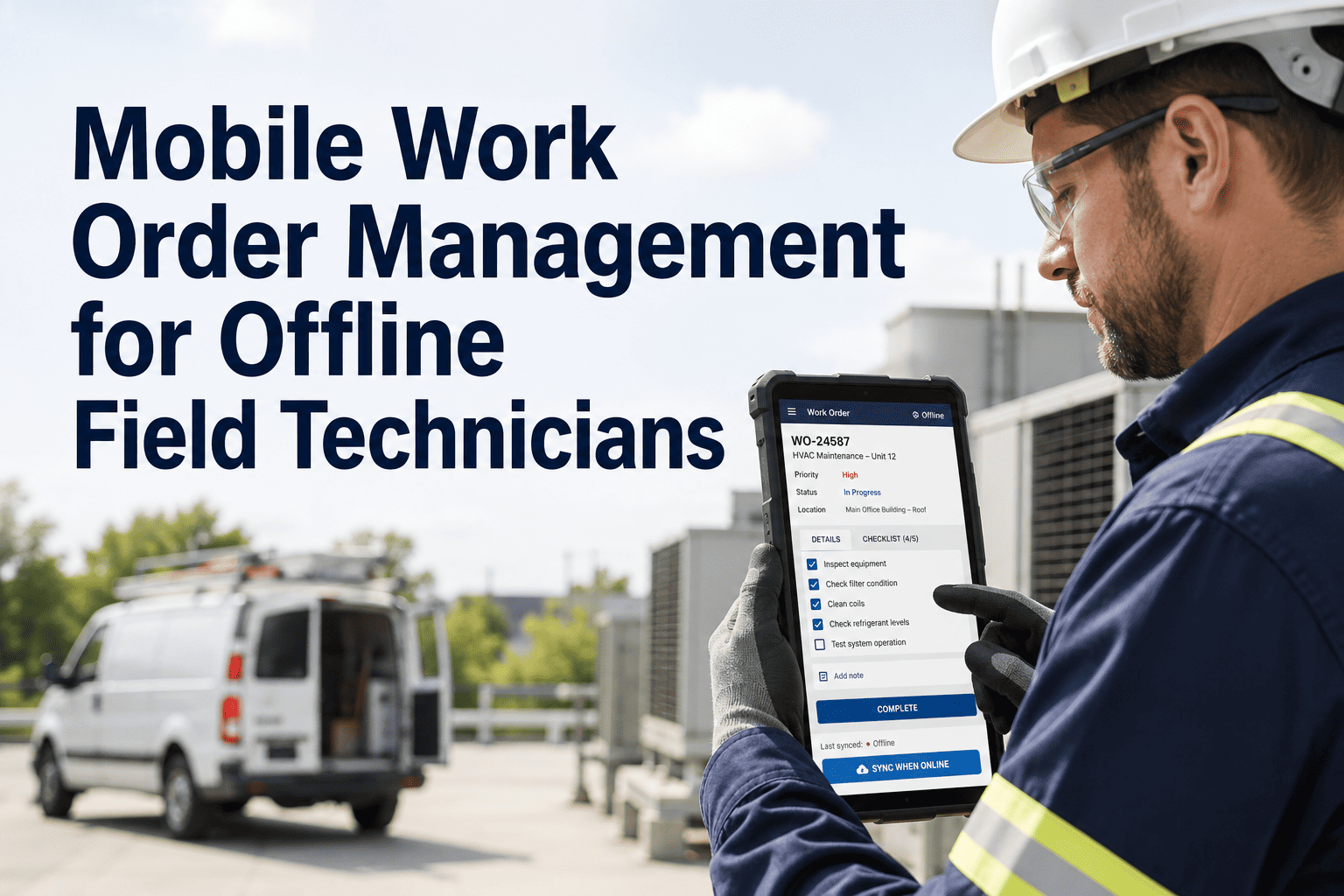
Gets a clear job list on mobile, logs time and parts, and closes work on the spot.
MANAGER
Approves spend, watches backlog and sees cost and downtime by vehicle.
5 Numbers That Show Whether Your Workshop Is Under Control
Once work orders live in one system, these measures come free. Watch them monthly. Start free and track them from day one.
Time to Assign
How long a defect waits before someone owns it.
Repair Turnaround
Hours or days from report to road-ready.
Open Backlog Age
How many jobs are stuck, and for how long.
Repeat Repairs
Same fault returning, a sign of a root cause not yet fixed.
Cost per Vehicle
Parts and labour tracked to each asset for repair-or-replace decisions.
What OXMAINT AI Gives Your Fleet Workshop
Built for fleet teams that want fewer lost defects, faster repairs and a clear record of everything done. Book a demo and see it with your own vehicles.
Mobile Defect Reporting
Drivers log faults with photos from their phone, straight into a work order.
Priority & Assignment
Set urgency, assign technicians and track every job's status live.
Approval Workflows
Route larger repairs to a manager before work begins.
Parts & Inventory Link
Check stock when the job is created and log parts used on closure.
Preventive Maintenance
Schedule services by date or meter reading so fewer defects reach the road.
Vehicle History & Reports
Every repair, cost and downtime event saved to each vehicle's record.
Frequently Asked Questions
What is fleet work order management software?
It is a system that records every defect, repair request and service job for your vehicles, assigns it to a technician, tracks its status and stores the result in the vehicle's history.
Sign up free and create your first work order.
Can drivers report defects from their phones?
Yes. Drivers can submit a defect with a description and photos, and it arrives as a work order request for the supervisor to review and prioritise.
Book a demo to see the driver view.
How does it help with safety and compliance records?
Every defect, repair, inspection and sign-off is time-stamped and stored against the vehicle, so records are ready when an auditor or regulator asks. Check the specific rules that apply to your region and fleet type.
Start free and build your records.
Does it work for mixed fleets and multiple depots?
How long does it take to get started?
Most teams can load their vehicles, set priority levels and start logging defects within days, then add PM schedules and inventory as they go.
Sign up free and begin this week.
From "Someone Should Fix That" to "Fixed, Checked and Recorded."
Move your fleet work orders onto OXMAINT AI and give every defect an owner, a status and a closing record.