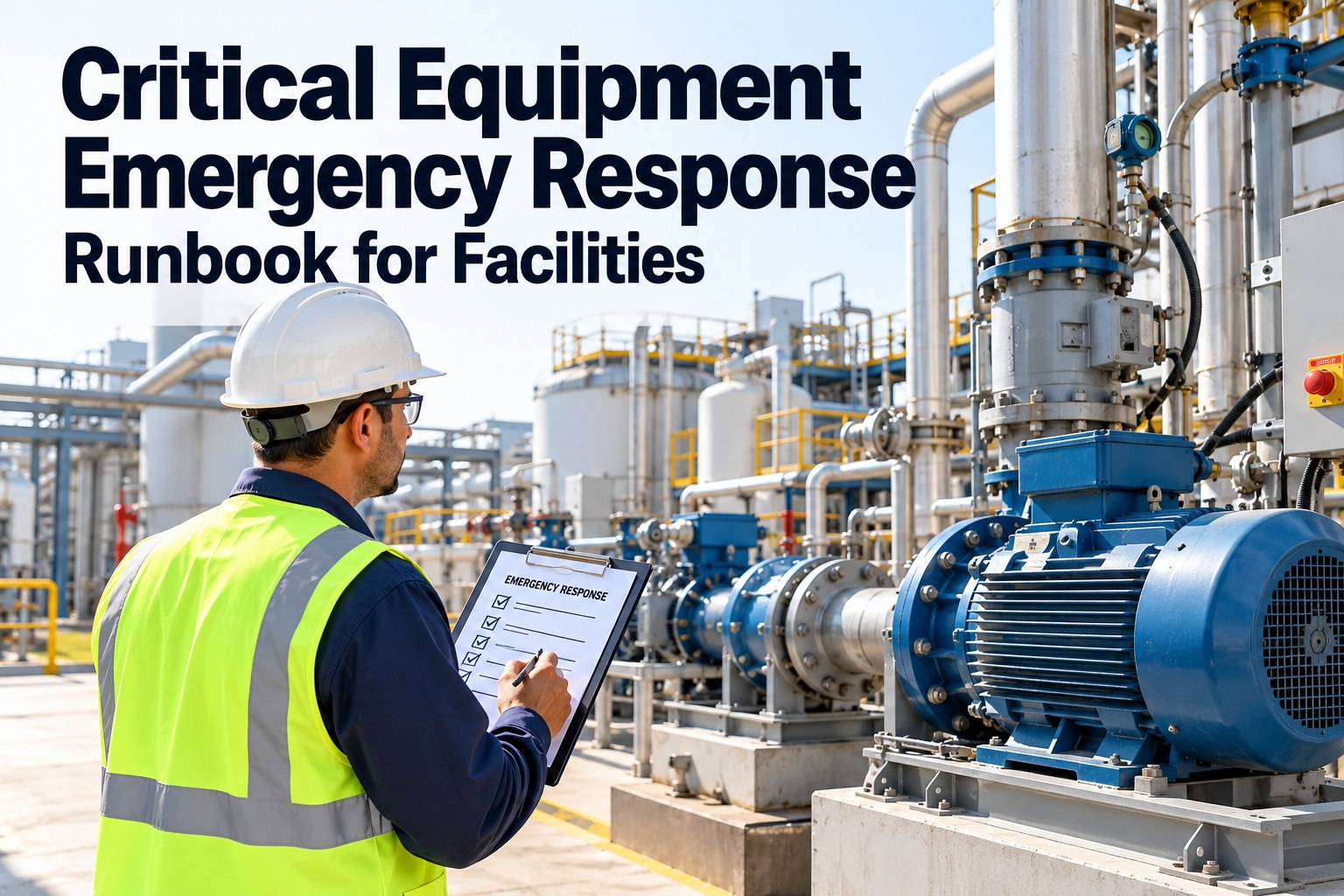
When a chiller trips, a generator fails to start or a fire pump alarm sounds at 2 a.m., the team that responds best is rarely the most experienced one — it's the one with a clear, tested runbook. This guide shows facility teams how to build a critical equipment emergency response runbook: severity levels, first-response steps, startup and shutdown procedures, alarm troubleshooting and escalation, and how OXMAINT AI, the AI-powered CMMS, keeps every procedure attached to the asset it protects.
Critical Equipment Emergency Response Runbook: Know Exactly What to Do When the Alarm Sounds
In an equipment emergency, the procedure is often in a binder, an old email or one technician's head. The result is slow, inconsistent response and repeat failures nobody learns from. OXMAINT AI-powered CMMS keeps the response in one platform: requests and alarms raise the issue, the runbook steps sit on the asset, the emergency becomes a tracked work order, and preventive tasks reduce the odds of a repeat.
Step 1: Decide What Counts as Critical
A runbook for every machine is a runbook nobody reads. Start with the assets whose failure threatens safety, operations, comfort or compliance. Typical candidates: power systems (generators, UPS, switchgear), HVAC and chillers, fire and life-safety systems, elevators, water and pumping systems and process-critical equipment. Book a demo to see how OXMAINT AI ranks assets by criticality.
Step 2: Define Severity Levels Everyone Understands
Clear severity levels tell the team how fast to move and who to call. Adapt the wording and response targets to your facility.
Step 3: The First 15 Minutes
Early minutes decide the outcome. Build the opening sequence into every runbook so no one has to improvise. Start free and add response checklists in OXMAINT AI.
A Runbook in a Binder Won't Help at 2 A.M.
OXMAINT AI keeps procedures, asset history, contacts and open work orders in one place your team can reach from the field — so the right steps are on the asset when the alarm sounds.
What Every Runbook Page Should Contain
Use one consistent template so responders always know where to look.
Alarm Response: Sample Format
A simple table beats a paragraph in a crisis. Always replace the examples with values from your equipment manuals. Book a demo to see alarm history tracked by asset in OXMAINT AI.
| Alarm | Likely cause | First action | Escalate if |
|---|---|---|---|
| Generator fails to start | Battery, fuel or control fault | Check battery, fuel level and control panel; follow manual-start steps | No start after the documented attempts |
| Chiller high-pressure trip | Condenser flow or fouling issue | Verify cooling water flow and condenser status before reset | Trip repeats after reset |
| UPS on battery | Utility loss or rectifier fault | Confirm runtime, notify load owners, prepare for transfer | Runtime nearing minimum |
| Pump low-pressure alarm | Leak, blockage or pump fault | Inspect suction, valves and standby pump | Standby unavailable |
Escalation Ladder: Who Gets Called, and When
Set a time limit for each level. If the issue isn't contained within it, move up automatically.
After the Emergency: Close the Loop
Our emergency steps lived in different folders, and new technicians had to phone around to find them. Once procedures, contacts and history were attached to each asset, responses became consistent, and every incident ended with a work order and a PM update instead of a verbal handover.
Frequently Asked Questions
Be Ready Before the Alarm Sounds.
Bring procedures, asset history, work orders and preventive schedules into one platform. Build your critical equipment runbooks in OXMAINT AI and give every responder the same clear steps.



.png)