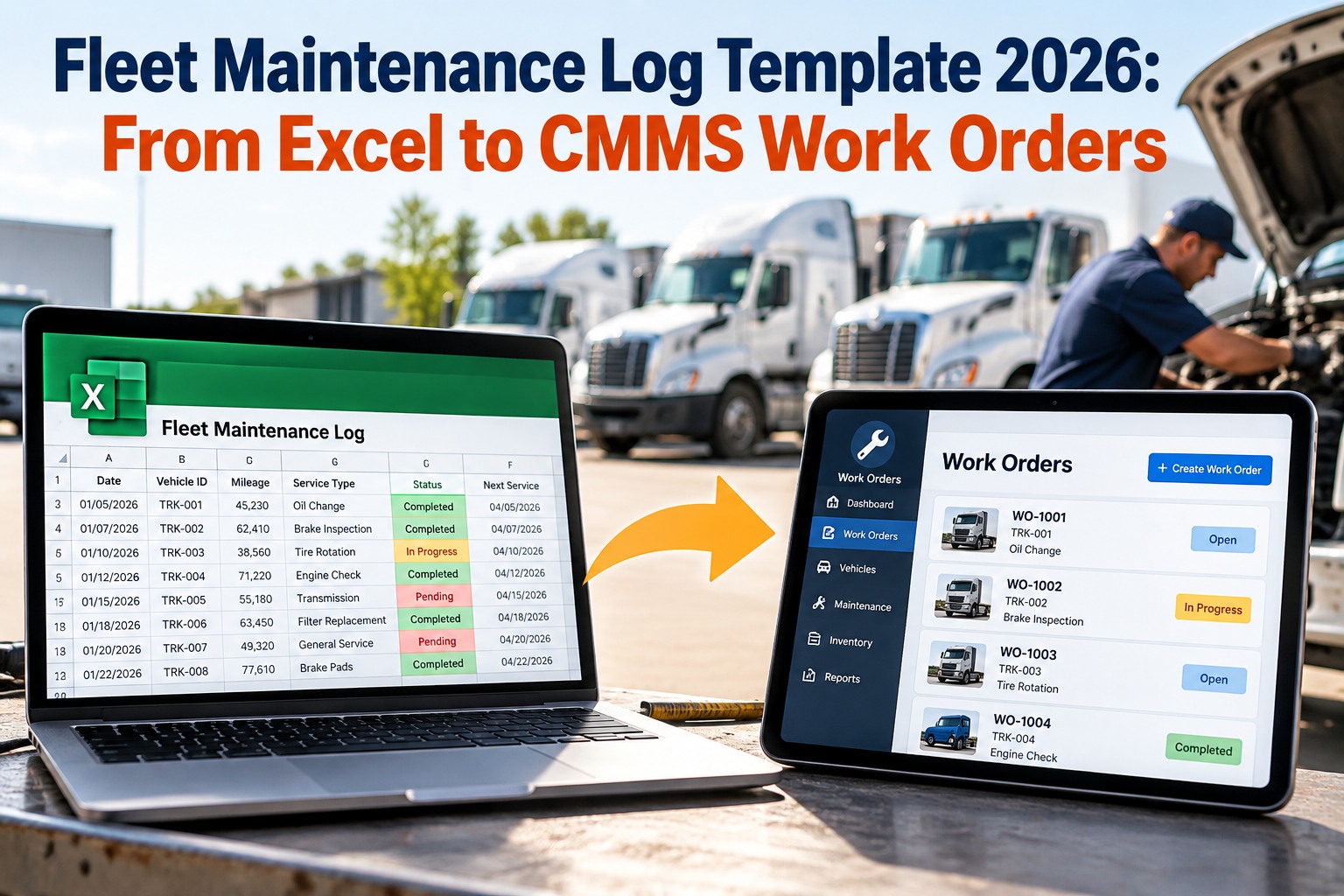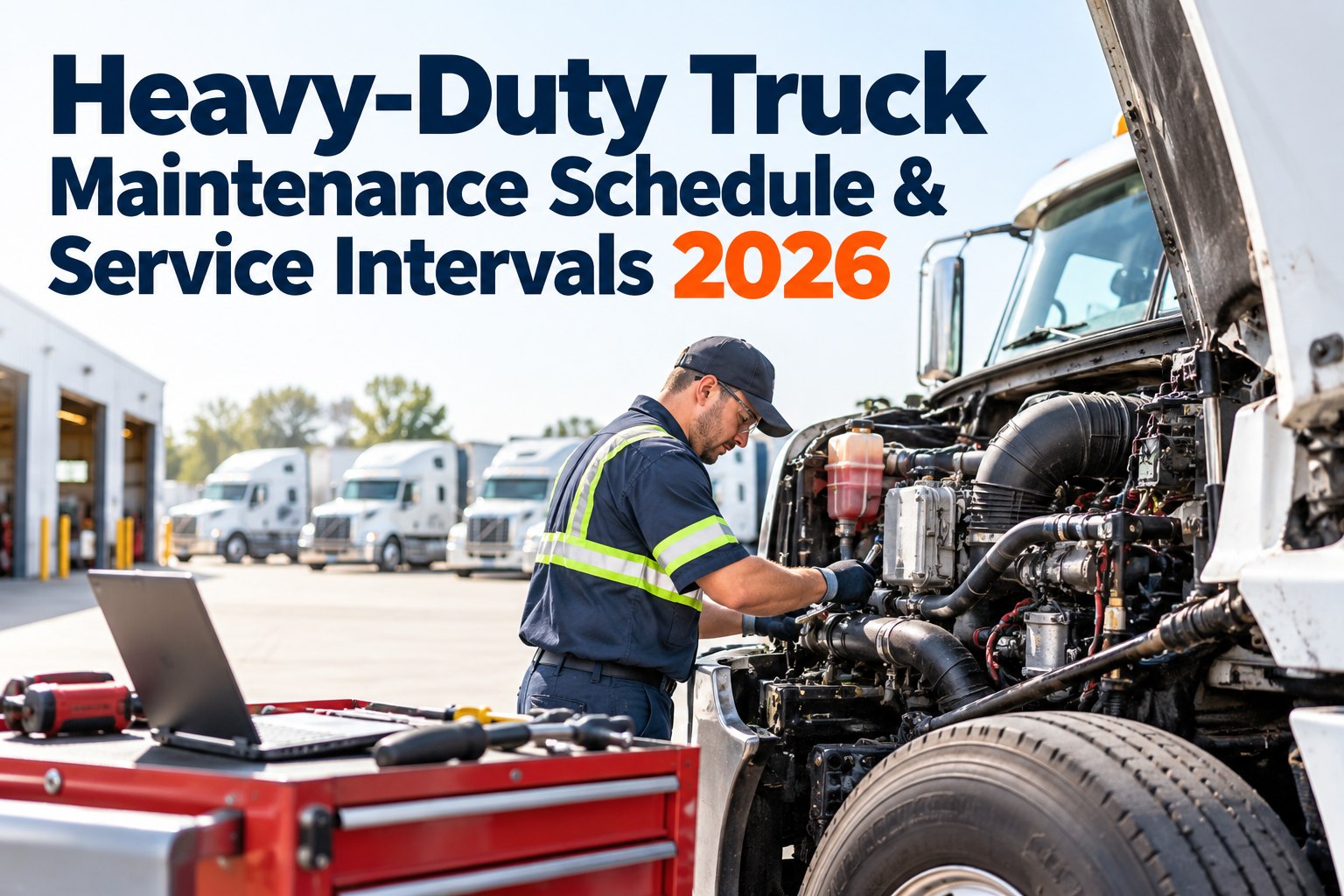
A heavy-duty truck doesn't fail on a schedule you set — it fails on the one you ignored. Skip a fuel-filter change and a $200 service becomes a $12,000 injector and DPF job on the shoulder of an interstate. The trucks that stay out of that zone aren't newer or luckier; they run on a tiered preventive schedule that fires the right service at the right mileage, every time. This guide lays out the 2026 heavy-duty maintenance intervals — the A/B/C service tiers, what each covers, and the three triggers that decide when a truck is actually due — and shows how OXMAINT AI, the AI-powered CMMS/EAM, fires every one of those services automatically as a work order.
Heavy-Duty Truck Maintenance Schedule & Service Intervals 2026
A PM-A due every few weeks across a whole fleet is impossible to hold on a spreadsheet — and one missed service is all it takes to slide into emergency-repair territory. OXMAINT AI tracks every truck by mileage, engine hours, and calendar at once, fires each A/B/C service as an assigned work order when it's due, and keeps the digital record DOT reviews and warranty claims ask for.
The Tiered PM Framework
Heavy-duty fleets don't service everything at once — they use a tiered A/B/C (sometimes D) structure, where lighter services happen often and heavier ones roll up all the lighter items plus deeper work at longer intervals. The figures below are common industry baselines; your OEM manual and duty cycle set the actual numbers. Start free and set intervals per truck.
- Oil & filter change, all fluid levels
- Safety inspection, lights & signals
- Tire pressure, tread & brake-adjustment check
- Chassis lube, belt & hose visual
- DVIR review & defect follow-up
- Fuel & air filter service
- Coolant system test
- Steering & suspension check
- Wheel-bearing & driveline inspection
- ECM download & trouble-code action
- Transmission & differential service
- Comprehensive brake overhaul
- Alignment & full electrical test
- Emission/DPF service
- Scheduled component evaluation
- DOT annual inspection items
- Major component evaluation
- Scheduled rebuild/replace as data dictates
- Full driveline & emissions review
- Records reconciled for the year
Baselines only. Severe duty — heavy haul, stop-and-go, dust, mountains — tightens these intervals; always follow the OEM manual and oil analysis.
Three Triggers — Service on Whichever Fires First
Mileage alone misses too much. A truck that sits still still ages, and an idle-heavy unit racks up engine wear without adding miles. The best programs run all three triggers in parallel and service on whichever comes first. Book a demo to run all three triggers.
The DOT Annual Inspection Runs in Parallel
Separate from your mileage-based PMs, the DOT annual inspection under FMCSR 396.17 must occur within 12 calendar months of the last one — a fixed regulatory clock. The best practice is to align it with a major PM (an A or C service) to make the most of each shop visit, while tracking it as its own work order with its own expiry per vehicle. Start free and track annual inspections per truck.
A Schedule You Track by Memory Is a Schedule You'll Miss.
Across a whole fleet, A/B/C services and annual inspections come due constantly — no spreadsheet keeps up, and one slipped service is how a truck slides into the emergency-repair zone. OXMAINT AI fires each service as an assigned work order when the interval triggers, so the program enforces itself.
Critical Systems — Watch These Closest
Not every component carries equal risk. A handful of systems cause most breakdowns and roadside violations, so they deserve the tightest attention within each PM tier. Book a demo to prioritize these on your fleet.
| System | Typical attention | Why it matters |
|---|---|---|
| Brakes | Inspected each PM; overhaul at C | A top DOT out-of-service category — safety and compliance risk |
| Tires | Pressure/tread monthly; rotate ~20–30K | Blowouts and violations; replace at minimum legal tread |
| Engine & oil | Oil/filters at A; oil analysis ongoing | Degraded oil leads to injector, DPF, and cooling failures |
| Transmission | Fluid service ~50–100K; filter with it | Neglect drives premature, expensive rebuilds |
| Emissions/DPF | Serviced at C; monitor codes | Faults cause derates and downtime if left unaddressed |
| Batteries | Load-tested ~every 6 months | A visual pass can still fail a load test — a preventable no-start |
How OXMAINT AI Runs the Schedule
Knowing the intervals is the easy part. Holding them across a fleet, every truck, every trigger, is where a CMMS earns its place. Start free and put the whole fleet on one system.
Spreadsheet PM vs. OXMAINT AI
| What matters | Spreadsheet & memory | OXMAINT AI |
|---|---|---|
| Service triggering | Manual, easy to miss | Auto-fires at interval |
| Trigger types | Usually mileage only | Miles, hours & calendar |
| Idle-heavy trucks | Under-serviced on miles | Caught on engine hours |
| DOT annual inspection | Tracked separately by hand | Own clock & alerts per truck |
| Service records | Scattered, slow to produce | Digital, export in minutes |
| DVIR defects | Noted, sometimes lost | Routed into scheduled PM |
Frequently Asked Questions
Stop Tracking Intervals. Start Enforcing Them.
Set A/B/C/D intervals per truck, run mileage, engine-hour, and calendar triggers in parallel, and let every service fire as a work order with a DOT-ready record behind it — so no truck leaves the yard overdue.