Every fleet starts its maintenance records the same way: a spreadsheet. It's everyone knows how to use it, and for the first few trucks it works fine. Then the fleet grows — and the same spreadsheet that got you started quietly becomes the thing hiding your overdue services, your runaway repair costs, and the failure that keeps coming back. This guide gives you a proven fleet maintenance log template you can copy today, shows exactly which columns matter, and maps the path from a static log to live CMMS work orders in OXMAINT AI.
Fleet Maintenance · Log Template · Excel → CMMS · 2026
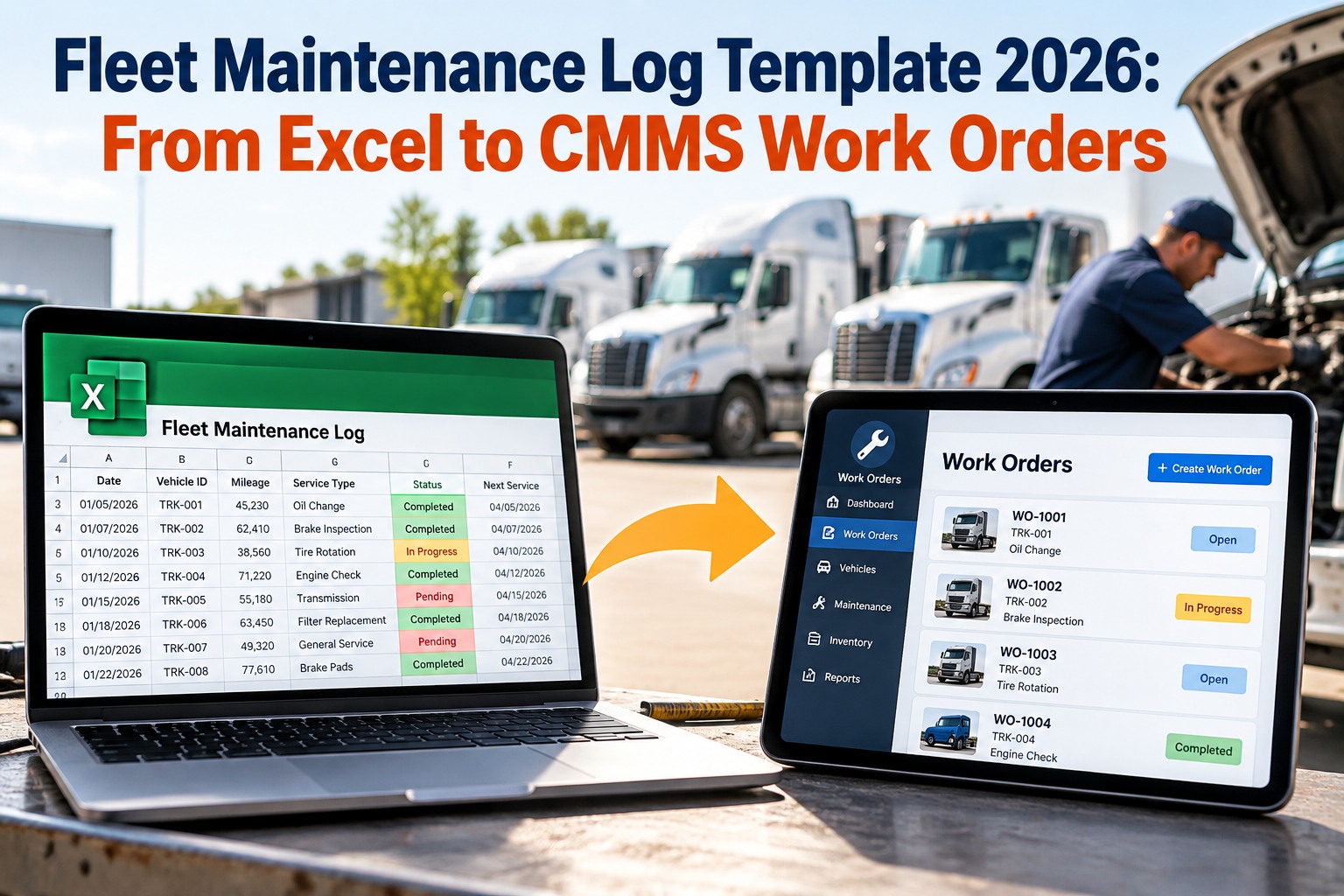
Fleet Maintenance Log Template 2026: From Excel to CMMS Work Orders
A spreadsheet records what already happened; it never tells you what's due next. Start with the template below, then let OXMAINT AI turn every log row into a scheduled work order that alerts you before a service slips — no more overdue PMs hiding in a hidden tab.
Log the service
→
Set the interval
→
Auto work order
→
Alert before it's due
Spreadsheet to system
Every service logged per vehicle
PM intervals become auto work orders
Cost & downtime tracked per asset
Alerts before a service goes overdue
13
columns your log actually needs
4 signals
a spreadsheet can't give you
1 record
per vehicle, from log to work order
Import
your Excel columns straight in
The Fleet Maintenance Log Template — Column by Column
A good log isn't a free-text diary — it's a fixed set of columns, filled the same way every time, so the data is searchable and totals actually add up. Copy this structure into your spreadsheet today; it's the same field set OXMAINT AI maps to when you import. Start free and import these columns straight in.
| Column | What it captures | Why it matters |
| Vehicle ID / Unit # |
The asset the record belongs to |
Ties every service to one truck's history |
| Make / Model / Year |
Vehicle identity |
Drives OEM interval & parts lookup |
| Odometer / Hours |
Reading at service |
The trigger for mileage-based PM |
| Service Date |
When work was done |
Anchors the next-due calculation |
| Service Type |
PM / repair / inspection |
Separates planned from reactive work |
| Work Performed |
What was actually done |
The record for warranty & audits |
| Parts Used |
Components & quantities |
Feeds parts cost & inventory |
| Labor Hours |
Time on the job |
The other half of true repair cost |
| Cost |
Parts + labor total |
Cost-per-mile & per-asset spend |
| Vendor / Technician |
Who did the work |
Accountability & quality trends |
| Next Service Due |
Date or mileage |
The column a spreadsheet can't enforce |
| Downtime |
Hours out of service |
The hidden cost most logs never track |
| Notes |
Context & follow-ups |
Where a repeat-failure clue lives |
Keep every column a fixed field, not free text — pick from a list where you can. Consistent entries are what let you sort, total and trend later; messy entries are why most fleet spreadsheets stop being useful at around 15–20 vehicles.
Where the Spreadsheet Quietly Fails
A spreadsheet is a great place to start and a dangerous place to stay. It records the past perfectly and does nothing about the future — and in a growing fleet, the future is where the cost is. Here's the honest comparison. Book a demo to see the difference on your own fleet.
Excel / Google Sheets Log
What It Can't Do
✕ No alert when a service comes due
✕ Overdue PMs hide until something breaks
✕ One person "owns" the file; others guess
✕ No photos, receipts or documents attached
✕ Version chaos — which copy is current?
✕ No mobile entry from the shop or roadside
✕ Repeat failures never surface as a pattern
OXMAINT AI CMMS
What Changes
✓ Auto alert before every service is due
✓ Overdue work surfaced on a live dashboard
✓ One shared record, everyone sees the same
✓ Photos, receipts & docs on every work order
✓ One source of truth, always current
✓ Mobile logging from anywhere, offline too
✓ Repeat failures trend per vehicle
The Column a Spreadsheet Can't Enforce: "Next Service Due."
You can type a due date into a cell — but the cell won't remind anyone, won't raise a work order, and won't stop the truck rolling past it. That single gap is where preventive maintenance turns reactive. OXMAINT AI reads the interval, watches the odometer and the calendar, and generates the work order automatically — so "due" becomes an alert and an assigned task, not a number nobody looked at.
From Log Row to Work Order: The Migration Path
Moving off a spreadsheet doesn't mean throwing away your history — it means giving it a job. Here's the five-step path from a static log to a system that works ahead of you, and none of it requires starting your records over. Start free and walk this path with your own data.
1
Import the Log
Upload your existing spreadsheet — OXMAINT maps your columns to vehicle records, so no history is lost.
→
2
Set PM Intervals
Define each service by mileage, hours or date — the intervals your "Next Service Due" column only hinted at.
→
3
Auto-Generate Work Orders
As mileage or dates hit the interval, a work order is created and assigned — no one has to remember.
→
4
Log from Mobile
Techs close work orders in the field — parts, labor, photos and notes captured at the truck, not typed up later.
→
5
Trend & Report
Cost-per-mile, downtime and repeat failures surface automatically — the reports a spreadsheet made you build by hand.
The 4 Signals a Spreadsheet Will Never Give You
The reason to move isn't tidiness — it's the intelligence you unlock. Once every log row is a structured record tied to a vehicle, four things become visible that a flat sheet simply can't show. Book a demo to see these on a live fleet.
Overdue-Service Risk
A live view of every PM coming due or past due across the fleet — the single thing a spreadsheet hides until a breakdown reveals it.
True Cost per Vehicle
Parts plus labor plus downtime, totaled per asset — so you can see which trucks cost more to keep than to replace.
Repeat-Failure Patterns
The same fault recurring on one unit stops being a coincidence in a notebook and becomes a flagged trend to fix at the root.
Planned vs. Reactive Mix
The ratio of scheduled work to breakdowns — the clearest measure of whether your maintenance program is actually working.
Where OXMAINT AI Fits: The Log That Works Ahead of You
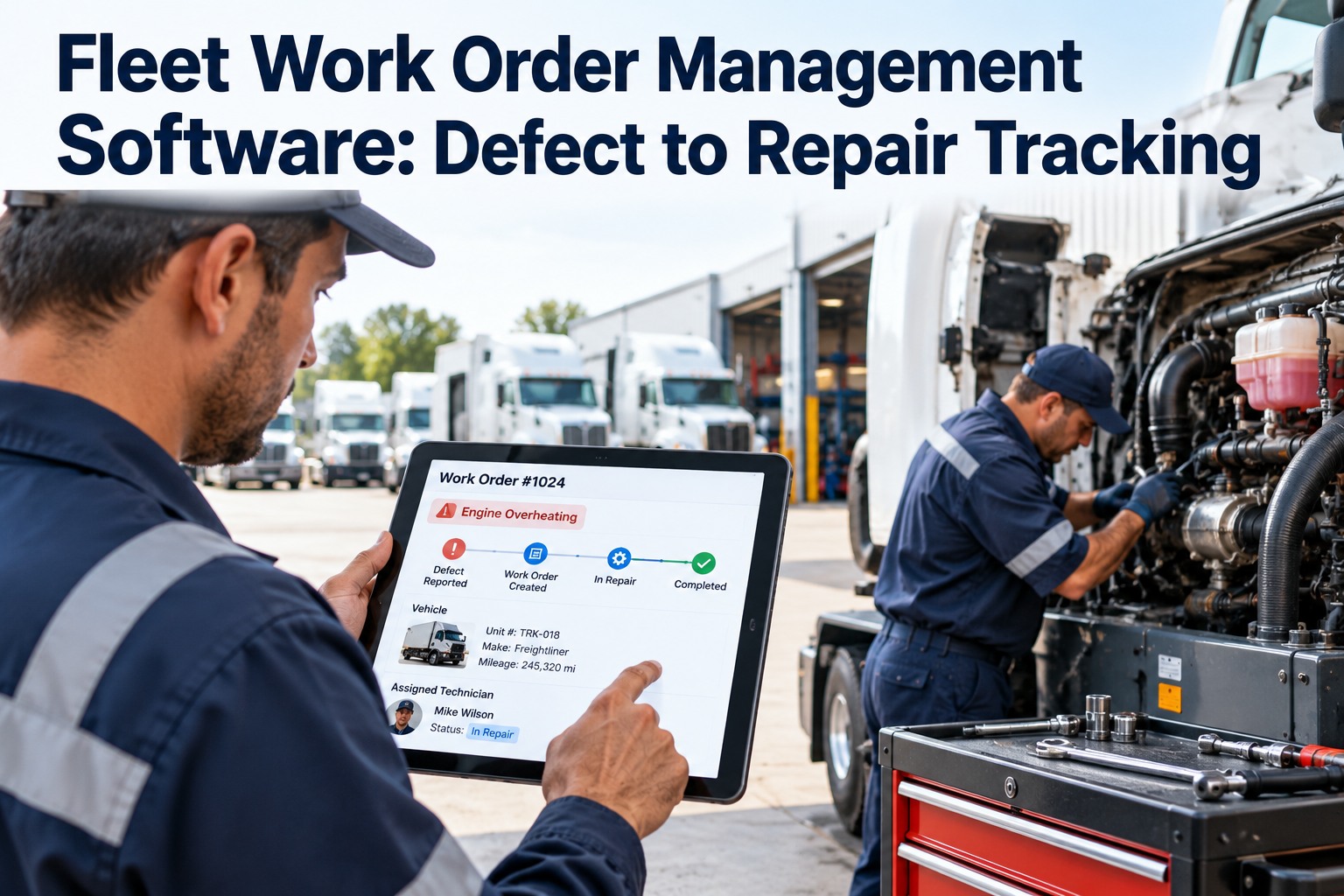
A log tells you what happened. OXMAINT AI is the CMMS layer that makes the log act — turning each record into a scheduled, alerting, assignable work order and keeping every vehicle's full history in one place. Here's what your team gets on day one. Sign up free and get your first vehicles on record.
One-Click Spreadsheet Import
Bring your existing log in as-is — columns map to vehicle records, so you keep every mile of history you've already captured.
Automated PM Work Orders
Set the interval once; OXMAINT raises the work order every time mileage or the calendar hits it — the alert a cell can't send.
Mobile Field Logging
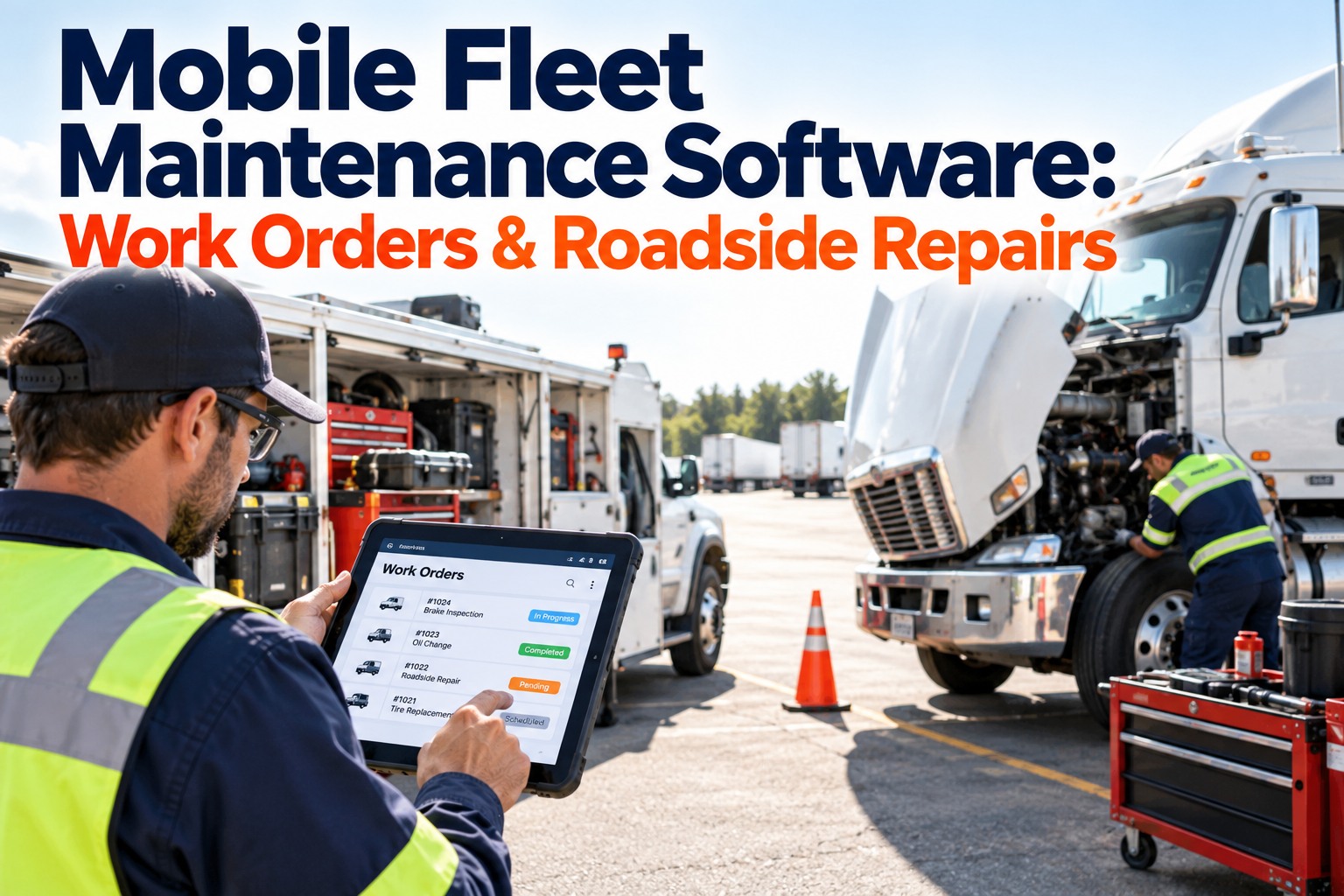
Drivers and techs record services, parts and photos from a phone — in the shop, on the roadside, even offline.
Cost & Downtime Tracking
Parts, labor and out-of-service time roll up per vehicle automatically — no pivot tables, no month-end scramble.
Parts & Inventory Link
Parts used on a work order draw down inventory, so the log and the storeroom finally agree with each other.
Fleet-Wide Dashboard
Overdue services, cost trends and repeat failures on one screen — the reporting your spreadsheet made you build by hand.
"
We ran the whole fleet off one shared spreadsheet for years, and it worked right up until it didn't — we missed a DOT inspection because the due date was buried three tabs deep and nobody caught it. We imported that exact spreadsheet into OXMAINT in an afternoon, set the intervals, and the next morning the overdue list was just… there, on the dashboard. Now the system tells us what's due instead of us hoping someone remembers.
Fleet Manager · Regional Distribution Fleet
Frequently Asked Questions
What should a fleet maintenance log include?
At minimum: vehicle ID, make/model/year, odometer or hours, service date, service type, work performed, parts used, labor hours, total cost, vendor or technician, next service due, downtime and notes. Keeping each as a fixed field — not free text — is what lets you sort, total and trend the data later.
Is a spreadsheet good enough for fleet maintenance?
For a handful of vehicles, yes — it's a fine place to start. The trouble comes as you grow: a spreadsheet records the past but never alerts you to what's due, hides overdue services, and can't be logged from the field. Most fleets outgrow it somewhere around 15–20 vehicles.
How do I move my maintenance log into a CMMS?
Import the spreadsheet, map your columns to vehicle records, then set PM intervals by mileage, hours or date. From there the CMMS auto-generates work orders as services come due. You don't start over — your existing history comes with you and immediately becomes useful.
What's the difference between a maintenance log and a work order?
A log is the record of what was done; a work order is the instruction for what needs doing, with an owner, a due date and a status. A CMMS connects the two — the log feeds the history, and the intervals generate the work orders so nothing waits on someone's memory.
Does OXMAINT replace my spreadsheet or work with it?
It replaces the spreadsheet's job while keeping its data. You import the existing log so no history is lost, and from then on OXMAINT is the single source of truth — logging services, generating work orders, tracking cost and surfacing the trends the sheet never could.
Keep the History. Lose the Blind Spots.
Start with the template, then let OXMAINT AI turn every row into a scheduled work order that alerts you before a service slips. Import your existing log and keep every mile of history you've already built. Start free — no credit card, unlimited users.