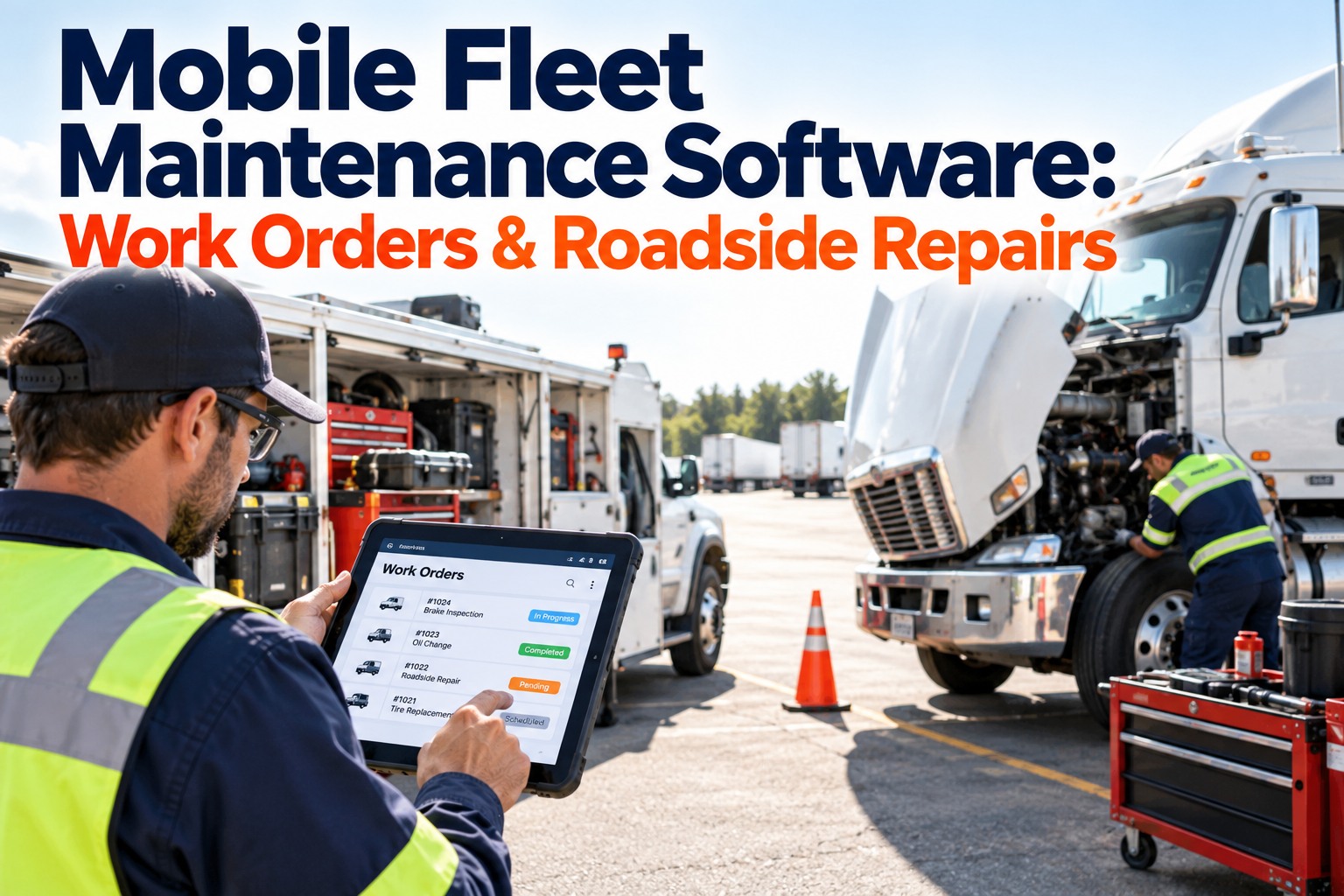
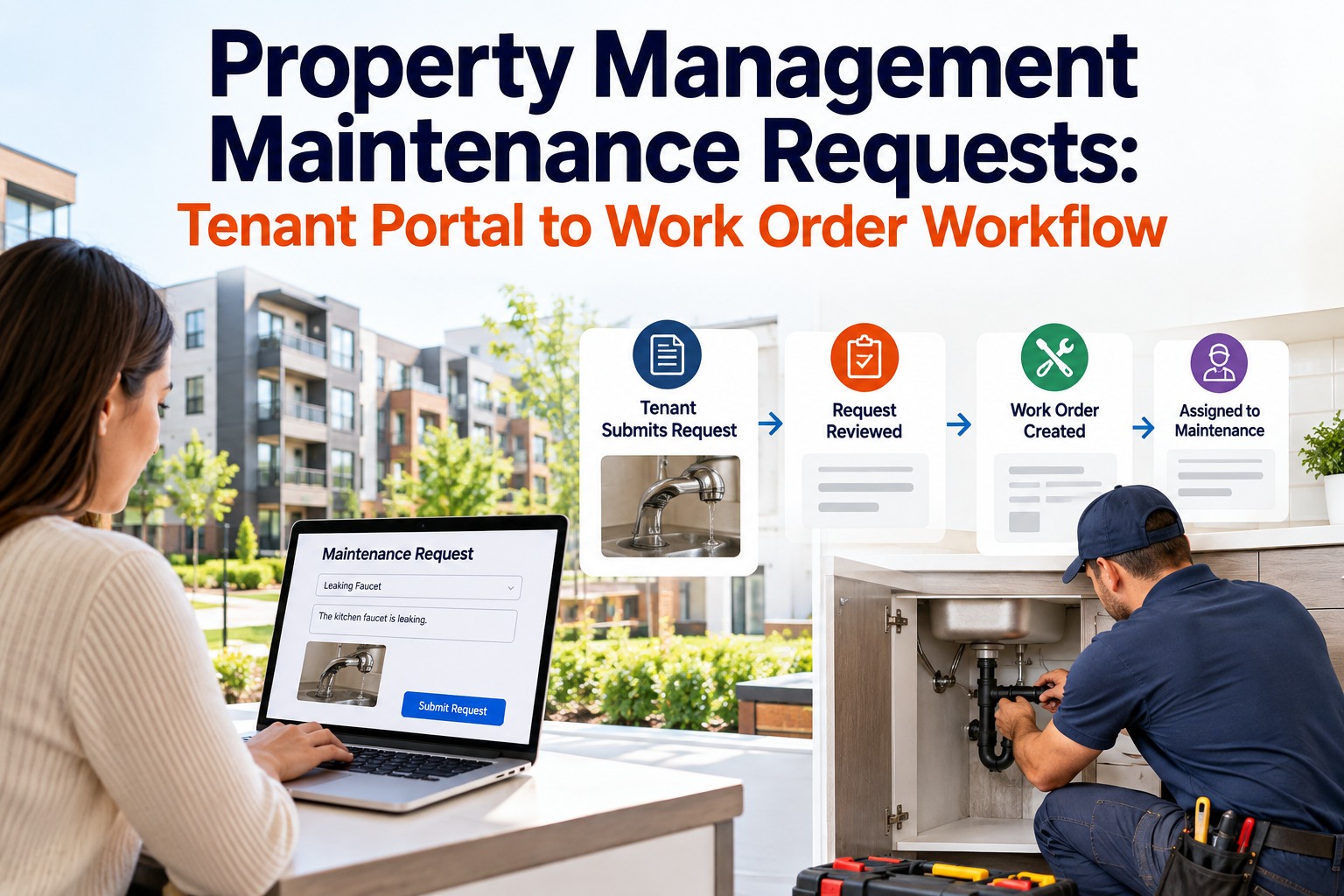
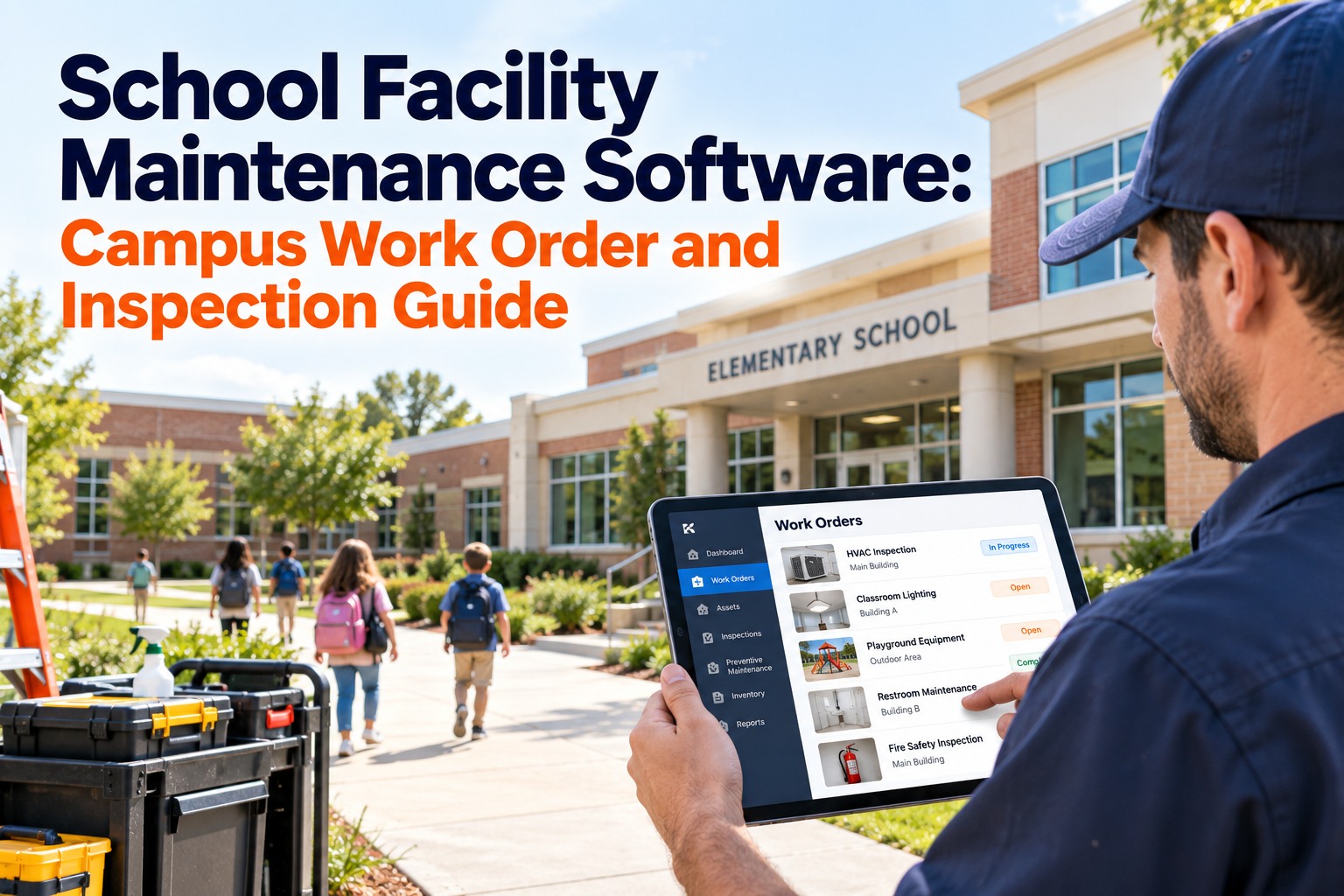
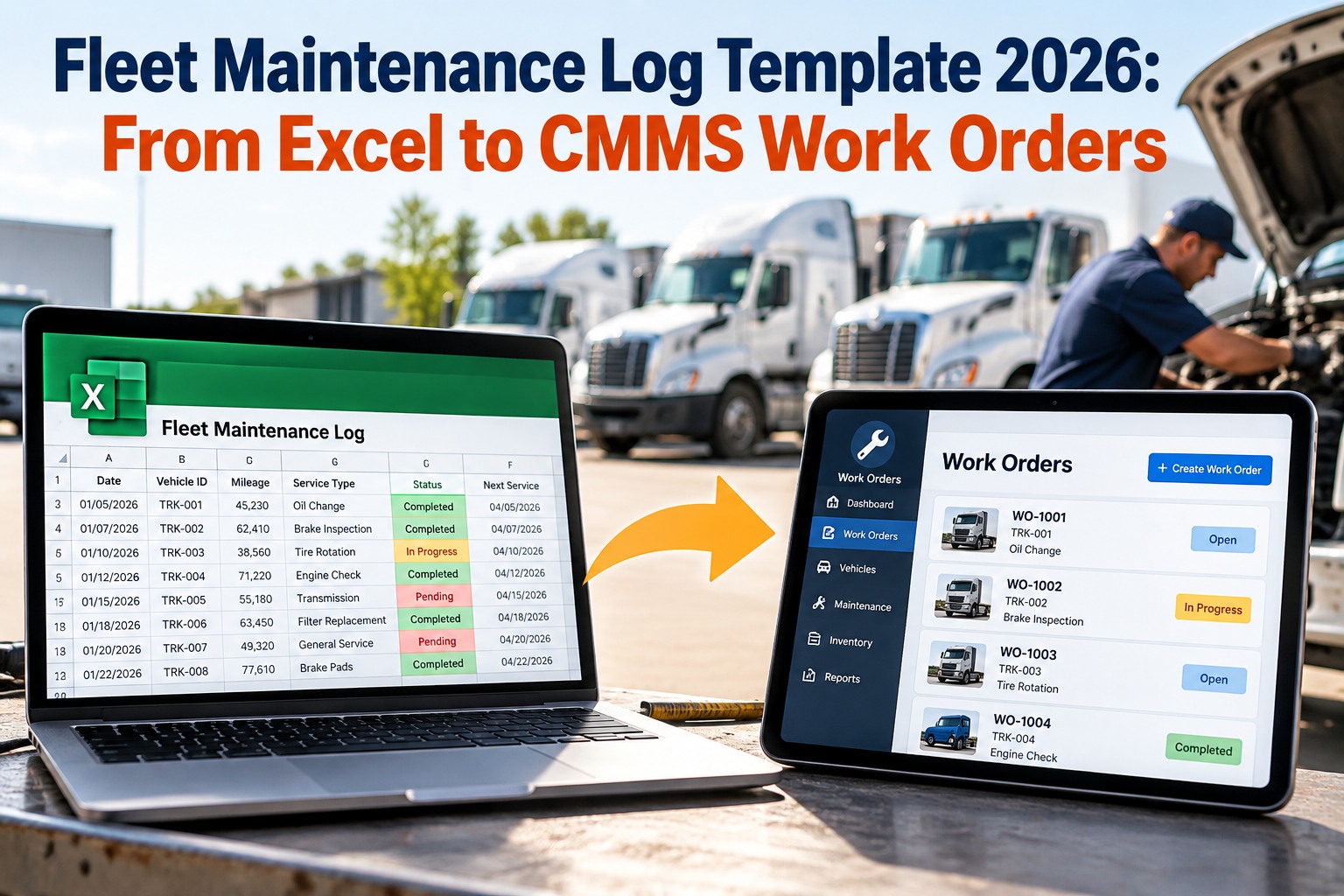
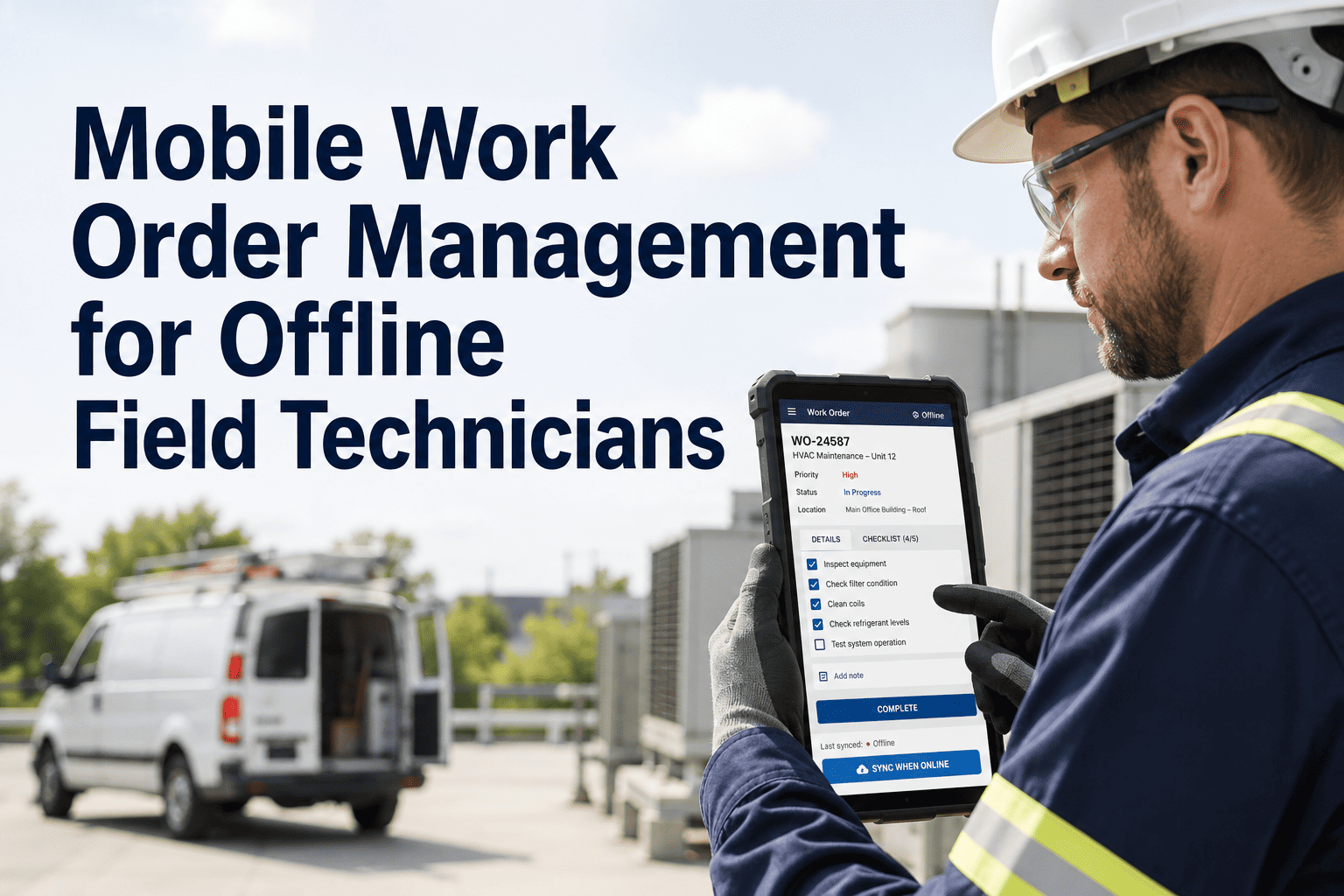
A truck breaks down 80 miles from the yard. The technician drives out with a phone call and a guess: which unit, what fault, what history, which parts. Hours later the repair is done, and the record is a text message, a few photos in a personal camera roll and a paper slip that reaches the office on Friday. That gap between the repair and the record is where fleets lose parts, warranty claims and the history that prevents the next breakdown. OxMaint AI maintenance management software puts the whole job on the technician's phone, from the first assignment to the signed closeout.
Fleet Maintenance · Work Orders · Roadside & Field Service
Mobile Fleet Maintenance Software: Work Orders & Roadside Repairs
Roadside and yard repairs shouldn't be rebuilt from memory at a desk. With OxMaint AI, a request becomes an assigned work order, the technician sees repair details on mobile, records parts, captures photos and closes the job with the evidence attached, so the preventive schedule stays accurate.
WORK ORDER · ROADSIDE
Unit 214 · Tractor
FaultAir pressure loss
PriorityHigh
History3 prior jobs
📷 Photos🔧 Parts⏱ Time
Close Job
One Job, Four Moments on Mobile
Every field repair passes through the same four moments. Mobile work orders keep each one in the same record. Book a demo to walk through all four.
1
Assigned
Job goes to the technician with unit, fault, location and priority.
2
On site
Technician opens history, safety notes and the checklist, then starts the timer.
3
Repair
Photos, findings and parts used are recorded as the work happens.
4
Closed
Cause, time and sign-off complete the job. Follow-ups become new work orders.
The Six Things Every Field Work Order Must Capture
A work order that closes as "fixed" tells you nothing. These six fields make a repair a usable record. Start free and require them at closeout.
Unit & location
Which asset, and where it stopped.
Problem reported
What the driver or inspection found.
Cause found
Diagnosis, not just the symptom.
Parts & labor
What was used and how long it took.
Photo evidence
Before and after, attached to the job.
Sign-off
Who completed it and when.
Paper and Texts vs Mobile Work Orders
Paper & messages
OxMaint AI mobile
Job details
Phone call and memory
Full job, history and notes in hand
Parts
Pulled, rarely recorded
Recorded against the work order
Evidence
Photos in personal phones
Attached to the job record
Closeout
Slip reaches the office later
Closed from the field
Follow-up defects
Lost in a note
Spawn their own work orders
The Repair Isn't Done Until the Record Is.
When the record is rebuilt from memory, parts go unbilled, history is thin and the PM schedule drifts. OxMaint AI captures the record at the truck, so the next technician starts with what the last one found.
Job Types and What Closeout Should Require
Different calls need different closeout rules. Set them once as templates. Book a demo to see job templates.
| Job type | Technician needs on arrival | Required at closeout |
| Roadside call |
Location, contact, unit status, safety notes |
Cause, time on site, parts used, follow-up work |
| Yard repair |
Fault, unit history, parts list |
Photos, parts, labor, sign-off |
| Preventive service |
Checklist, last service, due items |
Completed checklist and readings |
| Inspection defect |
Driver notes and defect photos |
Repair note, photo after, defect cleared |
Roadside Repair: A Checklist for the Call
1Confirm unit, location and driver contact
2Review safety notes and recent history
3Load the likely parts before leaving
4Photograph the fault before work starts
5Record parts, time and cause as you repair
6Photograph the finished repair and close the job
What to Track Once Work Orders Are Mobile
Time to close
How long from assignment to a closed, complete record.
Parts on hand
Jobs that had the right parts at the unit.
Repeat repairs
Units returning with the same fault.
Record completeness
Share of jobs closed with parts, labor and photos.
How OxMaint AI Supports Field Technicians
Mobile Work Orders
Receive, update and close jobs from a phone or tablet.
Repair Details & History
Unit history, fault notes and priority at the point of work.
Photos & Notes
Capture evidence and findings against the job.
Parts Recording
Log parts used so stock and costs stay accurate.
Inspection to Work Order
Failed inspection items become assigned jobs.
PM Scheduling
Service intervals updated from completed work.
Frequently Asked Questions
What is mobile fleet maintenance software?
Software that lets technicians receive, work and close fleet work orders from a phone or tablet, with parts, photos and notes attached.
How do roadside repairs work in a work order system?
The call becomes a work order with unit, location and fault. The technician repairs on site, records parts, time and photos, then closes it.
What should a field work order include?
Unit and location, problem, cause, parts and labor, photos and a sign-off.
Can driver inspections create work orders?
Yes. A failed inspection item can become an assigned work order carrying the notes and photos.
Why record parts and photos in the field?
Because they are the evidence of the repair, and the basis for accurate costs, warranty claims and history.
Start free.
Close the Job Where the Truck Is.
Give your technicians the repair details, a way to record parts and photos, and a one-tap closeout. OxMaint AI keeps the record complete from the roadside to the shop.